AmberDraw

Bring your illustrations to life with revolutionary animated brushes. Create professional-grade motion art on your iPad and export stunning videos for TikTok and Instagram in seconds.
Publisher
Category
Graphics & DesignDownloads
511K+User Rating
Total Ratings
100Locales
1Discover the interface used by 511K+ users.
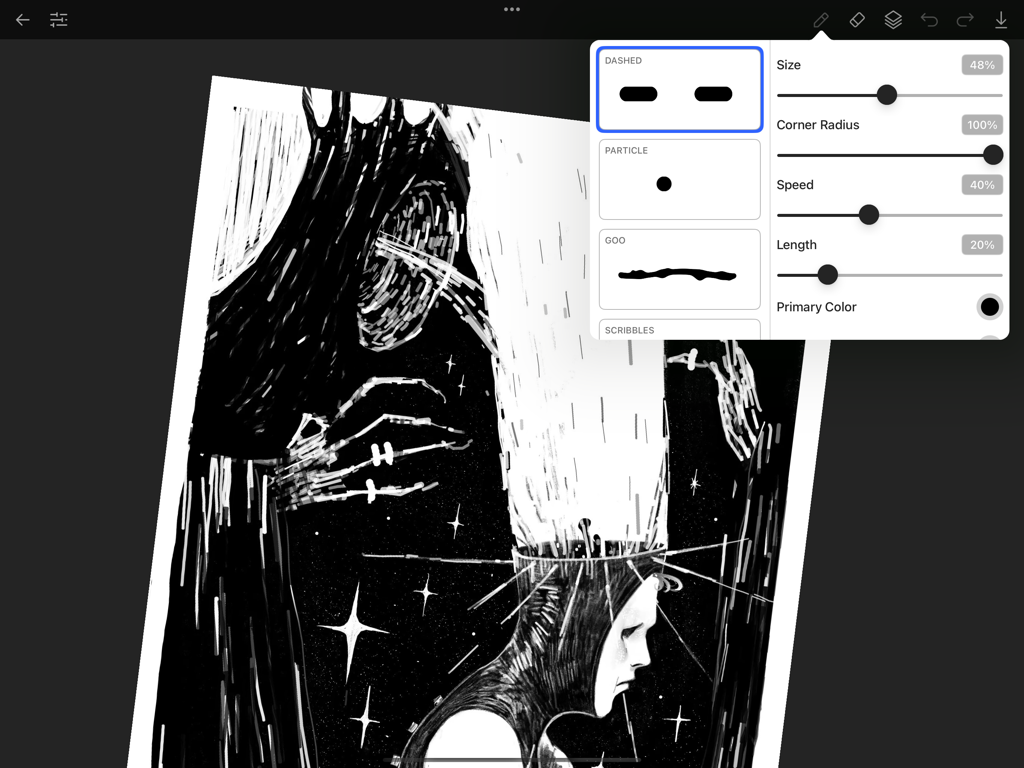
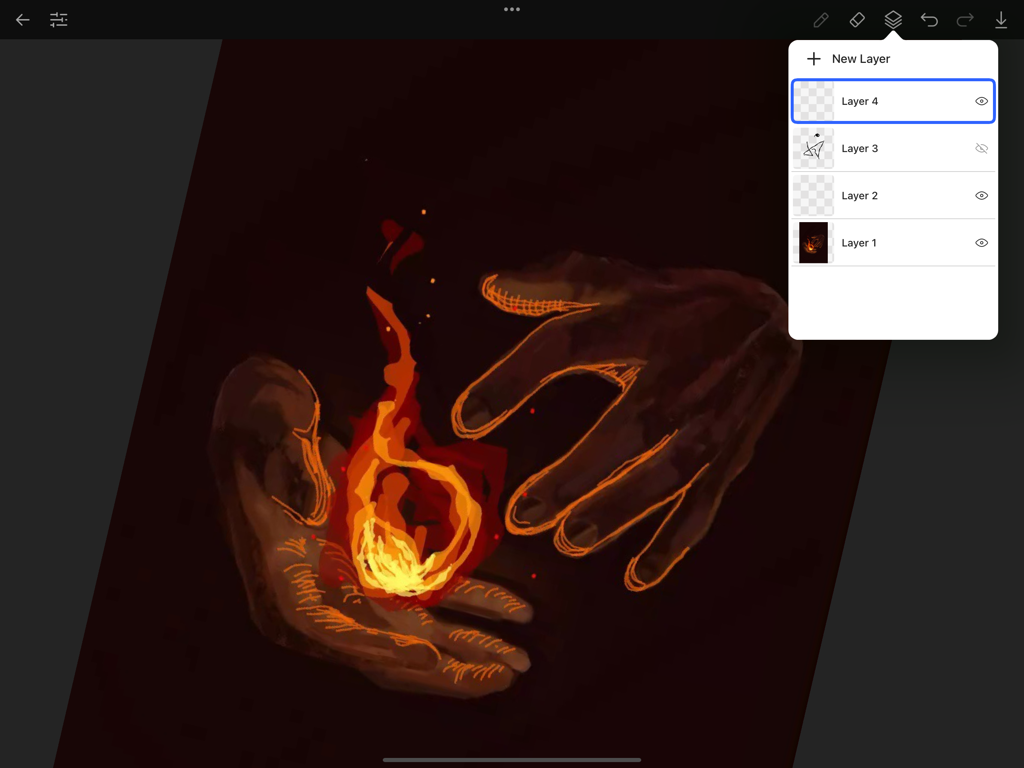
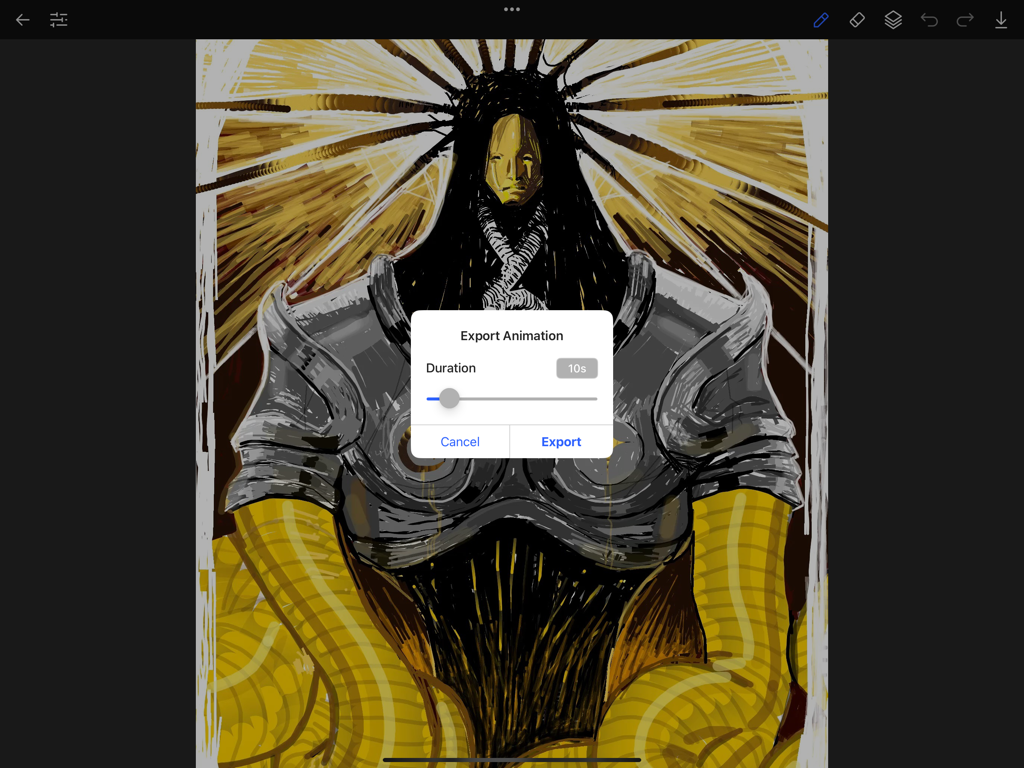
The tools that make this app stand out, trusted by 511K+ users.
Forget frame-by-frame. Our brushes feature bespoke motion designs that react organically to your touch, adding instant life to your artwork.
Export your creations as seamless high-quality videos. Turn your illustrations into viral-ready motion graphics for TikTok and Instagram in seconds.
Fully optimized for Apple Pencil with pressure sensitivity and deep customization to match your unique professional style.
Everything you need to know about AmberDraw.
Description
Latest Version
2.1.1
Size
24.7 MB
First Released
Nov 11, 2024
Join over 500,000 digital artists. Download AmberDraw now and transform your iPad into a powerful motion art studio.
Everything you need to know about AmberDraw
AmberDraw is an application that creates stunning motion art using revolutionary animated brushes. It transforms digital artwork into dynamic masterpieces for professional illustrators, concept artists, and digital painters.
Yes, AmberDraw offers extensive brush customization with multiple parameters. Users can adjust settings like size, corner radius, speed, length, and primary color for unique animated brush designs.
Yes, AmberDraw provides seamless video export of animated artwork. Users access an "Export Animation" dialog where they can set the duration before exporting their dynamic creations.
Yes, AmberDraw supports layer management. The application features a dedicated layers panel allowing users to add new layers and organize their creative projects efficiently.
Yes, AmberDraw is compatible with Apple Pencil. This integration allows for precise control and an enhanced creative experience when working with animated brushes.
The AmberDraw Privacy Policy is accessible via a direct link provided in the app description. It details how the application handles user data and privacy.
Apps with similar features and user experience
App information, icons, screenshots, and descriptions displayed on this page are sourced from the Apple App Store and are the property of their respective developers. Download estimates and rankings are based on MWM's proprietary models and may not reflect actual figures. This page is provided for informational and analytical purposes only.
Believe this page infringes your intellectual property? File a dispute