AR Drawing - Sketch & Paint

AR Drawing - Sketch & Paint

Download on App Store
Logo of AR Drawing - Sketch & Paint

AR Drawing - Sketch & Paint: Your Digital Shortcut to Masterful Art

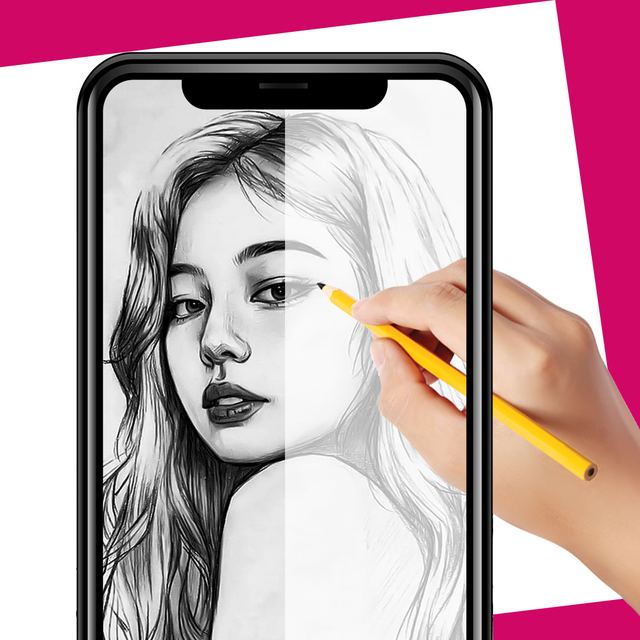
Level up your aesthetic with the power of AR. Effortlessly trace images, follow step-by-step tutorials, and create professional-grade sketches, calligraphy, or DIY projects directly from your phone or tablet.

Publisher

Rakesh Bhadani

Category

Graphics & Design

Downloads

47K+

User Rating

4.6/5

Total Ratings

0

Locales

1

From Screen to Sketch

Discover the interface used by 47K+ users.
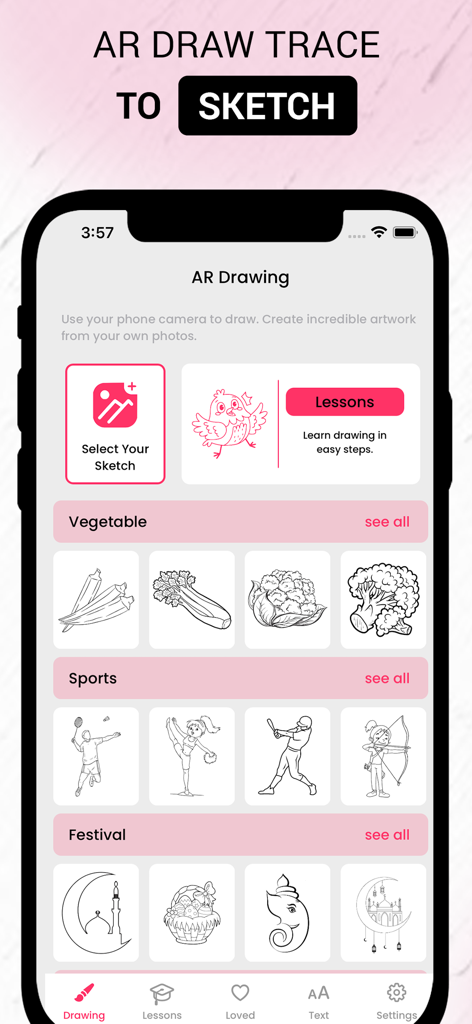
Home screen of AR Drawing app displaying drawing categories and lessons

Home screen of AR Drawing app displaying drawing categories and lessons

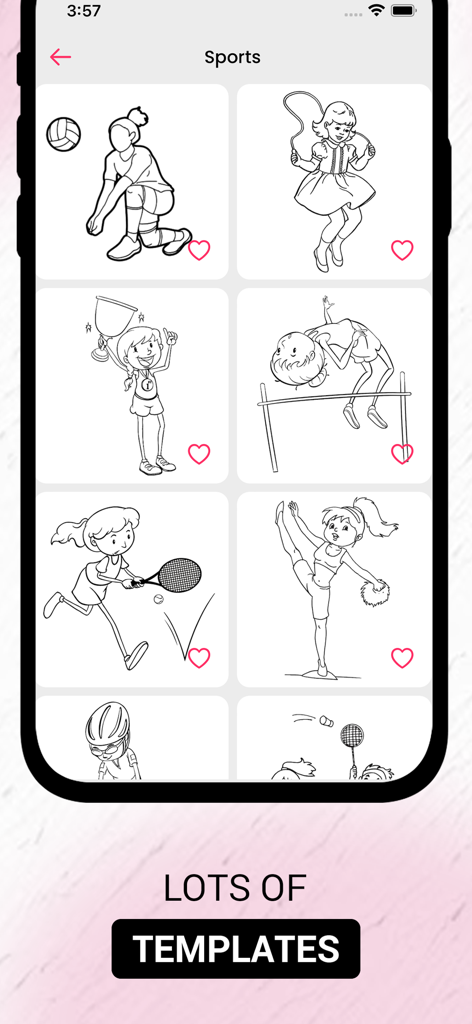
AR Drawing app screen displaying a variety of sports themed line art templates for tracing and sketching.

AR Drawing app screen displaying a variety of sports themed line art templates for tracing and sketching.

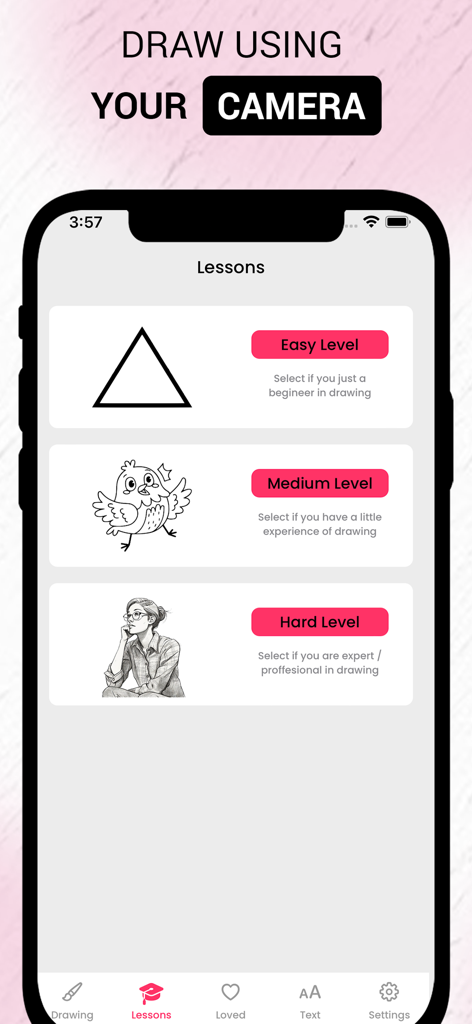
AR Drawing app interface showing drawing lessons categorized by Easy, Medium, and Hard difficulty levels.

AR Drawing app interface showing drawing lessons categorized by Easy, Medium, and Hard difficulty levels.

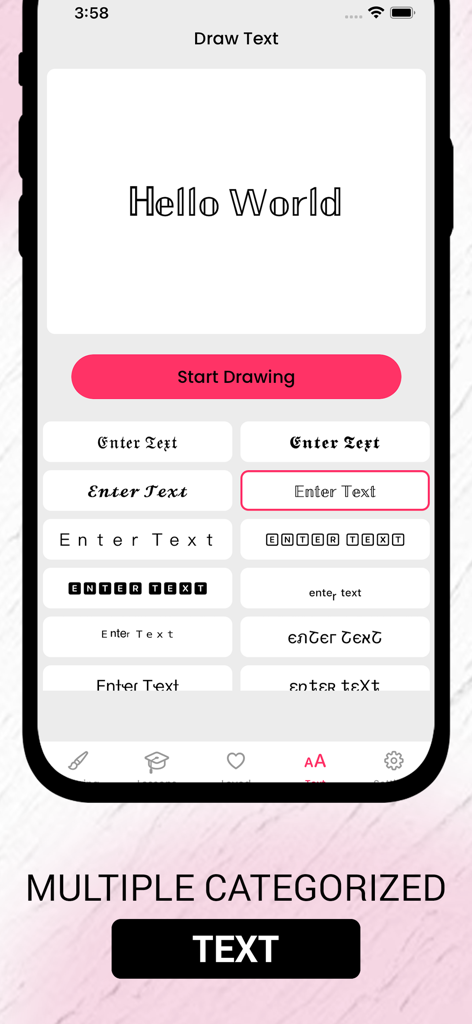
AR Drawing app screen showing various font styles and calligraphy options for tracing and sketching.

AR Drawing app screen showing various font styles and calligraphy options for tracing and sketching.

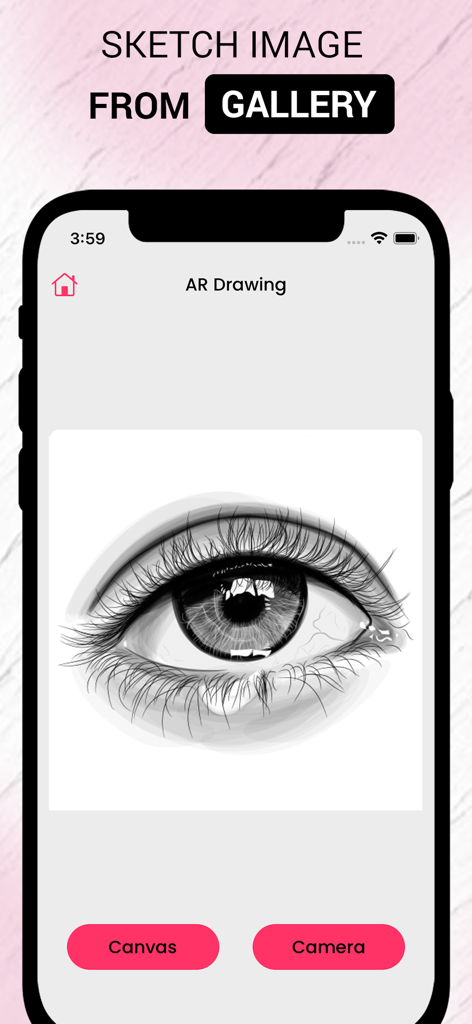
Smartphone screen showing the AR Drawing app with a detailed eye sketch imported from the gallery.

Smartphone screen showing the AR Drawing app with a detailed eye sketch imported from the gallery.

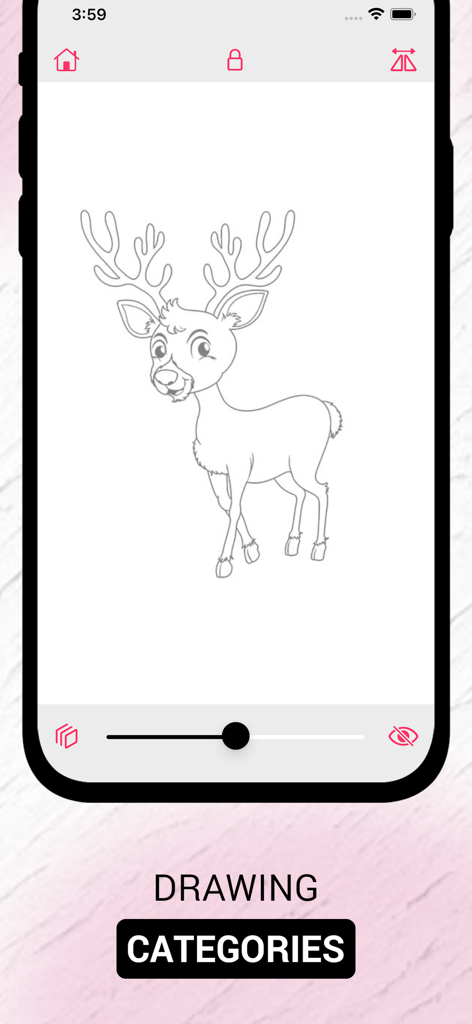
A mobile app interface from AR Drawing showing a deer sketch outline for tracing and painting.

A mobile app interface from AR Drawing showing a deer sketch outline for tracing and painting.

Turn Your Creative Vision into Reality

The tools that make this app stand out, trusted by 47K+ users.

AR Projection Magic

Project any image onto your paper using your camera. Perfect your proportions instantly without the need for expensive lightboxes or tracing paper.

📸

Personalize Your Projects

Import photos from your gallery to create custom wall art, tattoo stencils, or personalized gifts. Turn your favorite memories into hand-drawn masterpieces.

🎨

Level Up Your Skills

From aesthetic lettering to trendy character designs, our step-by-step tutorials help you master new techniques and grow your creative confidence.

About the app

Everything you need to know about AR Drawing - Sketch & Paint.

Description

Unleash your creativity with AR Drawing – the ultimate augmented reality app that helps you draw in the real world! Whether you're a beginner or an artist, you can now trace and sketch anything using your phone or tablet camera as a guide. ● Key Features: AR Tracing Mode – Project images into real space and draw over them with ease. Step-by-Step Tutorials – Learn to draw animals, cartoons, objects, and more. Import Your Own Images – Turn any image into a tracing guide. Adjustable Transparency – Control the visibility of your sketch guide. Freeze Frame Mode – Lock the AR image in place for stable drawing. Zoom & Rotate – Perfect your sketch from any angle. ● Just place your paper, position your camera, and start drawing with on-screen guidance! Perfect for: Artists & hobbyists Kids learning to draw DIY creators Tattoo sketching Calligraphy & lettering No need for a lightbox – just your device and a pencil!

Latest Version

1.3

Size

23.1 MB

First Released

Aug 8, 2023

Ready to Sketch Like a Pro?

Join over 47,000 creators using AR magic to bypass the 'blank page' struggle. From aesthetic lettering for your journal to custom DIY designs, start your masterpiece today—available now on the App Store.

Download on App Store

App information, icons, screenshots, and descriptions displayed on this page are sourced from the Apple App Store and are the property of their respective developers. Download estimates and rankings are based on MWM's proprietary models and may not reflect actual figures. This page is provided for informational and analytical purposes only.

Believe this page infringes your intellectual property? File a dispute