
AR Translator: Translate Photo


The ultimate AI-powered companion for travelers, students, and professionals. Navigate 100+ languages with real-time AR camera translation, smart voice recognition, and instant AI summaries—all available offline.
Publisher
Category
ReferenceDownloads
9M+User Rating
Total Ratings
29K+Locales
11Discover the interface used by 9M+ users.
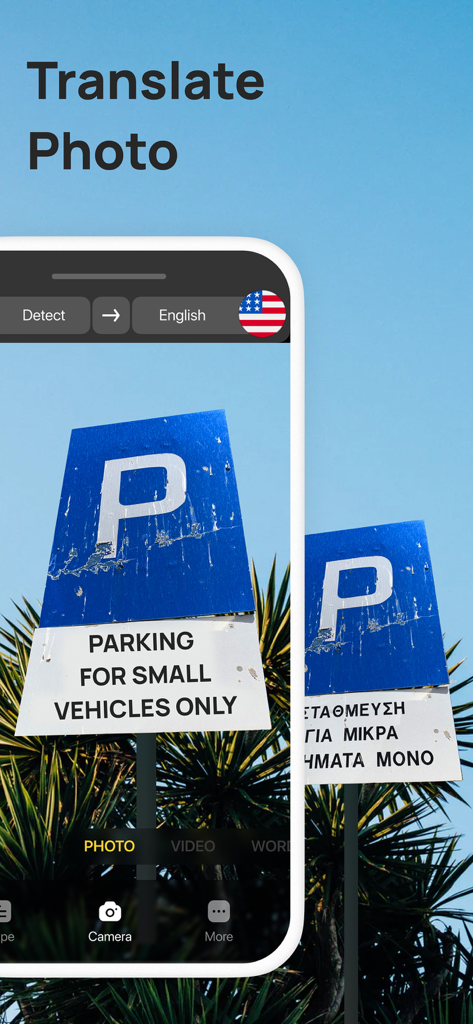
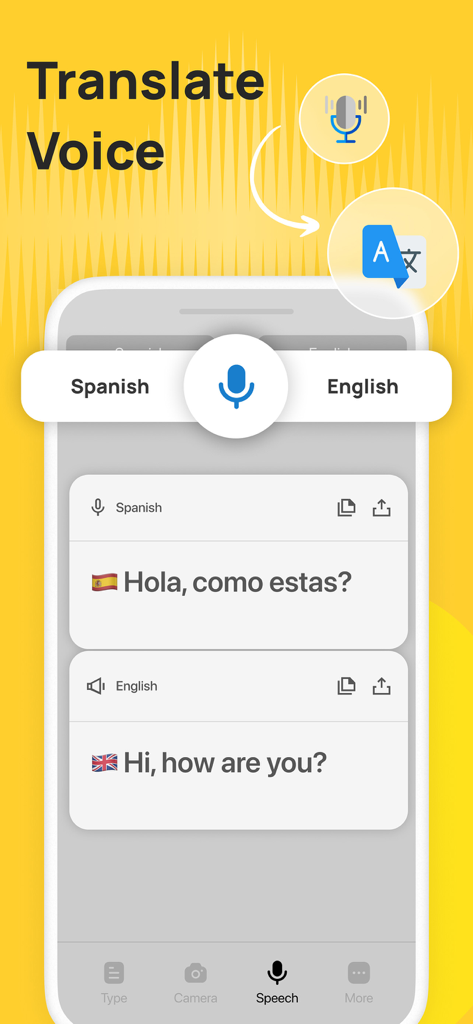
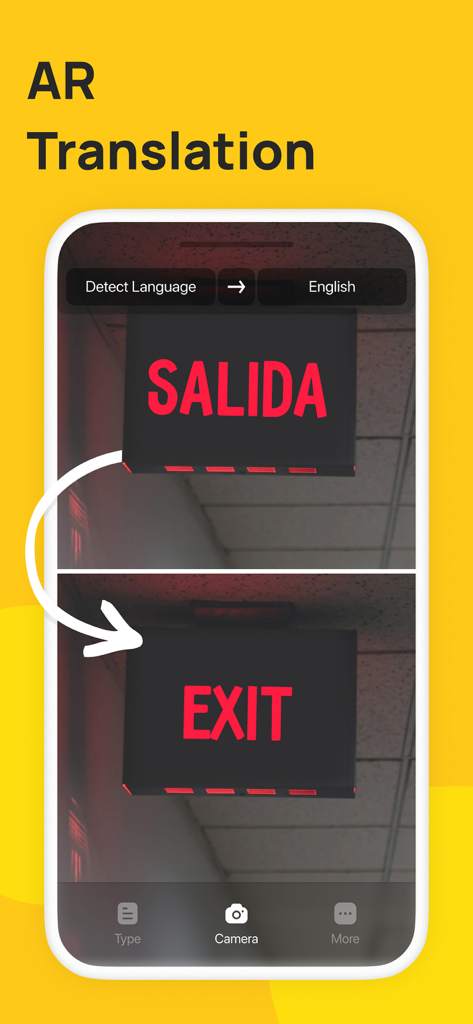

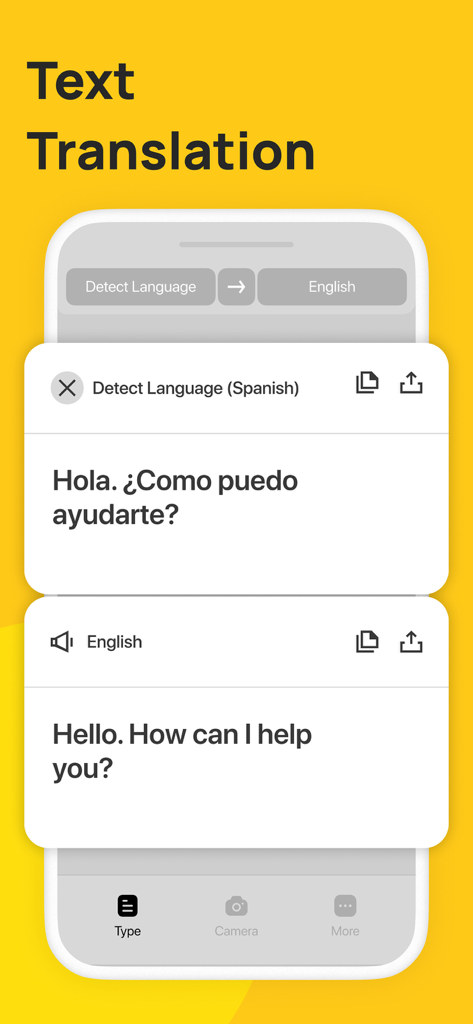
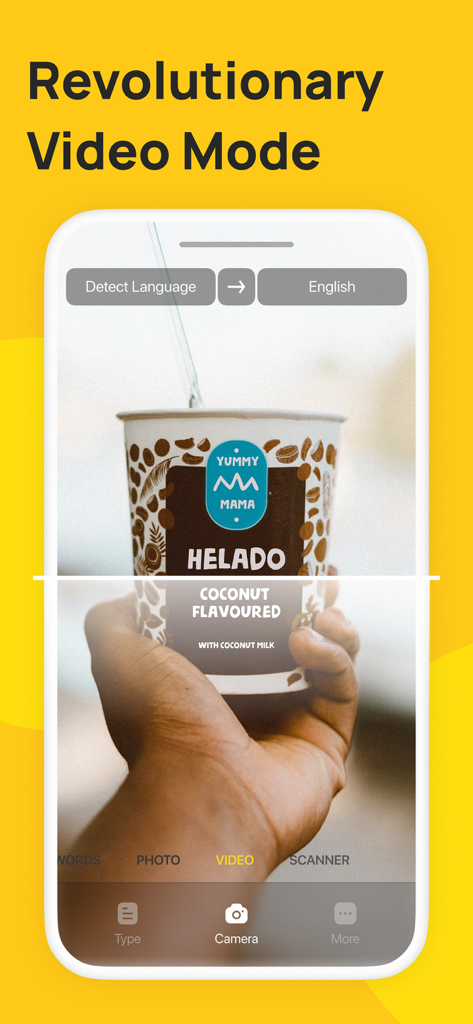
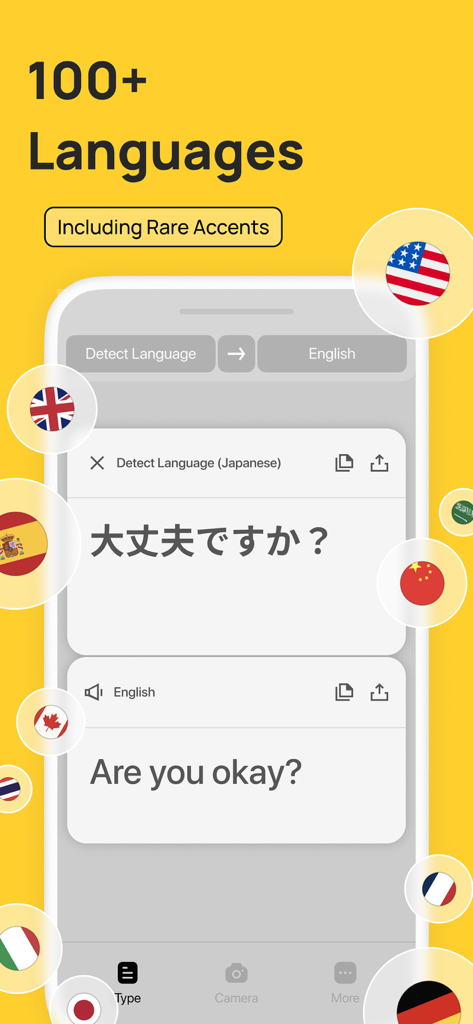
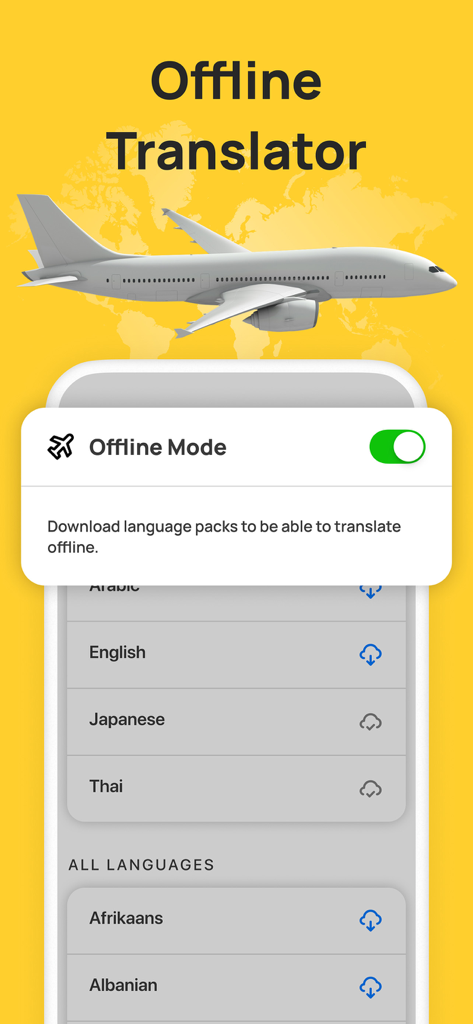
The tools that make this app stand out, trusted by 9M+ users.
Point your camera at menus, street signs, or documents to see text transform live on your screen. No typing, just instant visual clarity.
Don’t just translate—understand. Get concise summaries of long research papers and ask our AI tutor about complex linguistic nuances.
Speak naturally for real-time translation or download languages for offline use. Stay connected even in remote areas without roaming data.
Everything you need to know about AR Translator: Translate Photo.
Description
Latest Version
5.0.1
Size
188.6 MB
First Released
Aug 9, 2019
Join millions of travelers, students, and professionals breaking language barriers. Get the ultimate AI-powered tool for instant AR, voice, and offline translation.
Everything you need to know about AR Translator: Translate Photo
AR Translator: Translate Photo is an AI-powered app that provides instant translation through speaking, taking photos, typing, or using augmented reality. It supports over 100 languages.
AR Translator: Translate Photo uses AI for various translation methods including photo translation, voice translation, augmented reality translation, real-time camera translation, and text input.
AR Translator offers Photo, Voice, Augmented Reality, Real-Time Camera, and Text Input translation. It also includes AI Chat, AI Summary, and Offline Mode.
AR Translator: Translate Photo supports seamless translation between over 100 languages. It also features auto language detection to recognize the source language automatically.
Yes, AR Translator: Translate Photo offers Photo Translation. This feature instantly replaces foreign text in images with your chosen language without requiring typing.
Yes, AR Translator: Translate Photo includes an Offline Mode. Users can translate voice, photos, and text anytime, anywhere, without an internet connection by downloading language packs.
AR Translator: Translate Photo uses proprietary AI to power OCR and voice recognition for camera and speech translation. It also has AI Chat and AI Summary features.
AR Translator: Translate Photo offers a free version with a limited number of translations. Full functionality and removal of limitations require a paid subscription.
Users can cancel an AR Translator: Translate Photo subscription by going to their Apple ID account settings after purchase, or by following the provided Apple support link.
Yes, AR Translator: Translate Photo provides Real-Time Camera Translation. It scans full paragraphs and displays translations instantly as the camera moves.
Yes, AR Translator: Translate Photo includes a "Revolutionary Video Mode" for translating text within videos.
Yes, AR Translator: Translate Photo includes an AI Summary feature. It can turn long articles, documents, or scanned pages into clear, concise summaries.
The privacy policy for AR Translator: Translate Photo is available at ar-translator.com/privacy.
No, AI-powered features in AR Translator: Translate Photo may be unavailable or limited in some regions.
Apps with similar features and user experience

DeepL SE

Tencent Technology (Shenzhen) Company Limited

Beijing Qicai Muzhi Technology Co.,Ltd.

TINY BOLT (HK) CO., LIMITED

INNOVAPP LLC

Shanghai Baowu Network Technology Co., Ltd.

Hebei jiudao network technology co., ltd

Son Hoang

AmazinPro Technology Solutions And Training Company Limited
App information, icons, screenshots, and descriptions displayed on this page are sourced from the Apple App Store and are the property of their respective developers. Download estimates and rankings are based on MWM's proprietary models and may not reflect actual figures. This page is provided for informational and analytical purposes only.
Believe this page infringes your intellectual property? File a dispute