
Attendant for Zoom


Transform your iPhone or iPad into a powerful remote control. Manage participants, breakout rooms, and attendance with ease so you can focus on leading, not clicking.
Publisher
Category
BusinessDownloads
4K+User Rating
Total Ratings
200Locales
5Discover the interface used by 4K+ users.
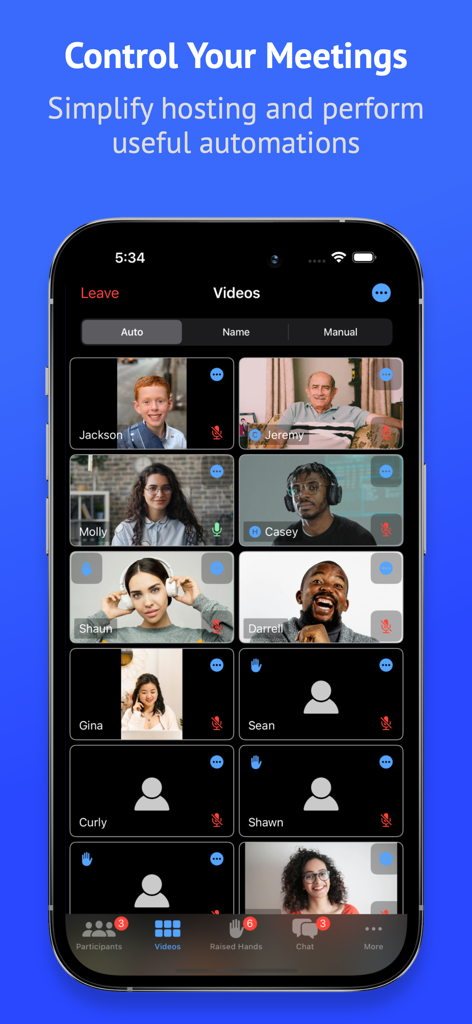
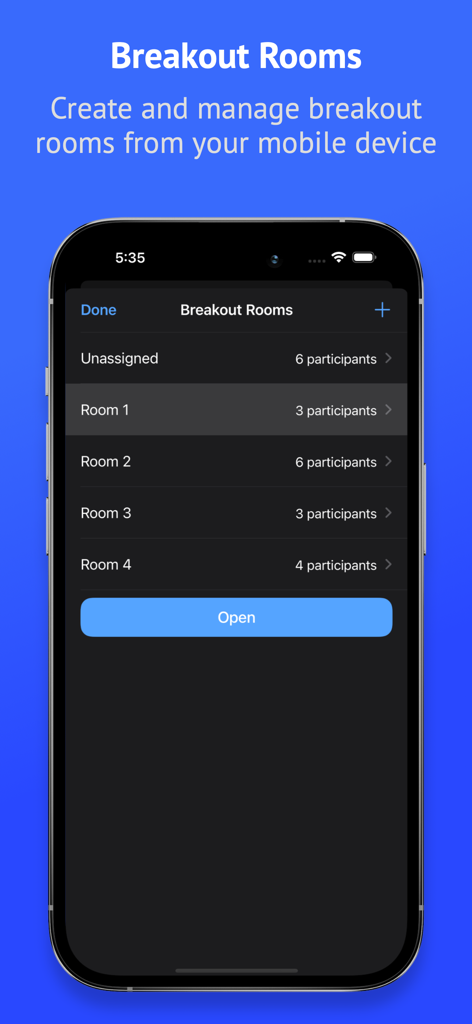
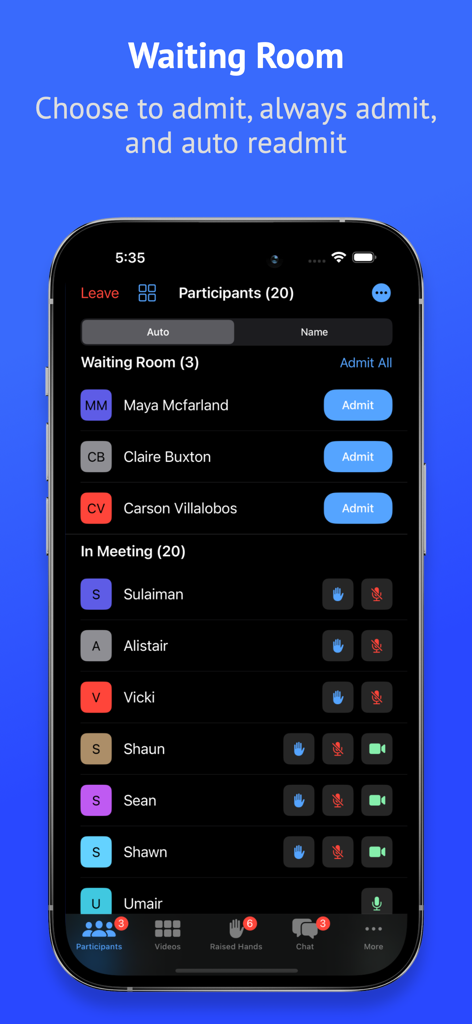
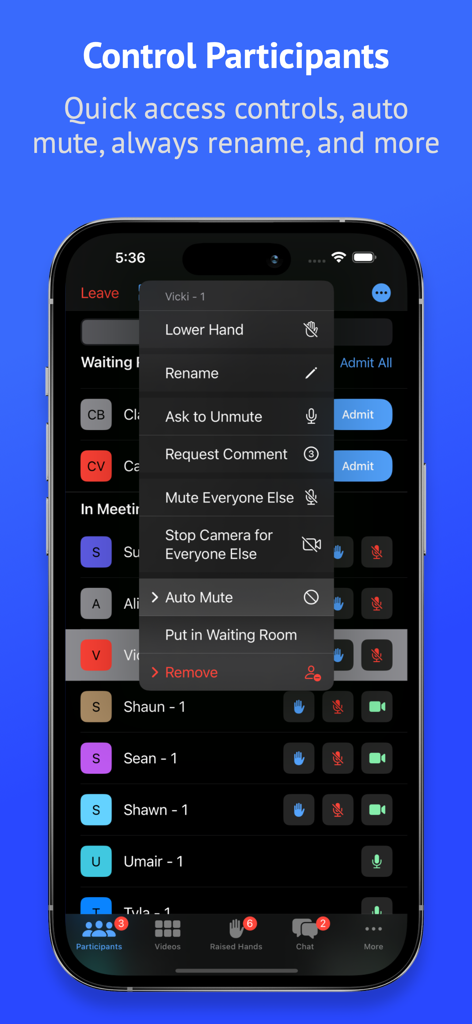
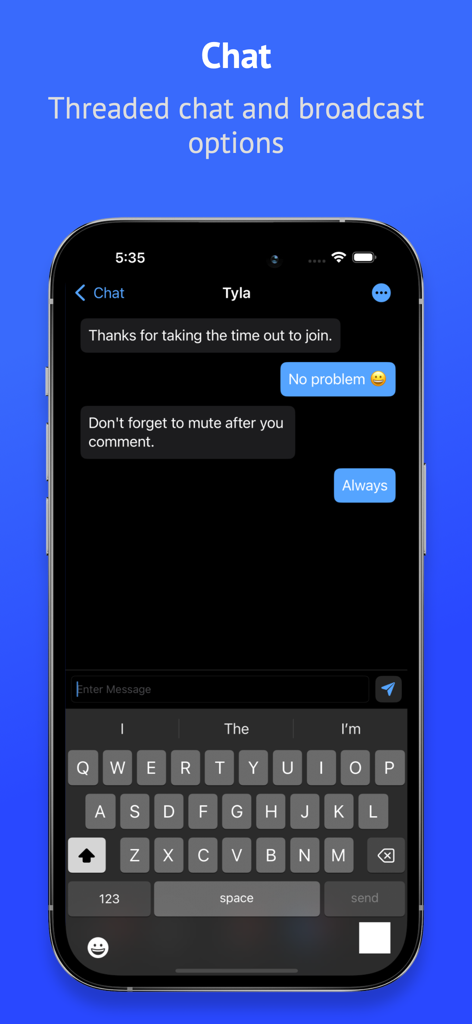
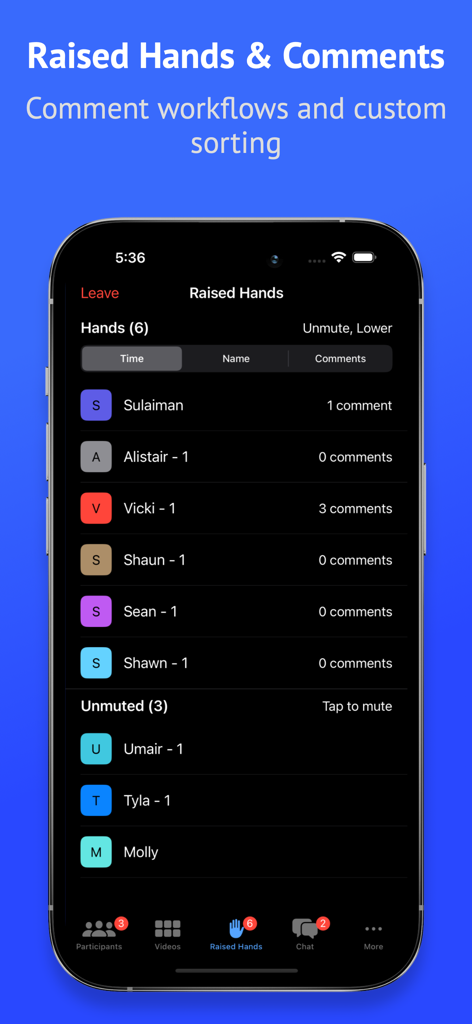
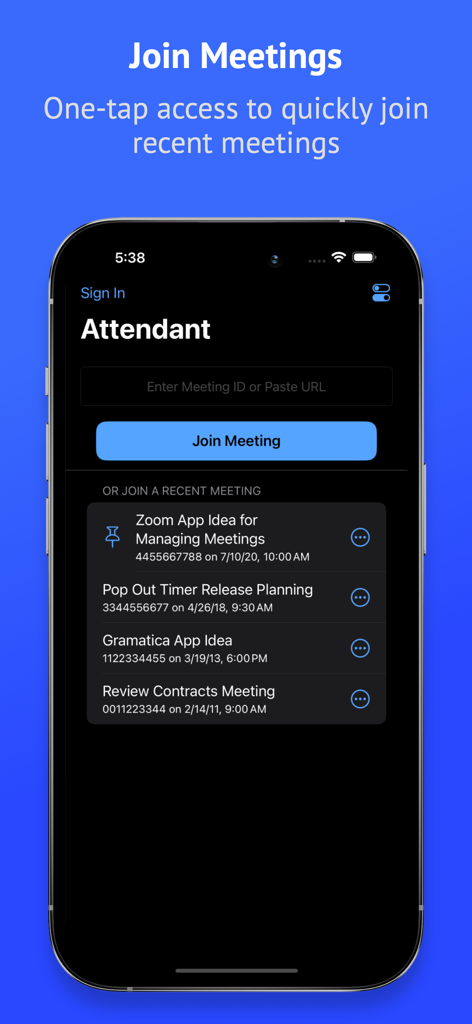
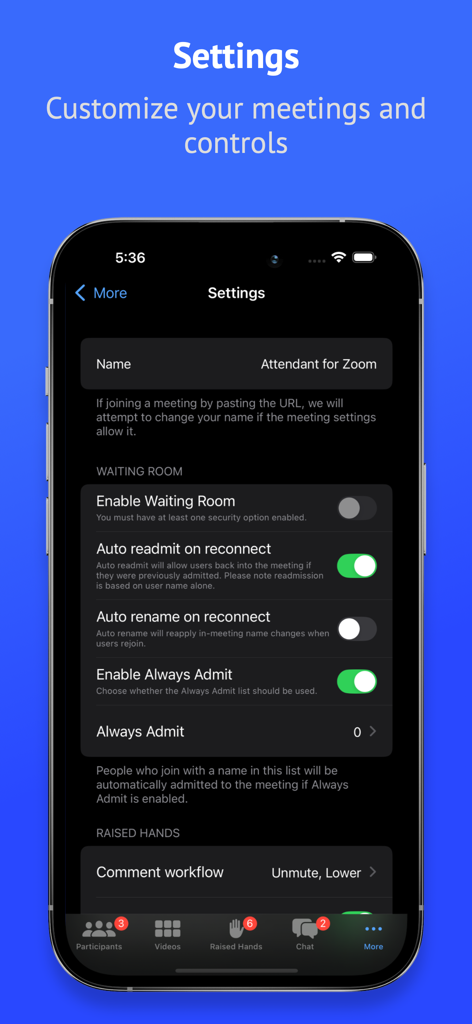

The tools that make this app stand out, trusted by 4K+ users.
Keep your main display dedicated to your slides. Move participant lists and moderation tools to your iPad or iPhone for a distraction-free 'producer' experience.
Instantly manage raised hands, admit waiting room guests, or mute all participants. Our high-speed shortcuts eliminate the technical fumbling that disrupts your flow.
Easily shuffle breakout rooms, track attendance counts, and sort raised hands by time. Built specifically for the needs of educators and professional facilitators.
Everything you need to know about Attendant for Zoom.
Description
Latest Version
3.2
Size
213.6 MB
First Released
Jun 4, 2020
Join thousands of professional hosts and educators who have turned their mobile device into a dedicated control deck. Download Attendant for Zoom today and experience the flow of a perfectly managed session.
Everything you need to know about Attendant for Zoom
Attendant for Zoom is an application that allows users to control Zoom meetings from a mobile device. It simplifies hosting by managing audio, video, participants, chat, and breakout rooms.
Yes, Attendant for Zoom allows users to create and manage breakout rooms directly from their mobile device. This includes assigning participants and opening rooms.
Yes, Attendant for Zoom provides features to manage the waiting room. Users can admit, always admit, and auto-readmit participants.
Attendant for Zoom offers quick-tap management of participant audio/video, muting/unmuting all, and turning cameras on/off. Users can also mute/turn off cameras for everyone else and manage participants from the video grid.
Attendant Pro for Zoom unlocks threaded chat, broadcast direct messages, automatic participant muting, "Always Admit" for specific names, attendance counting, and auto-readmission. It also offers video configuration, rename mode, and advanced raised hand management.
Yes, Attendant Pro for Zoom includes a "Count attendance" feature. This allows users to quickly mark the number of attendees on each connection for record-keeping purposes.
Yes, Attendant Pro for Zoom offers a rename mode to quickly rename participants. It also provides an option to persist these renames across multiple meetings.
No, Attendant for Zoom does not currently support Zoom webinars. The application description explicitly states this limitation.
Attendant Pro subscriptions are charged to the user's iTunes account. Auto-renewal occurs 24 hours before the current period ends, which users can turn off in iTunes settings.
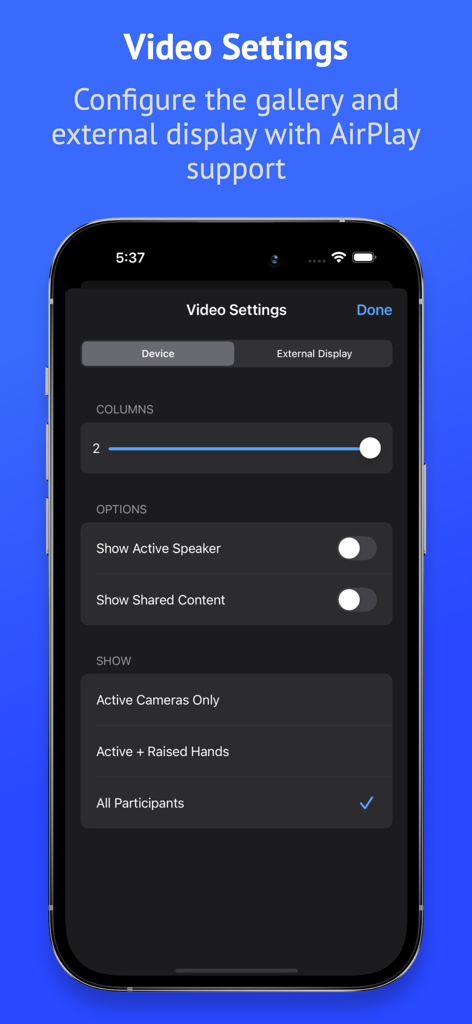
Yes, Attendant Pro for Zoom allows customization of video settings. Users can configure video size, manually sort display, and set up external display support.
Top-ranked apps in the same category

Microsoft Corporation

Zoom Communications, Inc.

WhatsApp Inc.

Indeed Inc.

LinkedIn Corporation

Adobe Inc.

Tencent Technology (Shenzhen) Company Limited

Beijing China Product Bo Farce Network Technology Co., Ltd.

DingTalk Technology Co., Ltd.
App information, icons, screenshots, and descriptions displayed on this page are sourced from the Apple App Store and are the property of their respective developers. Download estimates and rankings are based on MWM's proprietary models and may not reflect actual figures. This page is provided for informational and analytical purposes only.
Believe this page infringes your intellectual property? File a dispute