Audio Booster Volume Boost

Audio Booster Volume Boost


Download on App Store
Logo of Audio Booster Volume Boost

Audio Booster Volume Boost: Amplify Your Sound Up to 500%

Break your device's limits. Instantly boost audio from your Files, Photos, or iCloud to hear every detail in any environment.

Publisher

Andy Sutanto

Category

Music

Downloads

15K+

User Rating

3.5/5

Total Ratings

0

Locales

1

Turn Up the Visuals

Discover the interface used by 15K+ users.
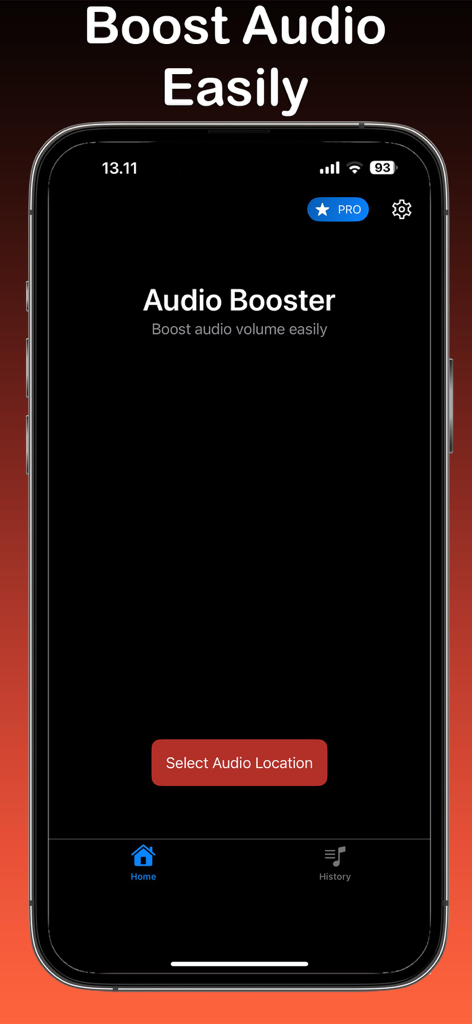
Audio Booster app home screen featuring a select audio location button on an iPhone

Audio Booster app home screen featuring a select audio location button on an iPhone

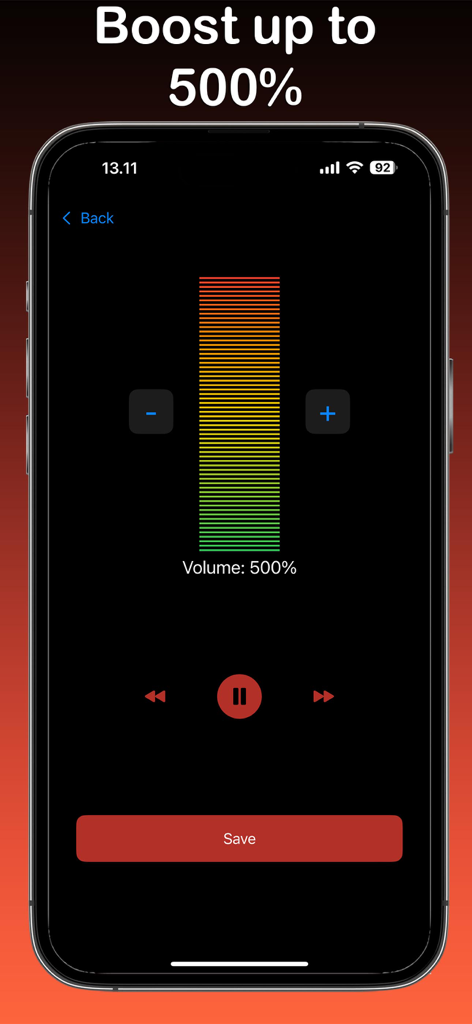
iPhone screen of Audio Booster app showing a five hundred percent volume level

iPhone screen of Audio Booster app showing a five hundred percent volume level

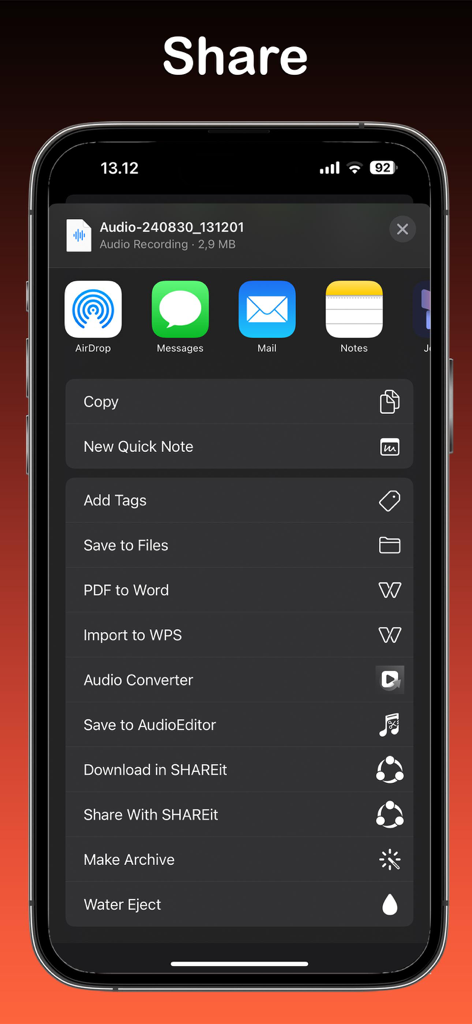
iPhone share menu displaying options to share and save an audio recording from the Audio Booster app.

iPhone share menu displaying options to share and save an audio recording from the Audio Booster app.

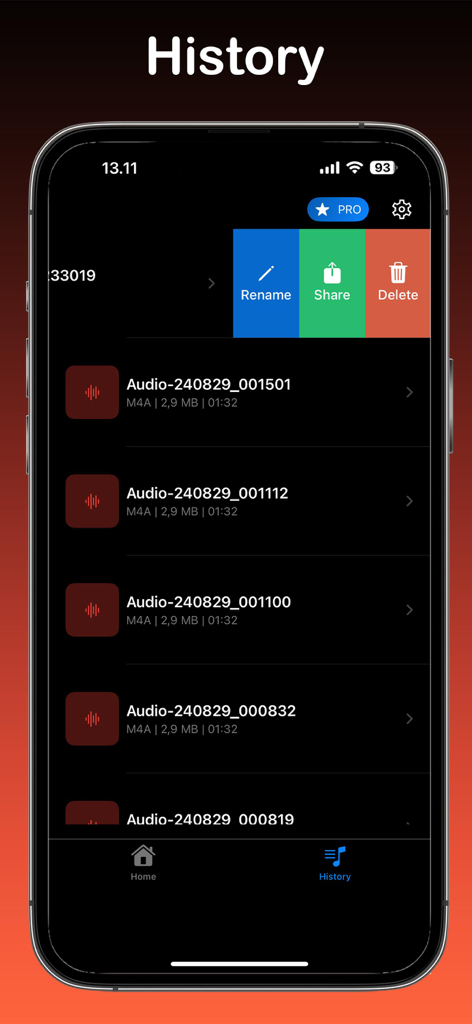
Interface of Audio Booster app showing the history of amplified audio files with rename share and delete options

Interface of Audio Booster app showing the history of amplified audio files with rename share and delete options

Take Total Control of Your Sound

The tools that make this app stand out, trusted by 15K+ users.

🔊

500% Instant Amplification

Turn up the energy with professional-grade boosting that makes quiet recordings, podcasts, and songs sound massive without losing clarity.

📂

Seamless iCloud & File Integration

Access your entire media library instantly. Pull audio from your Photo Library, Files, or iCloud and boost it in just a few taps.

Smart History & Social Sharing

Never lose a boosted track again. Use the History feature to revisit your favorite edits and share the high-volume hype with friends immediately.

About the app

Everything you need to know about Audio Booster Volume Boost.

Description

Audio Booster Volume Boost is the ultimate solution for anyone looking to amplify their audio experience. Whether it's a favorite song, a podcast, or any other audio file, this app can increase the volume up to 500%. With Audio Booster, you have the flexibility to choose audio from your Photo Library, Files, or iCloud. The app's user-friendly interface makes it easy to navigate and find the audio you want to enhance. Once you've selected your audio file, simply use the intuitive controls to boost the volume to your desired level. You can create custom listening experiences tailored to your preferences. One of the standout features of Audio Booster Volume Boost is the ability to keep track of your audio files with the History function. This feature allows you to quickly access and revisit any audio files you’ve previously boosted, making it convenient to manage your audio library. Sharing your enhanced audio files is simple and straightforward. With a few taps, you can share your boosted audio with friends and family, or save it to your device for later use. Whether you're preparing for a presentation, creating a playlist for a party, or just enjoying your favorite tracks at a higher volume, Audio Booster Volume Boost has got you covered. Audio Booster app is free. You can use it forever, at no cost. However, Audio Booster does offer premium features for its subscribers. If you decide to purchase an upgrade, you will unlock additional features. Terms of Use: https://kociapp.github.io/Audio-Booster/term-of-use Privacy Policy: https://kociapp.github.io/Audio-Booster/privacy-policy

Latest Version

1.0.1

Size

33.0 MB

First Released

Aug 30, 2024

Stop Settling for Quiet. Start Boosting to 500%.

Join thousands of users who have already turned their iPhone into a powerhouse. Whether it’s a quiet lecture or a party track, get the volume your hardware was meant to deliver. Download now for free.

Download on App Store

App information, icons, screenshots, and descriptions displayed on this page are sourced from the Apple App Store and are the property of their respective developers. Download estimates and rankings are based on MWM's proprietary models and may not reflect actual figures. This page is provided for informational and analytical purposes only.

Believe this page infringes your intellectual property? File a dispute