Avero Logbook

Avero Logbook

Download on App Store
Logo of Avero Logbook

Avero Logbook: Master Every Shift with Data-Driven Communication

The digital command center for modern restaurant managers. Replace physical notebooks with integrated POS insights, real-time performance data, and seamless team handoffs in one mobile app.

Download on App Store

Publisher

AVERO, LLC

Category

Business

Downloads

3K+

User Rating

4.7/5

Total Ratings

0

Locales

1

Your Operations, Visualized

Discover the interface used by 3K+ users.
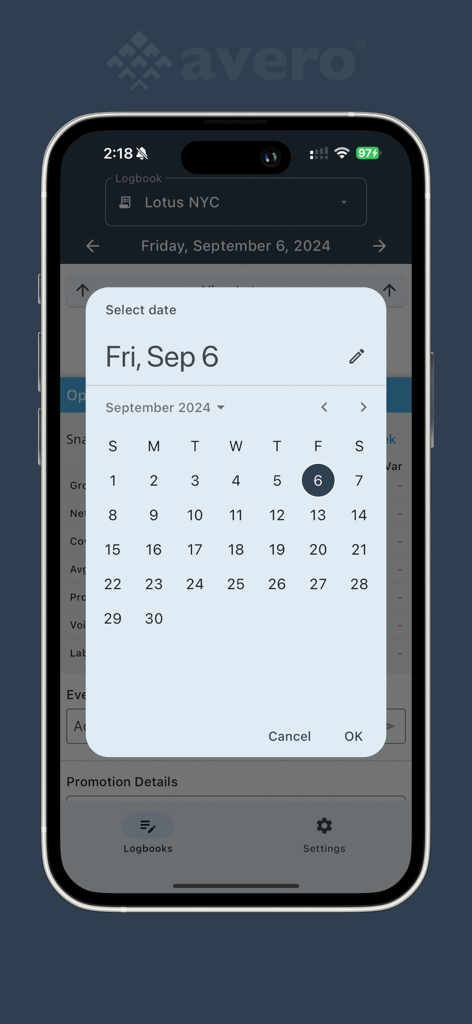
Avero Logbook app showing a date selection calendar for hospitality managers

Avero Logbook app showing a date selection calendar for hospitality managers

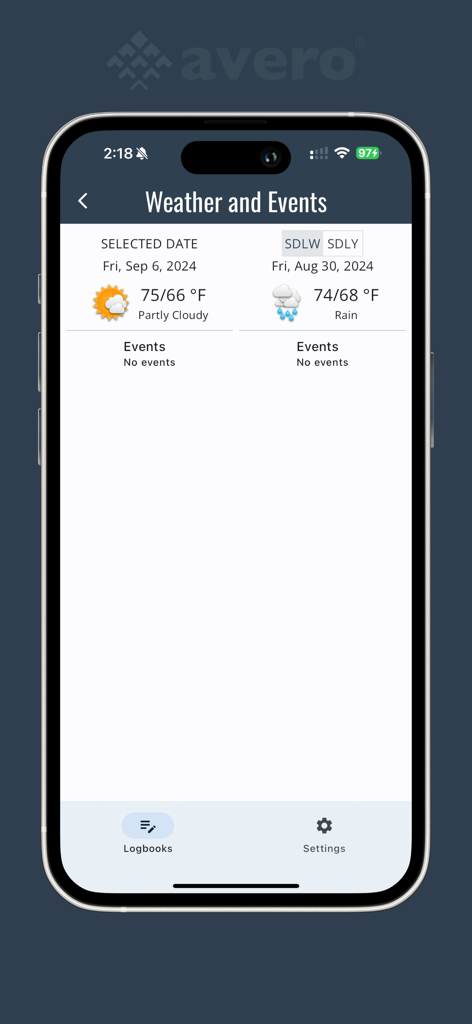
Screenshot of the Avero Logbook weather and events comparison screen for restaurant management planning.

Screenshot of the Avero Logbook weather and events comparison screen for restaurant management planning.

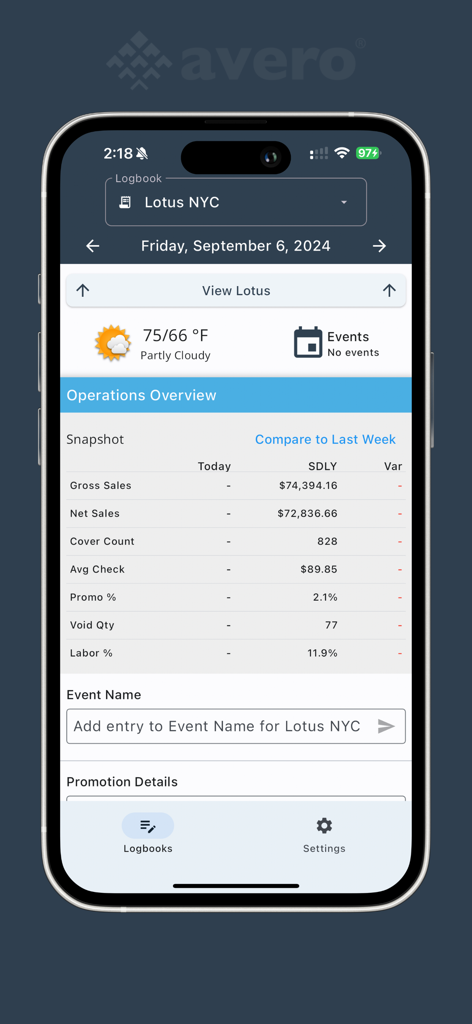
Avero Logbook mobile app interface displaying a restaurant operations overview with sales and labor performance data

Avero Logbook mobile app interface displaying a restaurant operations overview with sales and labor performance data

Control the Chaos of Every Shift

The tools that make this app stand out, trusted by 3K+ users.

📝

Smart Digital Handoffs

Eliminate communication gaps with searchable, timestamped notes on VIPs, service issues, and 86’ed items that every manager can access instantly.

📊

POS & Labor Integration

Don't just track sales—understand them. Sync your POS and time clock data directly into your logs to see the quantitative story behind your shift performance.

🌤️

Proactive Shift Planning

Anticipate the rush with built-in weather forecasts, national holidays, and local sporting event tracking to perfectly optimize your labor and inventory.

About the app

Everything you need to know about Avero Logbook.

Description

Restaurant managers all over the world use Avero’s Logbook to communicate with their teams about important events that occurred in their operation throughout the day. Good communication is critical in restaurant environments since one shift picks up where the last shift left off. The Logbook makes sure that every team can start with a complete picture of what’s going on in the restaurant. A custom set of fields (e.g. Maintenance Issues, VIPs, Service Notes, 86’ed Items, Employee Issues, etc.) let managers contribute the qualitative story of notable events and issues during the previous shift. This app replaces expensive physical notebooks found in the back office of restaurants. Whereas notebooks are static, susceptible to loss and damage, and aren’t integrated with sales and labor performance data, Avero’s Logbook pulls data directly from the POS and time clock systems to provide quantitative performance insights. Plus, local weather information and national holidays are included to help set expectations for upcoming shifts. Add national sporting events and local happenings with a few clicks, and include your promotions, live music, and happy hour specials too. With all this data in one place, Avero's Logbook paints a complete picture of performance. This is vital information to successfully planning the next shift, week, month, or same day next year. The beta version of Right Now reporting is here! We are testing these NEW features - available to all users that have Right-Now data. Now, Avero users can conveniently find Logbook & Reporting functionality in one location.

Latest Version

3.0.1

Size

25.6 MB

First Released

Aug 30, 2019

Ready to Master Your Next Shift?

Ditch the physical notebook and join the hospitality leaders using Avero Logbook to sync their teams and turn daily operations into actionable performance insights.

Download on App Store

App information, icons, screenshots, and descriptions displayed on this page are sourced from the Apple App Store and are the property of their respective developers. Download estimates and rankings are based on MWM's proprietary models and may not reflect actual figures. This page is provided for informational and analytical purposes only.

Believe this page infringes your intellectual property? File a dispute