Bank Statement Converter: XLSX

Bank Statement Converter: XLSX

Logo of Bank Statement Converter: XLSX

Bank Statement Converter: XLSX – Transform PDF Statements into Structured Excel Sheets Instantly

Stop wasting hours on manual data entry. Effortlessly extract transactions, dates, and amounts into perfectly formatted spreadsheets for faster bookkeeping, tax prep, and financial analysis—all securely processed on your device.

Publisher

ECLIXTECH UK LTD

Category

Finance

Downloads

100+

User Rating

4.2/5

Total Ratings

0

Locales

69

Precision at a Glance

Discover the interface used by 100+ users.
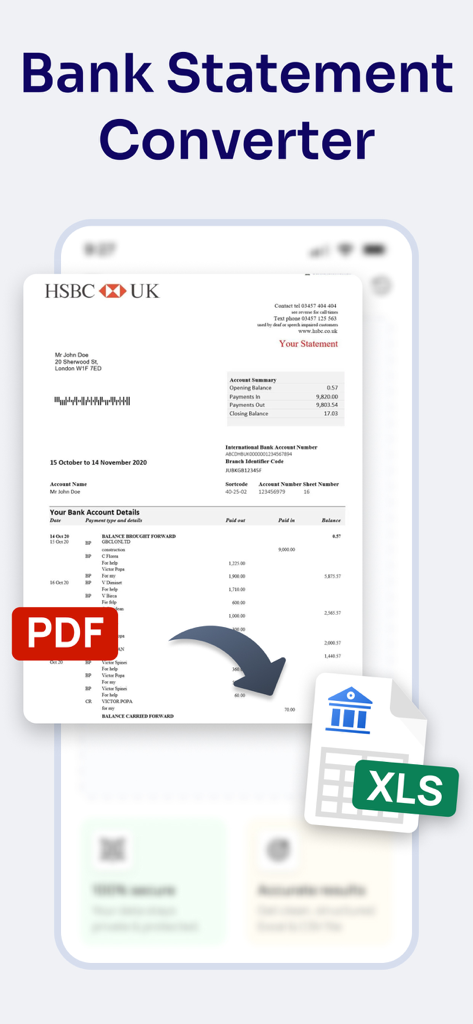
Infographic showing a PDF bank statement being converted into an Excel spreadsheet file

Infographic showing a PDF bank statement being converted into an Excel spreadsheet file

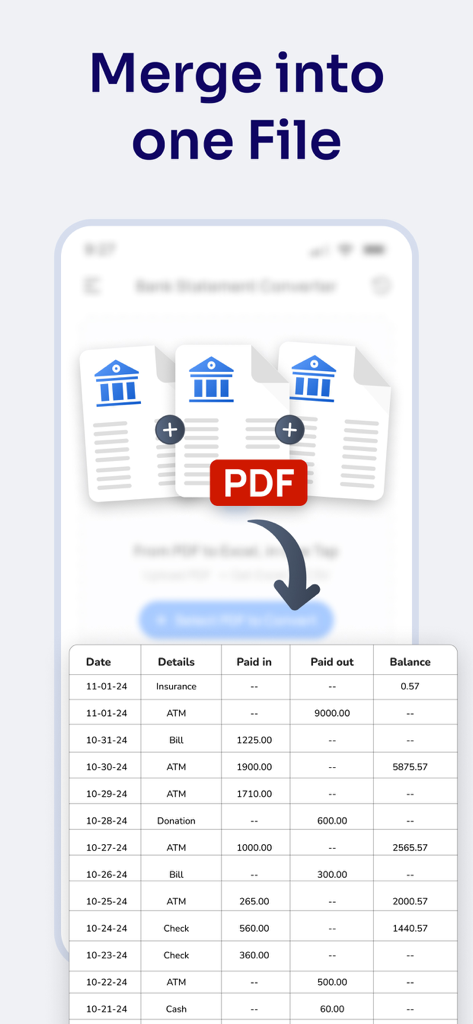
Screenshot showing the feature to merge multiple bank statement PDFs into a single organized Excel table

Screenshot showing the feature to merge multiple bank statement PDFs into a single organized Excel table

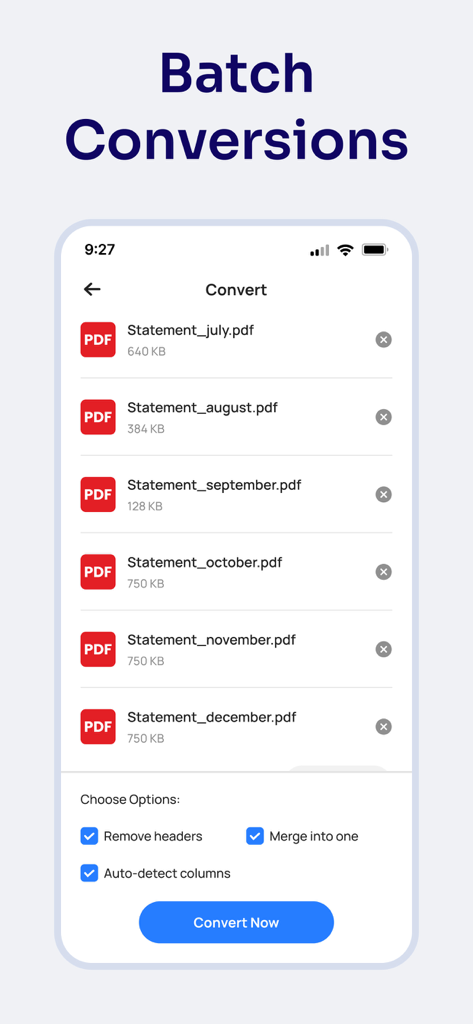
A screenshot of the Bank Statement Converter app showing multiple PDF statements selected for batch conversion to Excel.

A screenshot of the Bank Statement Converter app showing multiple PDF statements selected for batch conversion to Excel.

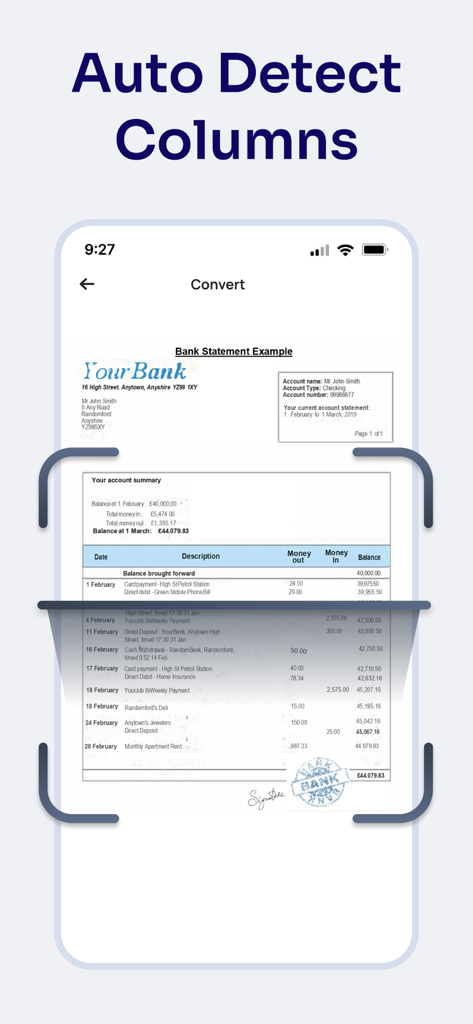
Smartphone screen showing the Bank Statement Converter app using the auto detect columns feature to scan a PDF statement

Smartphone screen showing the Bank Statement Converter app using the auto detect columns feature to scan a PDF statement

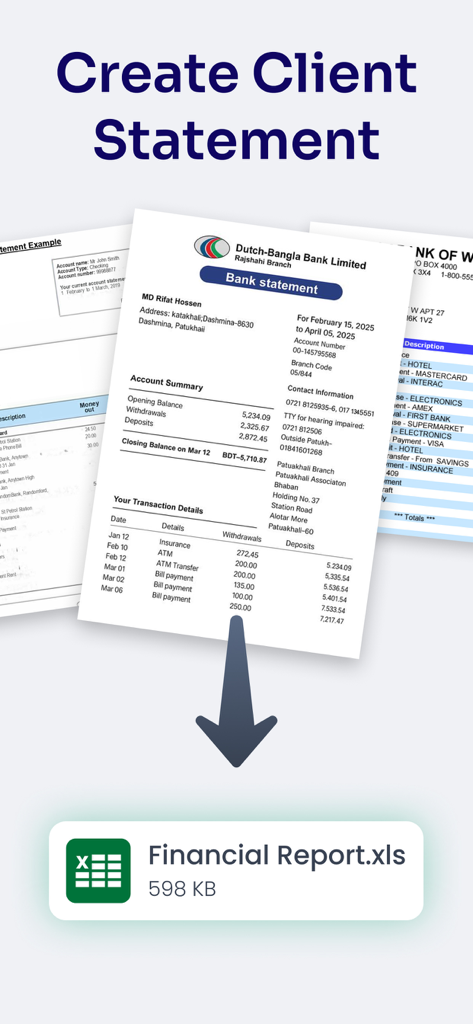
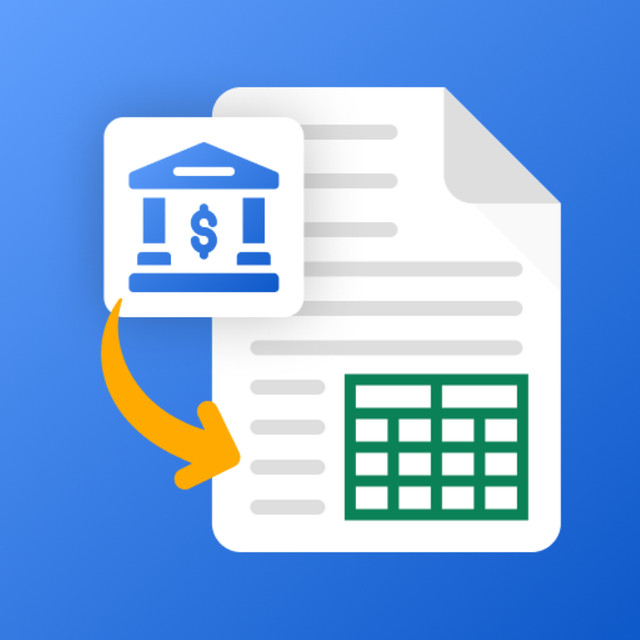
An illustration showing the conversion of a bank statement PDF into an Excel spreadsheet.

An illustration showing the conversion of a bank statement PDF into an Excel spreadsheet.

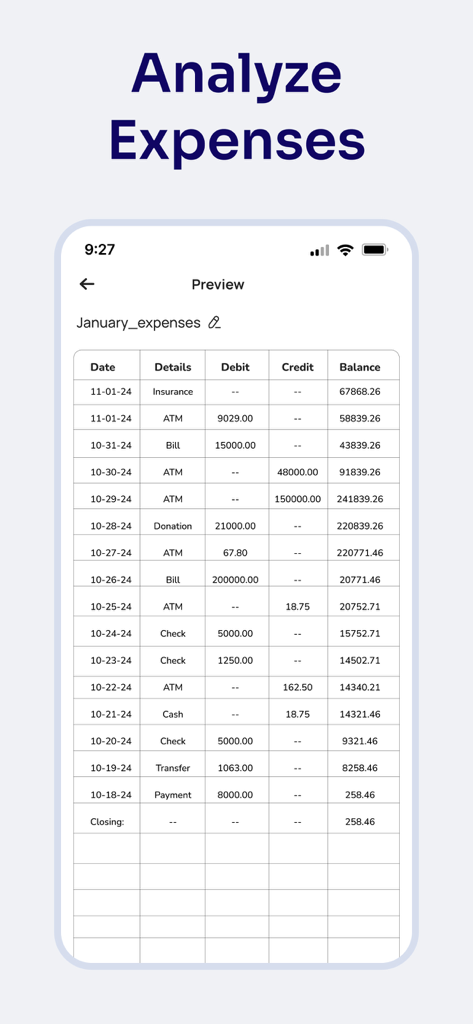
A mobile app interface displaying a converted bank statement table with columns for date, details, debit, credit, and balance under the header Analyze Expenses.

A mobile app interface displaying a converted bank statement table with columns for date, details, debit, credit, and balance under the header Analyze Expenses.

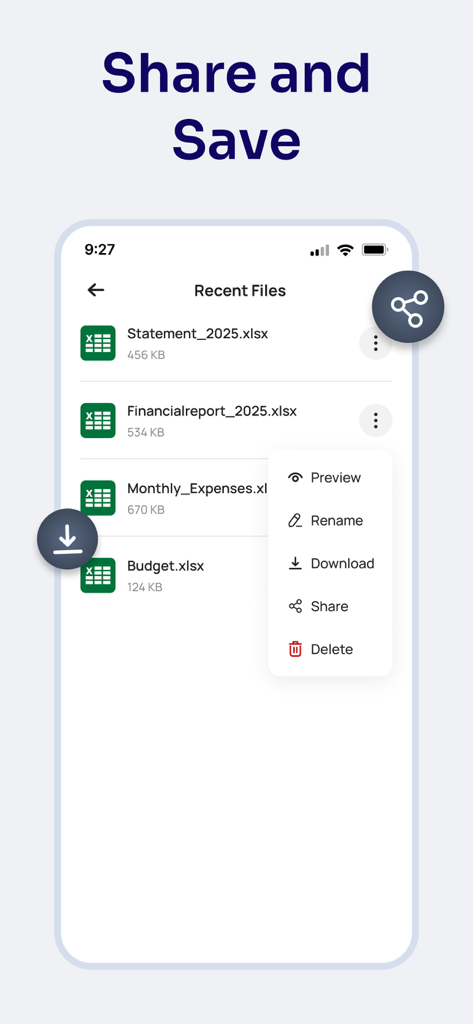
Interface of the Bank Statement Converter app showing a list of recent Excel files with options to preview rename download share and delete

Interface of the Bank Statement Converter app showing a list of recent Excel files with options to preview rename download share and delete

Master Your Financial Data in Seconds

The tools that make this app stand out, trusted by 100+ users.

Instant PDF-to-Excel Conversion

Eliminate hours of manual data entry. Convert complex monthly statements into clean, editable .xlsx files with a single tap.

📊

Smart Column Recognition

Our engine perfectly aligns dates, descriptions, and amounts, preserving the original layout for immediate analysis in Excel or Sheets.

🔒

Private & Secure Processing

Your sensitive financial information never leaves your device. All conversions are performed locally to ensure total data privacy.

About the app

Everything you need to know about Bank Statement Converter: XLSX.

Description

Bank Statement Converter makes it simple to turn your bank statement PDFs into clean and well-structured Excel sheets. You no longer need to copy and paste every transaction or manually retype amounts. With just a few steps, your data becomes ready to view, edit, and analyze in Excel. Many people receive monthly bank statements as PDF files and struggle to review them properly. This PDF to sheet app helps you organize those statements into an Excel format, allowing you to easily calculate totals, check expenses, or prepare financial reports. The PDF to Excel converter app focuses specifically on bank statements, not general document conversion. It recognizes tables, dates, descriptions, and transaction amounts, placing each value neatly into its proper column. Everything remains formatted and easy to read inside Excel, allowing you to sort, filter, and analyze your data instantly. Main Features of Bank Statement – PDF to Excel: ►PDF to Excel Converter for Bank Statements Convert any bank statement PDF into an editable Excel (.xlsx) file within seconds. ►Clean and Organized Formatting All rows, columns, and totals stay aligned, preserving the original layout of your statement. ►Supports Multiple Bank Formats Compatible with most local and international bank statements for smooth conversion. How It Works: 1. Upload Your PDF: Select the PDF bank statement you want to convert. 2. Convert to Excel: Tap the convert button and get an organized Excel file instantly. 3. View & Share: Open, edit, and share your Excel file for easy financial management. Keep your financial data organized, secure, and easily accessible. With Bank Statement – PDF to Xls, you can turn complex statements into simple, editable Excel sheets in just a few steps. Manage your records confidently, knowing your information always stays on your device. Disclaimer: This app is not affiliated with any bank and does not provide financial advice. It only converts bank statement PDFs to Excel files locally on your device. Privacy Policy https://www.cardscanner.co/privacy Terms of Service https://www.cardscanner.co/terms Support Email: eclix.suport@gmail.com

Latest Version

1.0

Size

57.5 MB

First Released

Nov 28, 2025

Ready to Turn Hours of Data Entry Into Seconds?

Stop fighting with rigid PDF statements. Download the converter trusted by professionals to transform financial data into clean, formatted Excel sheets—securely on your device.

App information, icons, screenshots, and descriptions displayed on this page are sourced from the Apple App Store and are the property of their respective developers. Download estimates and rankings are based on MWM's proprietary models and may not reflect actual figures. This page is provided for informational and analytical purposes only.

Believe this page infringes your intellectual property? File a dispute