
Bookmark: Reading List & URL


The premium reading list designed for professionals. Save web pages with personal notes, organize with smart tags, and access your curated library instantly across your iPhone, iPad, and Mac.
Publisher
Category
NewsDownloads
9K+User Rating
Total Ratings
0Locales
12Discover the interface used by 9K+ users.
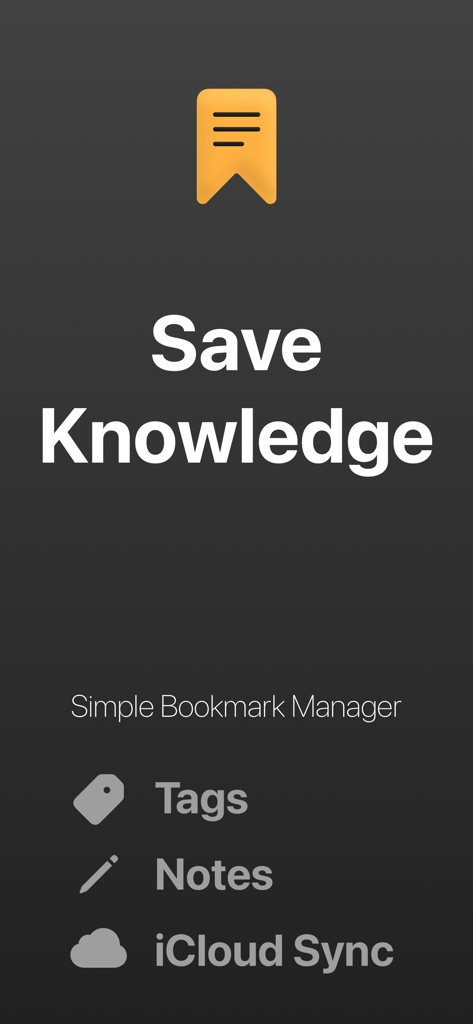
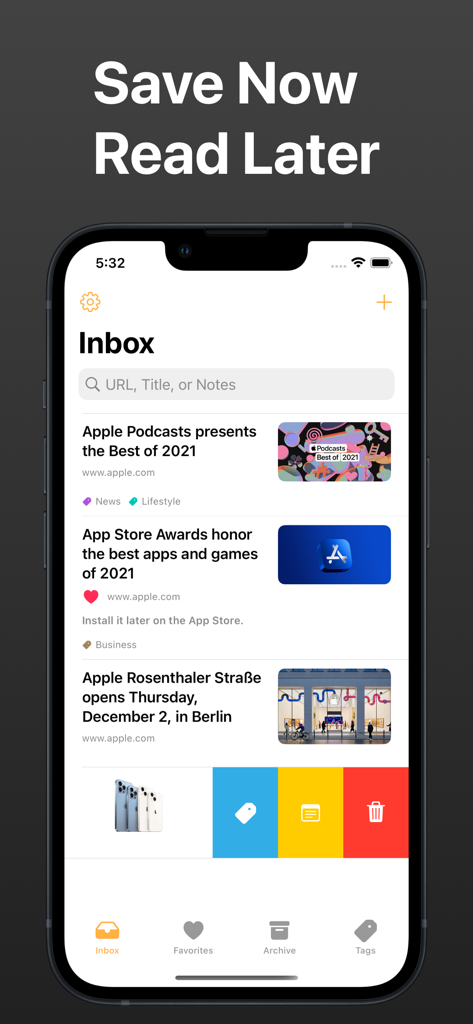
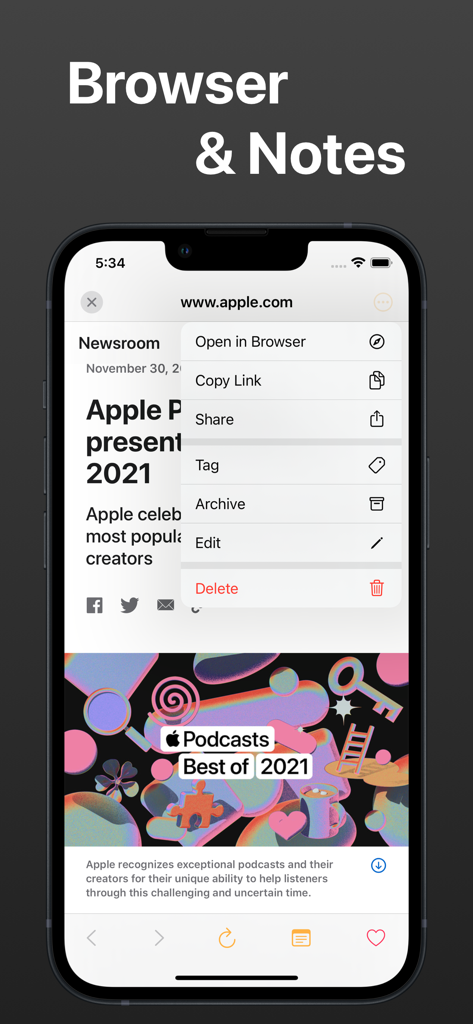
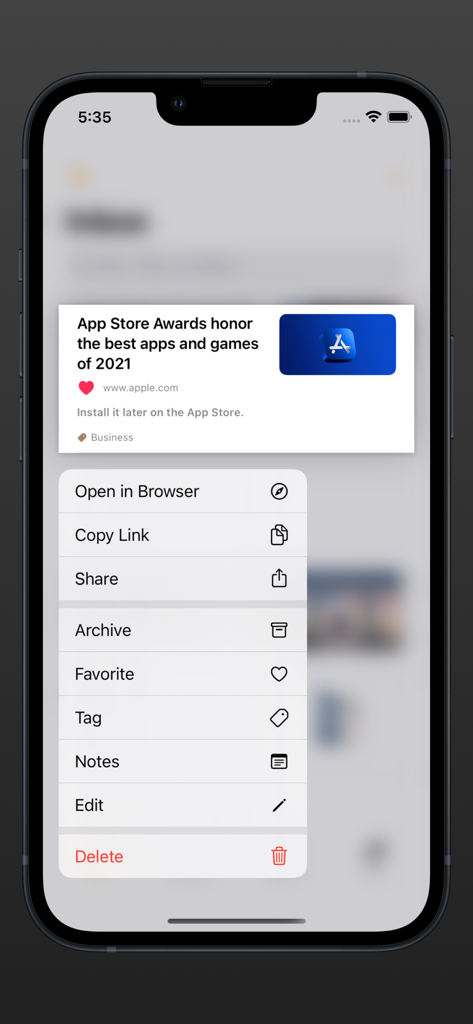
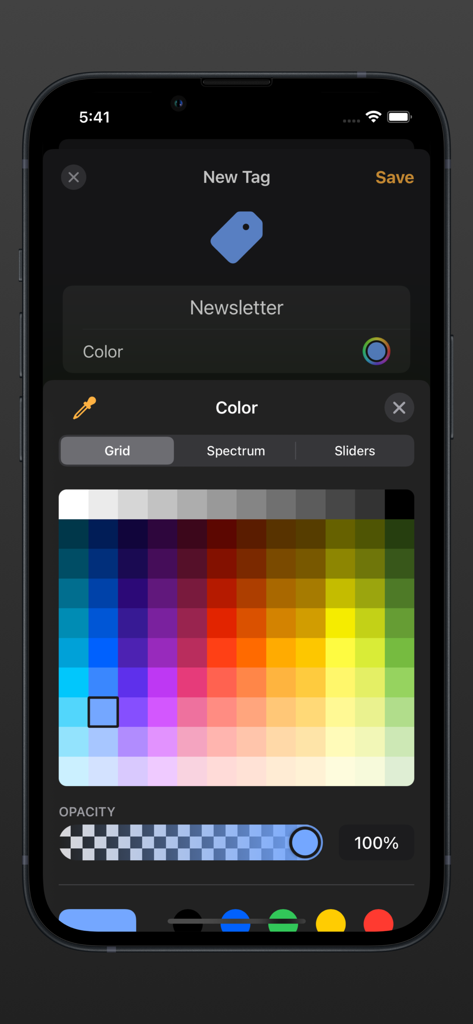
The tools that make this app stand out, trusted by 9K+ users.
Don't just save a link; save the why. Add personal notes to every bookmark to capture insights and build your personal knowledge base as you browse.
Go beyond simple lists. Use tags and powerful search to find any resource in seconds, whether you are searching by title, URL, or your own custom tags.
Experience a unified workflow. Your reading list stays perfectly in sync across iPhone, iPad, and Mac via iCloud, keeping your research ready whenever you are.
Everything you need to know about Bookmark: Reading List & URL.
Description
Latest Version
1.1.3
Size
2.2 MB
First Released
Dec 21, 2021
Join thousands of high-performers who have traded information overload for organized knowledge. Start your 7-day free trial today and sync your research across iPhone, iPad, and Mac.
Everything you need to know about Bookmark: Reading List & URL
Bookmark: Reading List & URL is an application designed to save your favorite web pages for later reading. It offers features like bookmark management, note-taking, organization, and a built-in browser.
Yes, Bookmark: Reading List & URL supports iCloud synchronization. Users can easily sync bookmarks between their iPhone, iPad, and Mac devices, accessing them from anywhere.
Users can add bookmarks from Safari or shared actions, write notes, organize them into favorites or archives, and add tags. The app also allows searching by URL, title, tag, or notes.
Bookmark offers a monthly subscription at $3.99/month and an annual subscription at $29.99/year. Both include unlimited bookmarks, tags, and iCloud data sync with Family Sharing support.
Yes, Bookmark: Reading List & URL provides a 1-week free trial. This allows users to experience premium features before committing to a subscription.
Yes, Bookmark: Reading List & URL supports Family Sharing. Subscriptions include Family Sharing support, allowing multiple family members to access premium features.
Subscriptions automatically renew unless canceled at least 24 hours before the current period ends. After purchase, manage subscriptions in App Store Account Settings.
Yes, Bookmark: Reading List & URL includes a simple, easy-to-use built-in browser. Users can also copy links and open them in different browsers.
Yes, Bookmark allows users to write notes on their saved web pages. This feature is perfect for storing knowledge and adding context to bookmarks.
Users can organize bookmarks by adding them to favorites or archiving them. Tags can also be added to make finding specific bookmarks easier later.
Top-ranked apps in the same category

X Corp.

REDDIT, INC.

Substack Inc.

The New York Times Company

Nextdoor.com, Inc.

Scoopz Inc.

Particle Media Inc.

Snapwise Inc.
Google LLC
App information, icons, screenshots, and descriptions displayed on this page are sourced from the Apple App Store and are the property of their respective developers. Download estimates and rankings are based on MWM's proprietary models and may not reflect actual figures. This page is provided for informational and analytical purposes only.
Believe this page infringes your intellectual property? File a dispute