
Buz Player


Elevate your cord-cutting with a sleek, pro-grade interface designed for high-performance streaming. Manage your playlists with Xtream API integration and enjoy live TV, sports, and movies with unparalleled elegance.
Publisher
Category
EntertainmentDownloads
10K+User Rating
Total Ratings
200Locales
1Discover the interface used by 10K+ users.
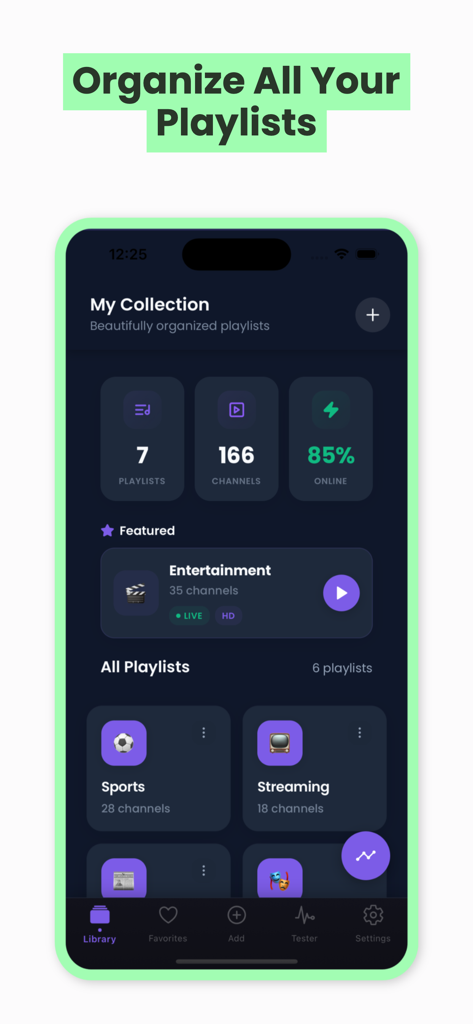
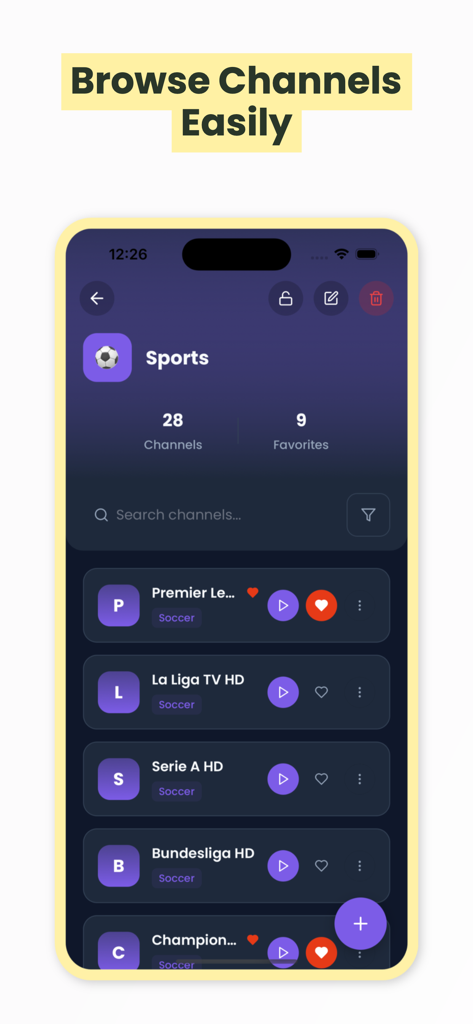

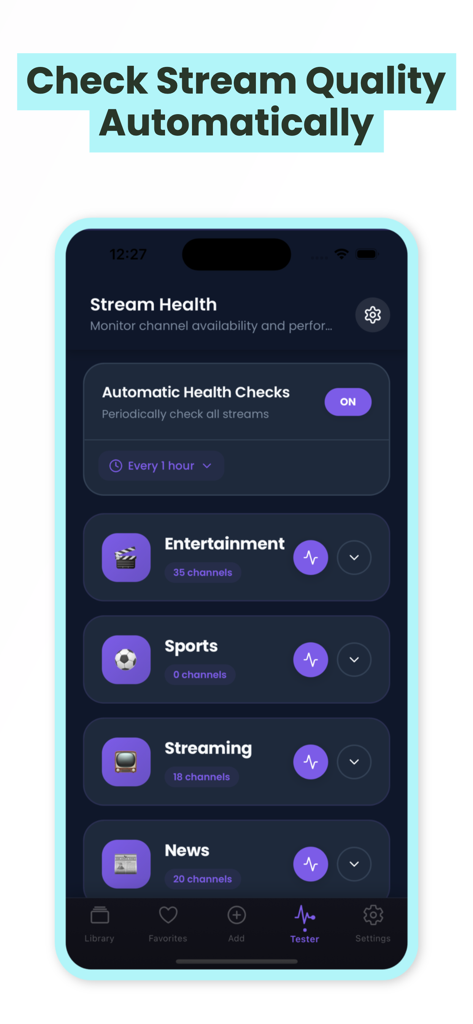
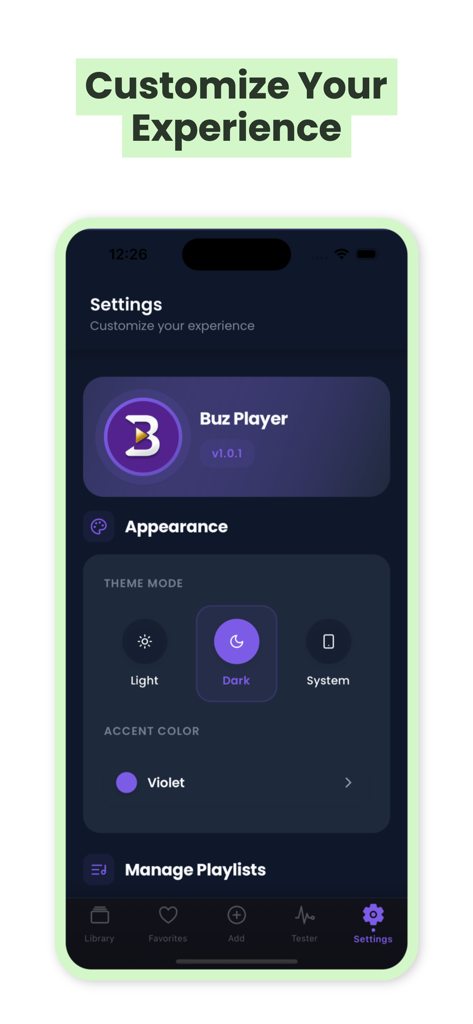
The tools that make this app stand out, trusted by 10K+ users.
Connect via Xtream API or M3U playlists in seconds. Your entire media library is instantly organized for effortless browsing and high-speed playback.
Eliminate stream anxiety with real-time health indicators and quality tracking, ensuring you always have the best feed for live sports and events.
Match your aesthetic with custom color themes and a stunning dark mode interface designed to feel like a native part of the Apple ecosystem.
Everything you need to know about Buz Player.
Description
Latest Version
1.0.2
Size
83.1 MB
First Released
Dec 10, 2025
Join thousands of prosumer cord-cutters who demand more than just a player. Download Buz Player today for a premium, elegant, and professional-grade IPTV experience on your iPhone.
Everything you need to know about Buz Player
Buz Player is an elegant IPTV streaming application. It provides robust playback, easy playlist management, and a personalized viewing experience for live TV, sports, movies, and shows with a modern interface.
Yes, Buz Player fully supports M3U and M3U8 playlists. Users import playlists directly via URL, Xtream API, file upload, or manual entry. This feature ensures broad compatibility for streaming content.
Yes, Buz Player integrates Xtream API for seamless provider connectivity. This feature simplifies the management and access of content, enhancing the streaming experience for users.
Buz Player features smart playlist organization and management. It presents a clear overview of playlists, channels, and online status, allowing users to categorize and access their content efficiently.
Yes, Buz Player includes automatic stream health monitoring. It performs periodic checks to assess channel availability and provides quality indicators for various playlists, ensuring a reliable streaming experience.
Yes, Buz Player offers extensive appearance customization. Users select between Light, Dark, or System theme modes and personalize the accent color of the interface in the settings.
Yes, Buz Player includes a dark mode option. Users can activate it through the Appearance settings, alongside Light or System theme modes, to suit their viewing preference.
Yes, Buz Player tracks recent channels for quick access. This feature enhances user convenience by allowing immediate resumption of previously viewed content.
Yes, Buz Player supports playlist backup and restore. This ensures users can securely save their playlist configurations and easily recover them, protecting their personalized setup.
Users add new playlists in Buz Player through multiple methods. Options include importing from a URL, using Xtream API, uploading a playlist file, or entering playlist details manually.
Top-ranked apps in the same category

TIKTOK PTE. LTD.

Netflix, Inc.

256 REWARDS LTD

STORYMATRIX PTE. LTD

WarnerMedia Global Digital Services, LLC

AMZN Mobile LLC

NETSTORY PTE. LTD.

New Leaf Publishing, Inc.

Disney Electronic Content, Inc.
App information, icons, screenshots, and descriptions displayed on this page are sourced from the Apple App Store and are the property of their respective developers. Download estimates and rankings are based on MWM's proprietary models and may not reflect actual figures. This page is provided for informational and analytical purposes only.
Believe this page infringes your intellectual property? File a dispute