
Call Recorder · Auto Record

Ensure accountability and never miss a vital detail again. Capture legal agreements, interviews, and client instructions securely in just a few taps.
Publisher
Category
BusinessDownloads
105K+User Rating
Total Ratings
100Locales
1Discover the interface used by 105K+ users.
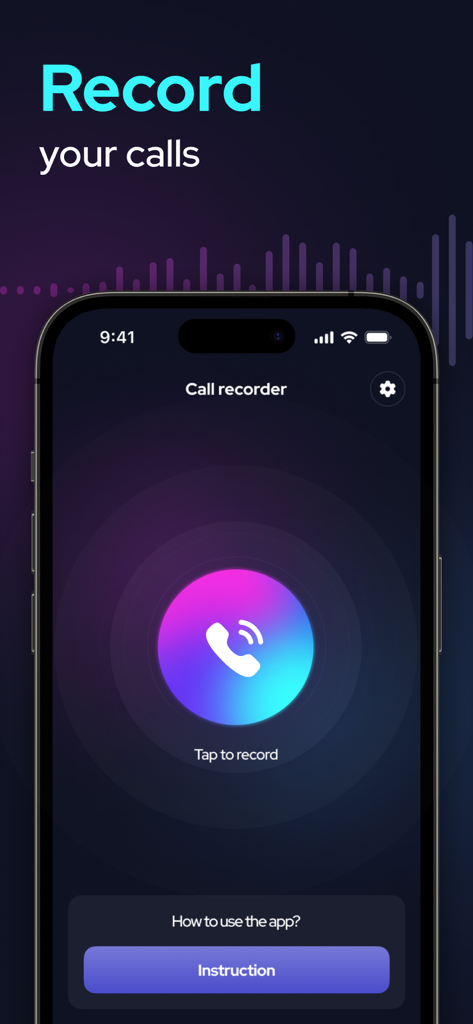
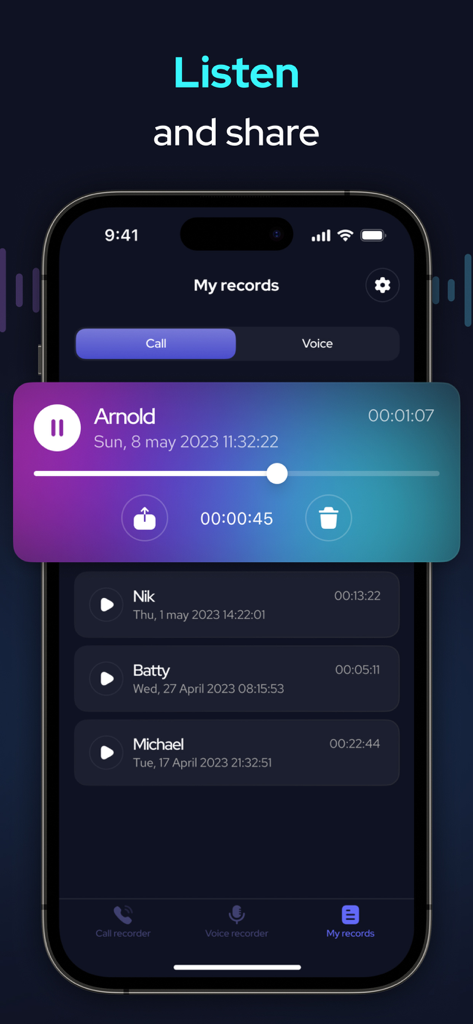
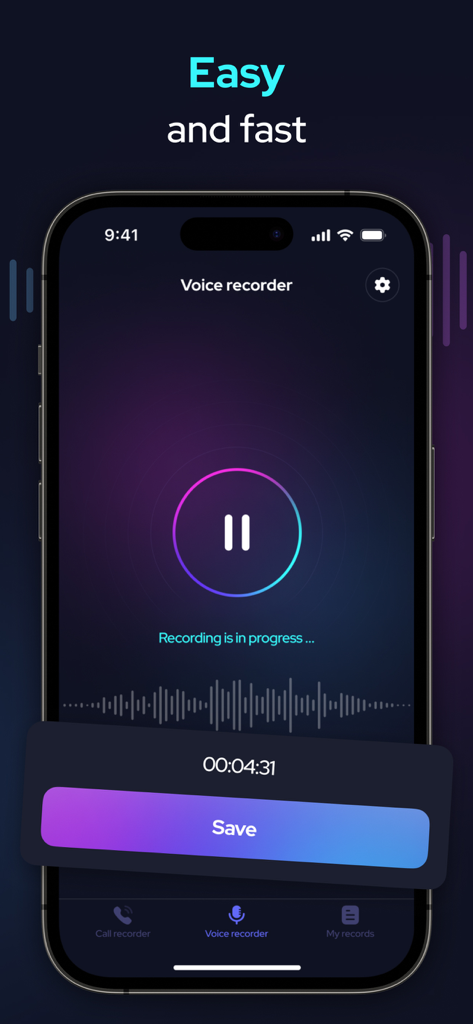
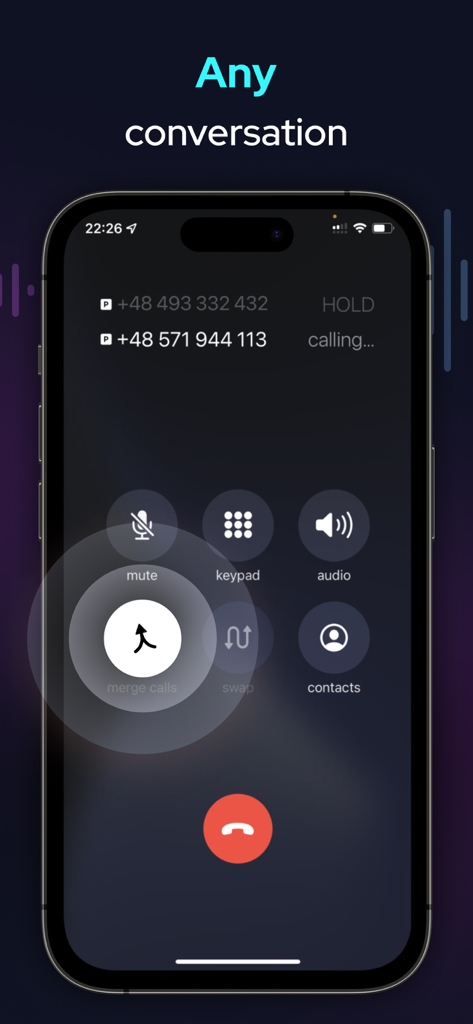
The tools that make this app stand out, trusted by 105K+ users.
Seamlessly merge and record any incoming or outgoing call with just a few taps so you can focus on the conversation.
Store and organize your vital records in a private, encrypted library for instant retrieval and easy management.
Capture every nuance and verbal agreement with high-definition audio quality to eliminate any 'he said, she said' disputes.
Everything you need to know about Call Recorder · Auto Record.
Description
Latest Version
1.0
Size
17.4 MB
First Released
Aug 3, 2023
Join over 105,000 professionals who rely on Call Recorder to capture verbal agreements, interviews, and instructions with absolute precision. Download now and never miss a word.
Everything you need to know about Call Recorder · Auto Record
Call Recorder · Auto Record is an application that records incoming and outgoing phone calls. It allows users to merge calls with a service number to initiate recording and save conversations for later access.
Call Recorder · Auto Record records calls by requiring the user to merge any call with a provided service number. This action initiates the recording process, allowing conversations to be captured.
Yes, Call Recorder · Auto Record requires an active subscription to record new calls. Without a subscription, users cannot initiate call recordings within the application.
Yes, Call Recorder · Auto Record enables users to record both incoming and outgoing calls. The application facilitates recording any conversation by merging calls with its service number.
Yes, it is solely the user's responsibility to inform their conversation partner that they intend to record the call. Call Recorder · Auto Record explicitly states this requirement.
Users can manage their Call Recorder · Auto Record subscription and turn off auto-renewal by accessing their iTunes Account Settings. This is the designated location for subscription control.
Yes, users can save any conversation to ensure vital details are not missed. They can also easily access their records anytime through the application's "My records" interface.
Yes, Call Recorder · Auto Record includes a distinct voice recorder feature. Users can initiate and save voice recordings independently of phone calls through the dedicated "Voice recorder" screen.
Top-ranked apps in the same category

Microsoft Corporation

Zoom Communications, Inc.

WhatsApp Inc.

Indeed Inc.

LinkedIn Corporation

Adobe Inc.

Tencent Technology (Shenzhen) Company Limited

Beijing China Product Bo Farce Network Technology Co., Ltd.

DingTalk Technology Co., Ltd.
App information, icons, screenshots, and descriptions displayed on this page are sourced from the Apple App Store and are the property of their respective developers. Download estimates and rankings are based on MWM's proprietary models and may not reflect actual figures. This page is provided for informational and analytical purposes only.
Believe this page infringes your intellectual property? File a dispute