CloudBeats: Cloud Music Player

CloudBeats: Cloud Music Player

Download on App Store
Logo of CloudBeats: Cloud Music Player

CloudBeats: Your Personal Music Streaming Cloud

Take back control of your music collection. Stream high-fidelity audio directly from your cloud storage or NAS, or download your library for offline listening—all without a monthly subscription.

Publisher

Roman Burda

Category

Music

Downloads

360K+

User Rating

4.6/5

Total Ratings

14K+

Locales

13

Your Library, Unbound

Discover the interface used by 360K+ users.
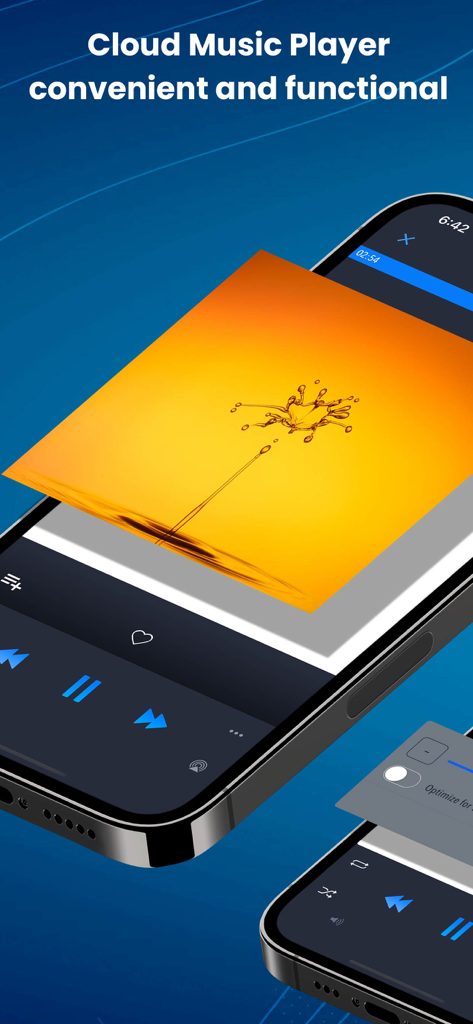
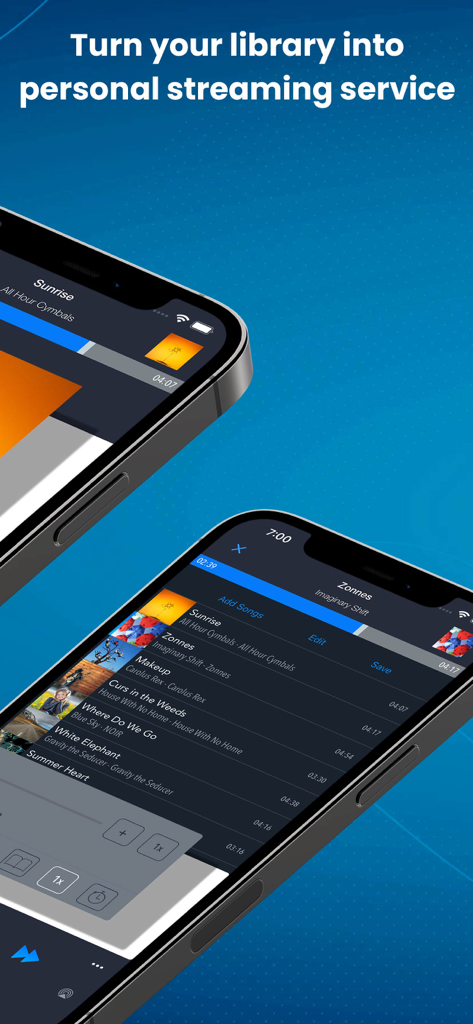
CloudBeats music player app interface on an iPhone showing playback controls and vibrant album art

CloudBeats music player app interface on an iPhone showing playback controls and vibrant album art

Two iPhones displaying the CloudBeats app interface for personal music streaming

Two iPhones displaying the CloudBeats app interface for personal music streaming

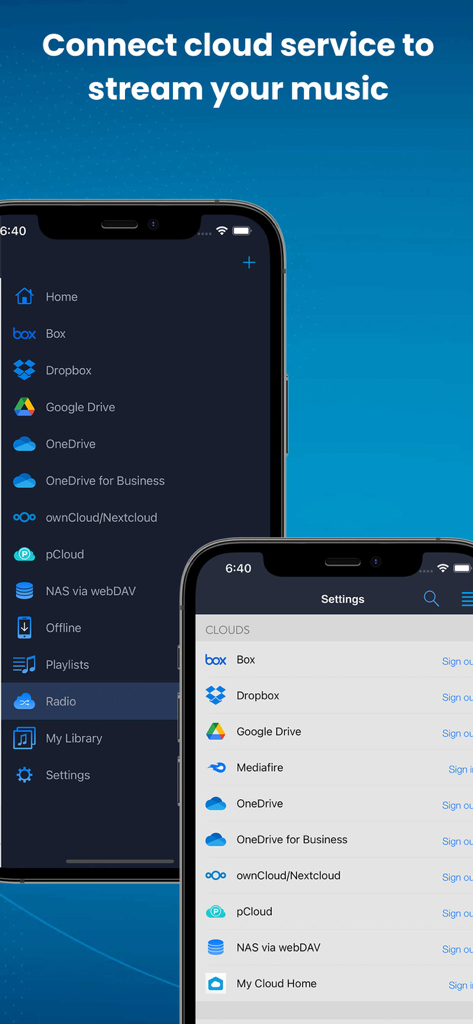
CloudBeats app interface displaying options to connect cloud services like Google Drive and Dropbox for music streaming

CloudBeats app interface displaying options to connect cloud services like Google Drive and Dropbox for music streaming

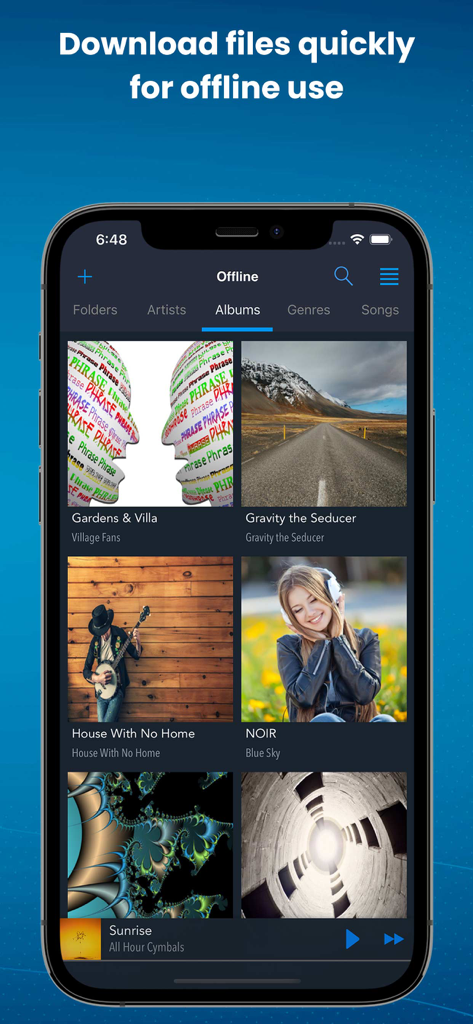
CloudBeats app interface showing downloaded music albums for offline playback

CloudBeats app interface showing downloaded music albums for offline playback

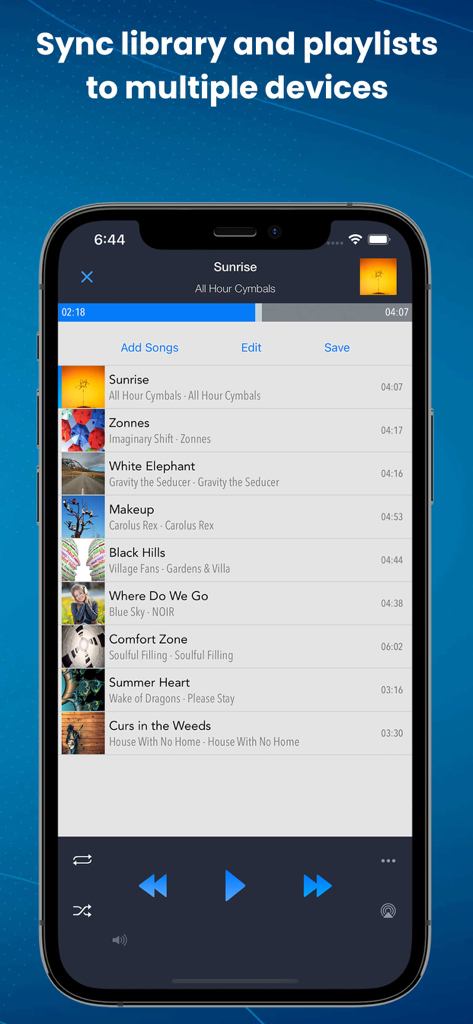
CloudBeats app showing a music playlist with syncing options and playback controls

CloudBeats app showing a music playlist with syncing options and playback controls

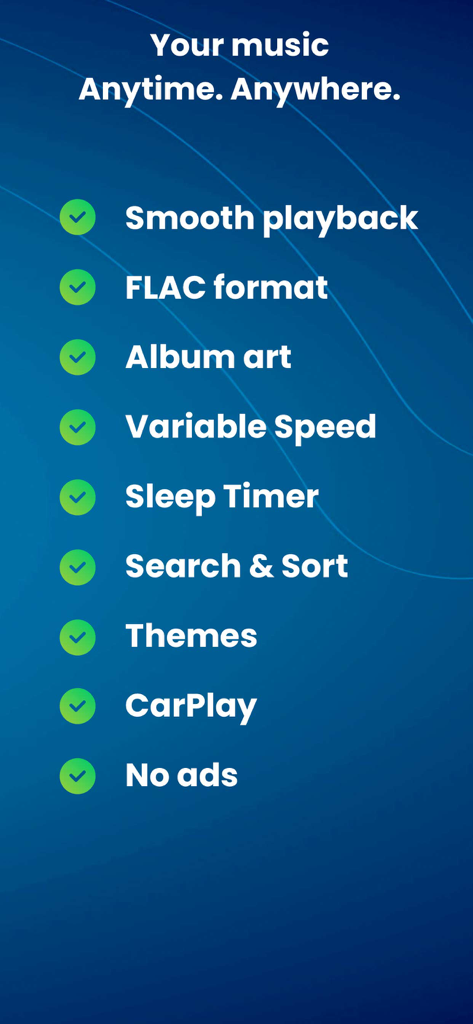
A list of CloudBeats features including smooth playback, FLAC format support, CarPlay integration, and variable speed control.

A list of CloudBeats features including smooth playback, FLAC format support, CarPlay integration, and variable speed control.

Take Full Control of Your Private Music Library

The tools that make this app stand out, trusted by 360K+ users.

📡

Unlimited Cloud & NAS Streaming

Connect Google Drive, Dropbox, or your home NAS via WebDAV. Access your entire collection without paying for expensive iPhone storage upgrades.

đŸŽŒ

Audiophile-Grade Playback

Experience your music in stunning detail. We support FLAC and ALAC lossless formats with gapless playback for a superior listening experience.

🚗

Perfect for the Road & Air

Download albums for offline use and enjoy seamless CarPlay integration. Your music stays with you, whether you are commuting or 30,000 feet in the air.

About the app

Everything you need to know about CloudBeats: Cloud Music Player.

Description

EASIEST WAY TO STREAM & ORGANIZE YOUR MUSIC Take control over your music and enhance your music listening experience with CloudBeats – cloud music player. Whether you need an offline cloud music player listener, or a music cloud player to sync all your music albums and download mp3 songs on multiple devices, CloudBeats is the only app you need. It simply allows you to create your own music streaming service. All you audiophiles and die-hard music fans finally have a simple app that will organize and play your vast music collection the way you want it. Anywhere. Anytime. It’s time to easily upload, store and access your music on the cloud seamlessly with CloudBeats. â–ș CLOUD MUSIC PLAYER ● Works with the popular cloud services for music streaming: Dropbox, Google Drive, OneDrive, OneDrive for Business, Box, pCloud, HiDrive. Personal clouds that support webDAV, including ownCloud and NextCloud. Network-Attached Servers (NAS) by Synology, QNAP, Western Digital (WD) and others that support webDAV protocol. These integrations make our cloud music internet song player one of the most versatile cloud music song organizers. ● Plays audio files in different formats: Our free local music player offline app allows you to play mp3, m4a, wav and lossless FLAC and ALAC audio. Meaning our music cloud player can play almost any song you have on your iPhone. ● Works online and offline: Want to enjoy cloud music with no wifi? Well our no wifi music cloud player allows you that. Simply swap between offline and cloud tabs. Also supports shuffle mode & CarPlay. â–ș MUSIC MANAGER & ORGANIZER ◉ Sync music libraries: The cloud music organizer app auto detects all the music on your phone and syncs all your music libraries. All songs are grouped by artist, album, genre. ◉ Create playlists: Want to organize your music and create cloud playlists? Add files and entire folders to playlists, change the order of the tracks in the Playlist section of our free music player. ◉ Organize & download music, audiobooks, podcasts: download and sync any of your music across multiple devices on the cloud with this cloud music organizer. Our intuitive song manager & song organizer will give amazing control and effectively organize your music the way you want it. It also supports audiobooks and podcast file formats so you can listen offline without wifi. â–ș ALL FEATURES: ・Supports most cloud services, personal clouds and servers. ・Works without internet. Download albums, playlists, folders or files onto the device for playback in offline mode ・Playlist maker. ・Sync your music library with connected network accounts. ・Supports mp3, wav and m4a, lossless FLAC & ALAC ・Advanced buffering technologies to provide smooth gapless playback ・Repeat all, repeat one and shuffle mode. Shuffle the entire library, a single folder, artist or album. ・Sleep timer to automatically stop music when the timer ends ・Playback speed control (tempo) within the 0.5x-3.0x range ・Play offline–no internet or WiFi needed ・Add music to your favorite playlist ・Carplay ・Siri and Shortcuts “Sync Multiple Devices” is an optional service to keep your Playlists and My Library database in sync between multiple devices. It can also be used to backup and restore your music data. CloudBeats account is required for this service. We offer 1-year auto-renewing subscription for $6.99 per year. The price may vary from country to country. If you choose to purchase “Sync Multiple Devices”, payment will be charged to your iTunes account. You will be charged the same price for renewal within 24-hours prior to the end of the current period. Your subscription automatically renews unless auto-renewal is turned off at least 24 hours prior to the end of the current period. Subscriptions may be managed and auto-renewal may be turned off at any time by going to the user’s Account Settings in the App Store after purchase. CloudBeats privacy policy and terms of use: https://www.cloudbeatsapp.com/privacy-policy/

Latest Version

2.55.11

Size

39.1 MB

First Released

Nov 5, 2012

Take Control of Your Music Collection

Stop renting your library. Stream your lossless files from Google Drive, Dropbox, or your personal NAS with the player built for true audiophiles.

Download on App Store

App information, icons, screenshots, and descriptions displayed on this page are sourced from the Apple App Store and are the property of their respective developers. Download estimates and rankings are based on MWM's proprietary models and may not reflect actual figures. This page is provided for informational and analytical purposes only.

Believe this page infringes your intellectual property? File a dispute