Conference Room Display 2

Conference Room Display 2

Download on App Store
Logo of Conference Room Display 2

Conference Room Display 2: The Secure, Branded Way to Manage Your Workspace

Transform iPads into professional meeting room signs with zero cloud dependencies. Enjoy total privacy, ad-hoc booking, and complete corporate branding that stays within your internal network.

Download on App Store

Publisher

Sebastian Bub

Category

Business

Downloads

400

User Rating

4.4/5

Total Ratings

0

Locales

33

Professionalism on Display

Discover the interface used by 400 users.
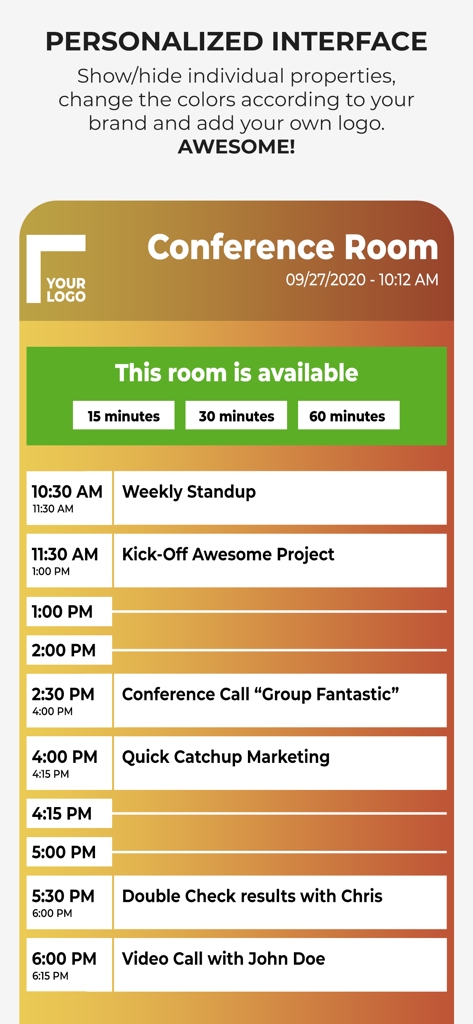
Personalized conference room display showing a daily meeting schedule and ad-hoc booking options

Personalized conference room display showing a daily meeting schedule and ad-hoc booking options

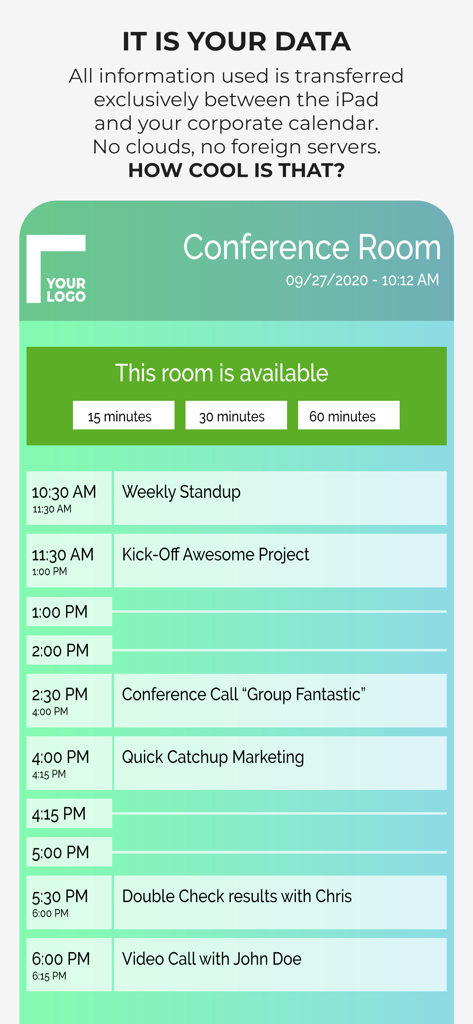
Interface of a conference room scheduling app showing a daily meeting list and room availability on an iPad.

Interface of a conference room scheduling app showing a daily meeting list and room availability on an iPad.

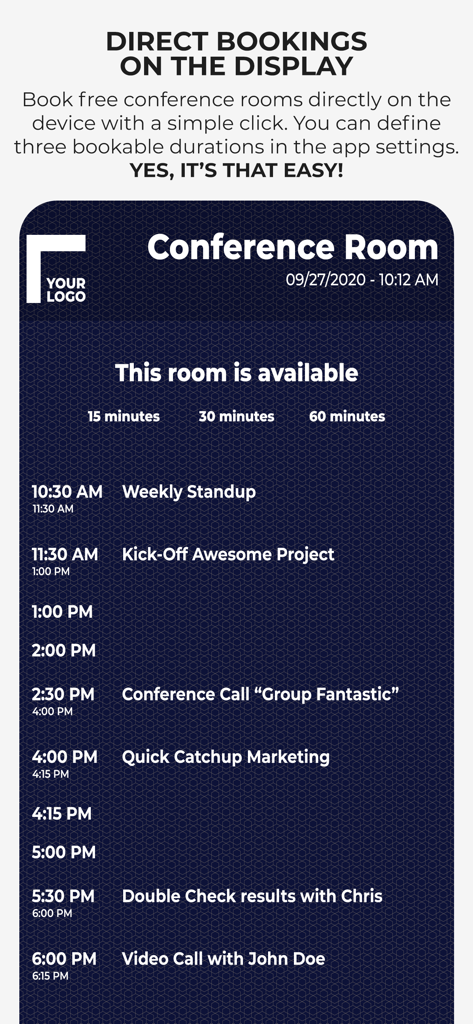
A conference room display interface showing options for immediate meeting bookings and a daily schedule.

A conference room display interface showing options for immediate meeting bookings and a daily schedule.

Optimize Your Office Efficiency

The tools that make this app stand out, trusted by 400 users.

🛡️

Privacy-First Architecture

Eliminate security risks with a no-cloud solution. Your calendar data stays within your local network, requiring no external servers or third-party access.

🖌️

Full Corporate Branding

Maintain a premium office look by customizing every pixel. Upload your own corporate fonts, logos, and brand colors for a seamless professional identity.

Instant Ad-Hoc Bookings

Reduce meeting room friction by allowing employees to book available spaces directly on the device, perfectly synchronized with your Exchange or Google calendars.

About the app

Everything you need to know about Conference Room Display 2.

Description

Use an iPad or iPhone outside of your conference rooms to show the day's schedule in your corporate design. ***Privacy is ensured.*** The App ensures that meeting participants are in the right place. It is highly customizable to adapt to the corporate design of your company: Colors, Your Corporate Font, Logo, Background Image. ◉ NO CLOUDS! NO SERVERS! The app uses the calendar of the device and integrated into the normal workflow of your employees. You schedule a meeting with your calendar app by inviting the room. The data does not leave your company and stays in your calendar system. You can use any calendar type which is supported by the device (iCloud, Gmail, Outlook/Exchange or any CalDAV Kalender). User have the possibility to book a free meeting room on the device (ad hoc and anonymously). Test the app as long as you want to ensure that it fits in your corporate IT environment. Here is a complete feature list. Visit our website to get additional information: • Privacy: No Cloud! No additional server required! • Set Conference Room Name • Adapt all Colors • Upload a logo • Set your own Background Image • Change the Font • Upload your Corporate Font • Support for Ad Hoc Bookings with different length • Adapt what is shown • Free Hours • Only show data of current day • Show Current Event more prominent • Show/Hide All-Day Events • Additional Text for an Event • Anonymize an Event completely • Enable/Disable Event Properties and change the order • Screensaver • Monitoring of the App (if you have to manage many rooms) • MDM Support Simply get in touch with us if you have any questions. For detailed configuration instructions, visit our website at http://www.ipad-conference-room-booking-display.com/ Local configuration can be shared via iTunes File Sharing or Files App (copy all files to another device). You can also define the configuration in json format. When you want to permanently use the app, it requires a monthly subscription (auto-renewable). The subscription period is one month. Subscriptions will automatically renew unless canceled within 24-hours before the end of the current period. You can always manage your subscriptions and renewals in your iTunes Account. If you have any questions concerning VPP, MDM or Enterprise support, please contact us. Terms of Use: https://www.apple.com/legal/internet-services/itunes/dev/stdeula/ Disclaimer: Continuous use of the device may decrease the display and/or battery life.

Latest Version

1.7

Size

3.5 MB

First Released

Sep 22, 2018

Professional Meeting Displays Without the Privacy Risks

The secure, server-less solution for IT Managers and Workplace Ops. Transform your office aesthetics today with a fully customizable display that stays within your local network.

Download on App Store

App information, icons, screenshots, and descriptions displayed on this page are sourced from the Apple App Store and are the property of their respective developers. Download estimates and rankings are based on MWM's proprietary models and may not reflect actual figures. This page is provided for informational and analytical purposes only.

Believe this page infringes your intellectual property? File a dispute