CSOB SmartBanking

CSOB SmartBanking

Download on App Store
Logo of CSOB SmartBanking

CSOB SmartBanking: Your Secure Bridge to Slovak Finance, Anywhere in the World

The ultimate mobile banking experience for expats and professionals. Manage your Slovak accounts with top-tier security and multilingual support across your iPhone, iPad, and Apple Watch.

Publisher

Ceskoslovenska obchodna banka, a.s.

Category

Finance

Downloads

167K+

User Rating

4.7/5

Total Ratings

52K+

Locales

3

Your Bank, Visualized

Discover the interface used by 167K+ users.
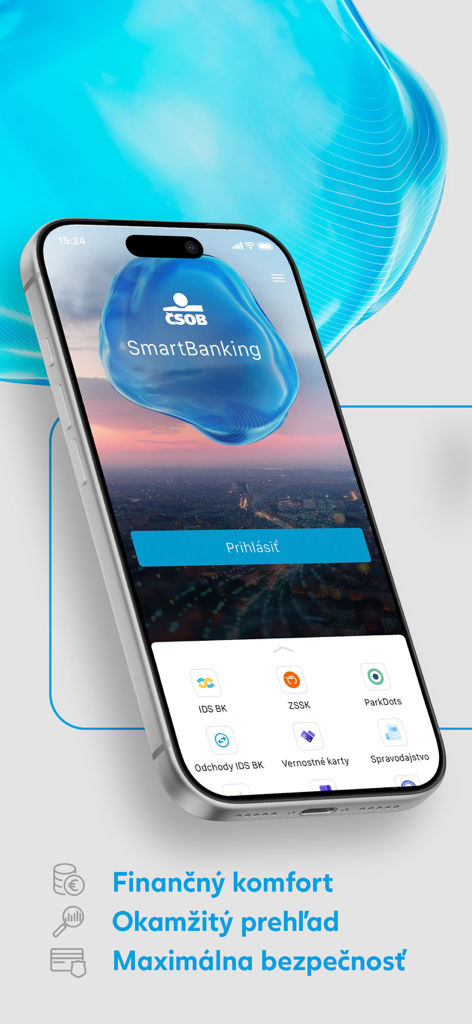
CSOB SmartBanking mobile app login screen displayed on an iPhone with additional services icons

CSOB SmartBanking mobile app login screen displayed on an iPhone with additional services icons

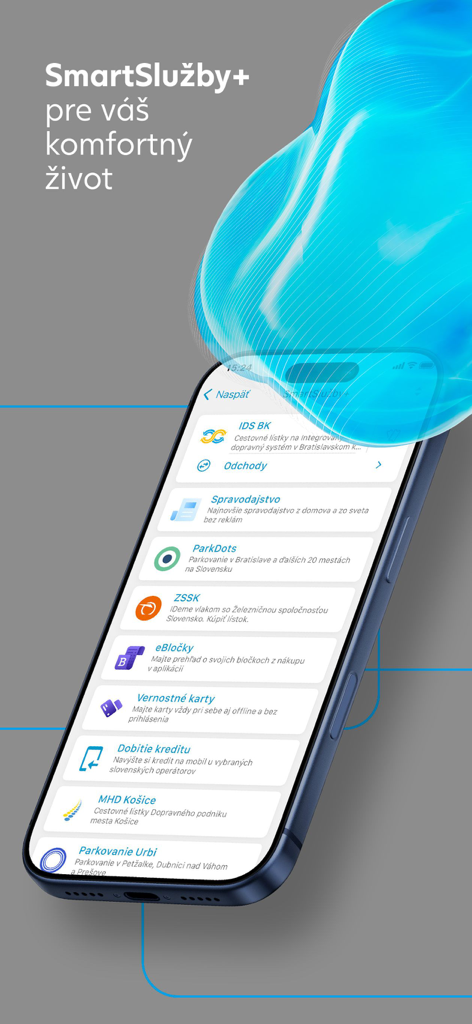
CSOB SmartBanking app screen displaying a list of smart services including transport parking and news

CSOB SmartBanking app screen displaying a list of smart services including transport parking and news

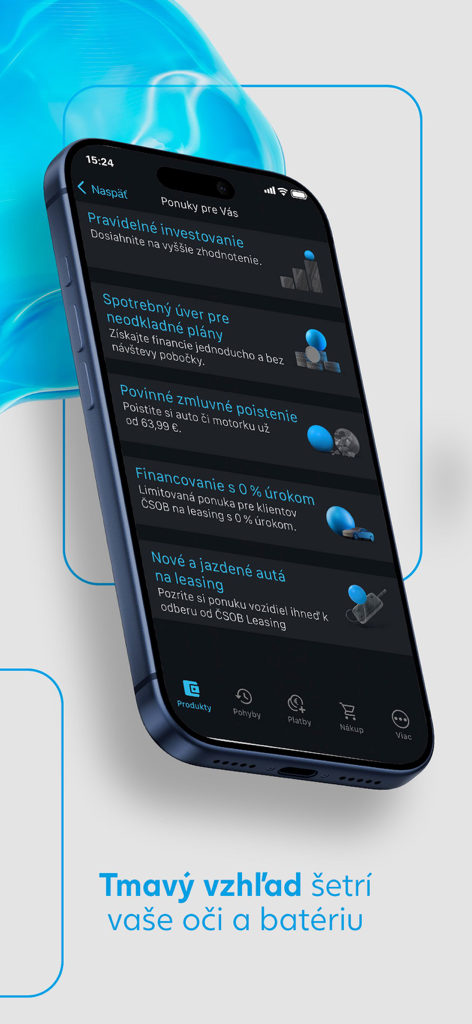
CSOB SmartBanking mobile app interface in dark mode showing financial product offers on an iPhone

CSOB SmartBanking mobile app interface in dark mode showing financial product offers on an iPhone

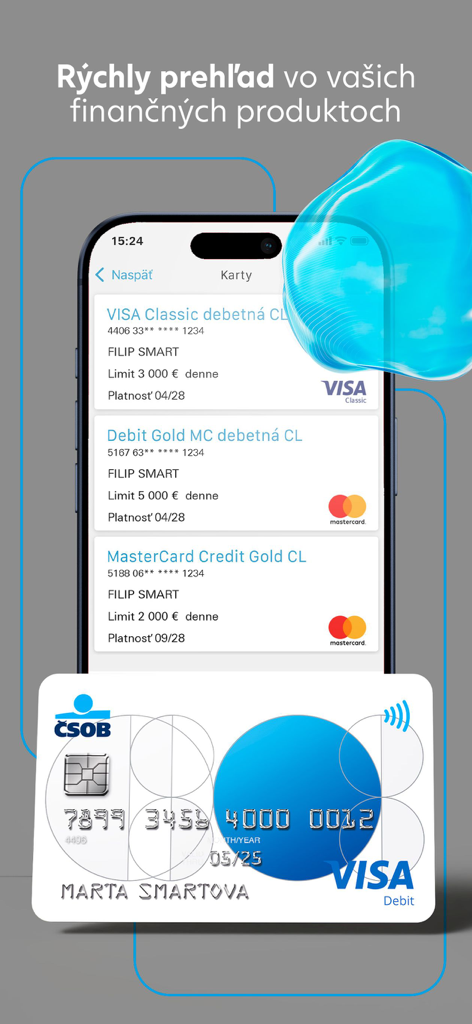
Overview of debit and credit cards in the CSOB SmartBanking mobile app on an iPhone

Overview of debit and credit cards in the CSOB SmartBanking mobile app on an iPhone

Smart Banking for the Global Slovak

The tools that make this app stand out, trusted by 167K+ users.

🌍

Remote Asset Management

Easily pay Slovak utilities, taxes, or mortgage installments directly from your home in the USA.

🛡️

Multi-Layered Security

Rest easy with advanced IPPID identification and secure PIN authentication protecting your assets from 4,000 miles away.

Apple Ecosystem Ready

Monitor balances on your Apple Watch or perform complex transfers on your iPad with a seamless, high-end experience.

About the app

Everything you need to know about CSOB SmartBanking.

Description

The ČSOB SmartBanking App is intended primarily for ČSOB clients having an active electronic banking service. To activate the secured part, your IPPID identification number and PIN (identical to Internetbanking) are required. After entering these into the App, the Bank will send you an activation key to the agreed mobile number, or you can generate it via Token. The activation key is only necessary for activating the App, which is also the first login. The next time you use the App, only your PIN is required. You can change it at any time via My ČSOB internet banking. We recommend that you change your PIN immediately after activating electronic banking services. If necessary, you can deactivate the App or change some of its parameters in the Settings menu. Other functions of the public part are accessible without logging in, also for users who are not ČSOB clients. The app is available in Slovak, English and Hungarian. You can find more information after installing the App in the "About App" section. At the same time there is ČSOB Infoline available to you at helpdeskeb@csob.sk or on phone number 0850 111 777, from abroad 00421 259 668 844.

Latest Version

9.24

Size

134.0 MB

First Released

Sep 5, 2011

Your Slovak Bank, Always Within Reach in the USA

Bridge the distance and manage your ČSOB accounts with total security. Download the app to pay bills back home and monitor your assets directly from your iPhone, iPad, or Apple Watch.

Download on App Store

App information, icons, screenshots, and descriptions displayed on this page are sourced from the Apple App Store and are the property of their respective developers. Download estimates and rankings are based on MWM's proprietary models and may not reflect actual figures. This page is provided for informational and analytical purposes only.

Believe this page infringes your intellectual property? File a dispute