
CVS Caremark


Refill mail service prescriptions, track orders in real-time, and check drug costs for you and your family. Manage your pharmacy benefits with total confidence, anywhere and anytime.
Publisher
Category
MedicalDownloads
2M+User Rating
Total Ratings
49K+Locales
1Discover the interface used by 2M+ users.
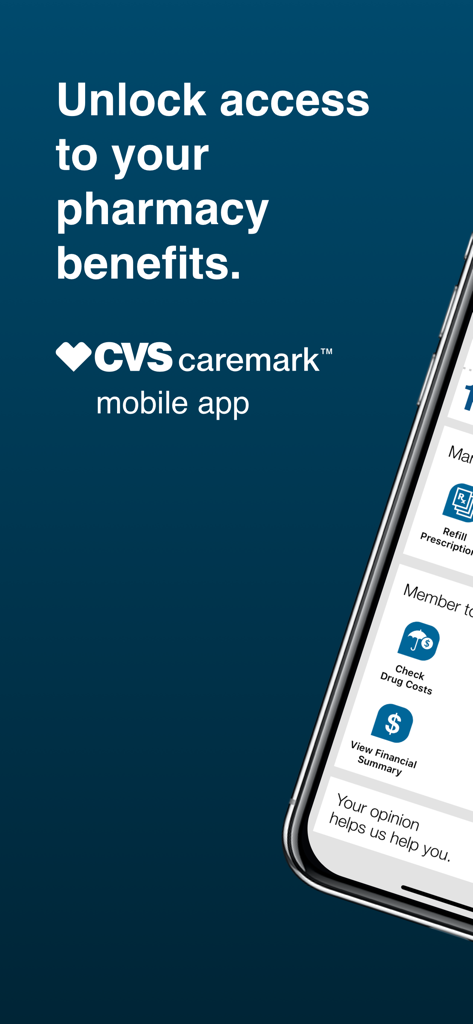
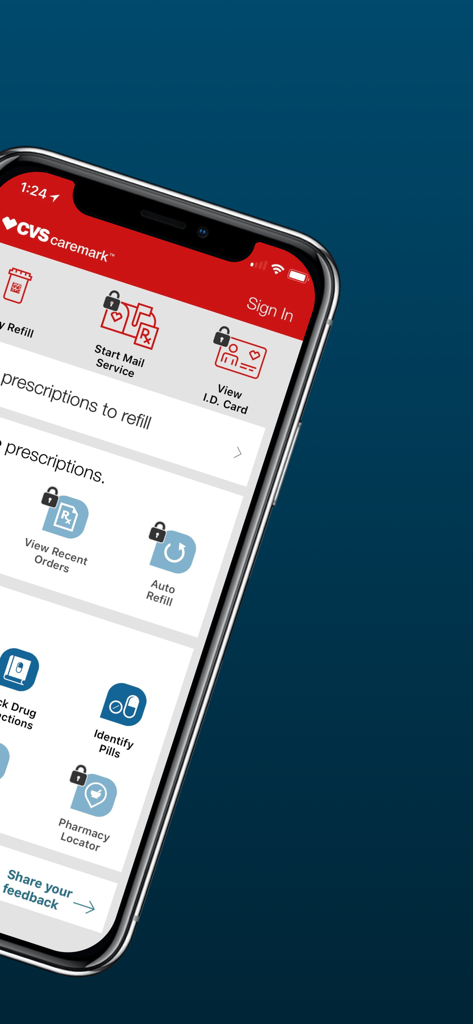
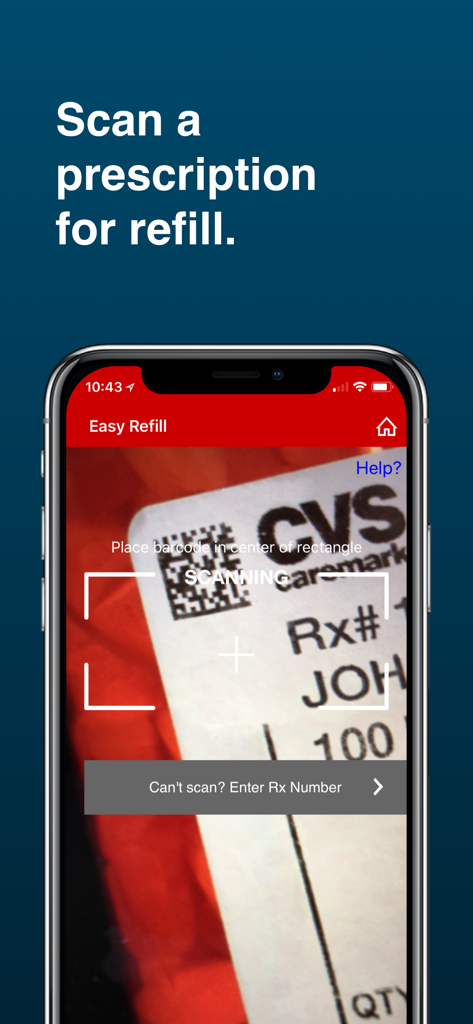
The tools that make this app stand out, trusted by 2M+ users.
Get your medications delivered straight to your home. Refill prescriptions and track your order status in real-time.
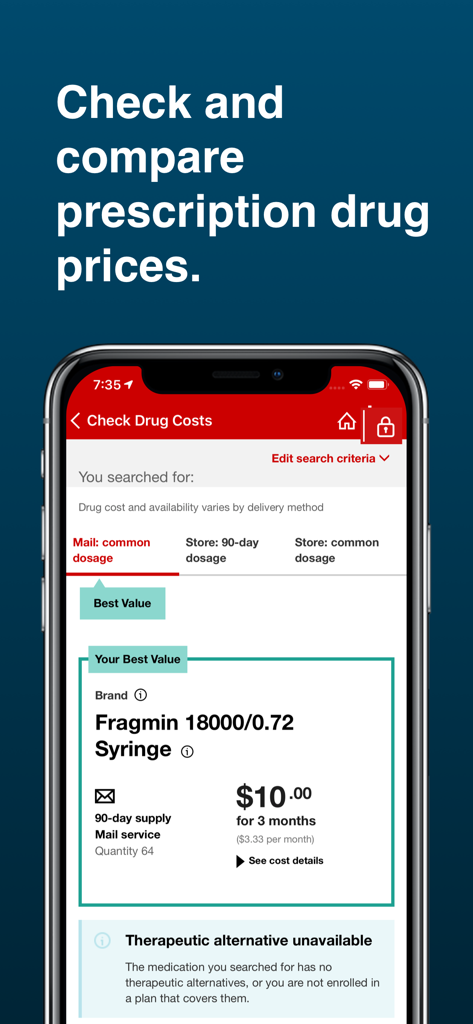
Avoid surprises at the counter. Check drug costs and coverage under your plan to find the most affordable options.
Access your member ID card anytime and manage prescriptions for your entire family in one secure location.
Insights from user reviews.
Sentiment Score
Summary
The mobile app receives overwhelmingly negative feedback, primarily due to persistent login failures, slow and buggy performance, and a general lack of reliability that often prevents users from accessing essential features like prescription management. A frequently criticized aspect is the app's blocking of screenshots, hindering communication with healthcare providers. Many users attribute these issues to recent updates, which are reported to break functionality or impede the update process, though specific problematic version numbers are not consistently mentioned.
Common Themes
Everything you need to know about CVS Caremark.
Description
Latest Version
5.69
Size
121.5 MB
First Released
Jul 21, 2010
Join over 2 million members who manage refills, check drug costs, and track mail orders with ease. Take control of your family's health today.
Everything you need to know about CVS Caremark
The CVS Caremark app helps users manage mail service prescriptions, track orders, view history, check drug costs, and locate pharmacies. It provides comprehensive pharmacy benefit management.
Yes, users must have CVS/caremark prescription benefits to utilize the CVS Caremark app. Verify your health insurance plan to confirm eligibility.
Yes, the CVS Caremark app provides an "Easy Refill" feature. This allows users to refill mail service prescriptions without needing to register or sign in.
The CVS Caremark app enables users to check order status directly. It also shows the number of refills due and orders in progress without requiring a sign-in.
Yes, the CVS Caremark app allows users to check drug costs and coverage. It provides tools to compare prescription drug prices for mail and store options.
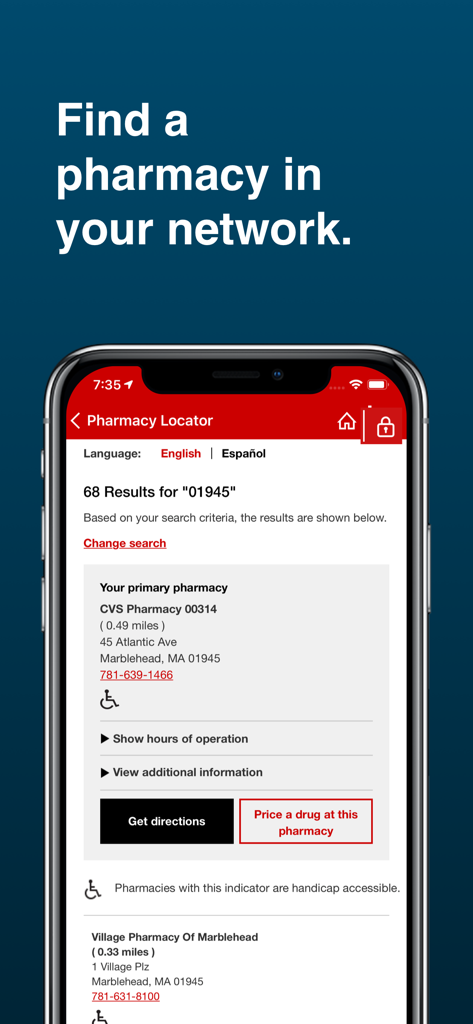
Yes, the CVS Caremark app includes a "Pharmacy Locator." This feature helps users find pharmacies within their network and provides location, contact, and direction details.
Yes, the CVS Caremark app offers a feature to identify unknown pills. This tool assists users in confirming medication details accurately.
Yes, the CVS Caremark app provides a function to check for potential drug interactions. This feature helps ensure medication safety and informed usage.
The CVS Caremark app allows users to view their member ID Card if their plan supports it. Users can also add the card directly to their Apple Wallet.
Existing Caremark.com usernames and passwords are valid for the CVS Caremark app. New users can also register directly within the app itself.
Apps with similar features and user experience

Elevance Health, Inc

BPJS Kesehatan

Centrum e-Zdrowia

Techniker Krankenkasse

Centene Corporation

Oscar Management Corporation

Businessolver.com, Inc.

EYEMED VISION CARE LLC

Blue Shield California
App information, icons, screenshots, and descriptions displayed on this page are sourced from the Apple App Store and are the property of their respective developers. Download estimates and rankings are based on MWM's proprietary models and may not reflect actual figures. This page is provided for informational and analytical purposes only.
Believe this page infringes your intellectual property? File a dispute
