DocSign: Scan PDF, Edit & Sign

DocSign: Scan PDF, Edit & Sign

Download on App Store
Logo of DocSign: Scan PDF, Edit & Sign

DocSign: Scan PDF, Edit & Sign — The Private, No-Signup Way to Handle Every Document

Turn your iPhone into a professional workstation. Securely scan, sign, and manage PDFs with zero cloud storage and no monthly fees. Perfect for freelancers and small businesses who value speed and privacy.

Download on App Store

Publisher

Mihail Salari

Category

Business

Downloads

0

User Rating

4.2/5

Total Ratings

0

Locales

8

Your Mobile Office, Visualized

Discover the interface used by 0 users.
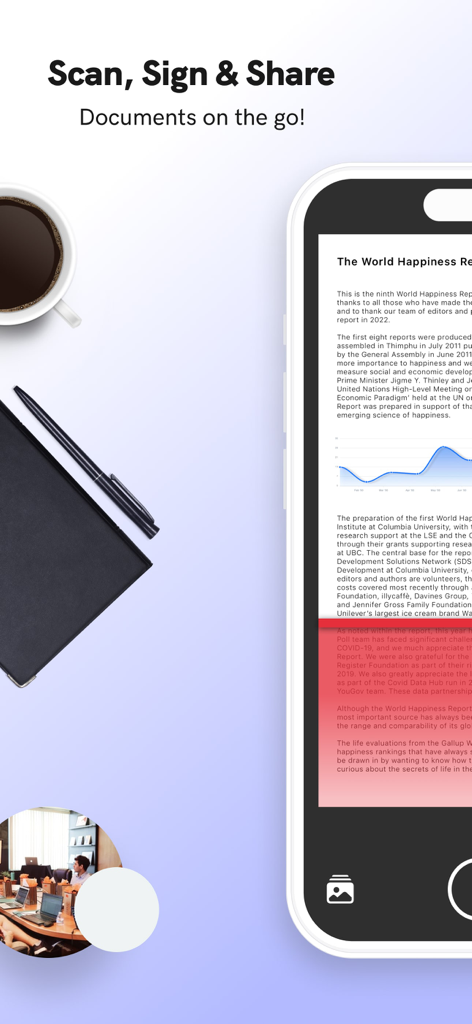
DocSign app on a smartphone for scanning and signing documents with a coffee cup and pen

DocSign app on a smartphone for scanning and signing documents with a coffee cup and pen

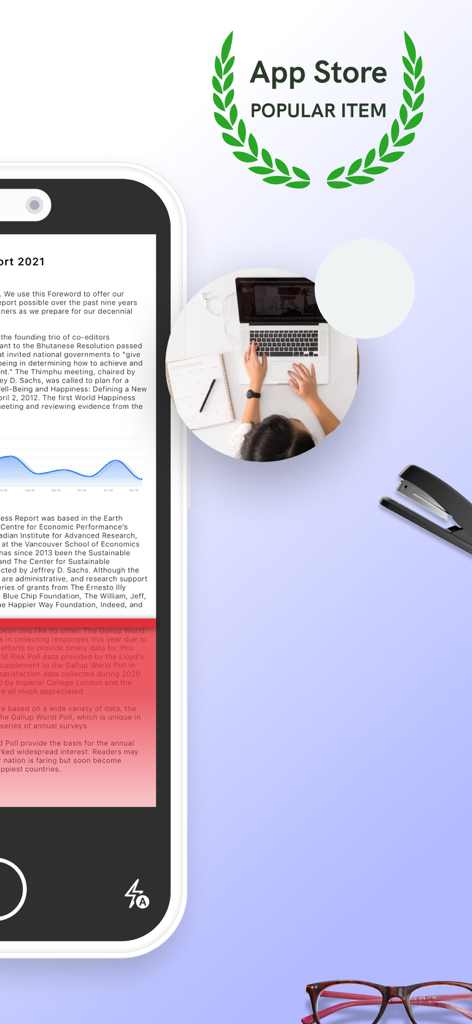
iPhone screen showing a document scan in the DocSign app with a popular item award

iPhone screen showing a document scan in the DocSign app with a popular item award

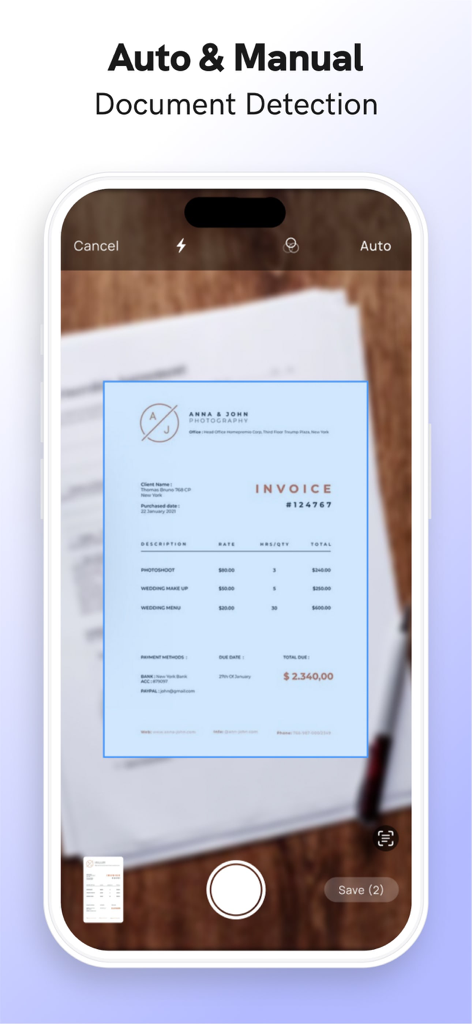
DocSign app interface showing auto and manual document detection while scanning a paper invoice

DocSign app interface showing auto and manual document detection while scanning a paper invoice

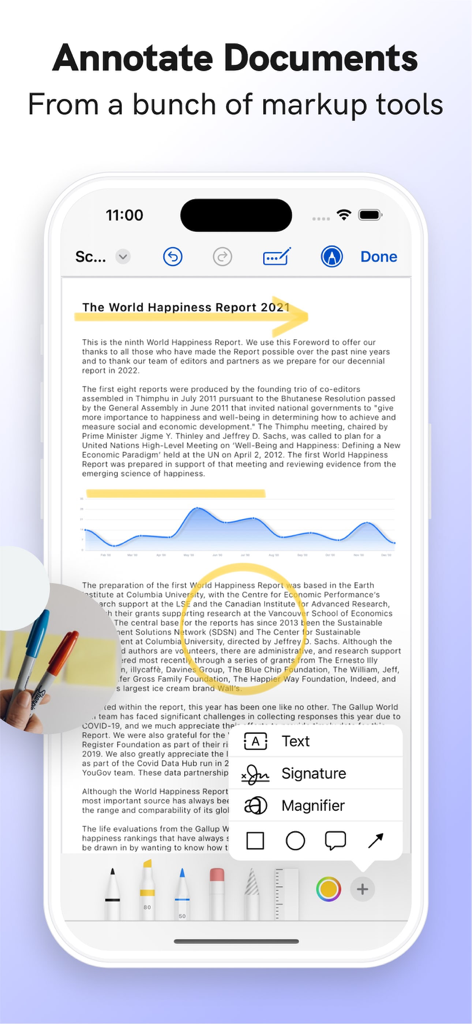
DocSign app interface showing document annotation with markup tools and signature options

DocSign app interface showing document annotation with markup tools and signature options

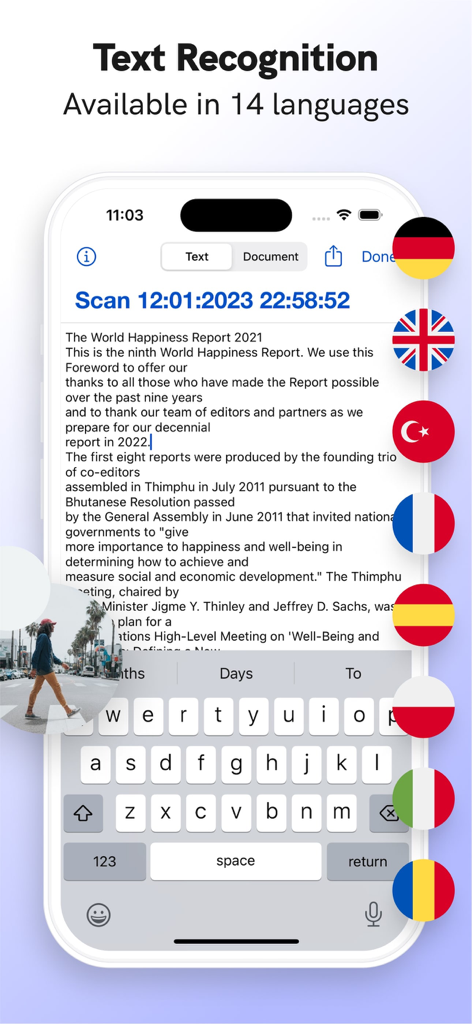
DocSign app interface demonstrating text recognition and multilingual support with country flags

DocSign app interface demonstrating text recognition and multilingual support with country flags

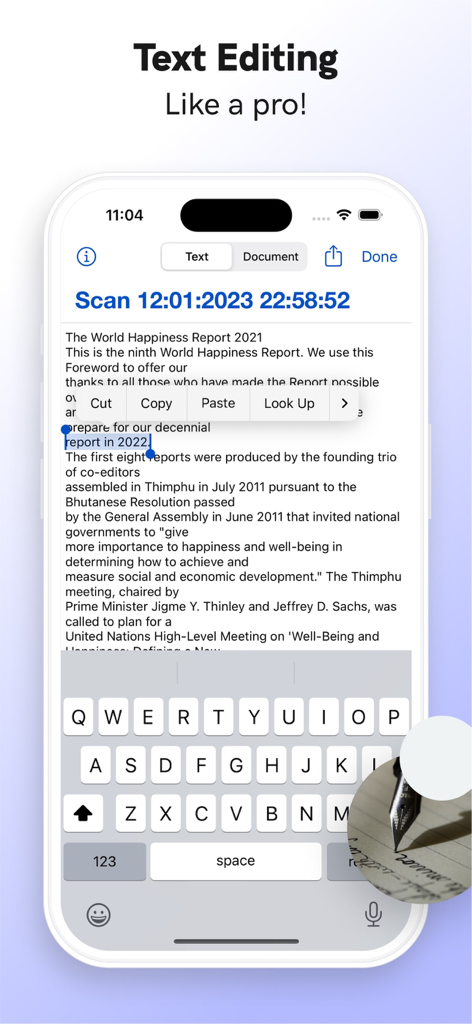
A smartphone screen showing the text editing feature of the DocSign app on a scanned document

A smartphone screen showing the text editing feature of the DocSign app on a scanned document

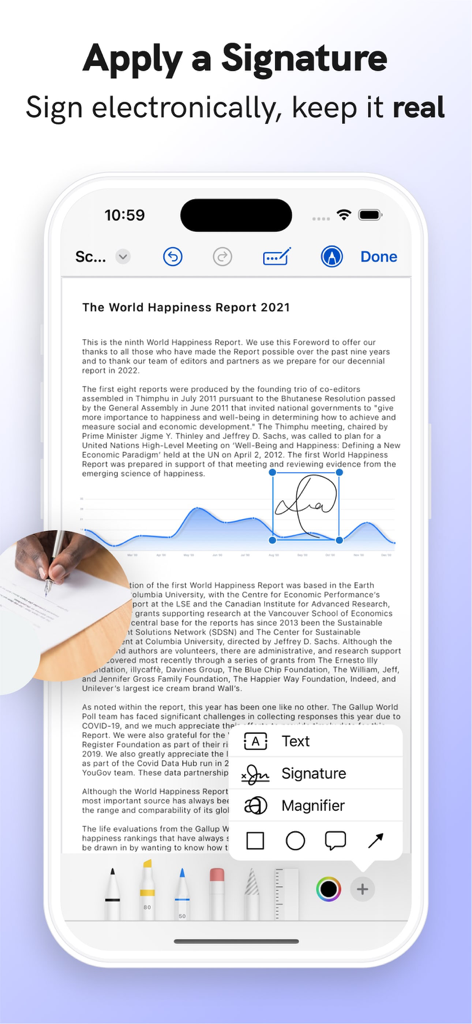
Applying a digital signature to a PDF document in the DocSign app

Applying a digital signature to a PDF document in the DocSign app

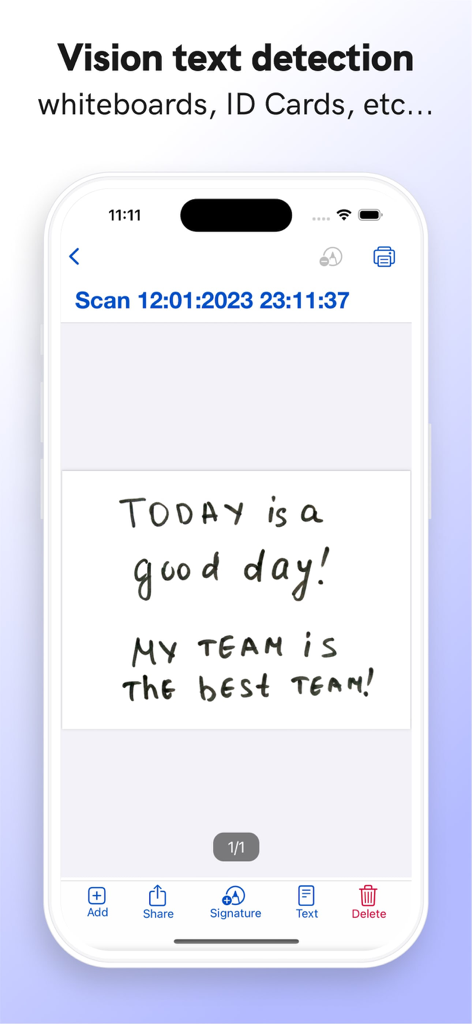
iPhone screen showing DocSign app with vision text detection feature scanning a handwritten note

iPhone screen showing DocSign app with vision text detection feature scanning a handwritten note

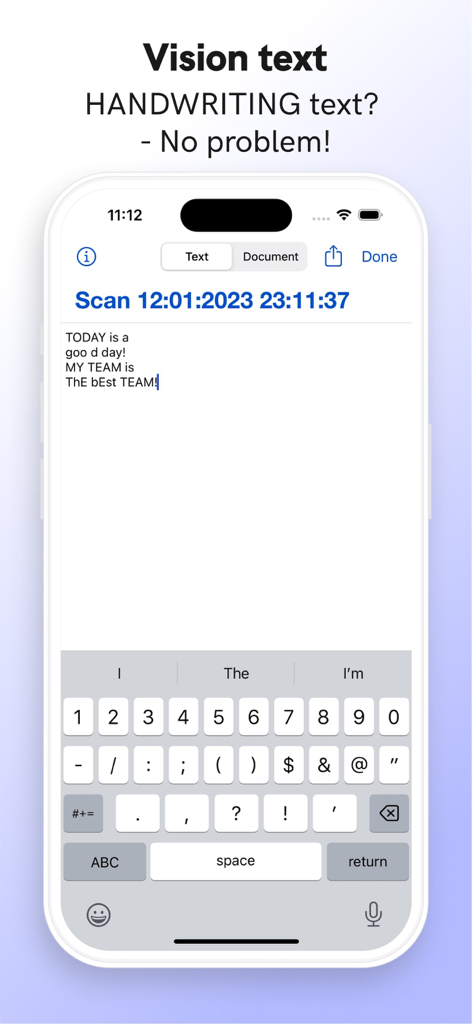
iPhone screen showing the DocSign app feature converting handwriting into digital text

iPhone screen showing the DocSign app feature converting handwriting into digital text

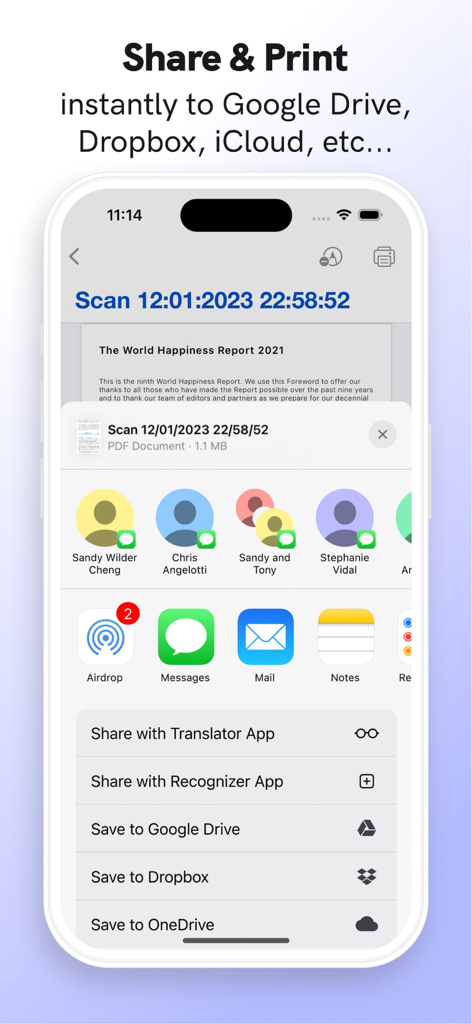
Interface of DocSign app showing options to share and print PDF documents to various cloud services and apps

Interface of DocSign app showing options to share and print PDF documents to various cloud services and apps

Complete Document Freedom

The tools that make this app stand out, trusted by 0 users.

🔒

Maximum Data Privacy

Your sensitive contracts stay on your device. With no cloud storage or servers involved, your data remains 100% private and under your control.

Zero-Friction Workflow

Forget passwords and registration forms. Open the app and sign your first document in seconds—no account required for immediate productivity.

📱

Pro-Grade Mobile Scanner

Turn photos into crisp PDFs with auto-crop, add digital signatures, and wirelessly sync to your computer with a simple drag-and-drop.

About the app

Everything you need to know about DocSign: Scan PDF, Edit & Sign.

Description

You can also use this app as a Pdf Maker / Pdf Viewer & Editor. FEATURE HIGHLIGHTS - Your privacy, our first concern, we don't use any of the cloud or server storage. - No SignUp/registration to use this app - Easily Add, Create e-Signatures to PDFs. - Create a Digital Signature - Add Text, e-Signature to documents - Scan your document with an auto-crop feature. - Page edges are detected automatically. - Share PDFs - Print scanned doc directly from the app - Import images from gallery - Import documents from files & iCloud - Add custom Text & Add Signature to IMAGES. - NEW: Wirelessly Transfer Media from iPhone to Computer without using iTunes. Just Drag & Drop your documents! The digital signature app can be used for many purposes such as signing a digital document and document signer. This digital signature app is the requirement of this this digital globe for digital sign and sign signature requirements. This e-signature works like sign easy for document sign and as a creator of e-signature. * Current DocSign Pro subscription price starts at $0.99/life * If you choose to purchase DocSign Pro, payment will be charged to your iTunes account, and your account will be charged for renewal within 24 hours prior to the end of the current period. * Subscriptions may be managed by the user and auto-renewal may be turned off by going to the user’s Account Settings after purchase. * Prices are in US dollars, may vary in countries other than the US, and are subject to change without notice. * Any unused portion of a free trial period, if offered, will be forfeited when the user purchases a subscription to that publication. * If you don’t choose to purchase DocSign Pro, you can simply continue using DocSign for free. Have any feedback or comments? We’d love to hear from you at https://docsignapp.wordpress.com/contact/

Latest Version

3.0.9

Size

28.4 MB

First Released

Nov 1, 2020

Ready to Sign? No Sign-Up, No Cloud, No Hassle.

Join thousands of US professionals who trust DocSign for secure, private, and instant document handling. Scan, sign, and send in seconds—your data stays on your device.

Download on App Store

App information, icons, screenshots, and descriptions displayed on this page are sourced from the Apple App Store and are the property of their respective developers. Download estimates and rankings are based on MWM's proprietary models and may not reflect actual figures. This page is provided for informational and analytical purposes only.

Believe this page infringes your intellectual property? File a dispute