Document Scanner to PDFㅤㅤㅤ

Document Scanner to PDFㅤㅤㅤ

Download on App Store
Logo of Document Scanner to PDFㅤㅤㅤ

Document Scanner to PDF: Your Complete Mobile Office in One App

Empower your workflow with professional-grade scans, smart search, and instant sharing. Designed for efficiency-driven professionals and digital nomads who need to turn paper into high-quality digital assets in seconds.

Publisher

Arian Cuevas

Category

Business

Downloads

300

User Rating

1.0/5

Total Ratings

0

Locales

1

Your Office, Reimagined

Discover the interface used by 300 users.
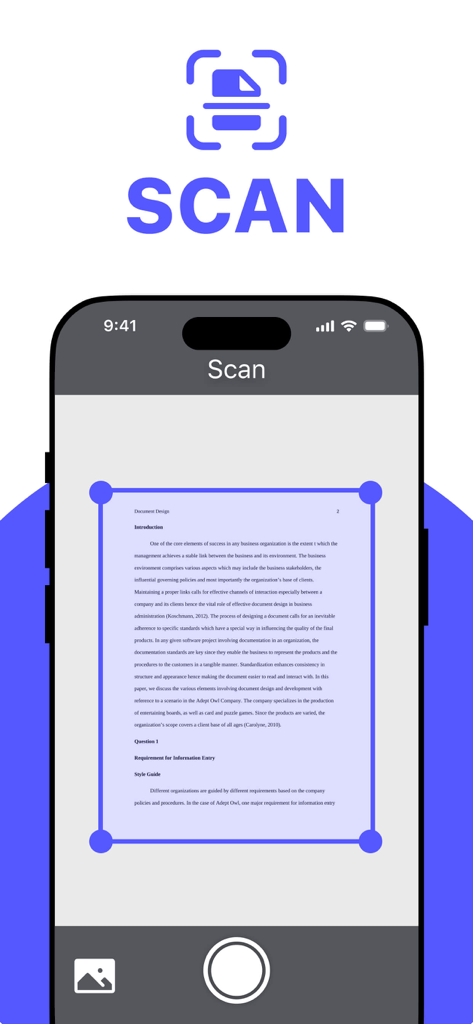
A smartphone screen showing the scan interface of the Document Scanner to PDF app capturing a text document with a blue selection frame

A smartphone screen showing the scan interface of the Document Scanner to PDF app capturing a text document with a blue selection frame

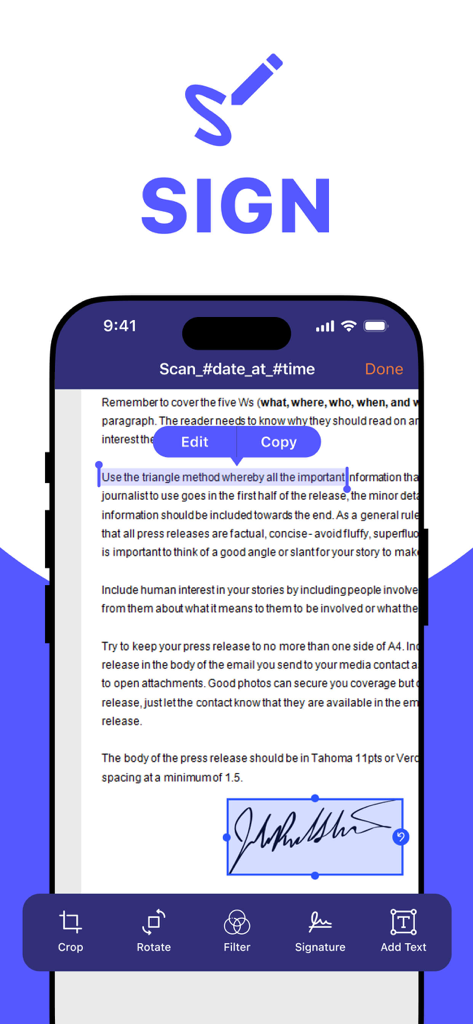
Interface of a document scanner app showing a digital signature being applied to a PDF document

Interface of a document scanner app showing a digital signature being applied to a PDF document

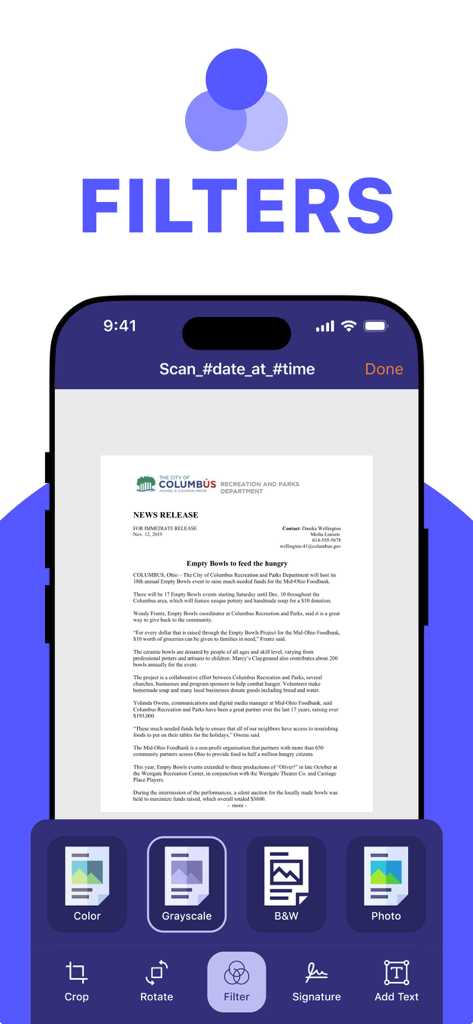
Mobile app interface showing grayscale filter applied to a scanned document with options for color, black and white, and photo filters.

Mobile app interface showing grayscale filter applied to a scanned document with options for color, black and white, and photo filters.

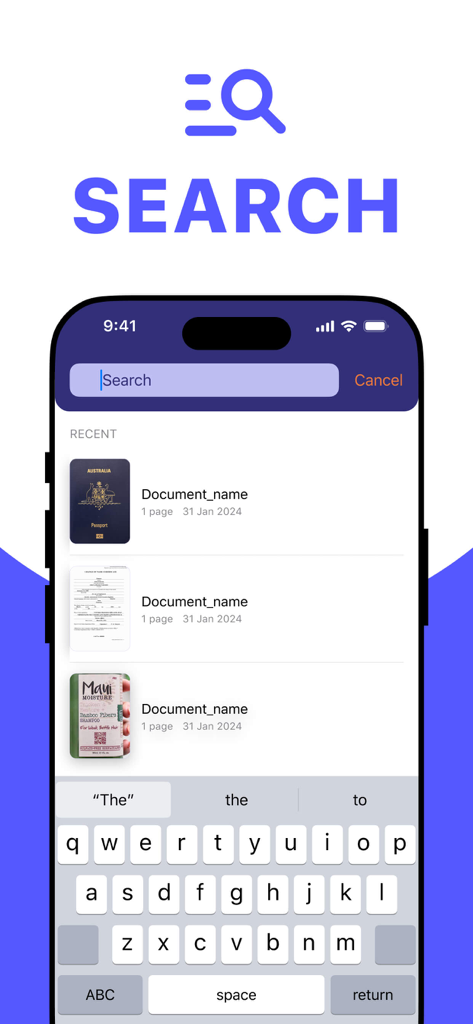
Search screen of the Document Scanner to PDF app showing recent documents and search bar

Search screen of the Document Scanner to PDF app showing recent documents and search bar

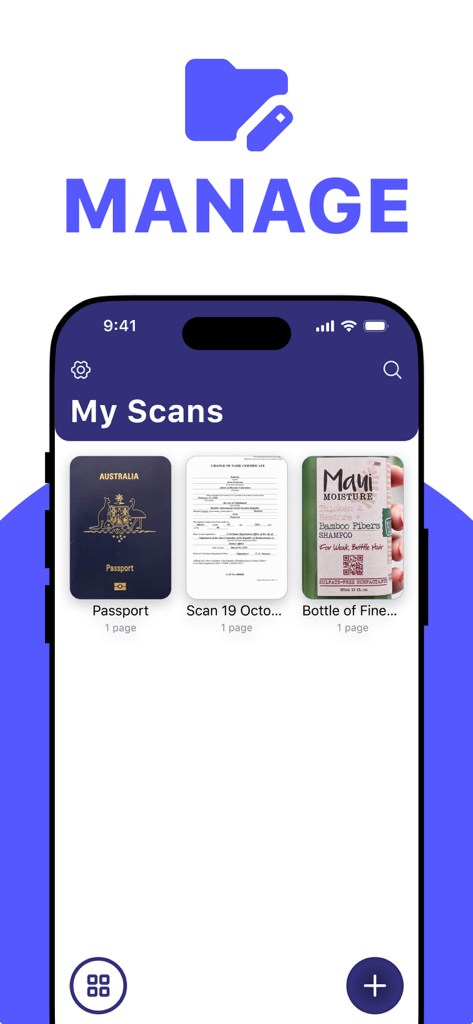
Interface of the Document Scanner to PDF app showing a folder of scanned documents including a passport and a certificate.

Interface of the Document Scanner to PDF app showing a folder of scanned documents including a passport and a certificate.

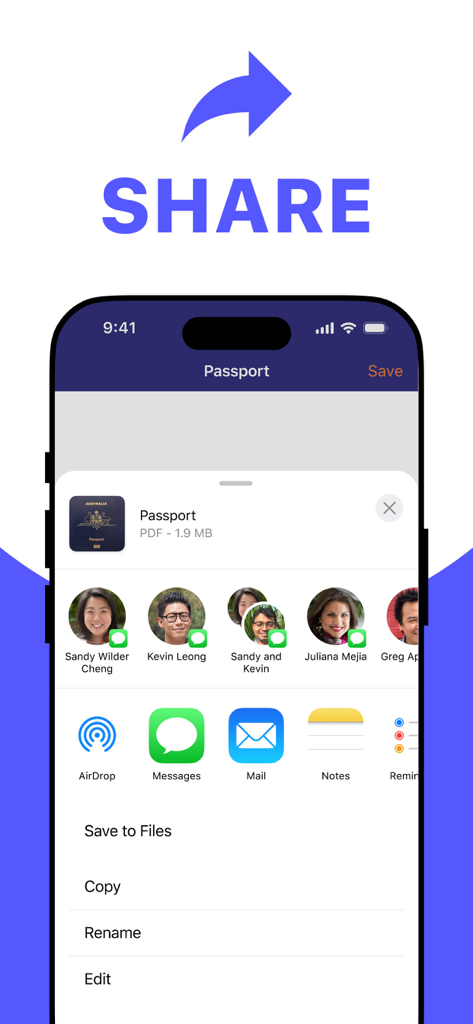
Share menu interface for sending a scanned PDF document on iPhone

Share menu interface for sending a scanned PDF document on iPhone

Your Entire Office, Right in Your Pocket

The tools that make this app stand out, trusted by 300 users.

📸

Crystal-Clear PDF Scanning

Convert contracts, receipts, and notes into professional digital documents in an instant with pro-grade image processing.

🔎

Smart File Organization

Save hours of searching. Our intuitive interface and search function let you locate any scanned file in seconds.

📤

Seamless Team Collaboration

Close deals faster. Send signed contracts and invoices to clients or colleagues in just two taps via your favorite apps.

About the app

Everything you need to know about Document Scanner to PDFㅤㅤㅤ.

Description

This versatile app transforms your smartphone into a complete mobile office. It allows you to effortlessly scan documents, save them in multiple formats, and customize them to your requirements. The user-friendly interface makes it simple to locate files using the search function and access recent documents quickly. Moreover, sharing scanned files with colleagues or friends takes just a few taps. Ideal for anyone who values mobility and efficiency, this solution keeps all your essential documents easily accessible wherever you are. Subscription Information: Unlock all premium features with a subscription. You can manage or cancel your subscription anytime directly from your device settings. Privacy Policy Link: https://docs.google.com/document/d/1ThSGi4HA_6mw5Ii22vE_cLpTIhiLdFsyDysE5Ta3lDk/edit?tab=t.0 Terms of Use Link: https://www.apple.com/legal/internet-services/itunes/dev/stdeula/

Latest Version

1.0.6

Size

54.7 MB

First Released

Apr 18, 2025

Carry Your Entire Office in Your Pocket

Stop searching for scanners and start closing deals. Download the ultimate tool to digitize, organize, and share your world in seconds.

Download on App Store

App information, icons, screenshots, and descriptions displayed on this page are sourced from the Apple App Store and are the property of their respective developers. Download estimates and rankings are based on MWM's proprietary models and may not reflect actual figures. This page is provided for informational and analytical purposes only.

Believe this page infringes your intellectual property? File a dispute