
Dolismart


Empower your business with native access to your Dolibarr data. Manage quotes, track inventory, and secure client signatures on the go with a fully customizable mobile interface designed for pros.
Publisher
Category
BusinessDownloads
200User Rating
Total Ratings
0Locales
1Discover the interface used by 200 users.
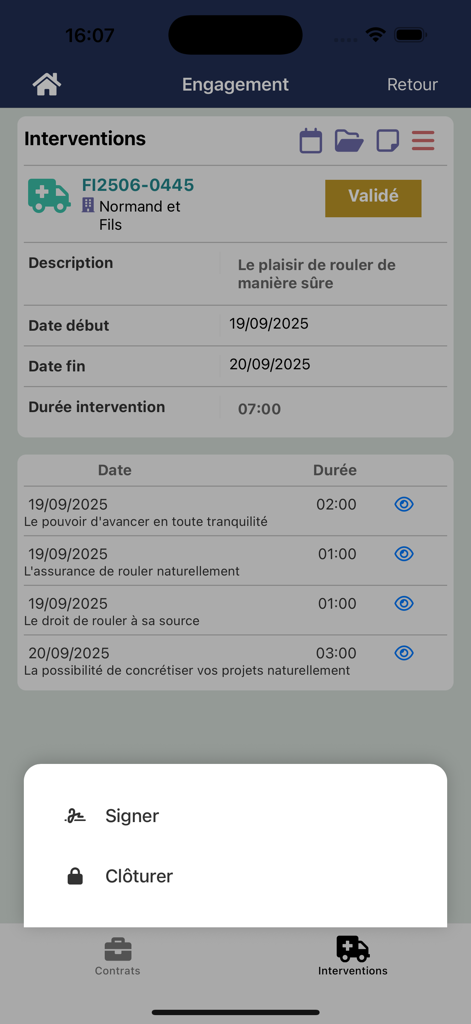
The tools that make this app stand out, trusted by 200 users.
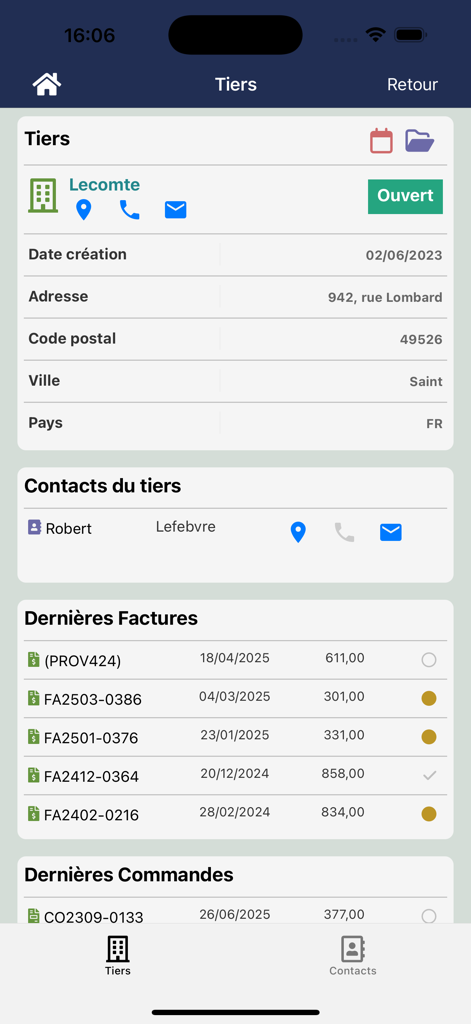
Instantly view and manage customers, quotes, and invoices. Turn downtime into productive time by accessing your business data on-the-go.
Close deals and confirm service interventions on-site. Capture client signatures directly on your device for shipments and field reports.
Tailor your mobile workspace. Choose exactly which fields, colors, and documents are displayed to match your specific business niche.
Everything you need to know about Dolismart.
Description
Latest Version
1.0.6
Size
41.0 MB
First Released
Aug 7, 2025
Join the savvy business owners managing quotes, products, and digital signatures directly from their iPhone. Your business doesn't stop at the desk—neither should your ERP. Download Dolismart today.
Everything you need to know about Dolismart
Dolismart connects to Dolibarr by requiring the user to enter their Dolibarr URL and credentials. This establishes the link for data access.
Dolismart accesses various Dolibarr data including third parties, quotes, products, invoices, and accounts. It syncs essential business information.
Yes, users can customize data display from Dolibarr. This includes choosing fields, order, and colors for lists and detail pages, respecting user access rights.
Yes, Dolismart provides access to documents such as images and PDFs related to pieces like interventions and invoices.
Yes, Dolismart enables the digital signature of interventions and shipments directly within the application for streamlined processes.
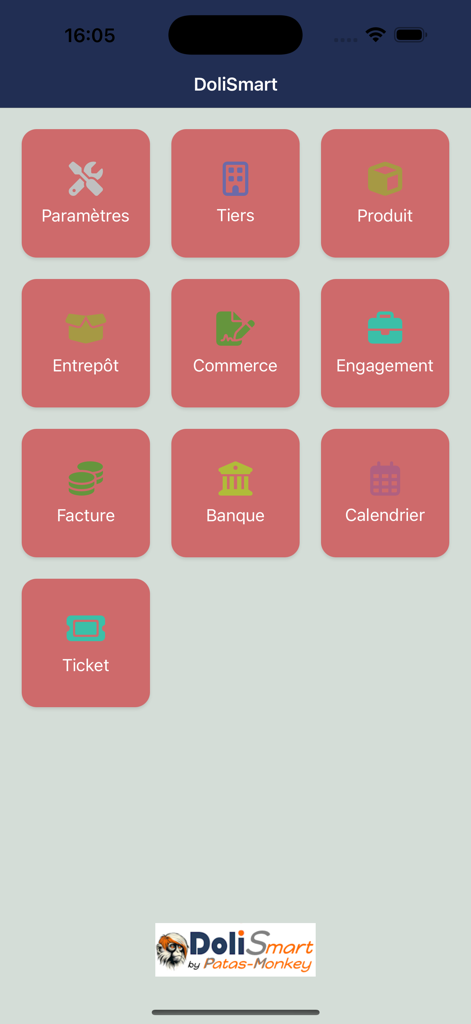
The Dolismart app provides modules for Settings, Third Parties, Products, Warehouse, Commerce, Engagements, Invoices, Bank, Calendar, and Tickets.
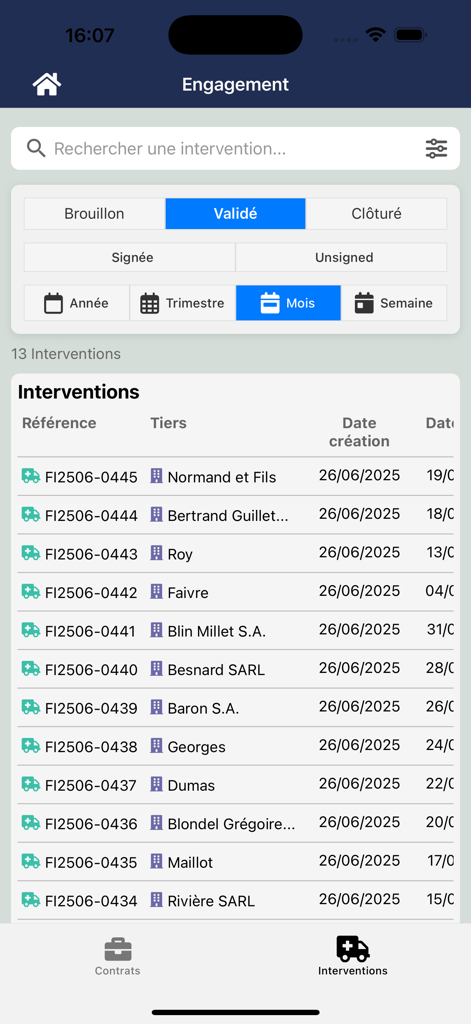
Dolismart allows users to manage interventions by filtering them by status (draft, validated, closed) and by date range, such as year, quarter, month, or week.
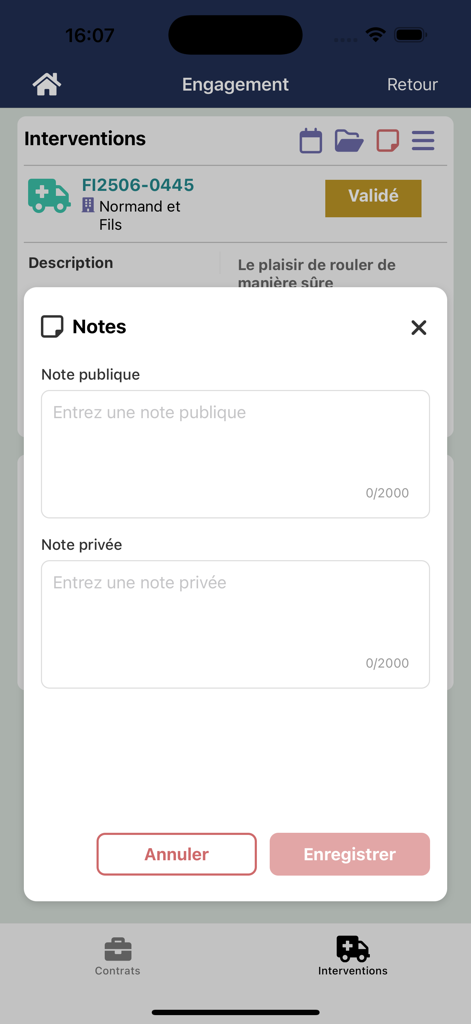
Yes, Dolismart allows users to add both public and private notes to interventions. Each note field supports up to 2000 characters.
Users finalize interventions in Dolismart by using the options to either 'Signer' (Sign) the intervention to confirm it or 'Clôturer' (Close) to complete it.
Top-ranked apps in the same category

Microsoft Corporation

Zoom Communications, Inc.

WhatsApp Inc.

Indeed Inc.

LinkedIn Corporation

Adobe Inc.

Tencent Technology (Shenzhen) Company Limited

Beijing China Product Bo Farce Network Technology Co., Ltd.

DingTalk Technology Co., Ltd.
App information, icons, screenshots, and descriptions displayed on this page are sourced from the Apple App Store and are the property of their respective developers. Download estimates and rankings are based on MWM's proprietary models and may not reflect actual figures. This page is provided for informational and analytical purposes only.
Believe this page infringes your intellectual property? File a dispute