e-Sword LT: Bible Study to Go

e-Sword LT: Bible Study to Go

Download on App Store
Logo of e-Sword LT: Bible Study to Go

e-Sword LT: Powerful Bible Study to Go

The world's most trusted Bible study software is now on your iPhone. Access Strong’s definitions, deep cross-references, and your entire personal library anywhere—no internet connection required.

Publisher

Richard Meyers

Category

Reference

Downloads

528K+

User Rating

4.8/5

Total Ratings

9K+

Locales

4

Your Library Visualized

Discover the interface used by 528K+ users.
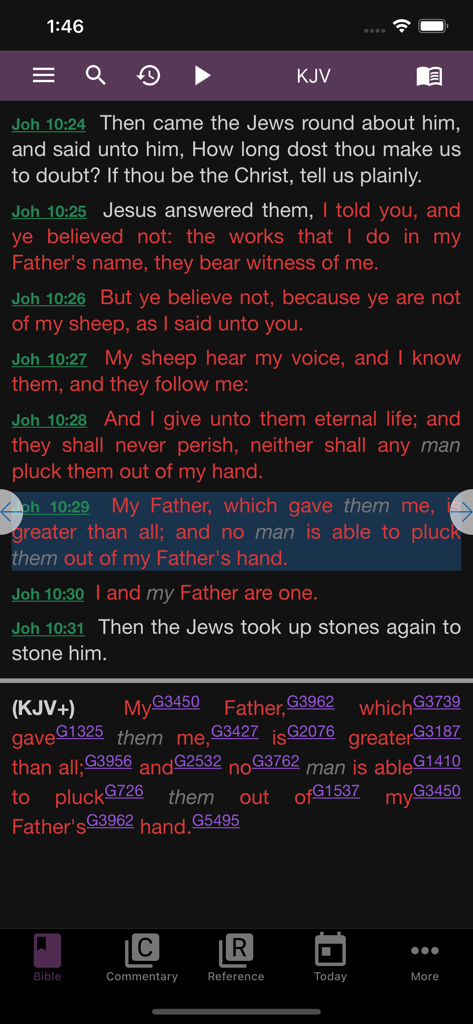
e-Sword LT app interface showing King James Bible verses with Strongs concordance numbers for detailed word study

e-Sword LT app interface showing King James Bible verses with Strongs concordance numbers for detailed word study

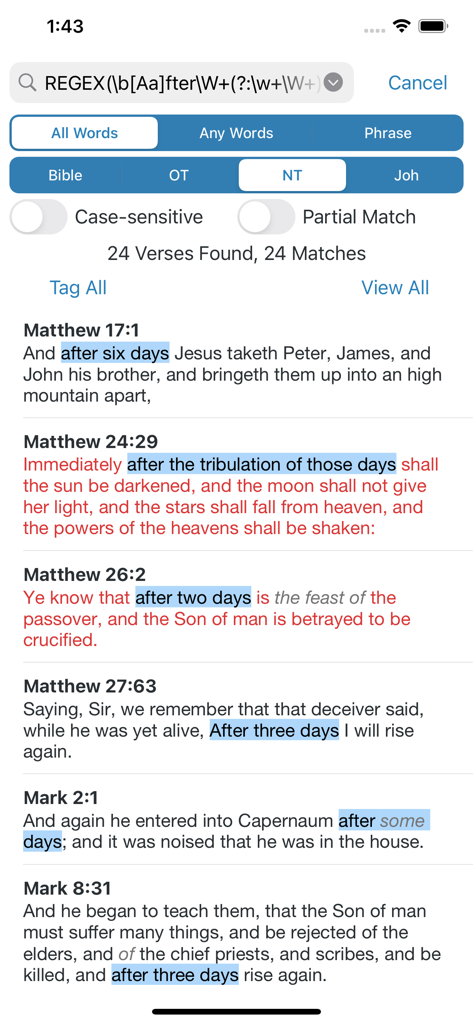
Advanced bible search results with highlighted verses in the e-Sword LT app

Advanced bible search results with highlighted verses in the e-Sword LT app

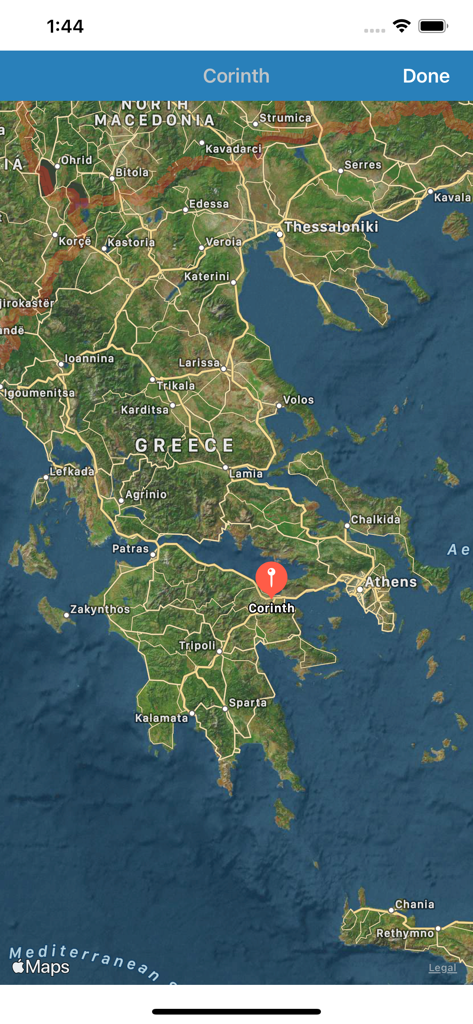
A map of Greece in the e-Sword LT app with a pin marking the biblical location of Corinth

A map of Greece in the e-Sword LT app with a pin marking the biblical location of Corinth

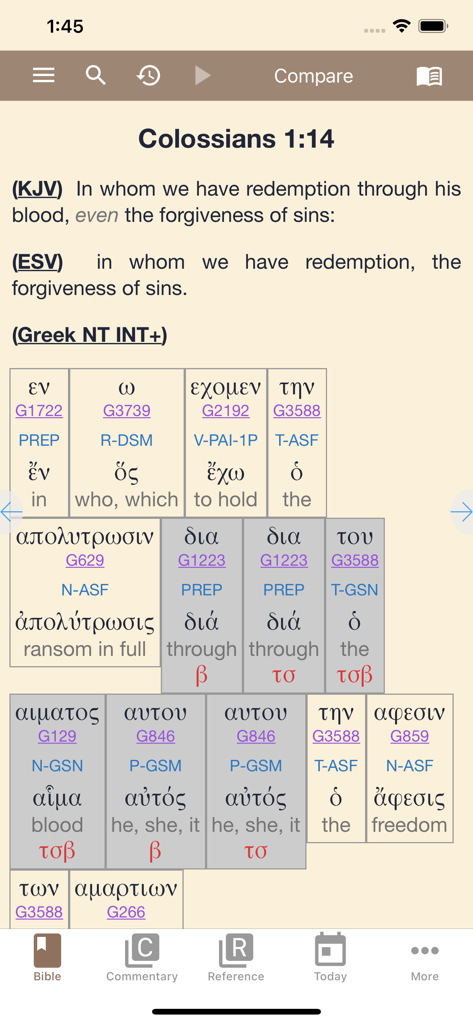
e-Sword LT app interface showing a Bible verse with KJV and ESV comparisons and a detailed Greek interlinear study section.

e-Sword LT app interface showing a Bible verse with KJV and ESV comparisons and a detailed Greek interlinear study section.

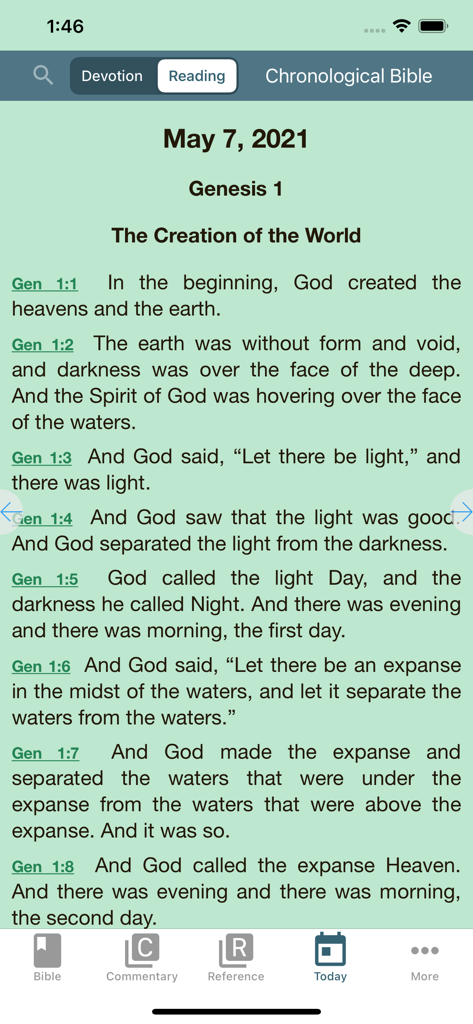
Daily Bible reading plan for Genesis 1 in the e-Sword LT app

Daily Bible reading plan for Genesis 1 in the e-Sword LT app

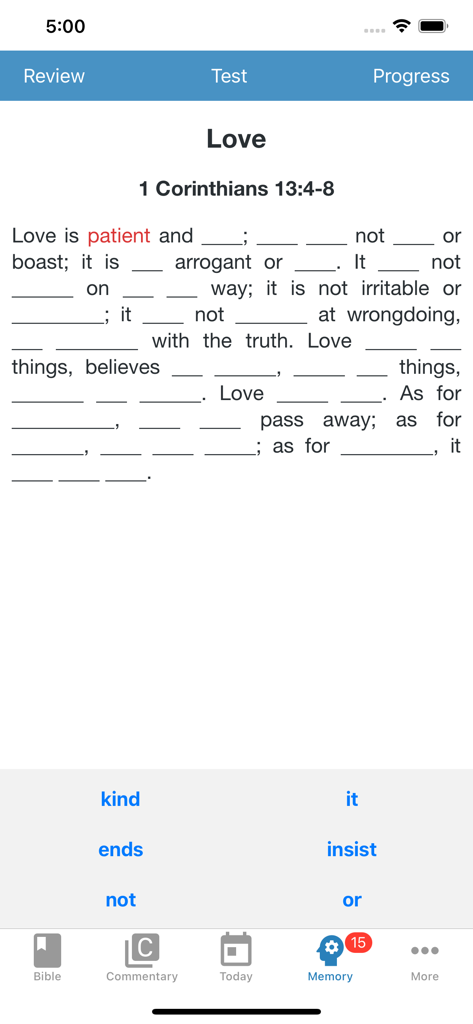
e-Sword LT app interface showing a scripture memory test for the Bible verse 1 Corinthians 13

e-Sword LT app interface showing a scripture memory test for the Bible verse 1 Corinthians 13

Deepen Your Biblical Understanding

The tools that make this app stand out, trusted by 528K+ users.

📖

Original Language Insights

Unlock the richness of Scripture by tapping any word to access Strong's Definitions and Lexicons for Greek and Hebrew study.

📵

Total Offline Access

Download your entire library once and study anywhere, from remote mission trips to church basements with no Wi-Fi needed.

📚

Comprehensive Library Control

Compare multiple Bible versions side-by-side and cross-reference over 100 free commentaries, dictionaries, and maps with a single tap.

About the app

Everything you need to know about e-Sword LT: Bible Study to Go.

Description

e-Sword® — the world's most popular PC Bible study software is now available on the world's most advanced mobile operating system! e-Sword LT is the little brother of e-Sword HD for the iPad, but has many of the same powerful features in a slimmer design for the iPhone. e-Sword LT is feature rich and user friendly. As your Biblical library grows you will appreciate the intuitive layout and synchronization of resources. e-Sword LT is so easy to use you may never need to read the Tutorial! EVERYTHING NEEDED to study the Bible in an enjoyable and enriching manner. All Bibles, commentaries, dictionaries, … everything is just a tap away! POWERFUL SEARCHES that are simple to use. Enter as many words you want to search for and select the settings.  You can even search on Strong numbers! STRONG'S DEFINITIONS are just a tap away and presented in a popover. SCRIPTURE REFERENCES too are just a tap away and presented in a popover. COMPARE BIBLES quickly to see how the different versions translate a verse. LOCATION MAPS pin-point Biblical places on live modern maps to help bring the narrative to life! READING PLANS designed to help you grow in your knowledge of the Bible. FORMATTED EMAILS of any selection of any text. Perfect for sharing with others. No Internet connection is required to use e-Sword LT. e-Sword LT initially installs with the King James Bible and the King James with Strong's numbers study Bible, the Strong's Lexicon, Smith's Bible dictionary, Meyer's devotional commentary, and the Treasury of Scripture Knowledge cross references. There are over one hundred additional Bibles, commentaries, dictionaries, reference books and devotionals that you can download and add to your library absolutely free! Also available are some "locked" resources which must be purchased from their publisher. These are copyright and licensing requirements which are unavoidable. Please note that e-Sword LT is an *ENGLISH* release (but does include Spanish, Portuguese and French UI localization.) There are dozens of non-English Bibles available, but all other content is in English. The perfect app on the perfect device. What are you waiting for? Download e-Sword LT today and get to studying the Bible!

Latest Version

13.3

Size

20.6 MB

First Released

Apr 20, 2013

Carry Your Complete Biblical Library Everywhere

Join over 500,000 dedicated students and leaders. Download e-Sword LT today and access the world's most trusted study tools right from your pocket—even without an internet connection.

Download on App Store
FAQ

Frequently Asked Questions

Everything you need to know about e-Sword LT: Bible Study to Go

Does e-Sword LT require an internet connection to function?

No, e-Sword LT does not require an internet connection for use. Users can access all downloaded content, including Bibles and study resources, offline at any time.

Is e-Sword LT available on iPad?

No, e-Sword LT is specifically designed for the iPhone. The iPad version, e-Sword HD, offers similar powerful features in a design optimized for the larger tablet screen.

Are there any free resources available in e-Sword LT?

Yes, e-Sword LT includes over one hundred additional Bibles, commentaries, dictionaries, reference books, and devotionals that users can download and add to their library absolutely free.

Does e-Sword LT offer any paid resources?

Yes, e-Sword LT provides access to some "locked" resources that must be purchased. These are subject to copyright and licensing requirements from their respective publishers.

What content is included when I first install e-Sword LT?

Upon installation, e-Sword LT provides the King James Bible, King James with Strong's numbers, Strong's Lexicon, Smith's Bible dictionary, Meyer's devotional commentary, and Treasury of Scripture Knowledge cross references.

Does e-Sword LT support multiple user interface languages?

Yes, e-Sword LT's user interface offers localization in Spanish, Portuguese, and French, in addition to English. Dozens of non-English Bibles are also available for download.

How can I view Strong's Definitions in e-Sword LT?

Strong's Definitions in e-Sword LT are accessible with a single tap. They appear in a convenient popover, providing immediate linguistic information for Biblical words.

Can I compare different Bible versions in e-Sword LT?

Yes, e-Sword LT allows users to quickly compare various Bible versions. This feature helps in seeing how different translations render a specific verse.

Does e-Sword LT include maps of Biblical locations?

Yes, e-Sword LT features Location Maps that pinpoint Biblical places on live modern maps. This helps users visualize and understand the narrative context.

What kind of search capabilities does e-Sword LT offer?

e-Sword LT provides powerful and user-friendly search options. Users can search for multiple words, apply settings, and even search using Strong numbers within Bibles, commentaries, and dictionaries.

Does e-Sword LT offer tools for scripture memorization?

Yes, e-Sword LT includes a "Memory" feature. This tool provides exercises like fill-in-the-blank for scripture passages, designed to help users memorize verses effectively.

Can I find Bible reading plans in e-Sword LT?

Yes, e-Sword LT offers various Reading Plans. These plans are specifically designed to assist users in deepening their knowledge and understanding of the Bible's content.

App information, icons, screenshots, and descriptions displayed on this page are sourced from the Apple App Store and are the property of their respective developers. Download estimates and rankings are based on MWM's proprietary models and may not reflect actual figures. This page is provided for informational and analytical purposes only.

Believe this page infringes your intellectual property? File a dispute