EdgeDetectionCamera

EdgeDetectionCamera

Download on App Store
Logo of EdgeDetectionCamera

EdgeDetectionCamera: Instant Line Art for Manga and Webtoons

Stop spending hours on complex backgrounds. Transform any photo into clean, transparent line drawings in seconds and export them directly to Procreate or Clip Studio Paint.

Download on App Store

Publisher

Mitsuhiro Hashimoto

Category

Graphics & Design

Downloads

32K+

User Rating

4.2/5

Total Ratings

500

Locales

34

From Photo to Panel

Discover the interface used by 32K+ users.
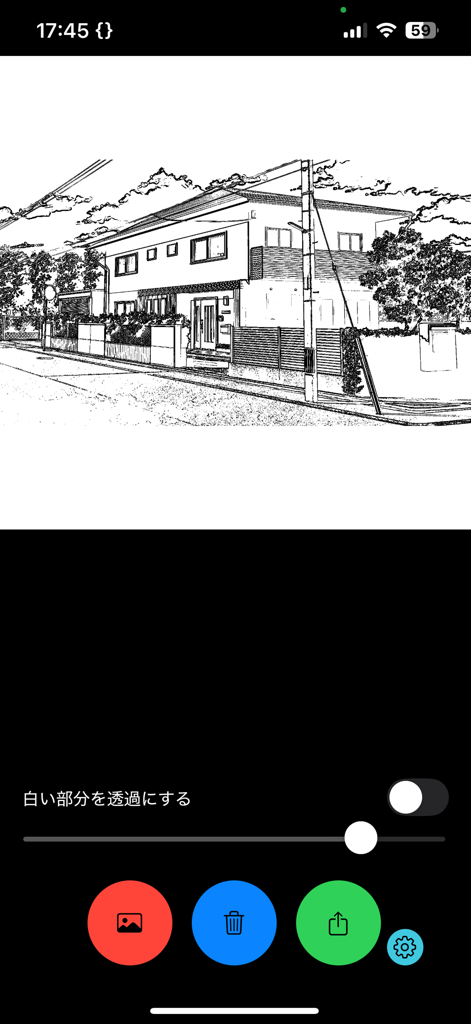
App interface showing a photo of a house converted into a manga style line drawing with adjustment sliders

App interface showing a photo of a house converted into a manga style line drawing with adjustment sliders

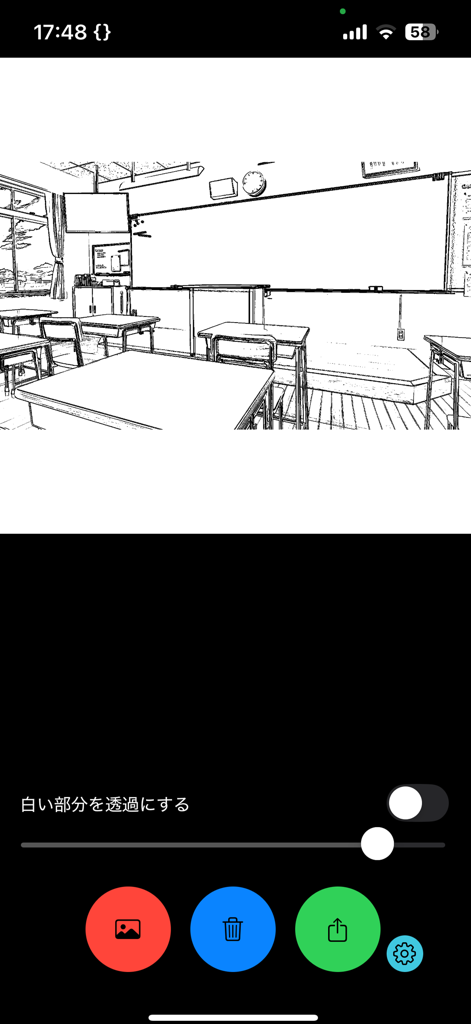
Smartphone interface displaying a black and white line drawing of a classroom for manga art creation

Smartphone interface displaying a black and white line drawing of a classroom for manga art creation

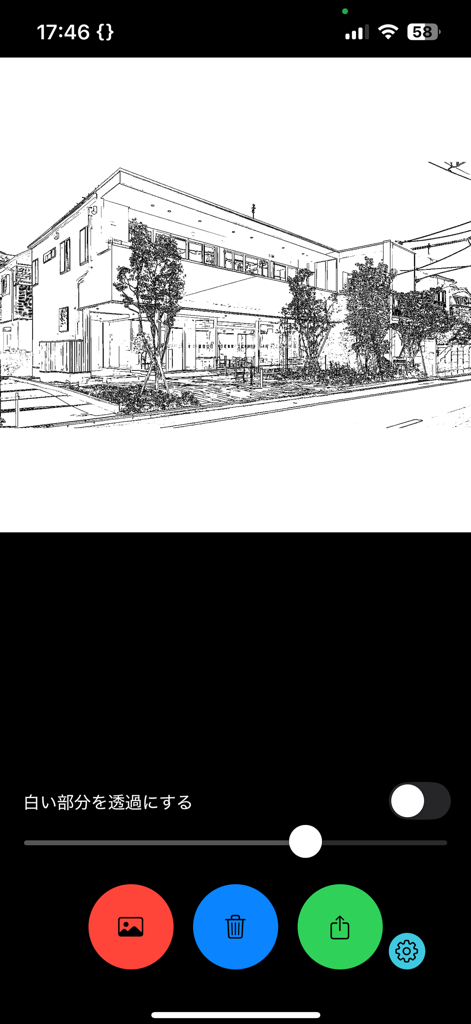
A building photo converted into a manga line drawing using the EdgeDetectionCamera app with adjustment sliders and export options.

A building photo converted into a manga line drawing using the EdgeDetectionCamera app with adjustment sliders and export options.

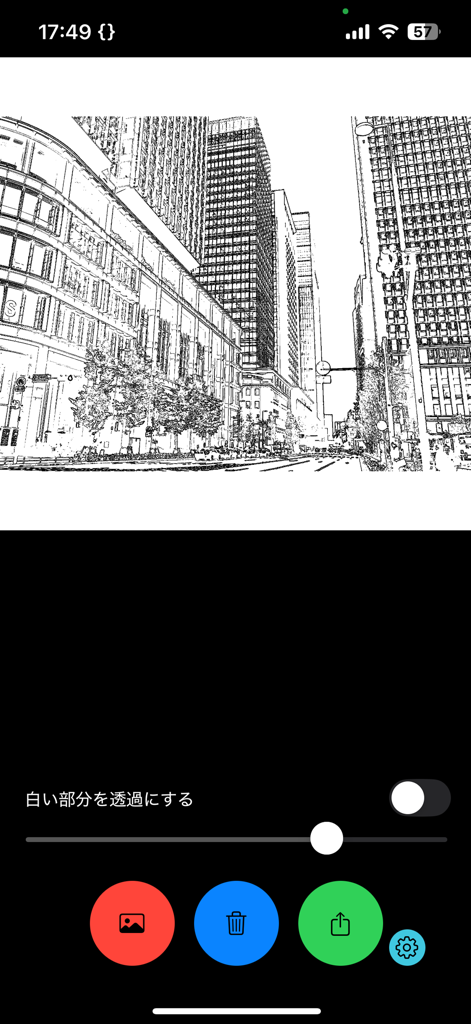
A mobile app interface showing a city photo converted into a black and white manga style line drawing with adjustment sliders and navigation icons

A mobile app interface showing a city photo converted into a black and white manga style line drawing with adjustment sliders and navigation icons

A photo of a building converted into a black and white manga-style line drawing within the app interface

A photo of a building converted into a black and white manga-style line drawing within the app interface

Master the Art of Manga Backgrounds

The tools that make this app stand out, trusted by 32K+ users.

🖼️

Instant Background Creation

Convert any photo into high-quality line art. Use simple sliders to dial in the perfect line weight for your comic panels.

📸

Real-Time Line Extraction

See the world through a manga lens. Capture and extract clean outlines directly from your camera for instant storyboarding.

🎨

Pro-Level Workflow

Export with transparent backgrounds. Seamlessly move your line art to Procreate or Clip Studio Paint to start coloring immediately.

About the app

Everything you need to know about EdgeDetectionCamera.

Description

Must-see for manga makers! Landscape images from photos and cameras as manga backgrounds! It is an application that can easily extract line drawings. [How to use] Photo selection You can select a photo and make it a line drawing. You can adjust the thickness of the tip with the slider. You can also make the white part transparent. Camera image Line drawing is extracted in real time from the camera image. It can be adjusted and made transparent with the slider. share You can export images and transfer them to each application. It is an application that can easily extract line drawings. [How to use] Photo selection You can select a photo and make it a line drawing. You can adjust the thickness of the tip with the slider. You can also make the white part transparent. Camera image Line drawing is extracted in real time from the camera image. It can be adjusted and made transparent with the slider. share You can export images and transfer them to each application.

Latest Version

1.2.4

Size

13.6 MB

First Released

Oct 18, 2021

Turn Your World Into Manga Today

Stop wasting hours on backgrounds. Extract perfect line art from any photo and focus on what matters most—your story.

Download on App Store

App information, icons, screenshots, and descriptions displayed on this page are sourced from the Apple App Store and are the property of their respective developers. Download estimates and rankings are based on MWM's proprietary models and may not reflect actual figures. This page is provided for informational and analytical purposes only.

Believe this page infringes your intellectual property? File a dispute