Equipment Mobile

Equipment Mobile

Download on App Store
Logo of Equipment Mobile

Equipment Mobile: Keep Your Operation Running at Peak Performance

Connect your John Deere fleet to monitor machine health, access digital manuals, and find the parts you need—all from the palm of your hand.

Download on App Store

Publisher

John Deere

Category

Business

Downloads

20K+

User Rating

3.4/5

Total Ratings

0

Locales

39

Efficiency at a Glance

Discover the interface used by 20K+ users.
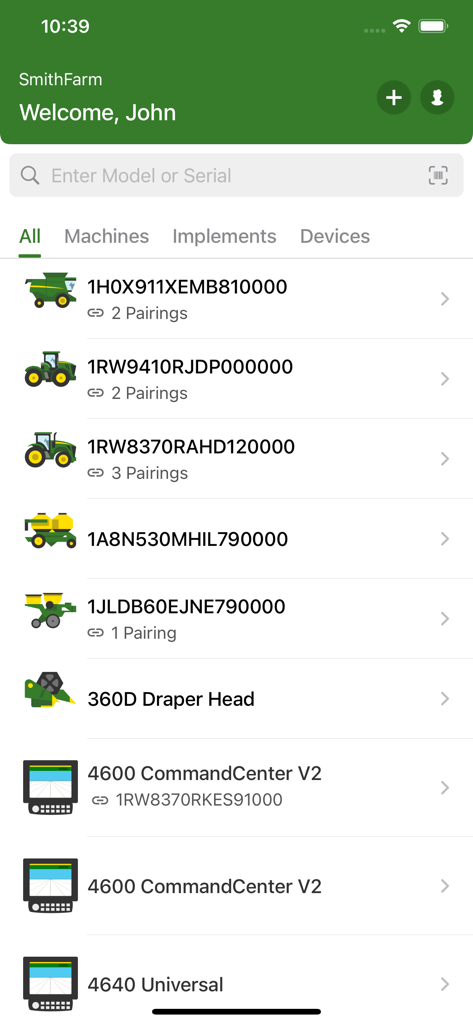
John Deere Equipment Mobile app dashboard showing a list of farm machines and connected devices

John Deere Equipment Mobile app dashboard showing a list of farm machines and connected devices

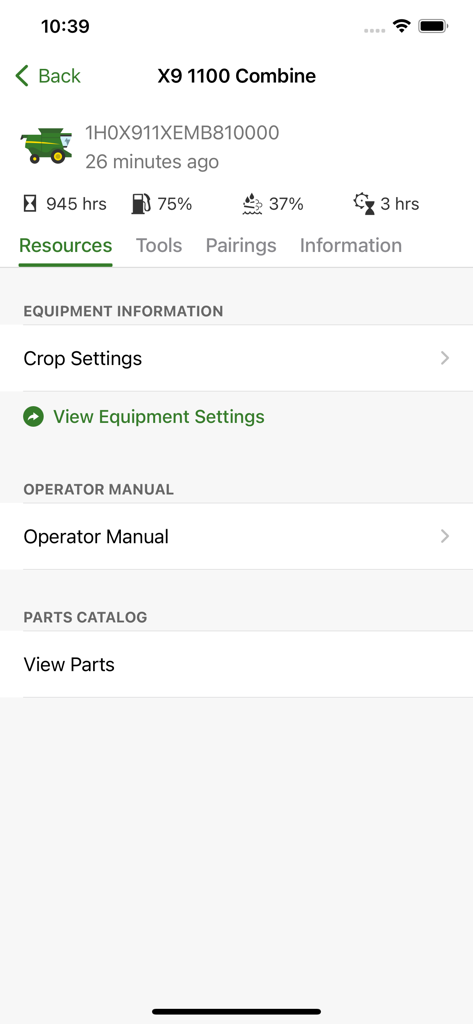
Interface of the John Deere Equipment Mobile app showing real-time fuel, engine hours, and resource links for an X9 1100 Combine.

Interface of the John Deere Equipment Mobile app showing real-time fuel, engine hours, and resource links for an X9 1100 Combine.

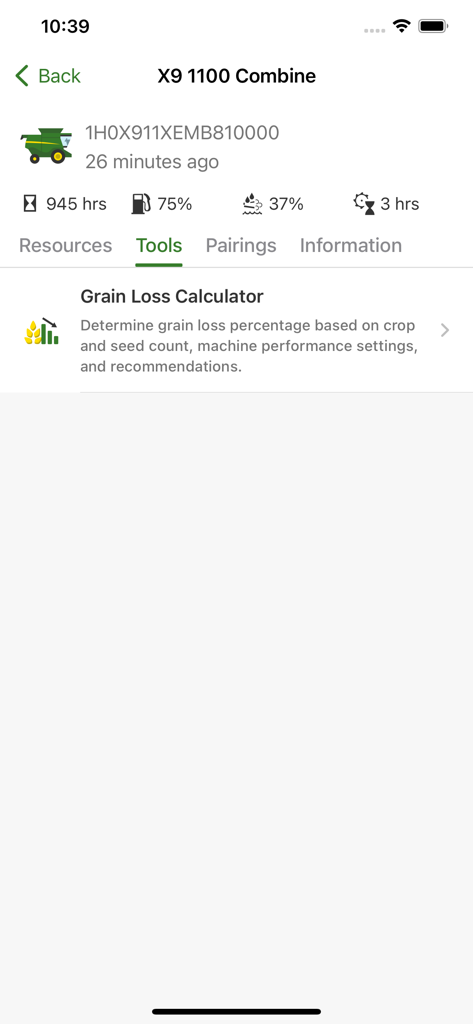
John Deere Equipment Mobile app showing the grain loss calculator tool for an X9 1100 Combine

John Deere Equipment Mobile app showing the grain loss calculator tool for an X9 1100 Combine

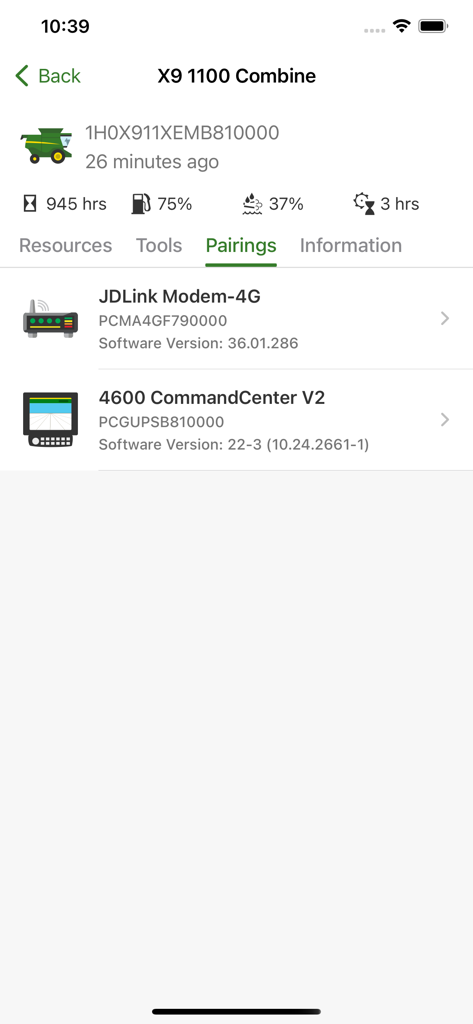
John Deere Equipment Mobile app showing paired hardware for an X9 1100 Combine including JDLink Modem and 4600 CommandCenter V2.

John Deere Equipment Mobile app showing paired hardware for an X9 1100 Combine including JDLink Modem and 4600 CommandCenter V2.

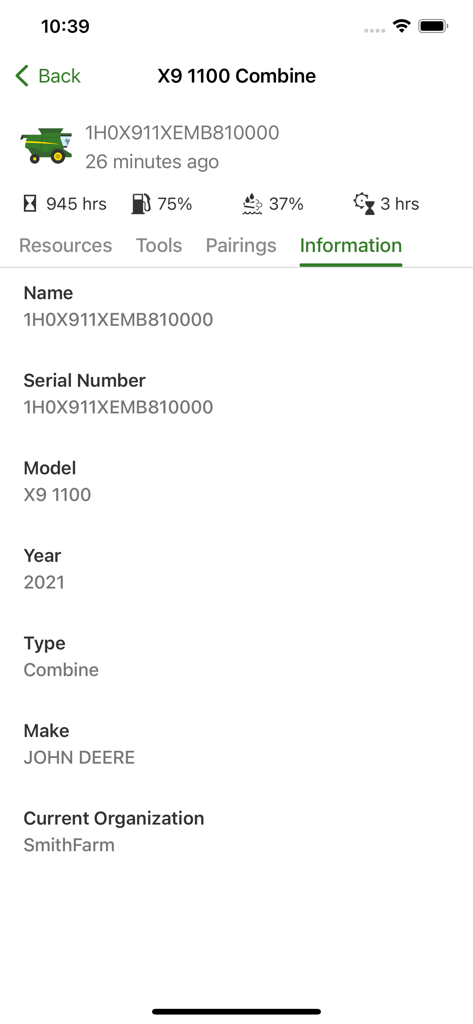
John Deere Equipment Mobile app screen showing detailed machine information for an X9 1100 Combine including serial number and model year

John Deere Equipment Mobile app screen showing detailed machine information for an X9 1100 Combine including serial number and model year

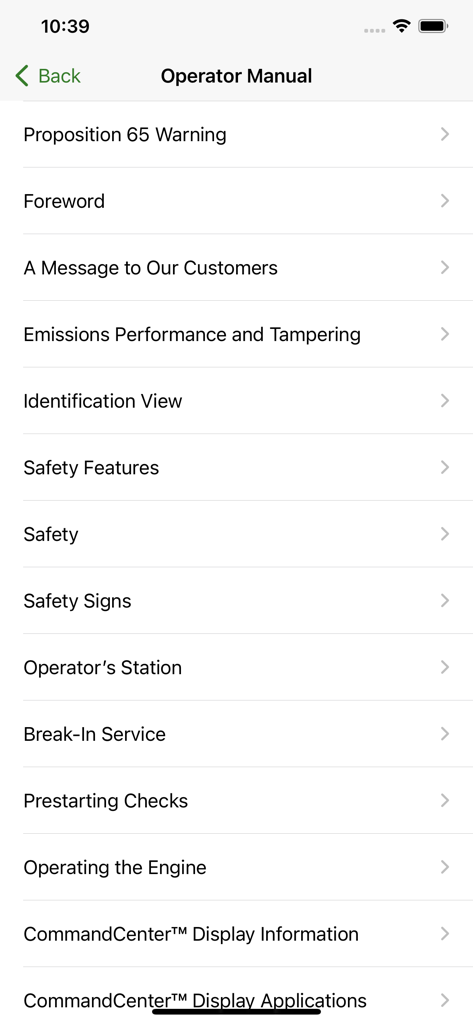
John Deere operator manual table of contents menu

John Deere operator manual table of contents menu

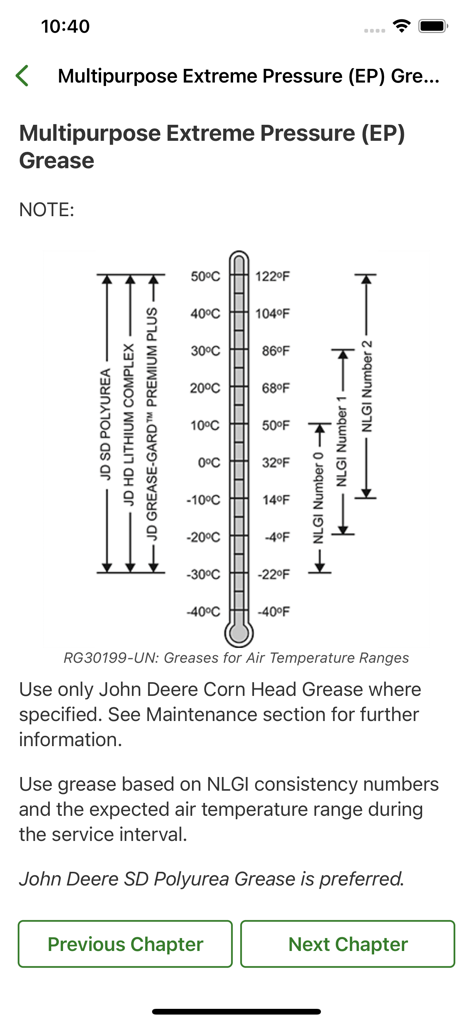
John Deere Equipment Mobile app displaying a grease temperature range chart from the digital operator manual

John Deere Equipment Mobile app displaying a grease temperature range chart from the digital operator manual

Maximize Your Uptime and Productivity

The tools that make this app stand out, trusted by 20K+ users.

📡

Remote Fleet Monitoring

Track fuel levels, engine hours, and machine health in real-time through JDLink™ Connect integration to manage your crew efficiently.

🛠️

Instant Technical Support

Access searchable Operator’s Manuals and optimization guides to troubleshoot and repair issues directly in the field.

⚙️

Precision Parts Ordering

Identify exact parts for your specific model via serial number and connect with your dealer to eliminate ordering errors.

About the app

Everything you need to know about Equipment Mobile.

Description

The John Deere Equipment Mobile app allows you to manage, maintain and keep your equipment running. With it, you can prepare equipment for work, access key information from the Operator’s Manual, and find the parts you need. The app also connects with John Deere Operations Center using JDLink™ Connect, providing an easy, reliable connection between you and your equipment. Equipment Mobile is your solution to access insights that help you proactively manage day-to-day operations and improve productivity. Features include: - View John Deere Operations Center equipment in one place - View connected devices - Explore Operators Manuals for Deere equipment - Find parts using equipment model or serial number - Access work optimization guides and tools - Add equipment to your organization by scanning the serial number - Contact your preferred Dealer - Access machine information – serial number, model year, and software version - Connected equipment capabilities such as fuel and hours

Latest Version

1.7.3

Size

155.5 MB

First Released

Jan 11, 2023

Ready to Maximize Your Uptime?

Put the power of John Deere in your pocket. Join thousands of pros managing their fleet, ordering parts, and reducing downtime with Equipment Mobile.

Download on App Store

App information, icons, screenshots, and descriptions displayed on this page are sourced from the Apple App Store and are the property of their respective developers. Download estimates and rankings are based on MWM's proprietary models and may not reflect actual figures. This page is provided for informational and analytical purposes only.

Believe this page infringes your intellectual property? File a dispute