eSign Fill and Sign Documents

eSign Fill and Sign Documents

Logo of eSign Fill and Sign Documents

eSign Fill and Sign Documents: Sign, Scan, and Send in Seconds

The mobile powerhouse for your paperwork. Create professional PDFs, add your signature, and share documents instantly from your iPhone. No printer, no desktop, no stress.

Publisher

MATHYS MARTIN LEFEVRE

Category

Business

Downloads

500+

User Rating

1.0/5

Total Ratings

0

Locales

18

Paperwork, Perfected

Discover the interface used by 500+ users.
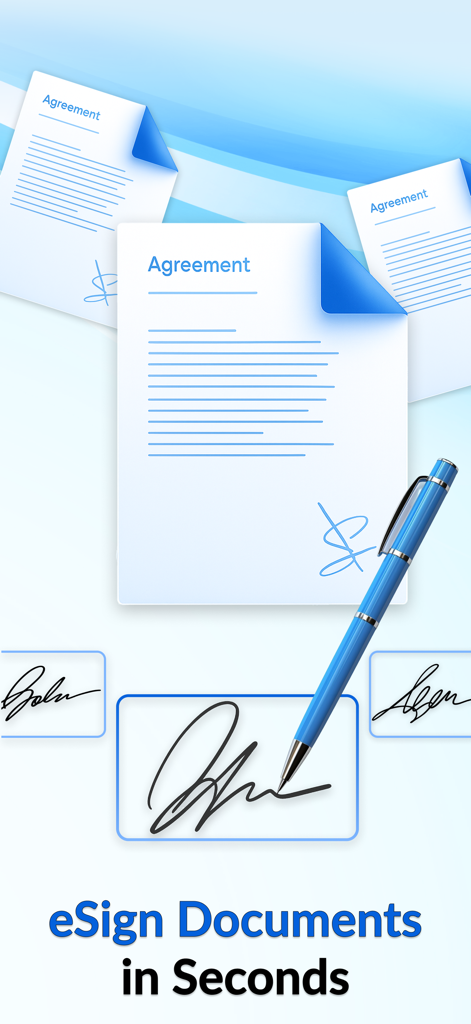
App graphic showing agreement documents and a pen for digital signing in seconds.

App graphic showing agreement documents and a pen for digital signing in seconds.

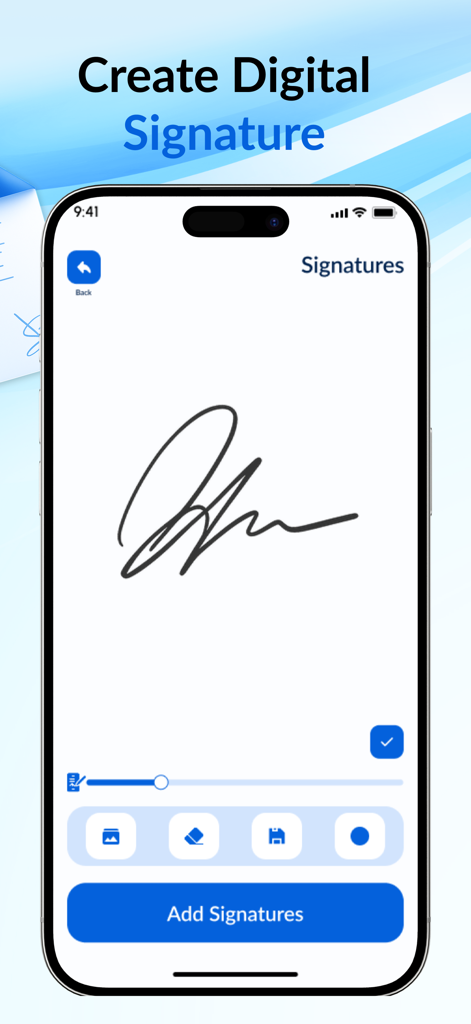
Digital signature creation screen on a mobile phone

Digital signature creation screen on a mobile phone

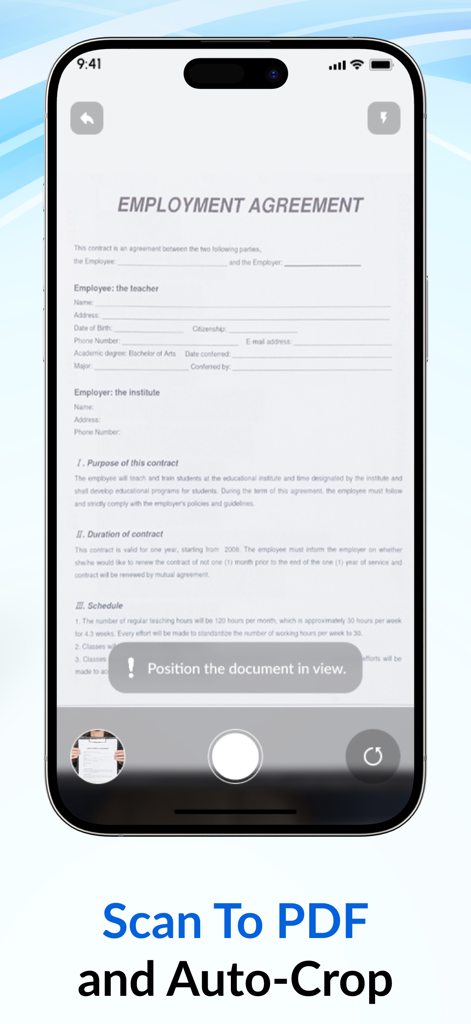
Smartphone interface of the eSign app showing an employment agreement being scanned with auto crop technology

Smartphone interface of the eSign app showing an employment agreement being scanned with auto crop technology

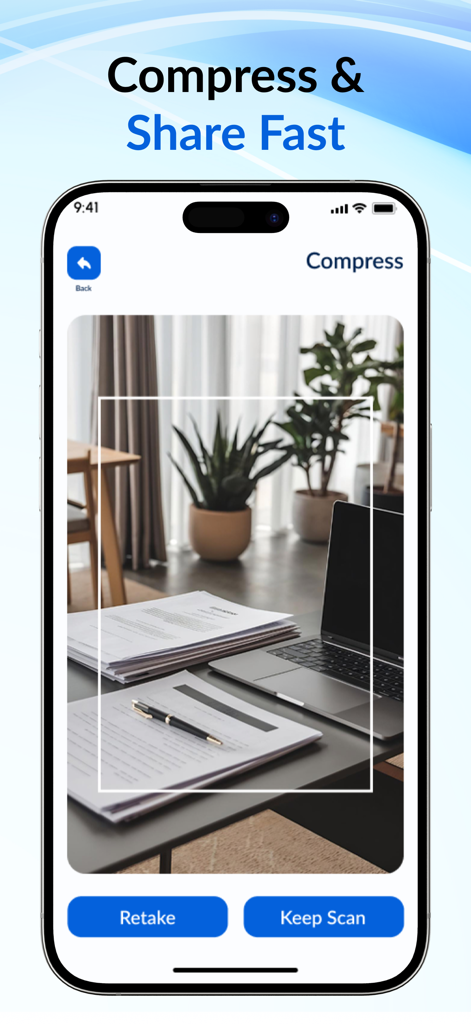
iPhone screen displaying the document scanning and compression interface of the eSign app

iPhone screen displaying the document scanning and compression interface of the eSign app

Your Entire Office in Your Pocket

The tools that make this app stand out, trusted by 500+ users.

✍️

Instant E-Signatures

Drop your signature, initials, or the date onto any document in seconds. Drag-and-drop technology makes finishing contracts as easy as sending a text.

📸

AI-Powered Mobile Scanner

Turn physical pages into crisp, high-definition PDFs. Smart auto-crop and perspective correction ensure your scans look professional and print-ready.

🚀

Workflow Integration

Store your signatures for repeated use and compress large files for instant sharing via Mail, Slack, or iCloud. Close deals from anywhere, anytime.

About the app

Everything you need to know about eSign Fill and Sign Documents.

Description

Sign. Scan. Send. Done. Turn your iPhone into a powerhouse for paperwork. eSign lets you fill and sign documents in seconds, scan pages into crisp PDFs, and share lightweight files without breaking a sweat. No printer. No desktop. No stress. Why you’ll love it - eSign Documents in Seconds. Drop your signature, initials, date, and text fields anywhere. Drag-and-drop, resize, and you’re done. - Create Digital Signature. Write once, save forever. Store multiple signatures/initials and switch in a tap. - Scan to PDF with Auto-Crop. Point the camera - smart edge detection cleans perspective and shadows for sharp, print-ready PDFs. - Compress & Share Fast. Reduce file size with one tap and send by Mail, Messages, or your favorite cloud - quality stays clear. Subscription information: - New users can start with a free trial. - When you confirm the purchase, the fee is charged to your Apple ID/iTunes account. - After the trial ends, the plan converts to a paid, auto-renewing subscription unless you turn off auto-renew at least 24 hours before the trial finishes. - Subscriptions auto-renew; to prevent renewal, disable auto-renew at least 24 hours before the current period ends. - Your Apple ID is billed within 24 hours prior to the end of the current period; the price depends on the plan you select. - Manage or cancel anytime in Settings > [your name] > Subscriptions after purchase. - If you subscribe before the trial ends, any unused trial time is forfeited. Download eSign and finish your paperwork in minutes, not hours. Privacy Policy: https://telegra.ph/Privacy-Policy--E-Signature-App-09-14 Terms of Use: https://telegra.ph/Terms-of-Use--E-Signature-App-09-14

Latest Version

1.0.2

Size

28.8 MB

First Released

Oct 2, 2025

Stop Hunting for a Printer

Join thousands of professionals who sign, scan, and send in seconds. Download eSign today and turn your iPhone into a complete portable office.

App information, icons, screenshots, and descriptions displayed on this page are sourced from the Apple App Store and are the property of their respective developers. Download estimates and rankings are based on MWM's proprietary models and may not reflect actual figures. This page is provided for informational and analytical purposes only.

Believe this page infringes your intellectual property? File a dispute