FincCalc Financial Calculator

FincCalc Financial Calculator

Download on App Store
Logo of FincCalc Financial Calculator

FincCalc Financial Calculator: Professional Analysis in Your Pocket

The ultimate replacement for legacy hardware. Master NPV, IRR, Amortization, and Options Greeks with precision tools built for finance professionals and students.

Download on App Store

Publisher

Anthony Noon

Category

Finance

Downloads

0

User Rating

1.0/5

Total Ratings

0

Locales

8

Precision in Action

Discover the interface used by 0 users.
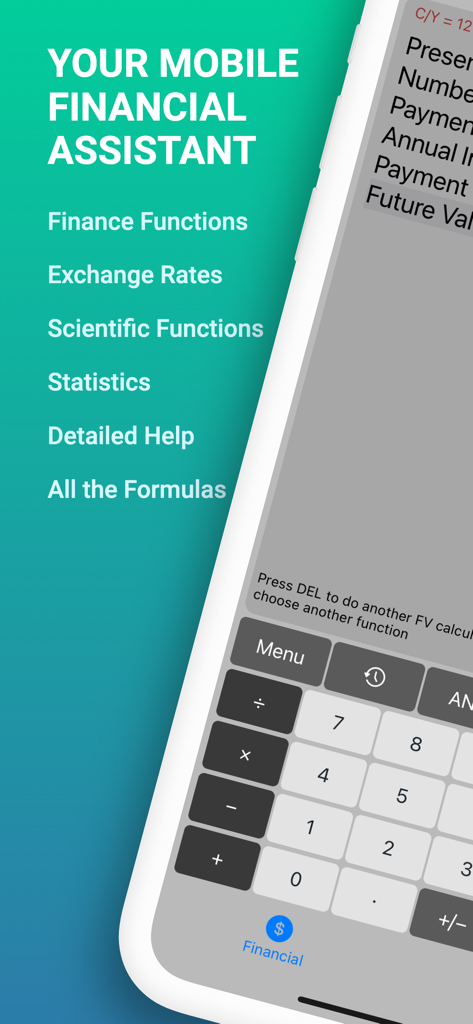
FincCalc Financial Calculator app interface showing a list of professional features including finance and scientific functions

FincCalc Financial Calculator app interface showing a list of professional features including finance and scientific functions

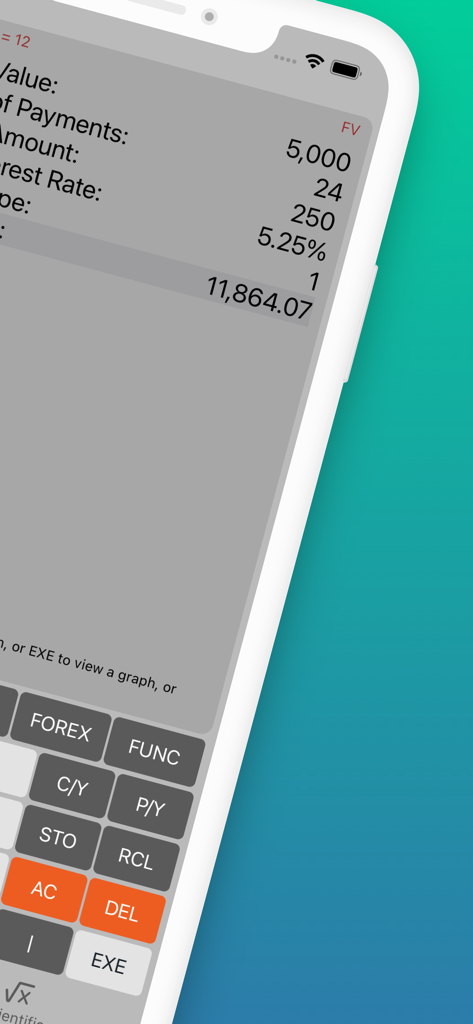
FincCalc app interface displaying a compound interest calculation with future value result

FincCalc app interface displaying a compound interest calculation with future value result

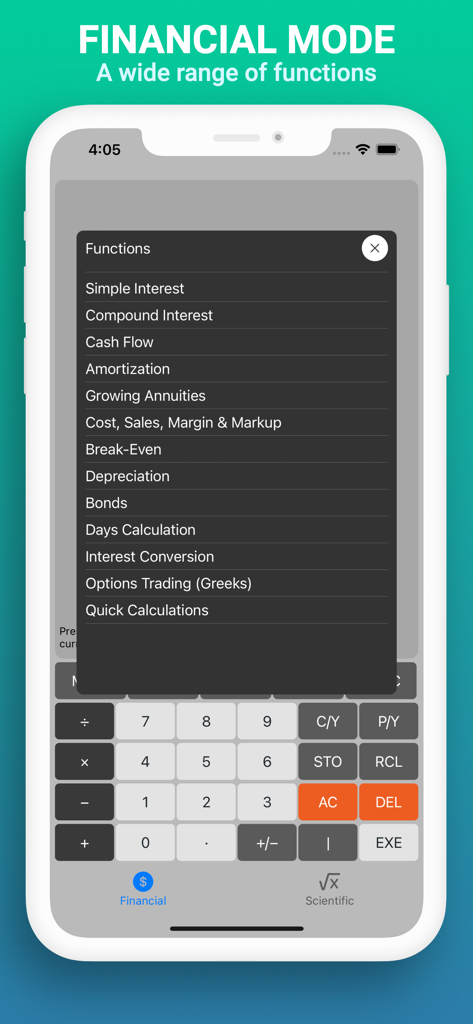
A smartphone screen displaying FincCalc's financial mode menu with various calculation functions

A smartphone screen displaying FincCalc's financial mode menu with various calculation functions

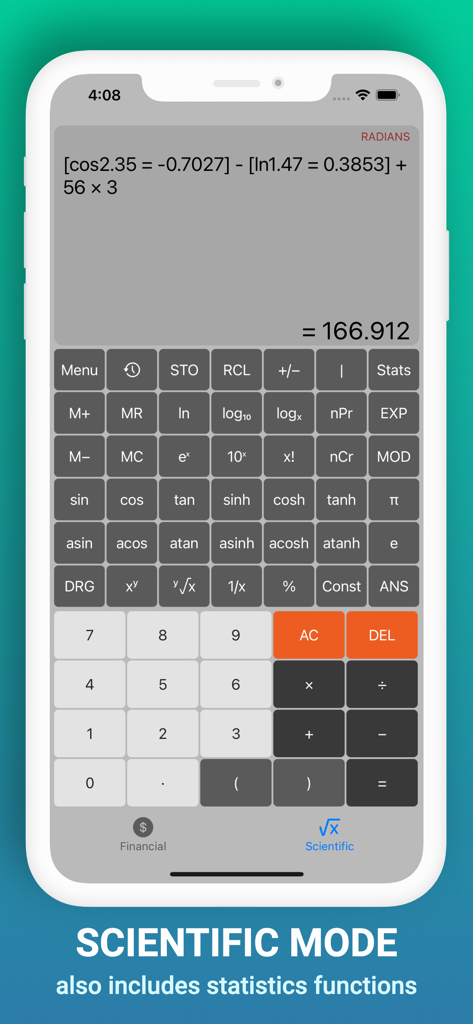
Scientific mode interface of the FincCalc Financial Calculator app featuring trigonometric and statistics buttons

Scientific mode interface of the FincCalc Financial Calculator app featuring trigonometric and statistics buttons

The Professional Standard for Financial Analysis

The tools that make this app stand out, trusted by 0 users.

📈

Complete Investment Modeling

Calculate NPV, IRR, and complex Amortization schedules with the same precision as a TI-BA II Plus, right on your iPhone.

📥

Seamless Workflow Integration

Visualize data with interactive graphs and export detailed result tables directly to CSV for use in Excel or Google Sheets.

Modern Derivatives & Quant Suite

Master the markets with dedicated modes for Options Greeks, Bond Convexity, and advanced Scientific functions.

About the app

Everything you need to know about FincCalc Financial Calculator.

Description

Financial Mode includes: * Simple Interest Mode * Compound Interest Mode (FV, PV, PMT, NPER) * Cash Flow Mode (NPV, NFV, IRR, MIRR, XIRR, XNPV, DPBP) * Amortization Mode (PMT, BAL, INT, PRN, ∑INT, ∑PRN) * Growing Annuities Mode * Cost, Sales, Margin and Markup Mode * Break-Even Mode * Depreciation Mode (SL, FP, SYD, FDB, DB) * Bond Mode (PRC, YTM, YTC, Duration, Convexity) * Days Calculation Mode * Interest Conversion Mode * Options Trading (Greeks) * Exchange Rates In many cases, a graph and accompanying table showing the results is available. The table can be saved to the device in csv format. Full details of the formulas used in the financial calculations are available in the Help section. Scientific Mode includes: * Trigonometric Functions * Power and Root Functions * Log and Antilog Functions * Permutations and Combinations * Statistics Functions * Factorial Function * Modulus Function Separate calculation histories are available for both financial and scientific modes.

Latest Version

1.3

Size

20.5 MB

First Released

Feb 21, 2023

Take Command of Your Financial Analytics

Join the professionals and students ditching legacy hardware for the most precise financial calculator on iOS. Download FincCalc and start exporting your data today.

Download on App Store

App information, icons, screenshots, and descriptions displayed on this page are sourced from the Apple App Store and are the property of their respective developers. Download estimates and rankings are based on MWM's proprietary models and may not reflect actual figures. This page is provided for informational and analytical purposes only.

Believe this page infringes your intellectual property? File a dispute