Flick Flashcard: AI Study

Flick Flashcard: AI Study

Download on App Store
Logo of Flick Flashcard: AI Study

Flick Flashcard: AI Study — Turn Your Favorite Lyrics and Speeches into Instant Lessons

The aesthetic way to master 35+ languages. Let AI transform cultural scripts into elegant, voice-enabled flashcards in a single tap. Designed for efficiency, optimized for Dark Mode, and built for the modern learner.

Download on App Store

Publisher

Yuki Shiroma

Category

Education

Downloads

2K+

User Rating

4.4/5

Total Ratings

0

Locales

1

Study in Style

Discover the interface used by 2K+ users.
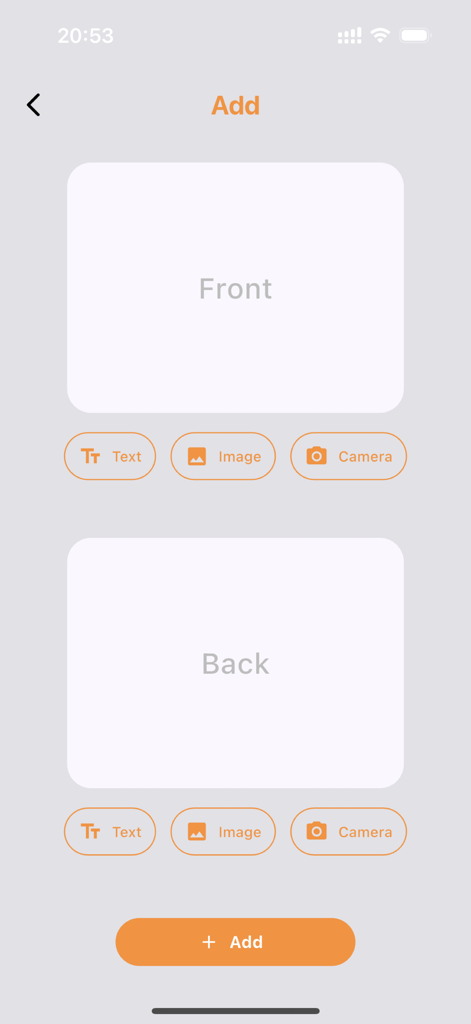
Interface for manually adding a new flashcard with front and back options for text and images

Interface for manually adding a new flashcard with front and back options for text and images

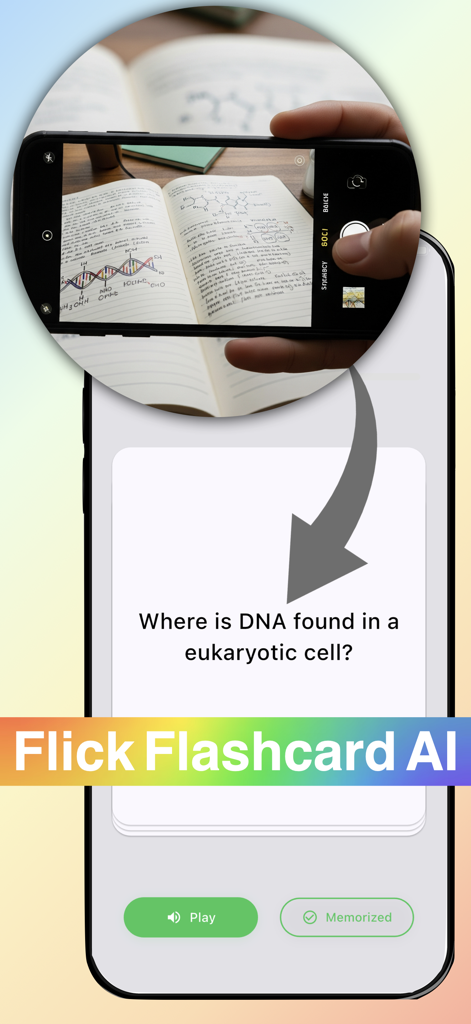
A smartphone using Flick Flashcard AI to turn a photo of handwritten biology notes into a digital study card

A smartphone using Flick Flashcard AI to turn a photo of handwritten biology notes into a digital study card

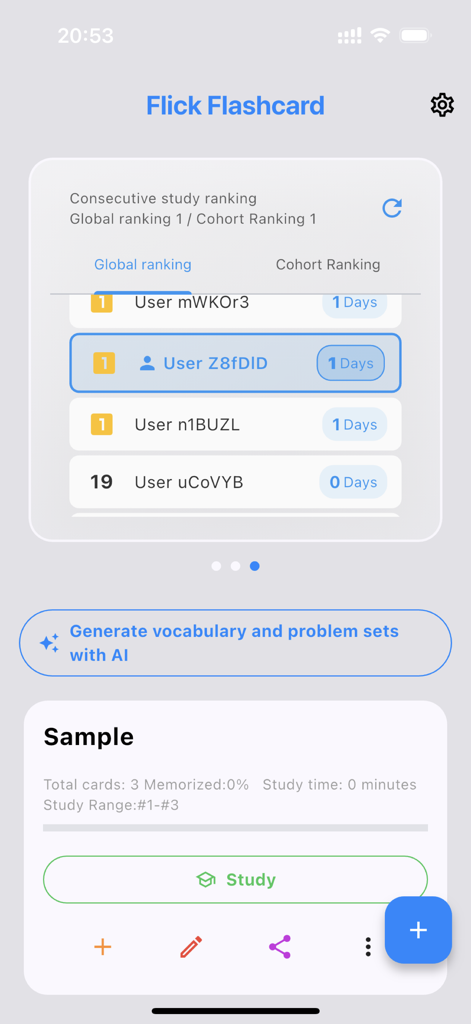
Flick Flashcard app home screen showing global study rankings and AI vocabulary generation button

Flick Flashcard app home screen showing global study rankings and AI vocabulary generation button

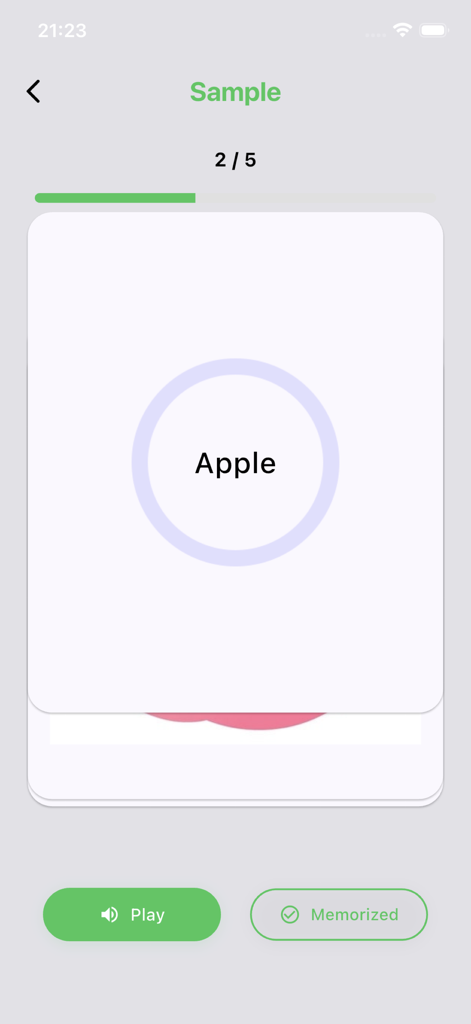
Flick Flashcard app interface showing a study card for the word Apple with audio and memorized options

Flick Flashcard app interface showing a study card for the word Apple with audio and memorized options

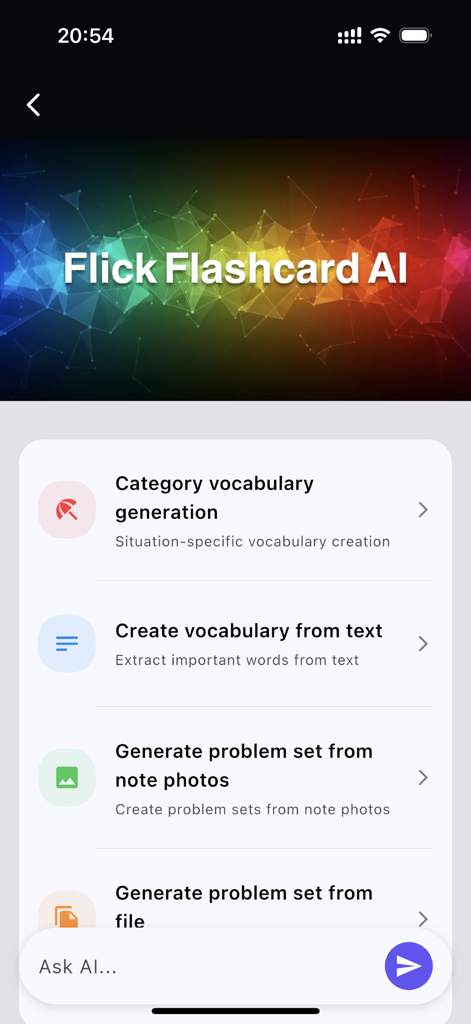
Interface of Flick Flashcard app showing AI options to generate study material from text and photos

Interface of Flick Flashcard app showing AI options to generate study material from text and photos

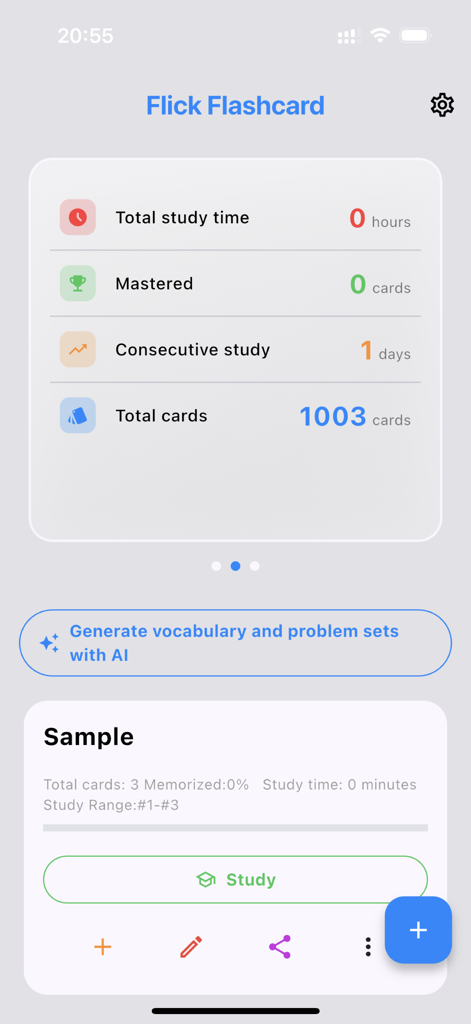
Dashboard of the Flick Flashcard app showing study statistics and AI generation tools

Dashboard of the Flick Flashcard app showing study statistics and AI generation tools

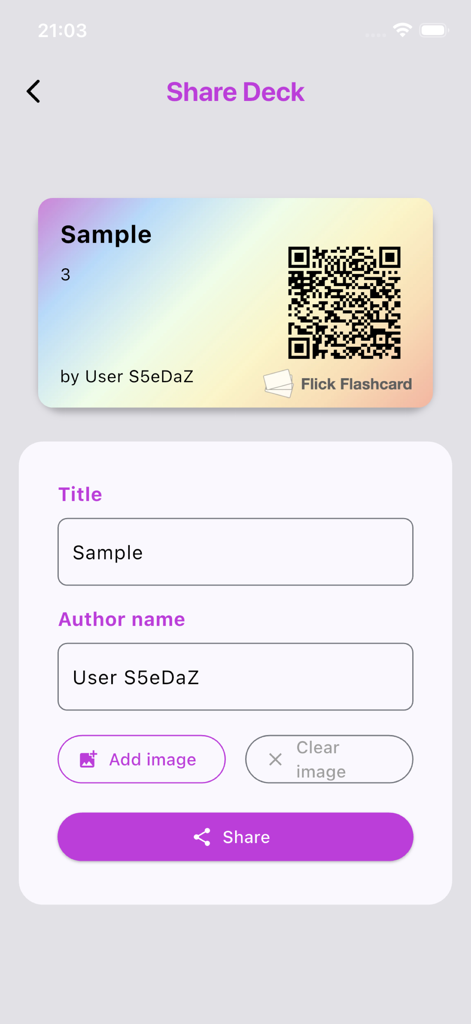
A screenshot of the Flick Flashcard app showing the Share Deck screen with a colorful QR code card and fields for title and author name.

A screenshot of the Flick Flashcard app showing the Share Deck screen with a colorful QR code card and fields for title and author name.

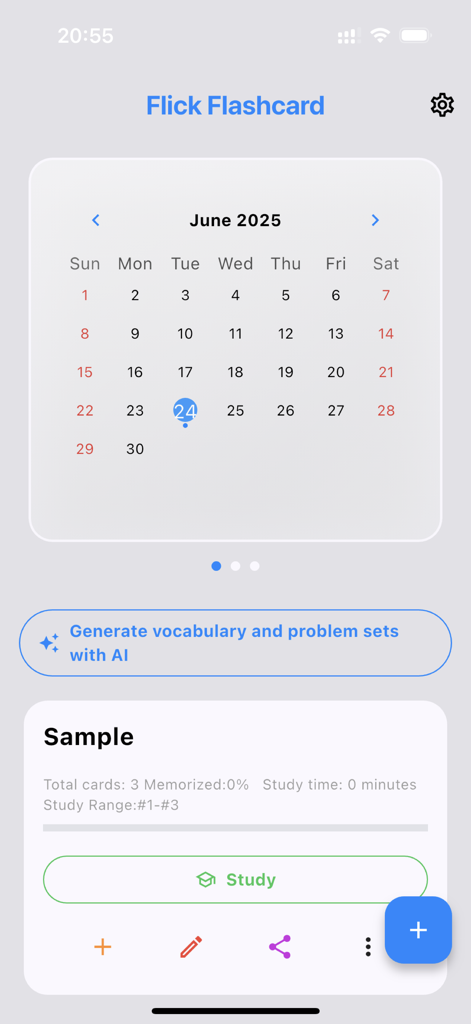
Flick Flashcard app interface showing a study calendar and AI vocabulary generator button.

Flick Flashcard app interface showing a study calendar and AI vocabulary generator button.

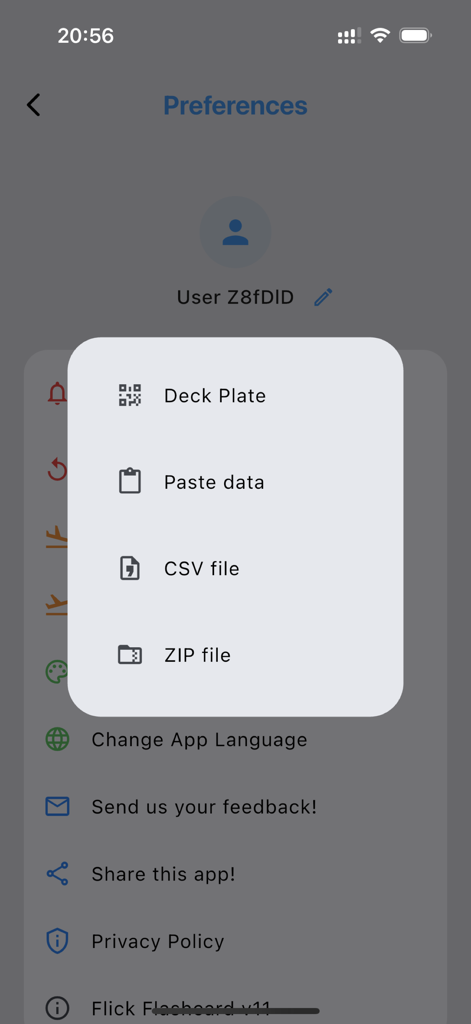
Import menu in the Flick Flashcard app preferences showing options for CSV and ZIP files.

Import menu in the Flick Flashcard app preferences showing options for CSV and ZIP files.

Effortless Learning, Powered by AI

The tools that make this app stand out, trusted by 2K+ users.

🪄

One-Tap AI Generation

Instantly convert music lyrics, speech scripts, or web articles into flashcards. Turn your daily content into personalized lessons without the typing.

🖤

Premium Aesthetic & UX

Study in style with a true 'Piano Black' dark mode optimized for OLED displays. Navigate your cards with fast, tactile flick gestures.

🎧

Immersive Audio Learning

Master pronunciation on the go with automatic text-to-speech. Perfect for busy polyglots who want to study while commuting or multi-tasking.

About the app

Everything you need to know about Flick Flashcard: AI Study.

Description

"Let’s create flashcards automatically from favorite music lyrics, famous speech script, and more. Let’s study various languages using an elegant app! ● AI-based Automatic Flashcard Generation Your can create flashcards automatically from various text in the world such as favorite music lyrics, famous speech script, and more! by only one tap! A new era of flashcard app! ● Elegant Design Flick Flashcard is created with a focus on design and user experience. ● Support Text, Image, and Voice Flick Flashcard supports Text, Image, and Voice. You can create flashcard from various data source. ● Automatic Speech Flick Flashcard can automatically read out text as soon as the flashcard is displayed. You can also learn pronunciation. ● Support Many Languages Flick Flashcard supports more than 35 languages. (device dependence) ● Import / Export Flick Flashcard can import and export flashcard data as common file formats. (.csv / .zip) So, You can create flashcard on your PC and Mac. You can send and backup flashcards to any where. ● Adjust Flashcard Range You can adjust the range of flashcards to study. ● Piano Black Dark Mode Flick Flashcard supports dark mode completely. To consider energy consumption at OLED display, the display is made by true black. ● Auto Hide When the same flashcard is correctly answered continuously, Flick Flashcard can hide it automatically. ● Encourage You It is important to keep your motivation up. Flick Flashcard shows study statistics to encourage you to study various languages. ● Comfortable User Experience You can use swipe gesture to answer questions and note correct or incorrect. You can select study direction from Top to End or End to Top or Shuffle. You can swap front content for back content."

Latest Version

11.0.0

Size

91.5 MB

First Released

Sep 1, 2020

Level Up Your Study Aesthetic

Stop wasting hours on manual entry. Let AI turn your favorite lyrics and scripts into elegant flashcards instantly. Download Flick Flashcard and master your next language in style.

Download on App Store

App information, icons, screenshots, and descriptions displayed on this page are sourced from the Apple App Store and are the property of their respective developers. Download estimates and rankings are based on MWM's proprietary models and may not reflect actual figures. This page is provided for informational and analytical purposes only.

Believe this page infringes your intellectual property? File a dispute