Flight Nav

Flight Nav

Download on App Store
Logo of Flight Nav

Flight Nav: Your Personal In-Flight Dashboard and GPS Tracker

Turn your window seat into a cockpit. Track your altitude, ground speed, and exact location in real-time—even in Airplane Mode with no Wi-Fi required.

Download on App Store

Publisher

Emidio Cunha

Category

Travel

Downloads

145K+

User Rating

2.6/5

Total Ratings

0

Locales

1

Your Personal Cockpit

Discover the interface used by 145K+ users.
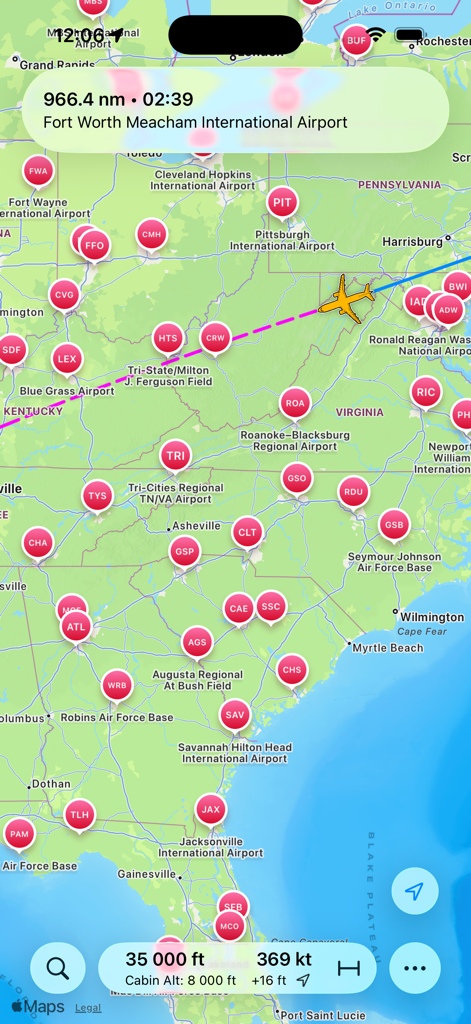
A mobile flight tracking app showing an aircraft icon on a map with altitude and ground speed data

A mobile flight tracking app showing an aircraft icon on a map with altitude and ground speed data

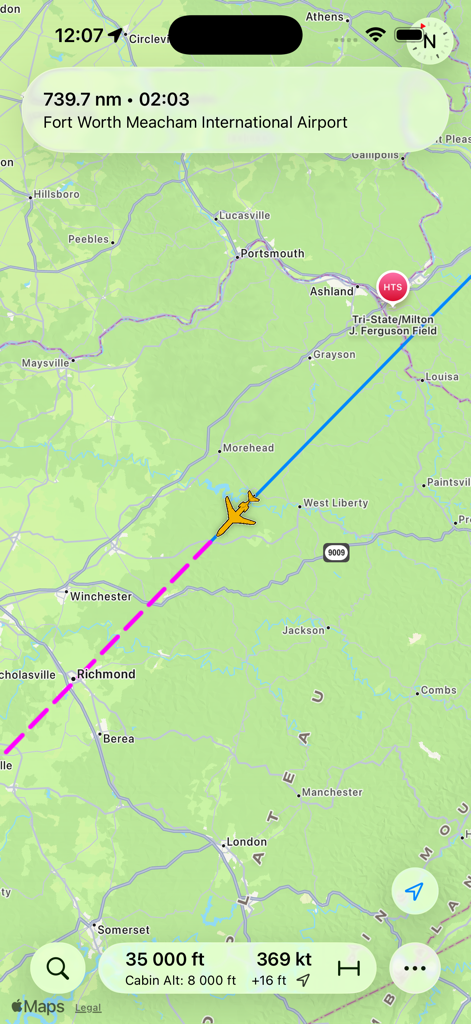
Flight Nav app displaying an airplane icon on a map with flight telemetry like altitude and ground speed

Flight Nav app displaying an airplane icon on a map with flight telemetry like altitude and ground speed

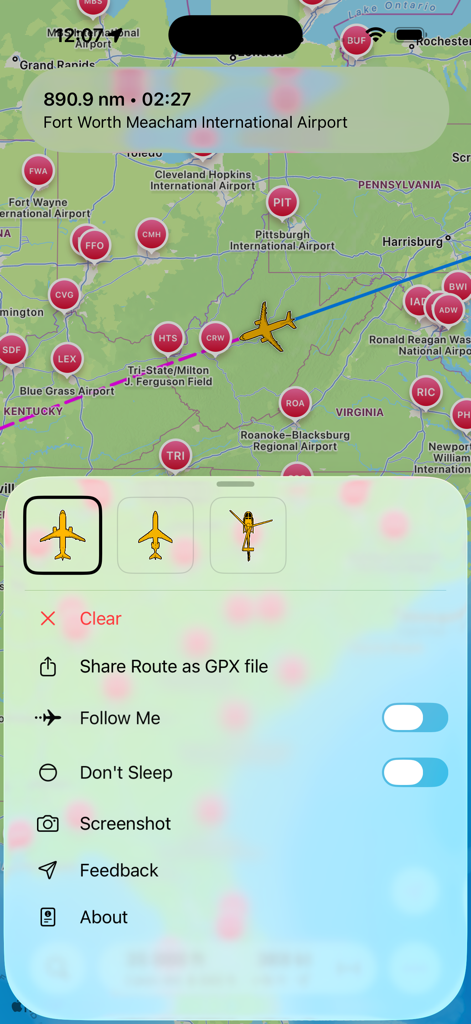
Screenshot of Flight Nav app showing a flight route on a map and a menu with options to share GPX files and follow the flight.

Screenshot of Flight Nav app showing a flight route on a map and a menu with options to share GPX files and follow the flight.

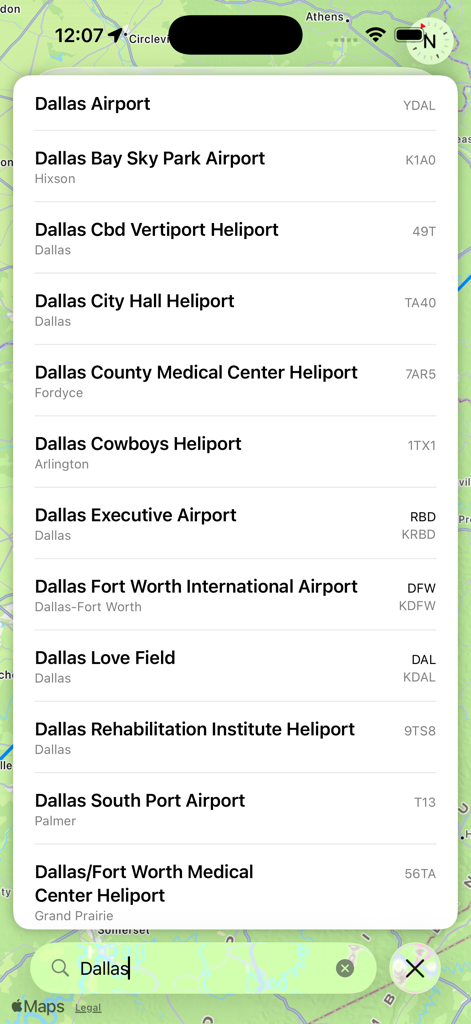
Search results for airports and heliports in Dallas within the Flight Nav app interface

Search results for airports and heliports in Dallas within the Flight Nav app interface

Your Personal In-Flight Command Center

The tools that make this app stand out, trusted by 145K+ users.

🚀

Real-Time Aviation Data

Monitor your altitude, ground speed, and precise coordinates. Know exactly where you are and how fast you're traveling at 35,000 feet.

🗺️

Offline Moving Map

Avoid pricey connectivity fees. Simply cache your map data before takeoff to follow your journey across continents entirely offline in Airplane Mode.

📈

Export Your Flight Path

Log your entire trip and export it as a GPX file. Perfect for aviation enthusiasts looking to archive their travels or visualize paths on Google Earth.

About the app

Everything you need to know about Flight Nav.

Description

Most airplanes don't have inflight information systems. If you ever wonder where you are, your altitude, ground speed, direct distance to your destination in Miles, Nautical Miles and Kilometers, and how many hours you still have to get there, this app will help you! 
 
Flight Nav uses GPS signals while in Airplane Mode to display your position, estimated distance, and time to your destination. You can record your flight and later share it as a GPX file. This option will consume more battery as it will operate even while you are not using your device. Other features include a "Don't sleep" feature to keep the screen on. 

GPS reception from within an aircraft can sometimes be poor. Best results are with window seats, or close to them, and you might have to wait longer to get results than you would while on the ground. What this means is that you might not get any signal at all, and the app might not work as expected every time, especially if you're sitting in the middle seats of a wide body airplane. Map detail will not be available at every zoom level - since you will be running offline - and you should use the app before flying, while still connected, in order to cache map information. 

You should only use your device when allowed by the cabin crew - Please, pay attention to the specific instructions regarding mobile devices. If you have doubts about using your device, even with Airplane Mode enabled, please consult the cabin crew.

 You can add your own destinations by long pressing the map on the location you want. Continued use of GPS can dramatically decrease battery life.

Latest Version

3.0

Size

12.7 MB

First Released

Nov 14, 2015

Turn Your Window Seat Into a Personal Cockpit

Join over 145,000 aviation enthusiasts. Track your altitude, speed, and path in real-time—all in Airplane Mode without needing expensive in-flight Wi-Fi.

Download on App Store

App information, icons, screenshots, and descriptions displayed on this page are sourced from the Apple App Store and are the property of their respective developers. Download estimates and rankings are based on MWM's proprietary models and may not reflect actual figures. This page is provided for informational and analytical purposes only.

Believe this page infringes your intellectual property? File a dispute