FlipKit - Flipbook Maker

FlipKit - Flipbook Maker

Download on App Store
Logo of FlipKit - Flipbook Maker

FlipKit - Flipbook Maker: Bring Your Drawings to Life

The intuitive animation studio for creators of all ages. Turn your iPad sketches into viral-ready flipbooks with pro tools, onion-skinning, and total privacy—no account required.

Publisher

Ines Buchetics

Category

Graphics & Design

Downloads

213K+

User Rating

4.4/5

Total Ratings

1K+

Locales

2

Art in Motion

Discover the interface used by 213K+ users.
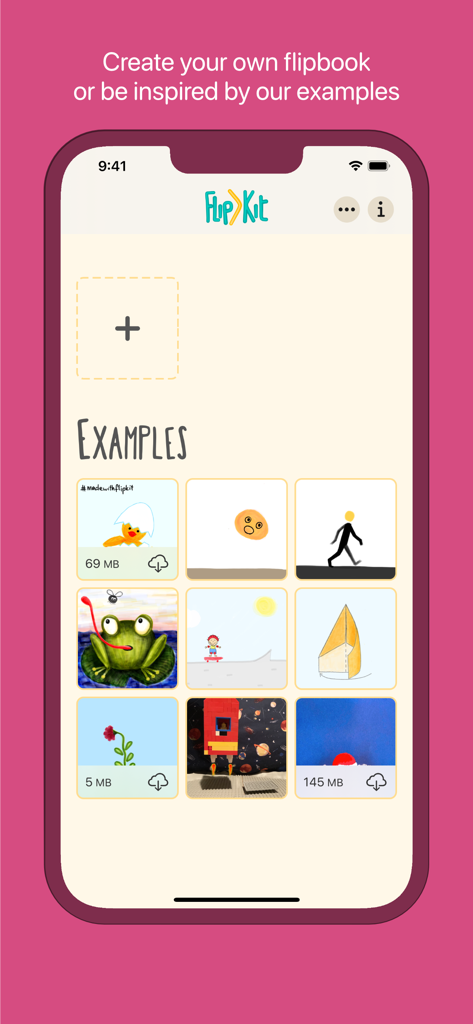
FlipKit animation maker home screen showing examples of digital drawings and flipbooks

FlipKit animation maker home screen showing examples of digital drawings and flipbooks

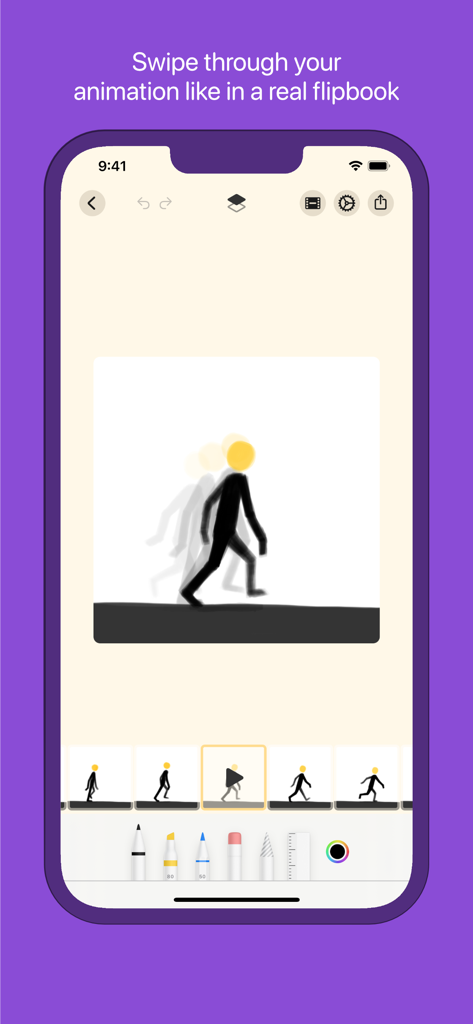
FlipKit app interface showing a frame-by-frame stick figure animation with onion skinning and drawing tools

FlipKit app interface showing a frame-by-frame stick figure animation with onion skinning and drawing tools

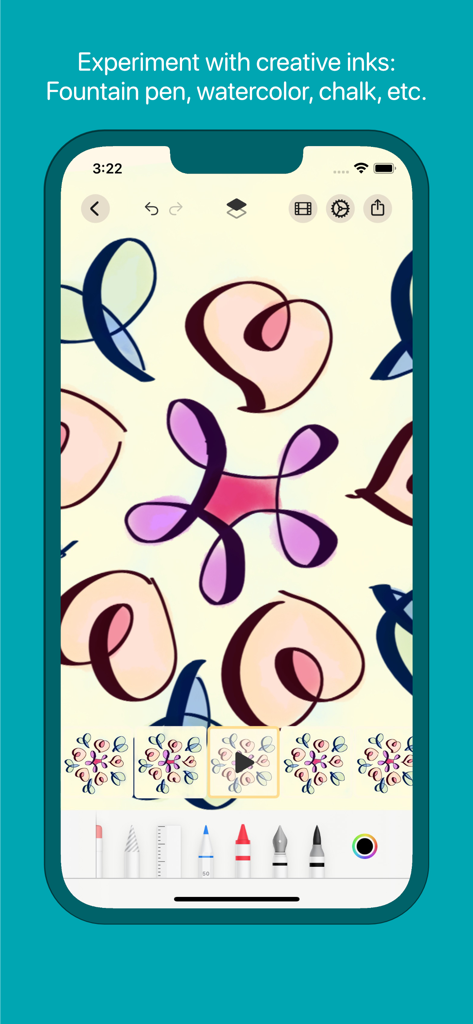
FlipKit app interface featuring creative ink tools like fountain pen and watercolor for animation drawing.

FlipKit app interface featuring creative ink tools like fountain pen and watercolor for animation drawing.

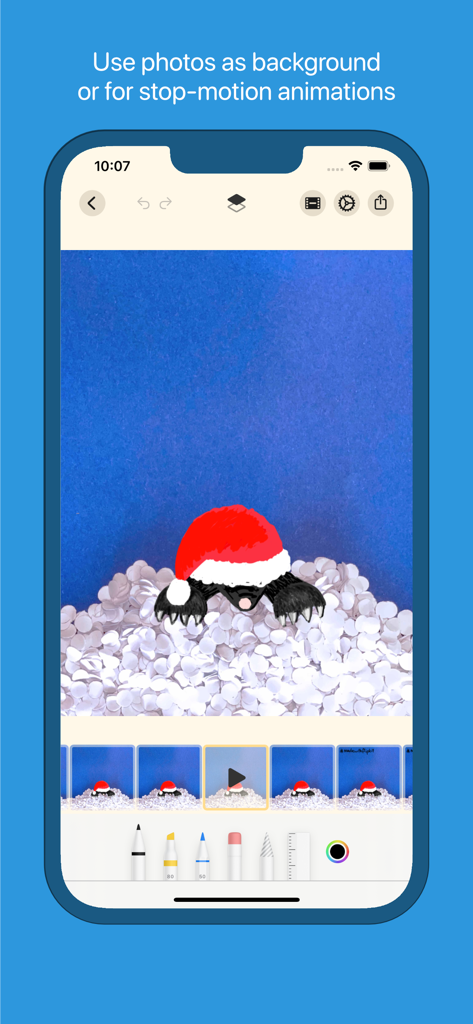
FlipKit app interface showing a stop-motion animation using a real photo as a background

FlipKit app interface showing a stop-motion animation using a real photo as a background

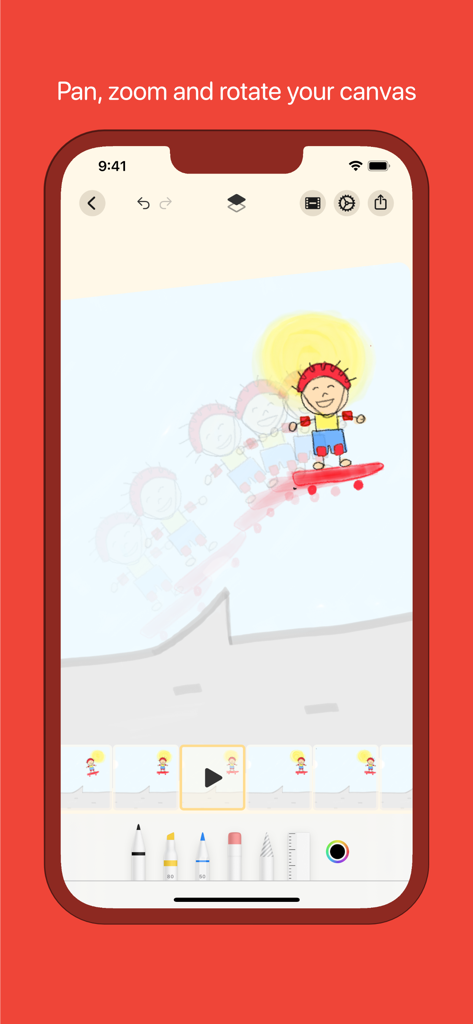
FlipKit app interface demonstrating canvas navigation while animating a character on a skateboard

FlipKit app interface demonstrating canvas navigation while animating a character on a skateboard

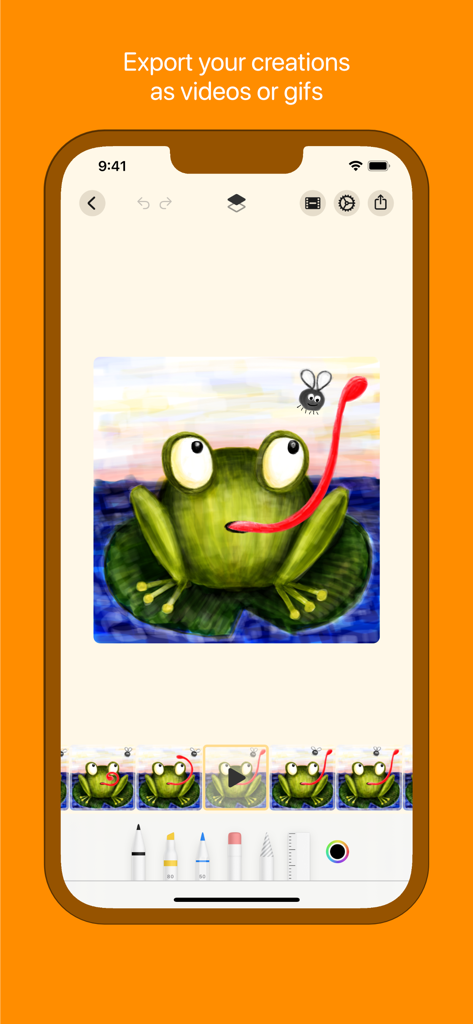
FlipKit app interface showing a hand-drawn frog animation with options to export as video or GIF

FlipKit app interface showing a hand-drawn frog animation with options to export as video or GIF

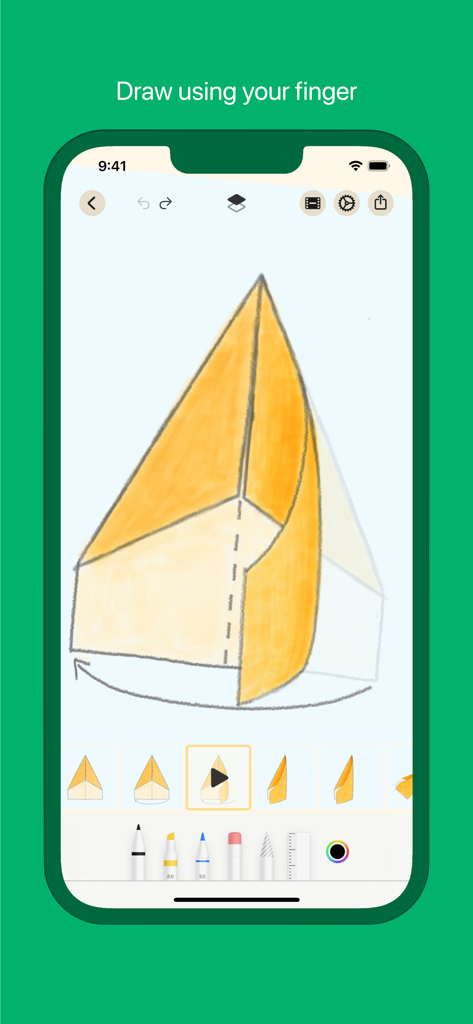
FlipKit app interface showing a hand-drawn animation sequence with frames and digital drawing tools

FlipKit app interface showing a hand-drawn animation sequence with frames and digital drawing tools

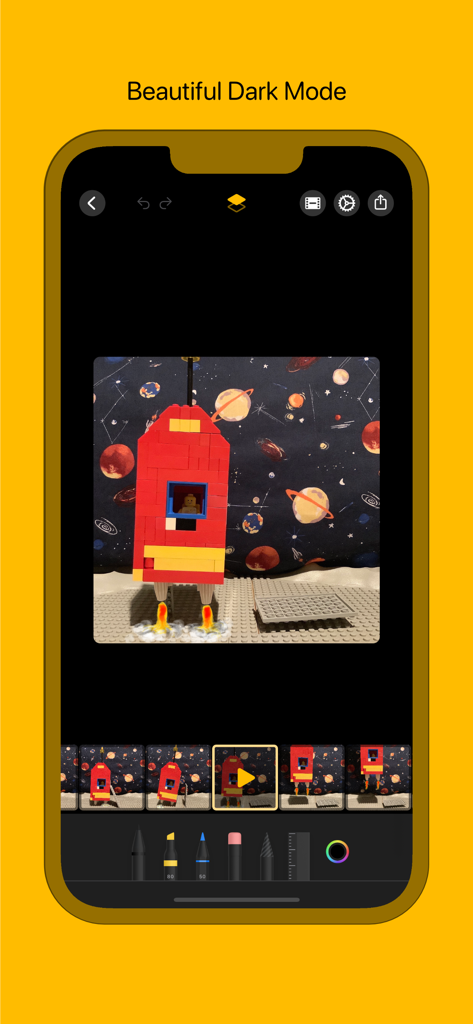
FlipKit app dark mode interface showing a stop-motion animation project of a Lego rocket with drawing tools

FlipKit app dark mode interface showing a stop-motion animation project of a Lego rocket with drawing tools

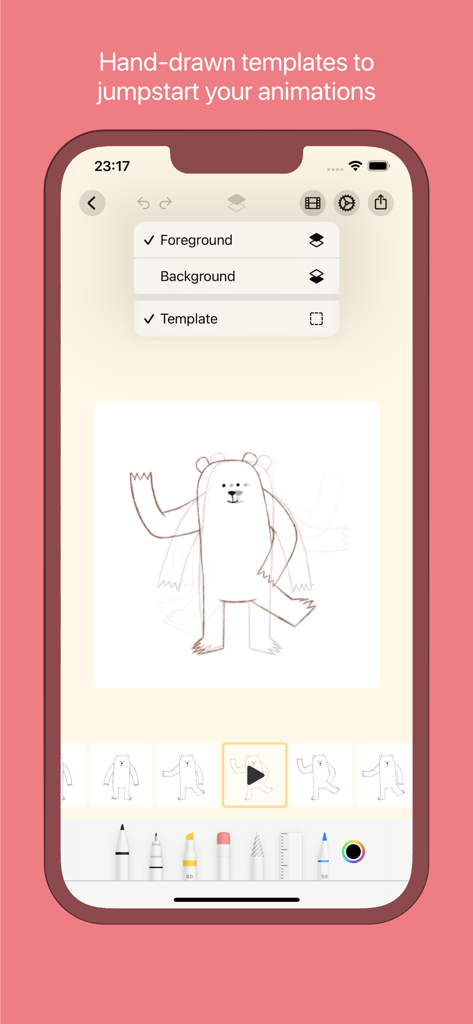
FlipKit app interface showing a hand-drawn bear animation template with onion skinning and layer controls

FlipKit app interface showing a hand-drawn bear animation template with onion skinning and layer controls

Bring Your Imagination to Life

The tools that make this app stand out, trusted by 213K+ users.

🎨

Pro Tools, Zero Complexity

Master the art of movement with onion-skinning, multi-layer support, and precision brushes. It is the power of a professional studio simplified for your iPad and Apple Pencil.

🚀

Built for the Social Era

Turn your doodles into viral moments. Export high-quality GIFs and videos perfectly formatted for TikTok, Instagram Reels, and YouTube Shorts in seconds.

🛡️

Privacy You Can Trust

No accounts, no logins, and zero data tracking. Focus entirely on your creative flow-state with a privacy-first experience that starts the moment you open the app.

About the app

Everything you need to know about FlipKit - Flipbook Maker.

Description

Bring your drawings to life and create your own flipbook animation with FlipKit! Searching for inspiration? Start with our examples, which you can use as a starting point for your creations. Whether you are a beginner or a professional, FlipKit provides you all the tools needed to start animating. The intuitive user interface is also perfect to introduce kids to the world of moving pictures. Advanced artists can use separate foreground and background layers, a variety of drawing tools, and animation controls. FlipKit supports input devices like the Apple Pencil, but simple finger drawings are also possible. Import photos from your library or use the camera to give your animations the right background. Similarly, you can use photos to create a stop-motion animation which can be refined by your drawings. Flip through your animation like a real physical flipbook or preview your creation on a canvas. Your animation is finished? Export it as a video or animated GIF and share it with your friends, or on social media. FEATURES * Draw with tools like pencils, brushes, pens, erasers, ... * Copy and duplicate parts of your drawings with the lasso tool * Use onion-skin frames to visualize the previous frames * Swipe over the filmstrip to flip through your animation like a real physical flipbook * Separate foreground and background layers * Zoom, rotate and pan your drawing canvas * Various examples for beginners and pros * Import photos as background or for stop-motion animations * Templates for an easy start * Control your animation settings (background color, frames per second, looping, ...) * Place the filmstrip on the left or right side (for right- or left-handed use) * Support for Apple Pencil * Export your animations as video or GIF * Share your creations with your friends and on social media * Supports iCloud Drive, giving you access to your animations from all your devices * Stunning Dark Mode support * FlipKit does not need any account setup and respects your privacy by not collecting or sharing any data linked to you CONTACT Questions oder wishes? Write us: info@tinkado.at Music obtained from zapsplat.com

Latest Version

3.0.0

Size

19.4 MB

First Released

Jan 14, 2021

Ready to Bring Your Sketches to Life?

Download FlipKit today and start animating instantly. No accounts, no sign-ups—just pure creativity for your next viral GIF or video.

Download on App Store

App information, icons, screenshots, and descriptions displayed on this page are sourced from the Apple App Store and are the property of their respective developers. Download estimates and rankings are based on MWM's proprietary models and may not reflect actual figures. This page is provided for informational and analytical purposes only.

Believe this page infringes your intellectual property? File a dispute