
Flowly: AR drawing & lettering

Join thousands of DIYers and creators who use AR technology to trace stunning calligraphy, intricate sketches, and custom designs onto any surface without expensive hardware.
Publisher
Category
Graphics & DesignDownloads
2K+User Rating
Total Ratings
0Locales
1Discover the interface used by 2K+ users.
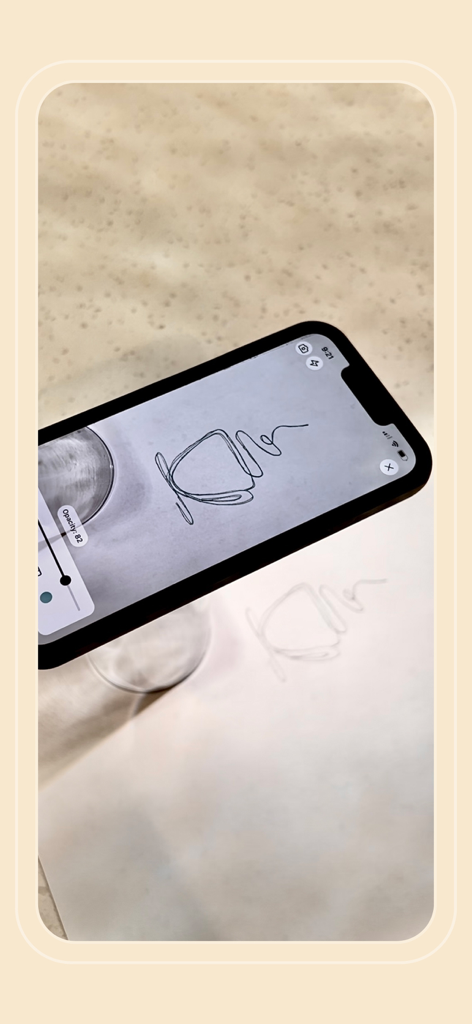
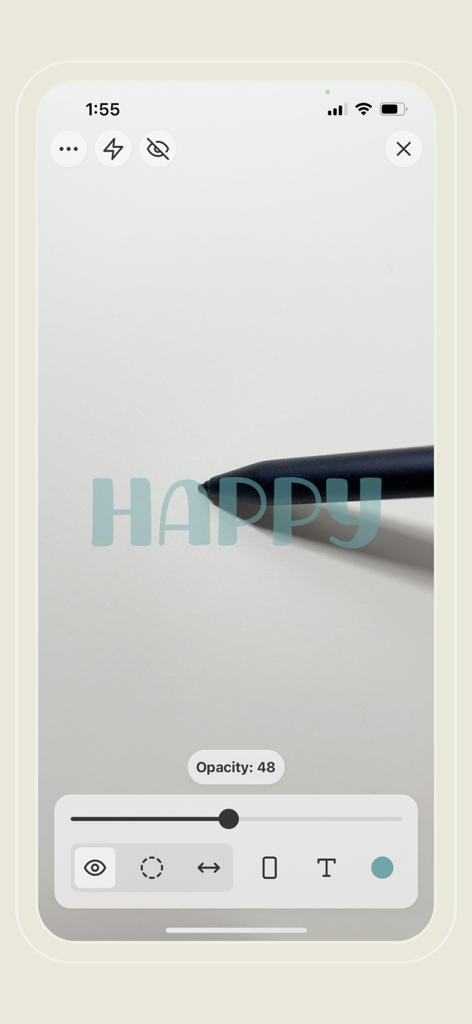
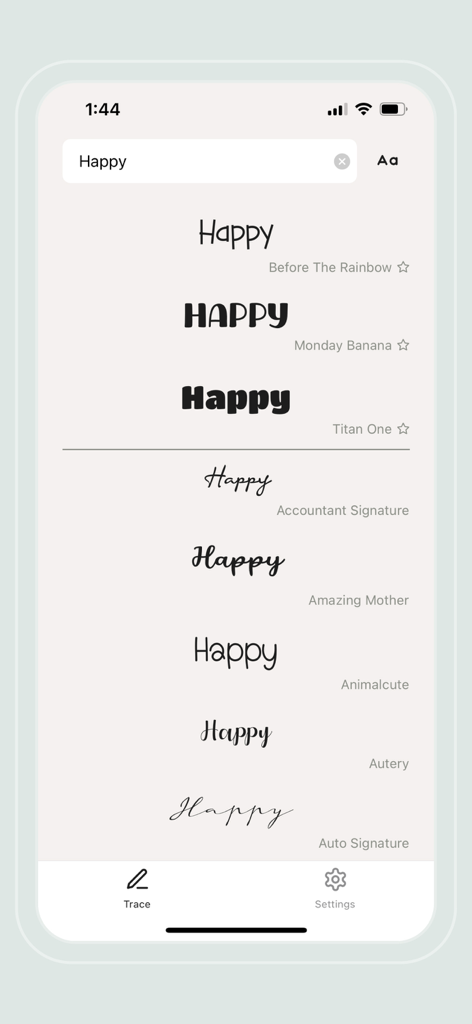
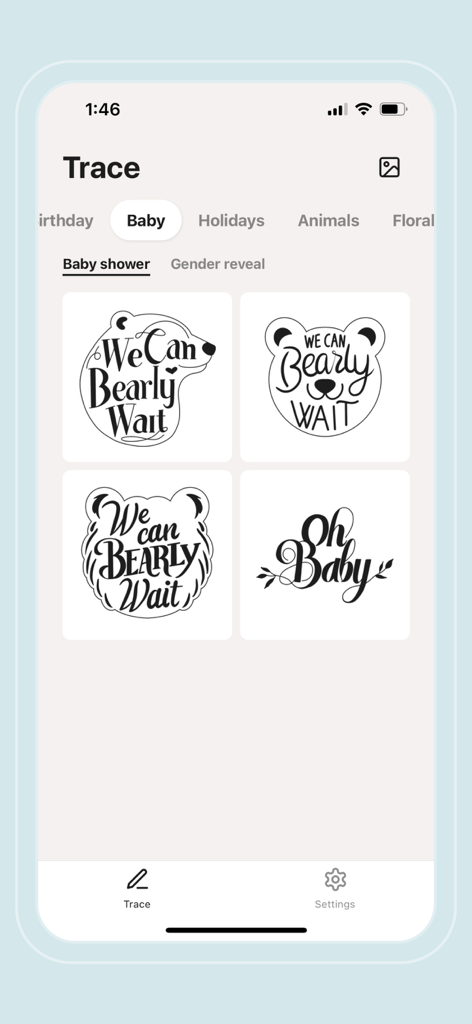
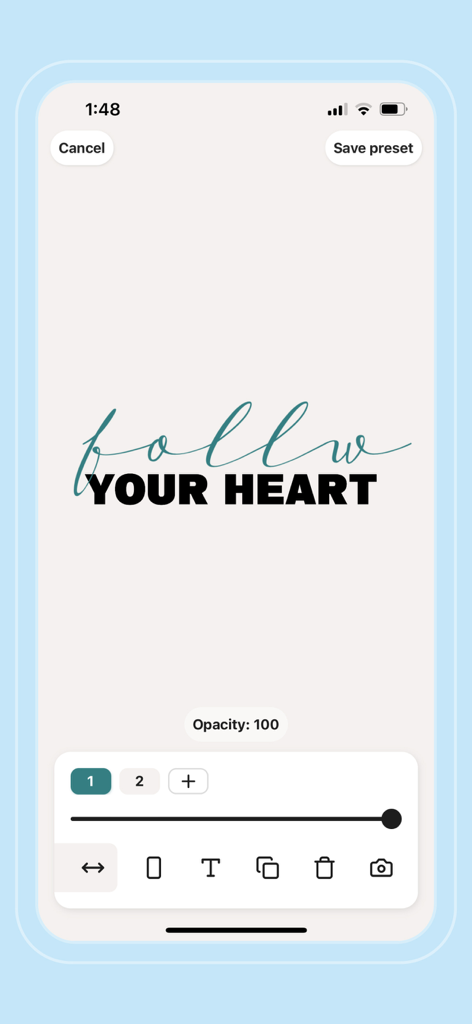
The tools that make this app stand out, trusted by 2K+ users.
Turn any surface into a canvas. Use your camera to overlay designs directly onto your paper or wood for pixel-perfect outlines every time.
Skip years of practice. Access a curated library of fonts to create professional-grade hand-lettering for signs, cards, and journals with ease.
Bring your Pinterest inspiration to life. Upload your own images to transfer custom designs onto fabric, walls, or any DIY project in seconds.
Everything you need to know about Flowly: AR drawing & lettering.
Description
Latest Version
3.2.0
Size
36.5 MB
First Released
Mar 15, 2021
Join thousands of makers using Flowly to create stunning DIY signs, calligraphy, and sketches without the cost of an expensive projector. Download now and start tracing like a pro.
Top-ranked apps in the same category

Xiamen ShenZhuo Information Technology Co., Ltd.

LOHAS GAMES PTE. LTD.

HUBX YAZILIM HIZMETLERI ANONIM SIRKETI

ibis inc.

BYTEDANCE PTE. LTD.

Woohoo Tech. Ltd.

Sketchbook, Inc.

Guangzhou ZHIFENG Information Technology Co.,Ltd.

Digital Solutions Technologies Limited
App information, icons, screenshots, and descriptions displayed on this page are sourced from the Apple App Store and are the property of their respective developers. Download estimates and rankings are based on MWM's proprietary models and may not reflect actual figures. This page is provided for informational and analytical purposes only.
Believe this page infringes your intellectual property? File a dispute