Fontstand for iPad

Fontstand for iPad

Download on App Store
Logo of Fontstand for iPad

Fontstand for iPad: Professional Typography for the Mobile-First Designer

Unlock thousands of premium typefaces from 57 elite foundries. Discover, rent, and sync high-quality fonts to use seamlessly in Adobe Creative Cloud, Affinity, and your favorite iPad design apps.

Download on App Store

Publisher

Fontstand BV

Category

Graphics & Design

Downloads

0

User Rating

1.0/5

Total Ratings

0

Locales

1

Typography in Action

Discover the interface used by 0 users.
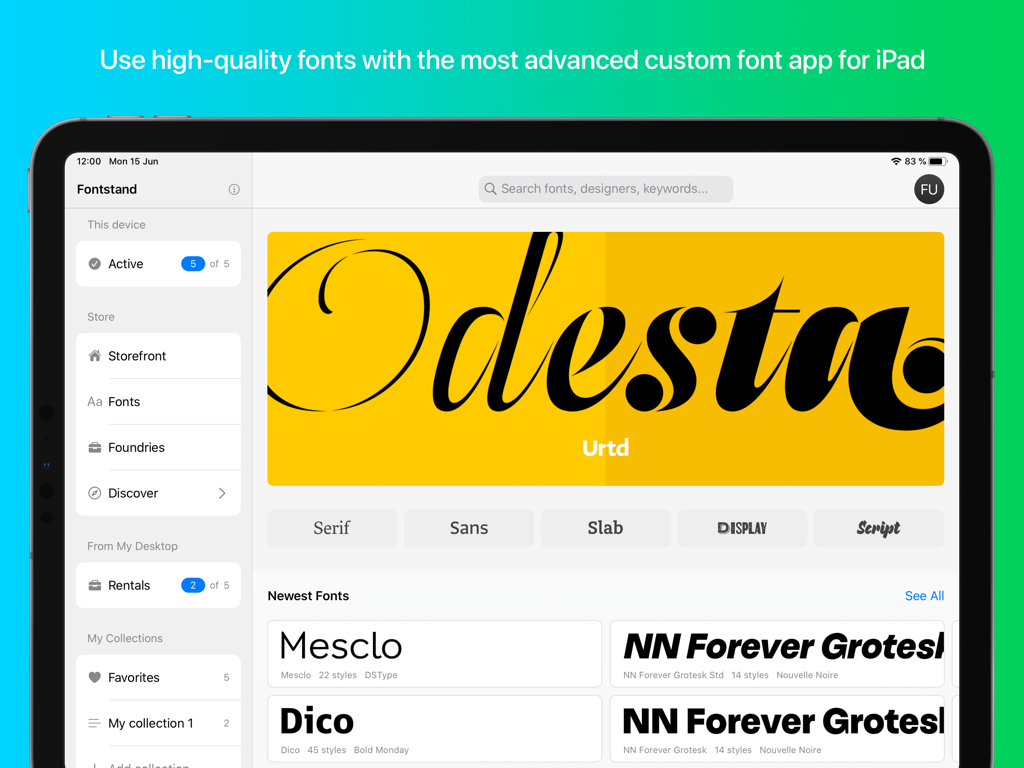
Fontstand for iPad app interface displaying premium font collections and discovery features.

Fontstand for iPad app interface displaying premium font collections and discovery features.

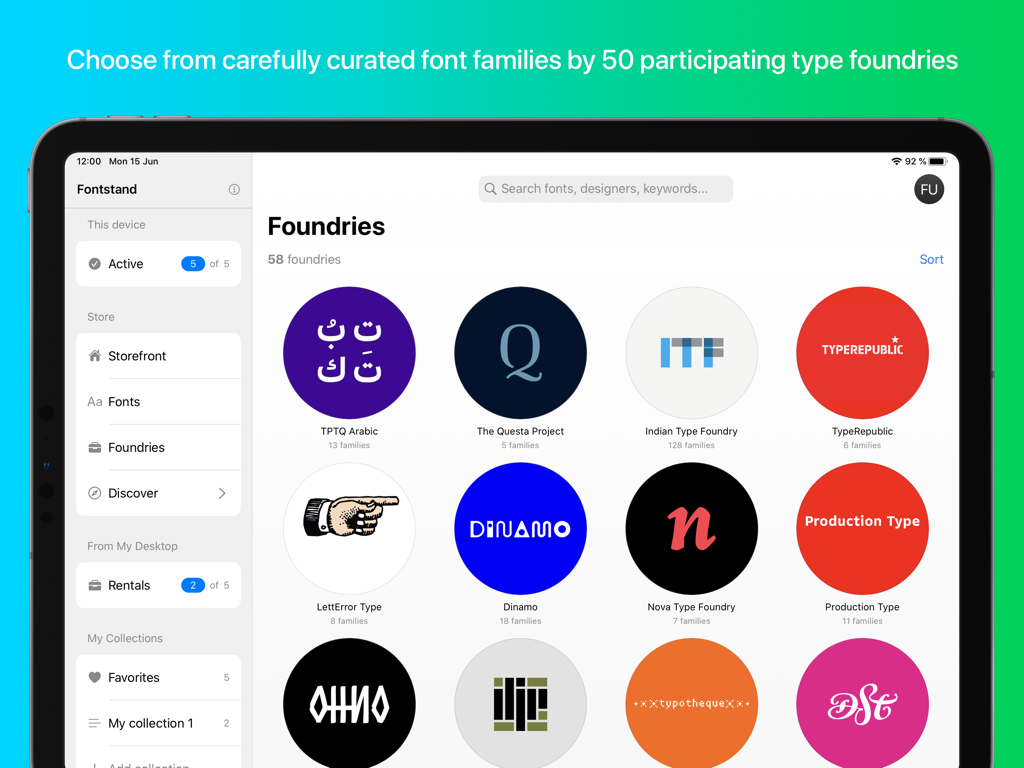
Fontstand for iPad app showing a grid of participating type foundry logos

Fontstand for iPad app showing a grid of participating type foundry logos

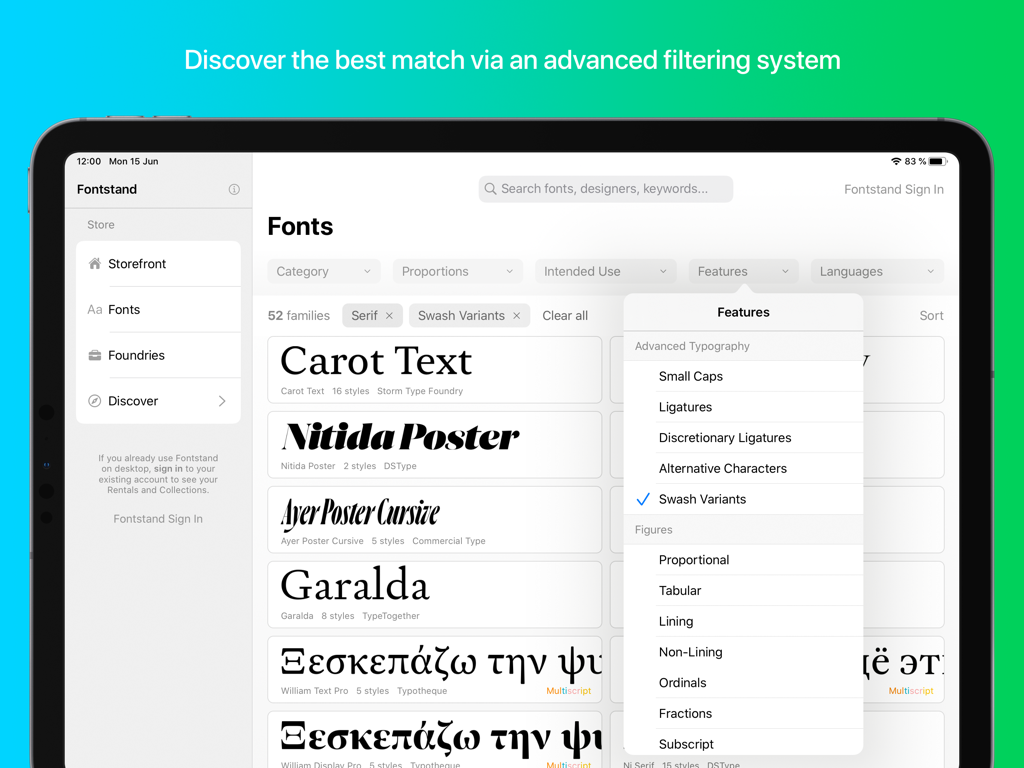
Fontstand for iPad advanced font filtering interface showing typography features like swash variants and ligatures.

Fontstand for iPad advanced font filtering interface showing typography features like swash variants and ligatures.

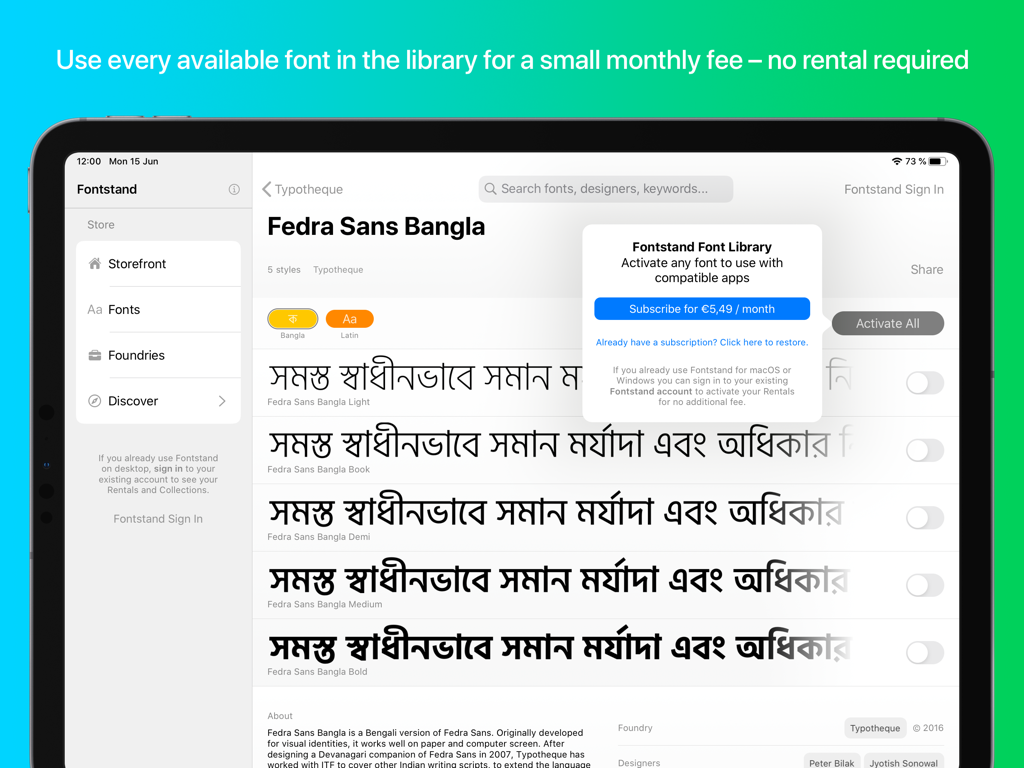
Fontstand for iPad app interface showing a font preview and subscription prompt

Fontstand for iPad app interface showing a font preview and subscription prompt

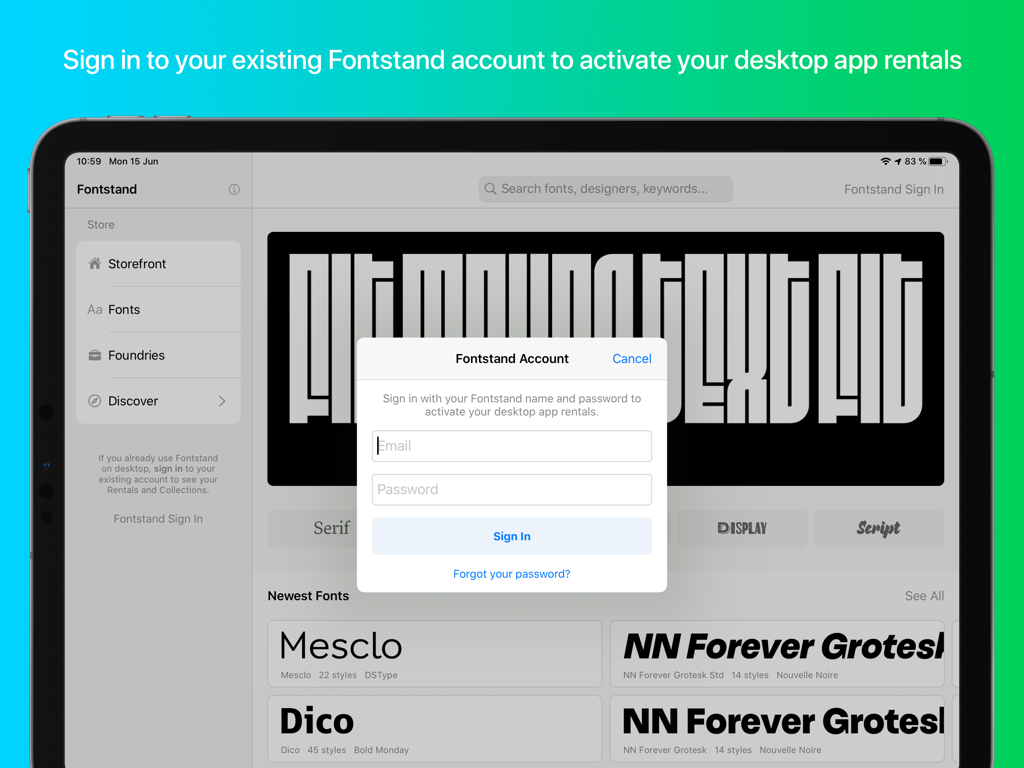
Sign in screen for Fontstand on iPad to activate font rentals

Sign in screen for Fontstand on iPad to activate font rentals

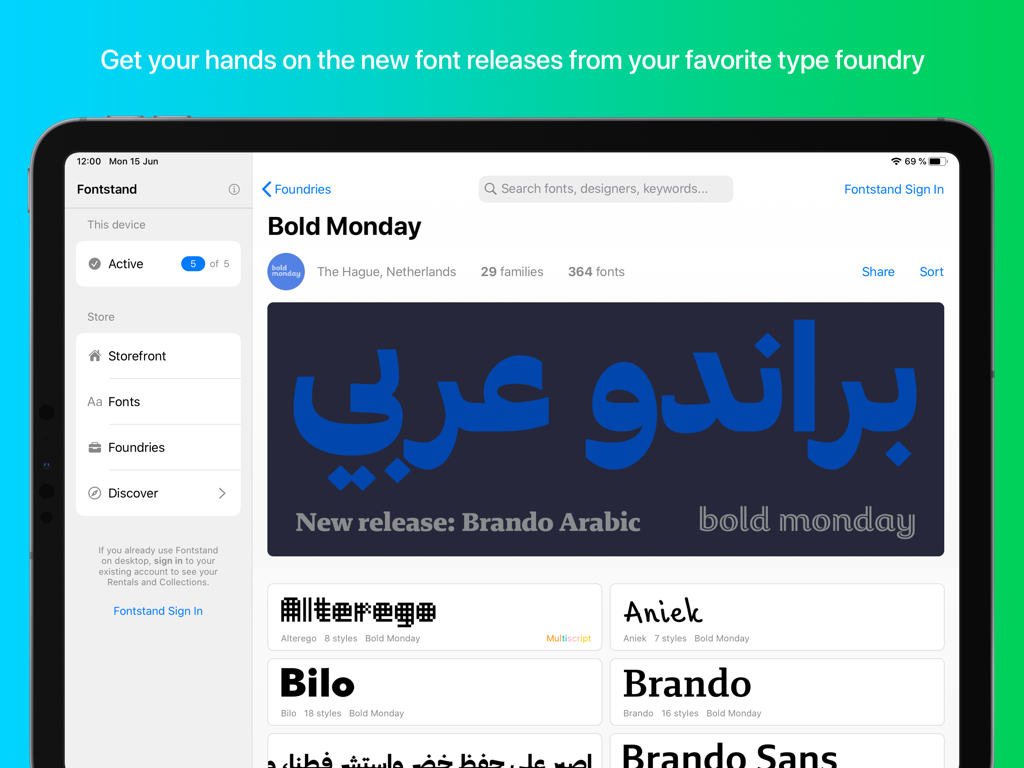
Fontstand for iPad app showing the Bold Monday foundry page and font collection

Fontstand for iPad app showing the Bold Monday foundry page and font collection

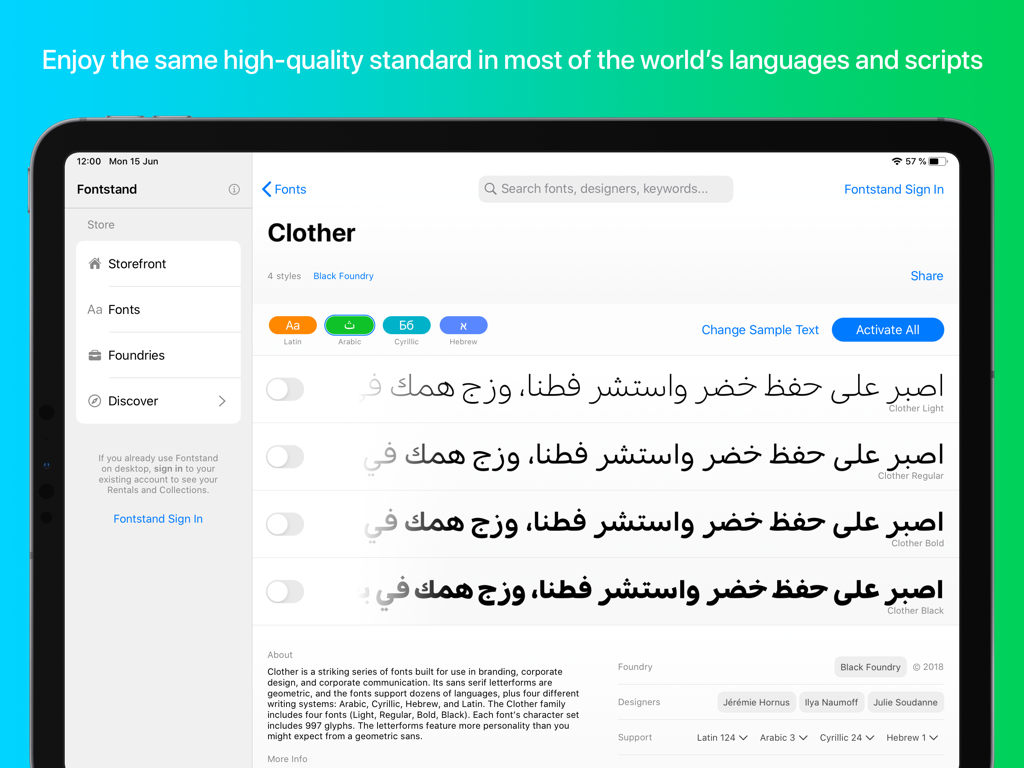
Fontstand for iPad app interface displaying multiple weights of the Clother font in Arabic script.

Fontstand for iPad app interface displaying multiple weights of the Clother font in Arabic script.

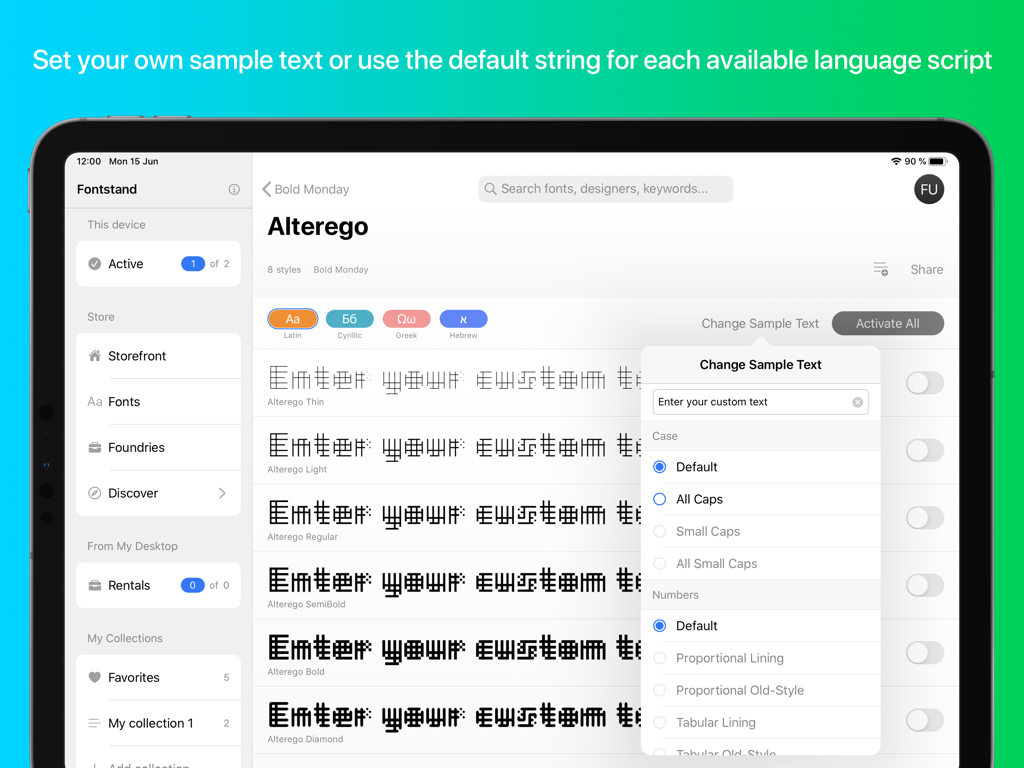
Fontstand for iPad interface showing the option to change sample text and view font styles in multiple language scripts.

Fontstand for iPad interface showing the option to change sample text and view font styles in multiple language scripts.

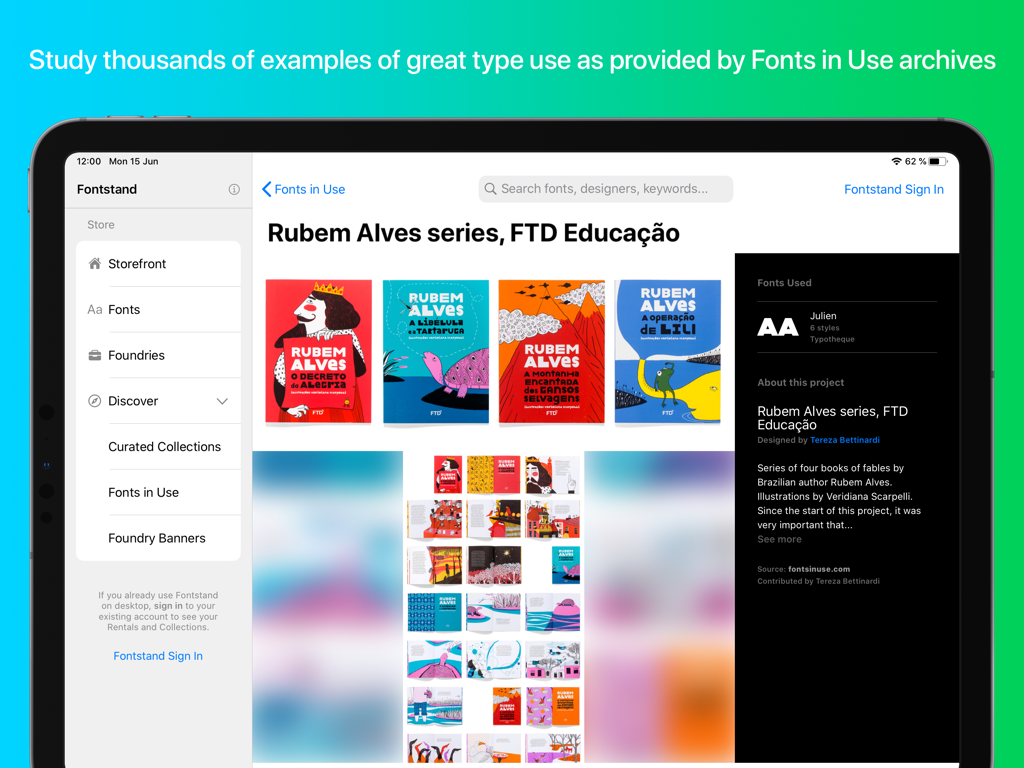
Screenshot of the Fontstand iPad app showing design inspiration and typography examples in the Fonts in Use archive

Screenshot of the Fontstand iPad app showing design inspiration and typography examples in the Fonts in Use archive

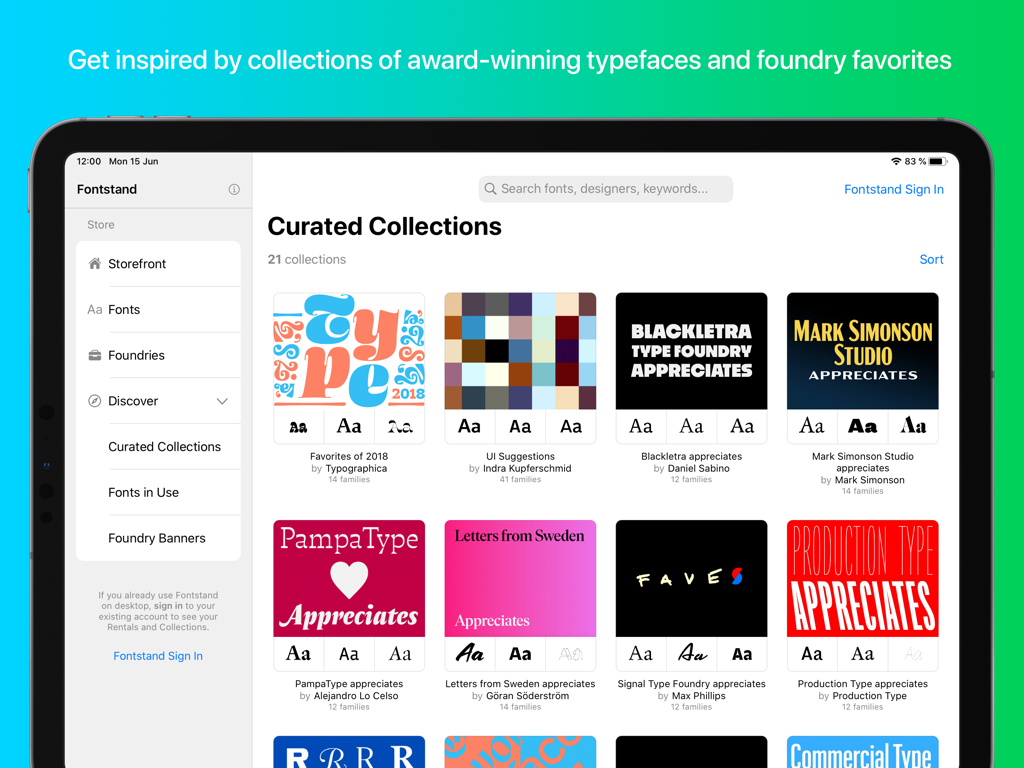
A library of curated font collections on the Fontstand for iPad app interface

A library of curated font collections on the Fontstand for iPad app interface

Typography for Professionals

The tools that make this app stand out, trusted by 0 users.

Curated Type Collections

Ditch generic system fonts for award-winning typefaces from 57 world-class foundries, filtered for professional quality and visual impact.

🛠️

Seamless Creative Workflow

Install once and design everywhere. Use your fonts instantly across Adobe Illustrator, Photoshop, Affinity Designer, and Procreate.

☁️

Sync Your Desktop Rentals

Already a Fontstand user? Activate your existing Mac or Windows font rentals on your iPad at no additional cost for a unified workflow.

About the app

Everything you need to know about Fontstand for iPad.

Description

With Fontstand, you can install and use thousands of high-quality new fonts for a small monthly fee. • Choose from carefully curated font families by 57 participating type foundries • Discover the best match via an advanced filtering system • Get inspired by collections of award-winning typefaces and foundry favorites  • Make and share your own font collections • Use the fonts in any iPad app that is capable of using the fonts offered through the new font picker interface. Fontstand uses the new functionality that provides for the first time an officially supported way to install custom fonts that can be used by various iPad applications, for example: • Adobe Illustrator • Adobe Photoshop • Adobe Fresco • Affinity Designer  • Affinity Photo • Keynote • Pages • Numbers • Clip Studio Paint • Notability • Vectornator • Amadine • Microsoft PowerPoint, Word, Excel & OneNote More compatible apps will follow as the technology is finally available for all independent app developers. Fontstand will be frequently updated with the new font releases from your favorite type foundry • Sign in to your existing Fontstand account to activate your desktop app rentals free of charge. Fontstand is a font discovery platform that allows you to test and use high-quality fonts on all platforms. If you rent fonts via the Fontstand desktop app for Mac or Windows you can use the same fonts on the iPad with no additional charge. • Study thousands of examples of great type use as provided by Fonts in Use archives Fontstand allows you to enjoy the same high-quality standard in most of the world’s languages and scripts: • Latin
• Arabic • Cyrillic • Greek • Armenian • Indic • Hebrew • Chinese • Hangul • Japanese • Thai • How can I use the fonts on an iPad? You can use the activated fonts just as you would use any licensed font on your iPad or a desktop computer. You can use them to create and print text or image documents, display them on your screen or export them as part of a PDF file, or create a graphic to be included in your web project as an image. You can also use iPad activated fonts to publish documents or create logos for clients to be distributed without restriction. For detailed legal info see the Fontstand for iPad Service Agreement here. • Do I need to be using the Fontstand desktop app to use Fontstand for iPad? No, Fontstand for iPad is standalone software, which can be used independently of the existing macOS or Windows app. You can activate all the available fonts via only the monthly subscription fee option directly from within the iPad app. However, if you are renting fonts using one of the Fontstand desktop apps, you can activate all your current font rentals in the iPad app for no additional fee, without the need to pay the iPad subscription fee. • What is the difference between Fontstand sign in and using my Apple ID? To use your existing font rentals from the Fontstand desktop app on an iPad, you need to sign in with your Fontstand account (using your email address and password connected to your Fontstand desktop app). When using the iPad-only monthly subscription, you need to enter your existing Apple ID to initiate the payments utilizing Apple’s own system. Both accounts can be used in the app independently. You will be able to use your Fontstand subscription on all your iPad devices connected to the same Apple ID. • Is there any reason to download the Fontstand for iPad app if I don’t want to install the fonts? Besides the activation of fonts, the Fontstand iPad app also allows you to discover new fonts based on traditional categorizations or visual attributes, languages and many other criteria. The Fontstand app also presents a wide range of actual fonts in use, which serve as inspiration as to how the fonts on offer can be used.

Latest Version

1.1.8

Size

39.3 MB

First Released

Jun 29, 2020

Elevate Your iPad Design Workflow Today

Stop settling for system fonts. Download Fontstand to access thousands of curated, professional-grade typefaces and use them seamlessly in Adobe Creative Cloud, Affinity, and Keynote.

Download on App Store

App information, icons, screenshots, and descriptions displayed on this page are sourced from the Apple App Store and are the property of their respective developers. Download estimates and rankings are based on MWM's proprietary models and may not reflect actual figures. This page is provided for informational and analytical purposes only.

Believe this page infringes your intellectual property? File a dispute