forScore Cue

forScore Cue

Download on App Store
Logo of forScore Cue

forScore Cue: Wireless Control and Dual-Page Performance

The essential companion for professional musicians to sync devices, turn pages remotely, and expand their digital music stand for a seamless stage experience.

Publisher

forScore, LLC

Category

Music

Downloads

108K+

User Rating

4.0/5

Total Ratings

200

Locales

1

Seamless Stage Presence

Discover the interface used by 108K+ users.
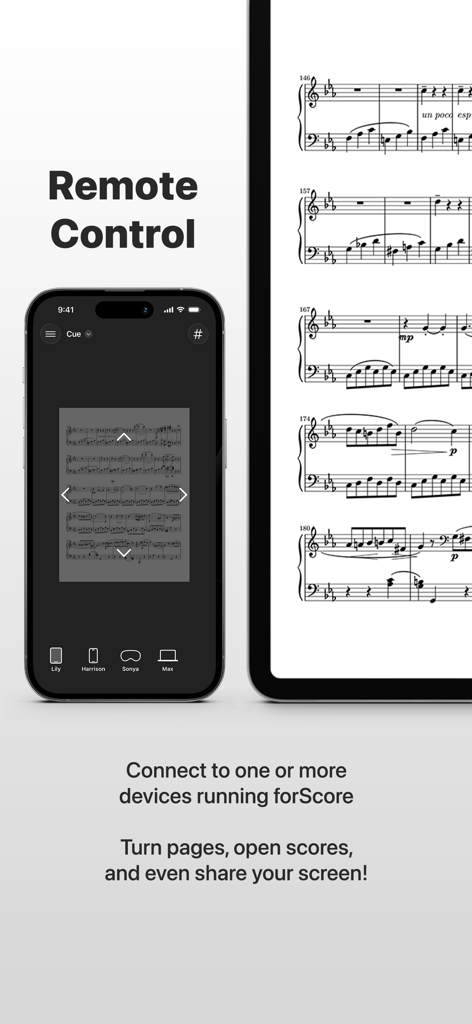
forScore Cue app showing an iPhone remotely controlling a music score displayed on an iPad

forScore Cue app showing an iPhone remotely controlling a music score displayed on an iPad

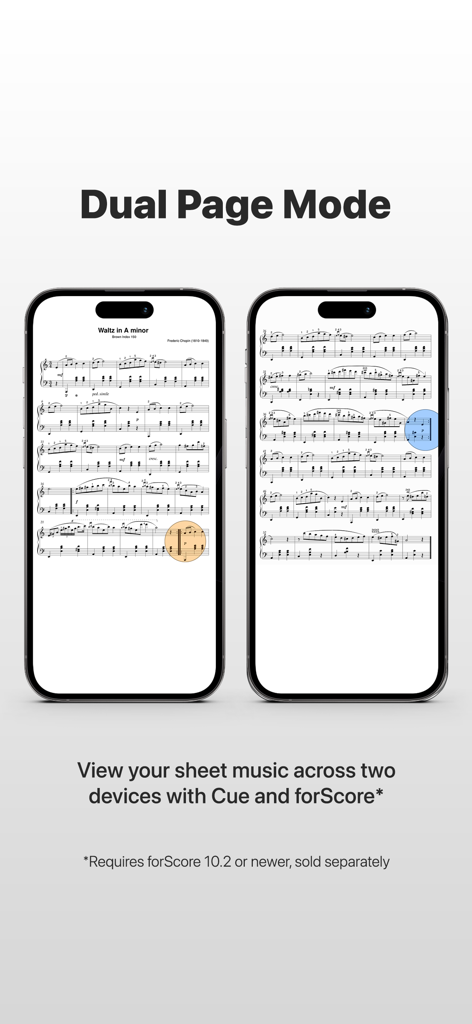
Two smartphones side by side showing sheet music in dual page mode

Two smartphones side by side showing sheet music in dual page mode

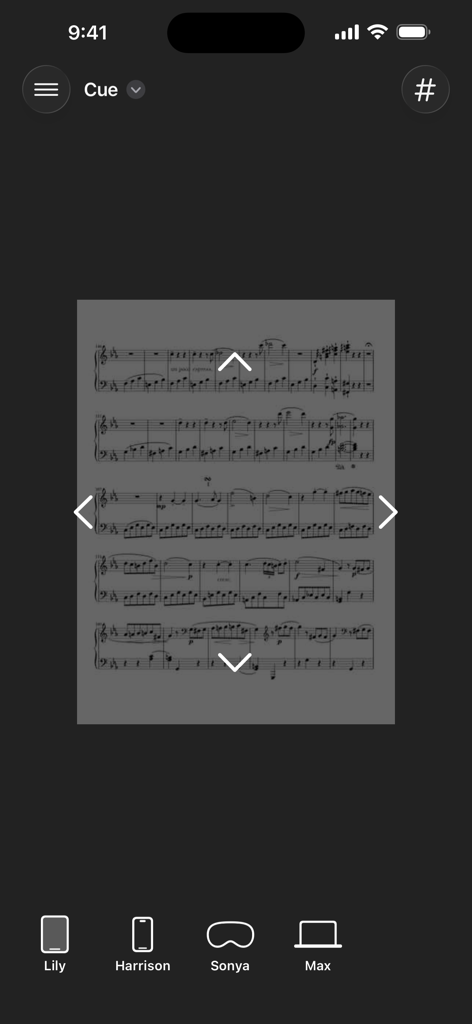
forScore Cue remote control interface showing a music score with navigation arrows and a list of connected devices

forScore Cue remote control interface showing a music score with navigation arrows and a list of connected devices

A list of musical scores in the forScore Cue app library categorized by title and composer.

A list of musical scores in the forScore Cue app library categorized by title and composer.

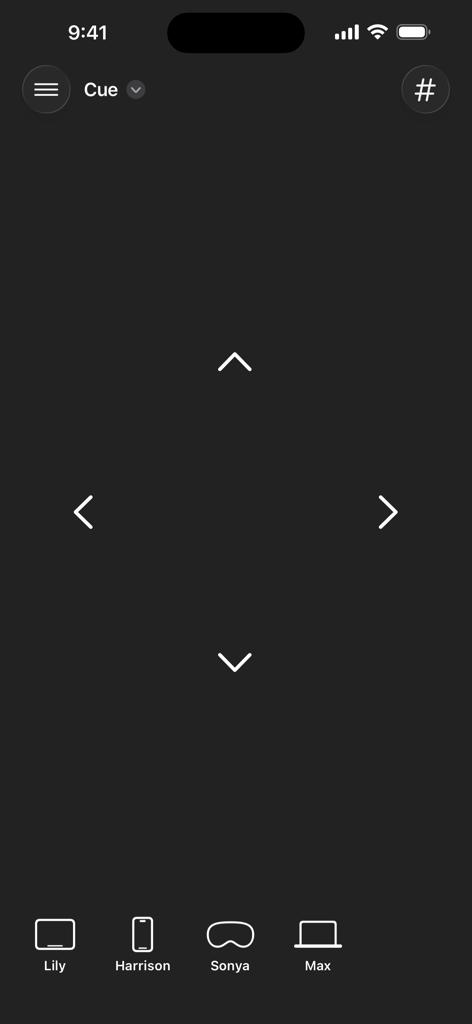
Remote control navigation interface in forScore Cue showing directional arrows and connected musician devices

Remote control navigation interface in forScore Cue showing directional arrows and connected musician devices

Master Every Performance

The tools that make this app stand out, trusted by 108K+ users.

📖

Immersive Dual-Page Mode

Transform your digital setup into a traditional two-page spread. Link two devices to view full-sized pages simultaneously with synchronized turns and shared annotations.

📶

Seamless Wireless Control

Take command of your stage presence. Remotely turn pages, navigate to specific scores, or scroll through repertoire on one or more devices from across the stage.

👥

Real-Time Ensemble Sync

Perfect for conductors and educators. Wirelessly follow along with another performer's screen in real-time to ensure every member of the ensemble is on the same page.

About the app

Everything you need to know about forScore Cue.

Description

Remotely control forScore with Cue! Connect wirelessly to one or more nearby devices using forScore and you’ll be able to turn pages, go to a specific page, scroll up and down or toggle half-page turns (depending on each device’s orientation), and navigate to any score that’s present on all connected devices. You can even view a device’s screen* to follow along as they play! Cue works with forScore 6.1 or later (sold separately). With Dual Page mode, you can use forScore on one device and Cue on another device to display two full-sized pages simultaneously. Your page and its annotations are sent wirelessly, and tapping or swiping on either device turns two pages at a time—just like a book. Dual Page mode even supports links and buttons, so you can tap on them no matter which side they’re on and they’ll work just like you expect. Visit forScore.co/cue to learn more! *Performance can vary greatly based on settings, environmental factors, and network availability. A wi-fi connection is strongly recommended. Image quality can be adjusted in the Settings app.

Latest Version

2.5

Size

1.7 MB

First Released

Mar 27, 2014

Double Your Perspective, Perfect Your Performance

Join over 100,000 professional musicians using Cue to sync devices, turn pages remotely, and unlock the ultimate dual-page digital music stand.

Download on App Store

App information, icons, screenshots, and descriptions displayed on this page are sourced from the Apple App Store and are the property of their respective developers. Download estimates and rankings are based on MWM's proprietary models and may not reflect actual figures. This page is provided for informational and analytical purposes only.

Believe this page infringes your intellectual property? File a dispute