GoVJ - Live Video Mixer

GoVJ - Live Video Mixer

Download on App Store
Logo of GoVJ - Live Video Mixer

GoVJ: Professional Live Visuals in Your Pocket

Transform your iPhone or iPad into a powerful video mixer. Sync stunning visuals to your beats with audio-reactive effects and MIDI support—no complex hardware required.

Download on App Store

Publisher

David Wood

Category

Music

Downloads

19K+

User Rating

4.4/5

Total Ratings

300

Locales

1

The Booth in Your Pocket

Discover the interface used by 19K+ users.
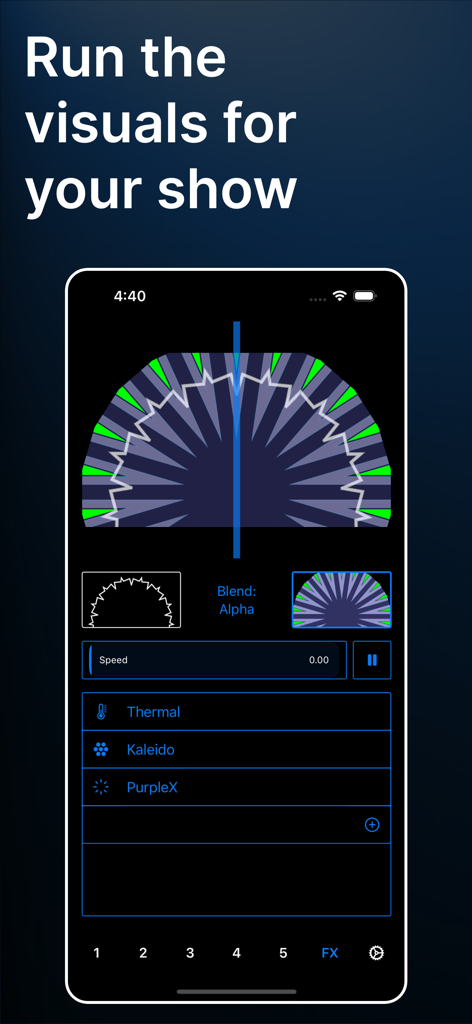
GoVJ mobile app interface showing real-time video mixing with visual effects like Kaleidoscope and alpha blending.

GoVJ mobile app interface showing real-time video mixing with visual effects like Kaleidoscope and alpha blending.

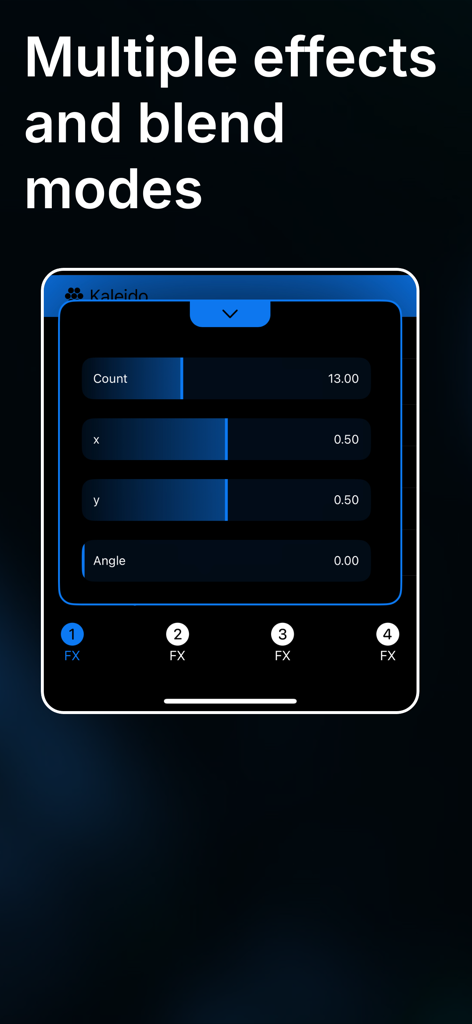
GoVJ mobile interface showing adjustable kaleidoscope effect parameters and multiple FX slots

GoVJ mobile interface showing adjustable kaleidoscope effect parameters and multiple FX slots

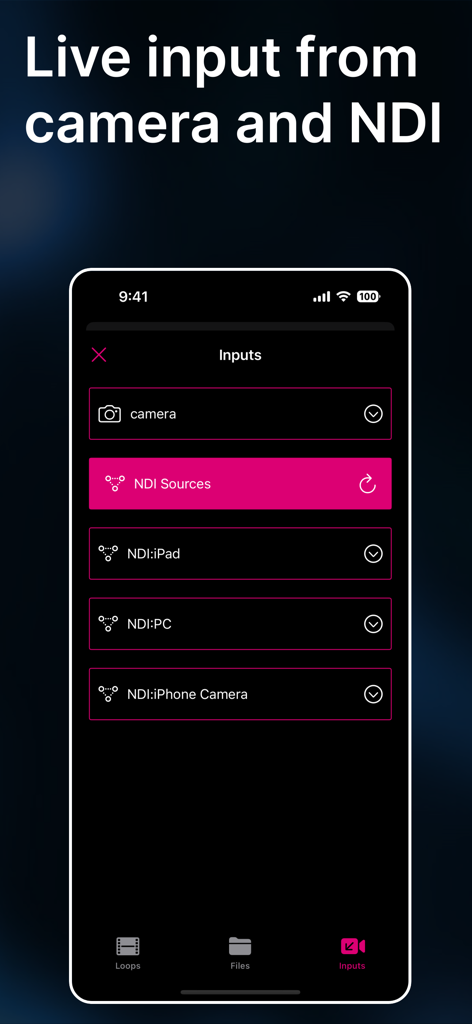
GoVJ app screen for selecting live camera and NDI video sources.

GoVJ app screen for selecting live camera and NDI video sources.

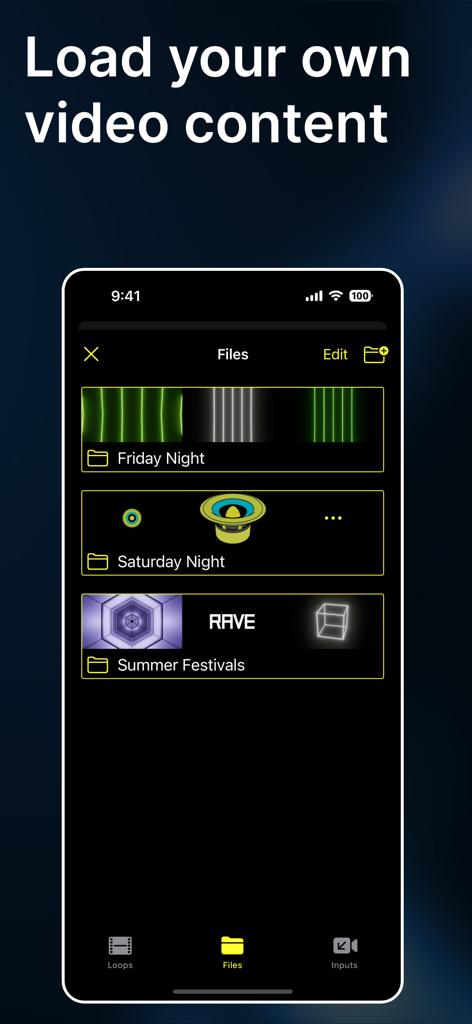
Mobile interface of GoVJ app showing organized folders for user uploaded video content.

Mobile interface of GoVJ app showing organized folders for user uploaded video content.

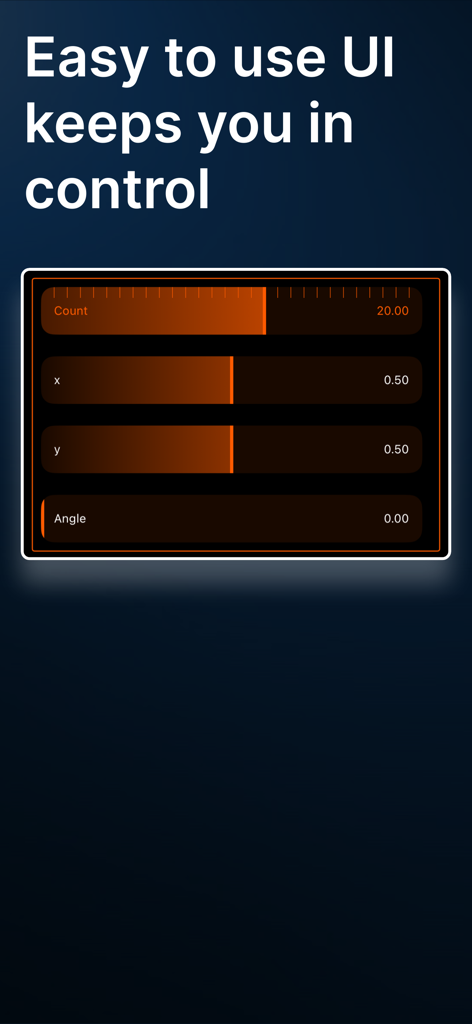
User interface of GoVJ live video mixer showing easy parameter sliders

User interface of GoVJ live video mixer showing easy parameter sliders

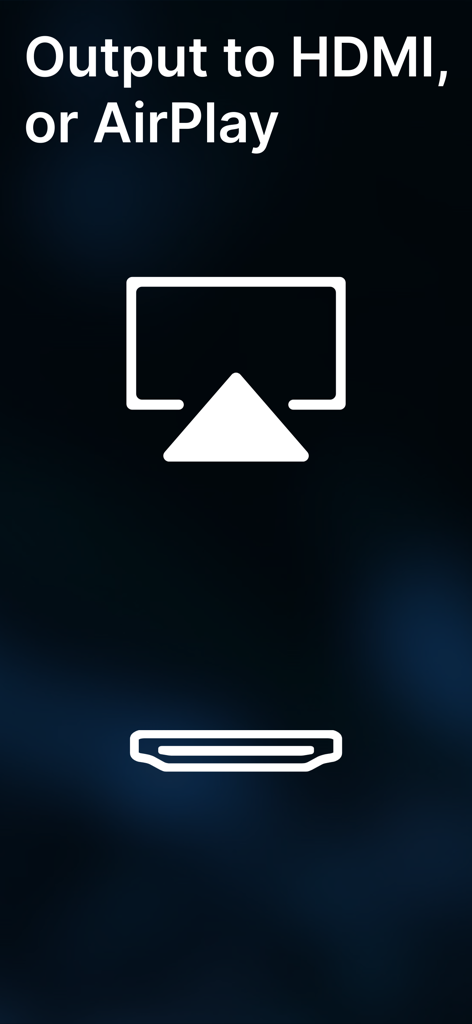
GoVJ app screen displaying HDMI and AirPlay output connectivity options

GoVJ app screen displaying HDMI and AirPlay output connectivity options

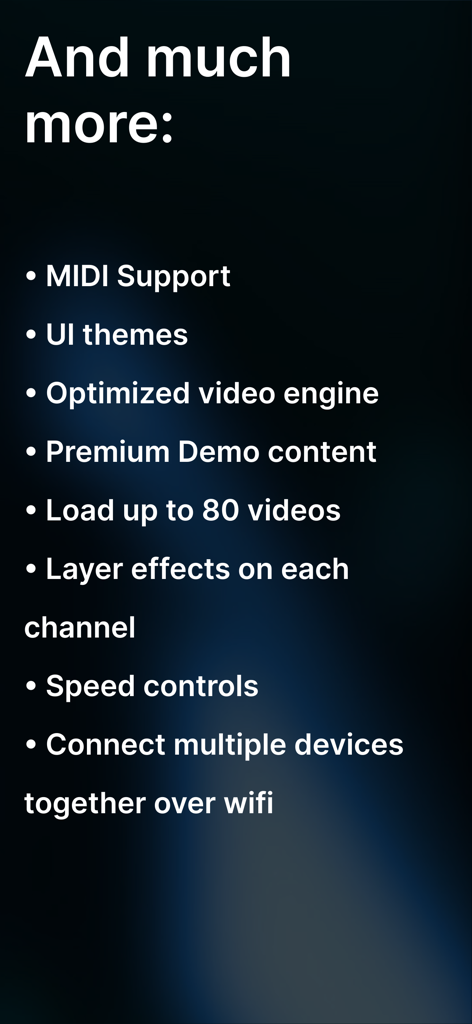
A list of additional features for the GoVJ app including MIDI support UI themes and multi-device connectivity over wifi

A list of additional features for the GoVJ app including MIDI support UI themes and multi-device connectivity over wifi

Professional Visuals from Your Pocket

The tools that make this app stand out, trusted by 19K+ users.

🎛️

Real-Time Performance Mixing

Seamlessly blend dual video channels with professional crossfaders and 16+ cinematic filters to create dynamic visual experiences on the fly.

Beat-Synced Audio Reactivity

Transform sound into light. Your visuals automatically pulse and react to the beat via microphone input, keeping your show perfectly in sync with the music.

🔌

Pro-Level Hardware Integration

Map your favorite MIDI controllers and output via HDMI, AirPlay, or NDI to turn your iPad into a professional-grade VJ workstation for any stage.

About the app

Everything you need to know about GoVJ - Live Video Mixer.

Description

Transform your iPhone or iPad into a powerful video mixer that rivals expensive hardware. Whether you're a seasoned VJ, bedroom producer, or just starting your creative journey, GoVJ puts professional visual performance tools in your pocket. Ready to perform in minutes - Just connect to any screen and start mixing. No complex setup, no intimidating interfaces. Perfect For Every Creative: DJs & Electronic Artists - Sync stunning visuals to your sets with audio-reactive effects that pulse with every beat Live Bands & Musicians - Add cinematic visuals that elevate your performances from garage gigs to festival stages Video Artists & Creators - Record mixed visual art or stream live performances to build your following VJ Professionals - Integrate with your existing rig via NDI, or use standalone for smaller venues Creative Beginners - Start experimenting with 18 included premium video loops and intuitive controls Pro Features That Deliver: Real-Time Video Mixing - Blend two channels with professional crossfading and multiple blend modes MIDI Controller Support - Connect hardware via Bluetooth or USB for hands-on control Live Camera Input - Mix live footage into performances for unique moments Audio-Reactive Effects - Visuals that respond to music through microphone input Professional Effects Suite - 16+ filters including Kaleidoscope, Fish Eye, Edge Detect, and RGB manipulation Variable Speed Control - Time-stretch videos independently on each channel Multiple Output Options - AirPlay, HDMI/VGA adapters, or NDI for professional setups Live Preview - See your mix on-device while sending clean output to your audience GoVJ includes everything you need to begin mixing immediately. Free download with monthly or annual subscription to unlock the full creative suite. From bedroom experiments to main stage performances - your visual journey starts here. ---- Optimal configuration and comptability: - GoVJ works best with videos at full HD (1920x720) or lower resolution - Output via Apple branded video AV Adaptors for HDMI or VGA connections - Output via Apple TV for AirPlay EULA: https://www.apple.com/legal/internet-services/itunes/dev/stdeula/

Latest Version

3.7.1

Size

153.7 MB

First Released

Sep 4, 2015

Turn Your Device Into a Pro-Grade VJ Rig

Join over 19,000 creators and deliver stunning, audio-reactive visuals directly from your iPhone or iPad. Your visual journey starts here.

Download on App Store
FAQ

Frequently Asked Questions

Everything you need to know about GoVJ - Live Video Mixer

What is GoVJ - Live Video Mixer?

GoVJ - Live Video Mixer transforms an iPhone or iPad into a powerful video mixer for creating professional visual performances. It caters to VJs, DJs, musicians, and video artists.

Can GoVJ connect to external hardware for control?

Yes, GoVJ supports MIDI controllers. Users can connect hardware via Bluetooth or USB for hands-on control during performances.

Does GoVJ allow for live camera input?

Yes, GoVJ supports live camera input. Users can mix live footage directly into their performances for unique and dynamic visual experiences.

What types of video output options does GoVJ offer?

GoVJ provides multiple output options including AirPlay, HDMI/VGA adapters, and NDI for professional setups. This allows connection to various screens and systems.

Is the GoVJ app free to download?

Yes, the GoVJ app is free to download. To unlock the full creative suite and all features, a monthly or annual subscription is required.

Does GoVJ offer audio-reactive effects?

Yes, GoVJ includes audio-reactive effects. These visuals respond dynamically to music through microphone input, syncing with every beat to enhance performances.

How does GoVJ handle video mixing?

GoVJ provides real-time video mixing capabilities. It allows blending two channels with professional crossfading and offers multiple blend modes for creative control.

Can users load their own video content into GoVJ?

Yes, GoVJ allows users to load their own video content. The app also includes 18 premium video loops to start mixing immediately.

What video resolutions are optimal for GoVJ?

GoVJ performs best with videos at full HD (1920x720) or lower resolutions. This ensures smooth performance and compatibility.

Does GoVJ support NDI integration for VJ professionals?

Yes, GoVJ supports NDI integration. VJ professionals can integrate GoVJ with their existing rigs via NDI or use it standalone for smaller venues.

App information, icons, screenshots, and descriptions displayed on this page are sourced from the Apple App Store and are the property of their respective developers. Download estimates and rankings are based on MWM's proprietary models and may not reflect actual figures. This page is provided for informational and analytical purposes only.

Believe this page infringes your intellectual property? File a dispute