
Gradient: You Look Like


Join over 14 million creators using viral celebrity look-alike quizzes, pro-level beauty filters, and instant AI glow-ups to own your aesthetic on every social feed.
Publisher
Category
Photo & VideoDownloads
14M+User Rating
Total Ratings
77K+Locales
25Discover the interface used by 14M+ users.
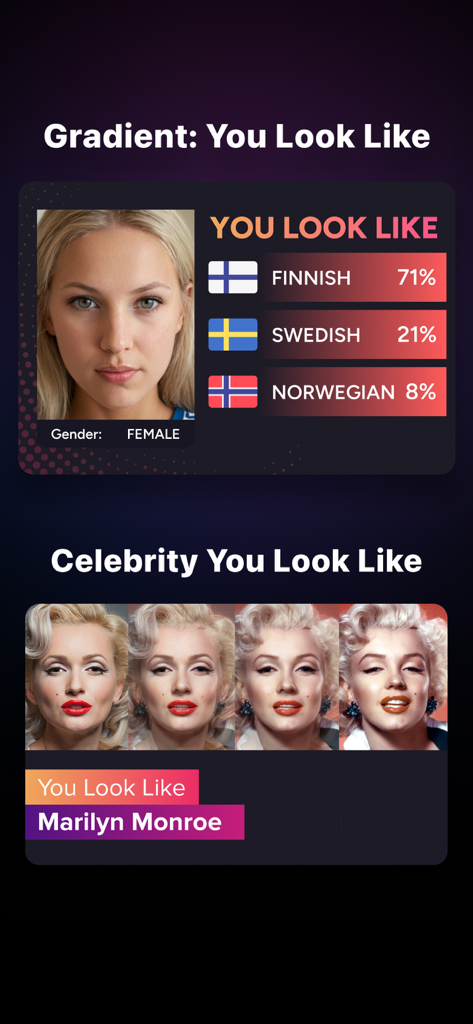
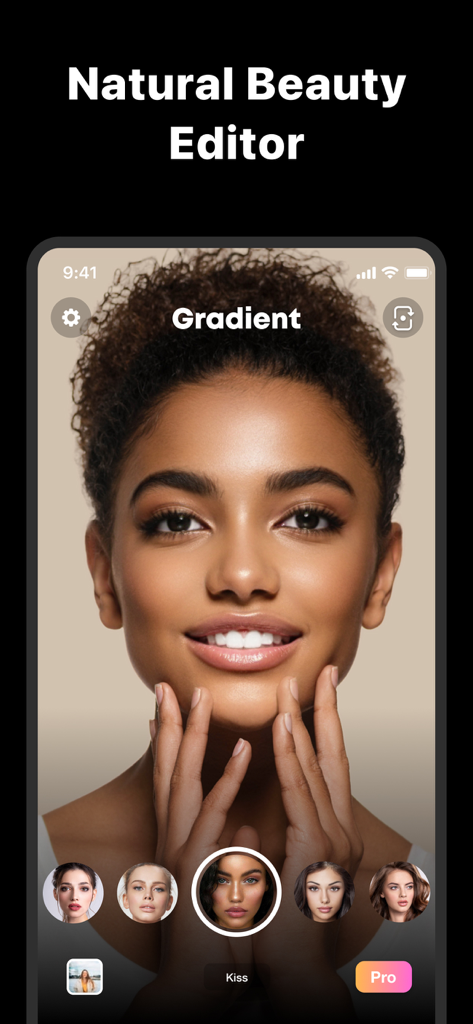
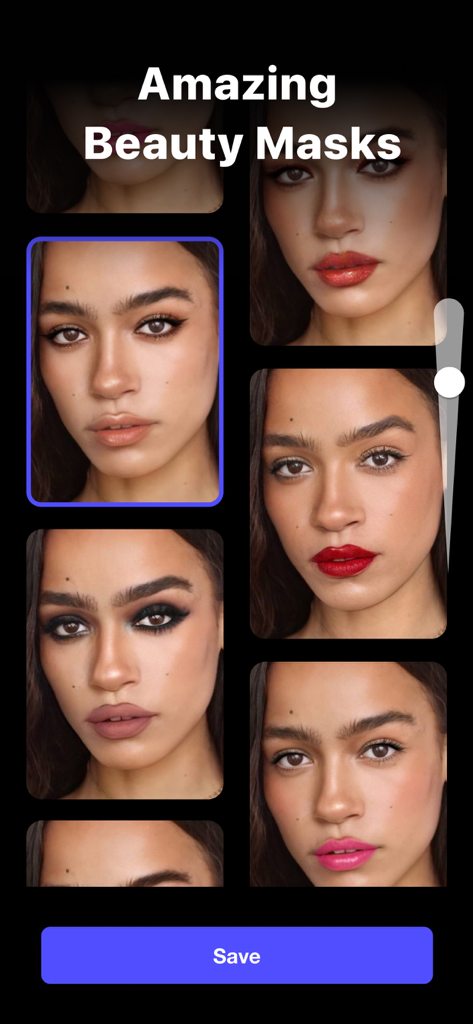
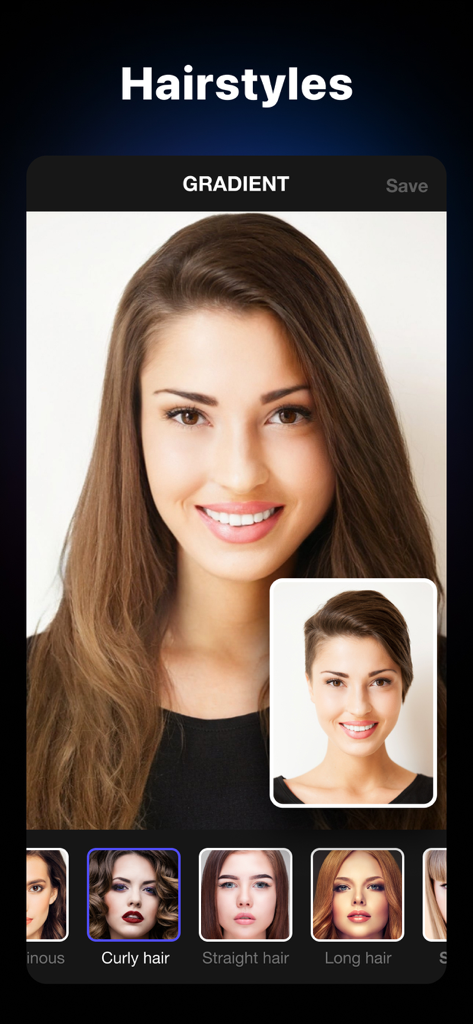
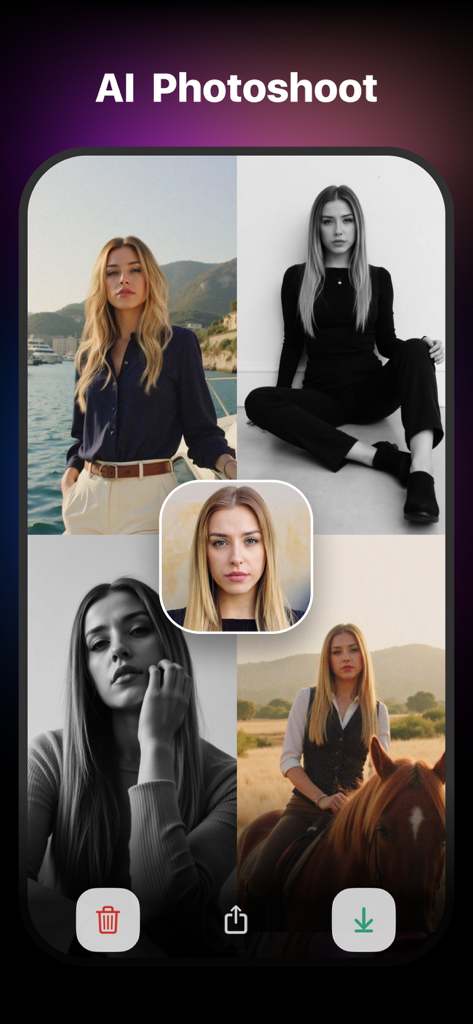
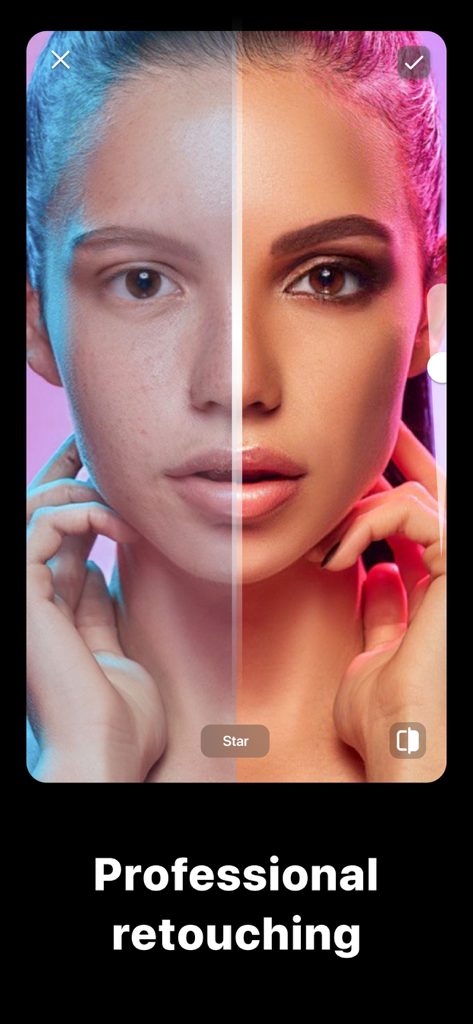
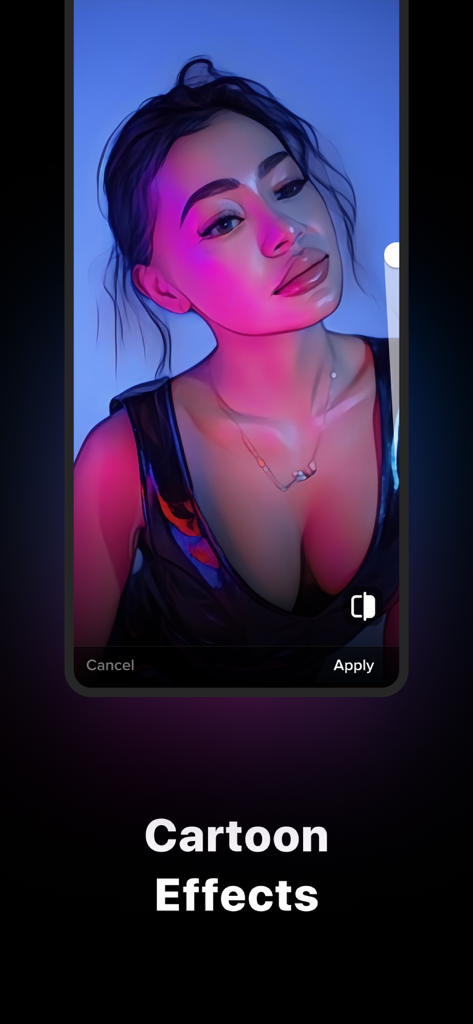
The tools that make this app stand out, trusted by 14M+ users.
Find your celebrity look-alike or turn into a cartoon character with the AI challenges that take over social media.
Achieve a flawless look with professional-grade skin smoothing, body contouring, and virtual makeup designed for the perfect grid.
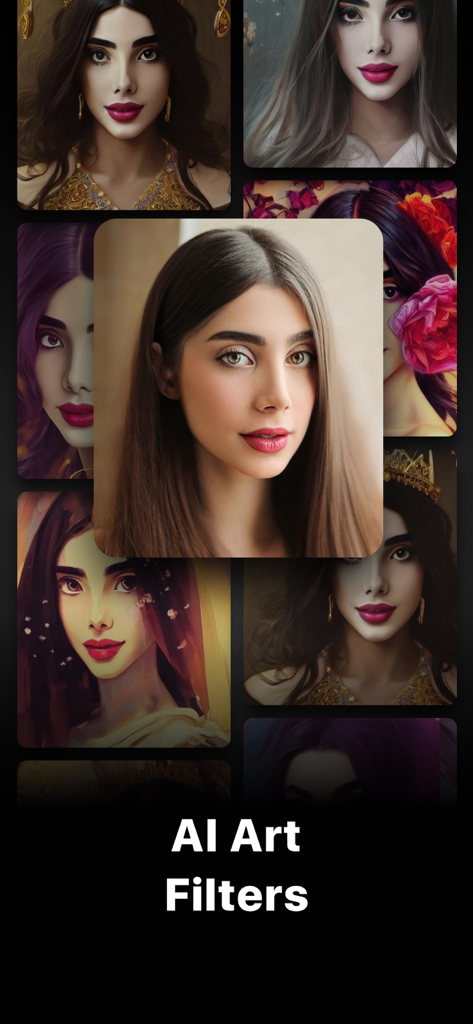
Turn your everyday selfies into stunning digital art or realistic paintings using our high-end, one-tap artistic filters.
Everything you need to know about Gradient: You Look Like.
Description
Latest Version
2.20.0
Size
272.5 MB
First Released
Jun 18, 2019
Join over 14 million creators using the world’s most advanced AI tools. From viral look-alike quizzes to professional beauty filters, your next masterpiece is just one tap away.
Everything you need to know about Gradient: You Look Like
Gradient Photo Editor is an app that provides photo and video editing capabilities using state-of-the-art AI technology. It offers features like AI quizzes, beauty filters, and artistic transformations.
Yes, Gradient Photo Editor includes an AI QUIZZES feature that can identify your Celebrity Look-Alike. The AI algorithms provide realistic results for this function.
Yes, Gradient: You Look Like offers an extensive range of AI-powered beauty filters. These filters enhance natural beauty with options like skin smoothing and eye brightening for professional retouching.
Gradient Photo Editor provides AI-driven artistic filters that transform photos into various styles. Users can choose between realistic paintings or cartoon animation effects.
Yes, the Gradient app features an AI-powered hairstyle tool. This allows users to experiment with different haircuts and colors virtually to find a new look.
A Gradient Photo Editor VIP subscription offers a yearly plan for $57.99, a monthly plan for $14.99, or a one-time purchase for $195.99. Prices are in US dollars.
Yes, Gradient Photo Editor includes an AI-driven object removal tool. It makes removing unwanted objects from photos simple, allowing users to clean up their images easily.
The Terms of Use for Gradient Photo Editor are available at https://gradient.photo/terms_of_use.pdf. This document outlines the legal agreements for using the application.
Yes, Gradient: You Look Like includes teeth and smile editing tools. Users can whiten their teeth and adjust their smile to create a more confident look.
Gradient Photo Editor includes classic editing tools such as crop, rotate, brightness adjustment, and contrast adjustment. The interface is intuitive for both beginners and professionals.
Yes, Gradient Photo Editor provides makeup filters. These filters offer a range of cosmetics for subtle enhancements or bold transformations, allowing users to experiment with different looks.
Yes, Gradient Photo Editor features intuitive body filters. These AI-powered tools allow users to slim down, tone up, or add curves to achieve a desired body shape in photos.
Apps with similar features and user experience

Eleven Labs Inc.

WarpEngine Canada Inc.

Beijing Kwai Technology Co., Ltd.

Leonardo Interactive Pty Ltd

NEOCORTEXT, INC.

DIRECT CURSUS COMPUTER SYSTEMS TRADING LLC

TAPUNIVERSE LLC

Turnip Media Private Limited

Paradot Corp.
App information, icons, screenshots, and descriptions displayed on this page are sourced from the Apple App Store and are the property of their respective developers. Download estimates and rankings are based on MWM's proprietary models and may not reflect actual figures. This page is provided for informational and analytical purposes only.
Believe this page infringes your intellectual property? File a dispute
