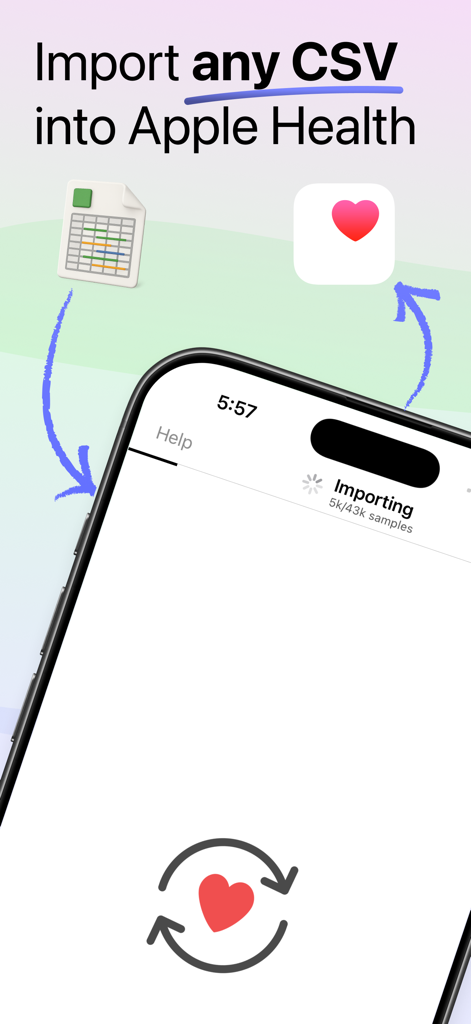
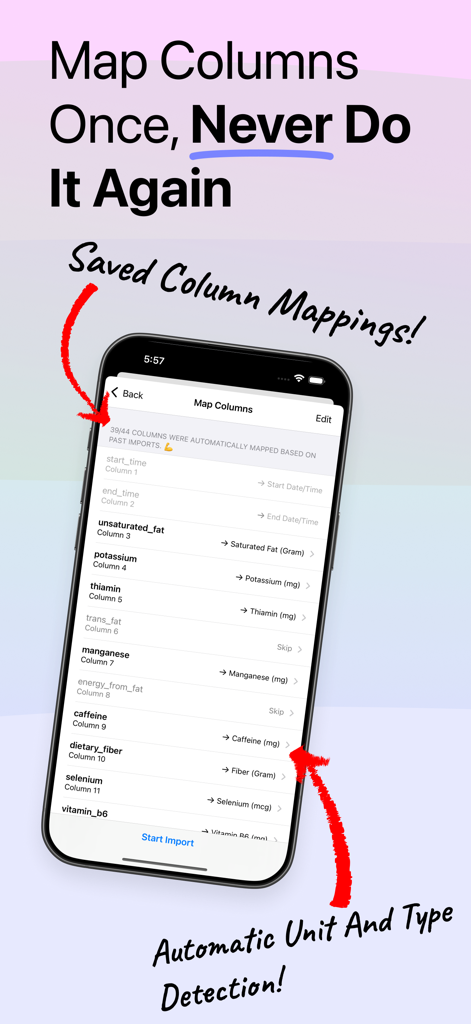
Health CSV Importer is the easiest, fastest, and most reliable way to import your CSV data into Apple Health. Battle-tested with millions of data points and hundreds of CSV formats, from proprietary formats from blood glucose monitors to self-made CSVs exported from Google Sheets.
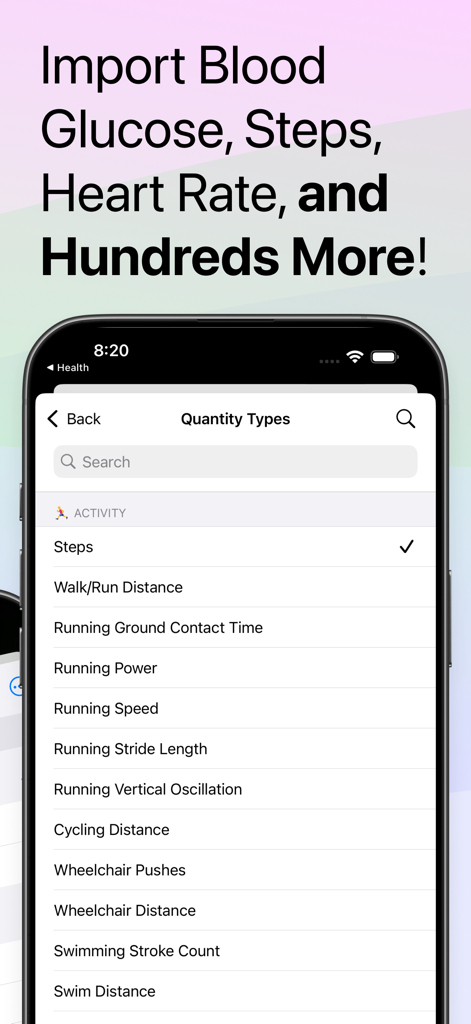
Import workouts, quantity types (like weight), category types (like sleep tracking), and blood pressure to the Health app (note that Activity Summaries, Stand Hours, Exercise Time, and Nike Fuel are not supported).
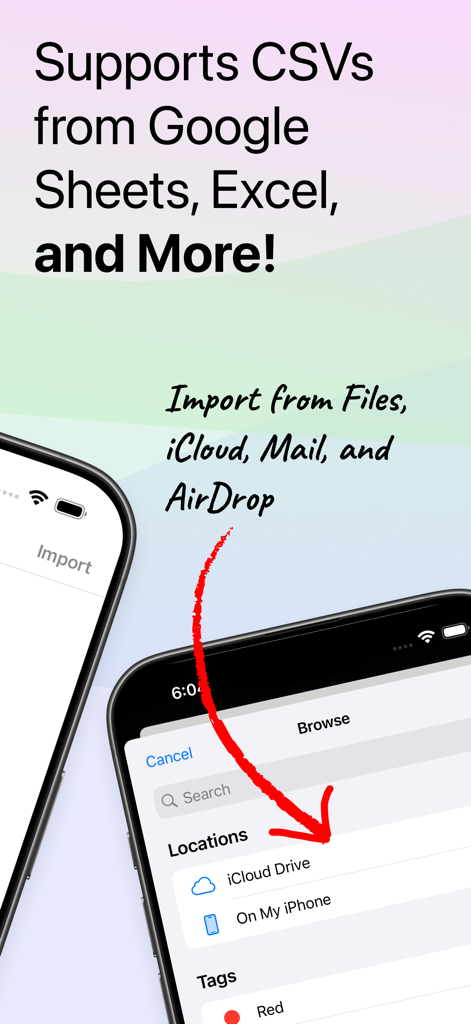
To see how easy it is, just watch the preview video (no sound). Note: while we use iCloud Drive in the preview video, iCloud Drive does not need to be enabled in order to perform an import. If you would prefer not to use iCloud Drive, just send your CSV to yourself in Mail.app and open it with Health CSV Importer.
Health CSV Importer integrates with the HealthKit framework and Health.app to import your data.
◆ Testimonials ◆
‣ "Does exactly as advertised with good documentation"
‣ "So glad this app exists so that I didn’t lose years of health data when I switched from Samsung to Apple!"
‣ "This tool is so easy to use and thank you for the free version which was all I require."
◆ What files does it support? ◆
CSV or TSV files from any source, including:
‣ Data files from your doctor or from a 3rd-party health device (e.g. blood glucose monitor)
‣ Health data you’re manually tracking in a spreadsheet (e.g. weight)
‣ Data from another phone
◆ Free Features ◆
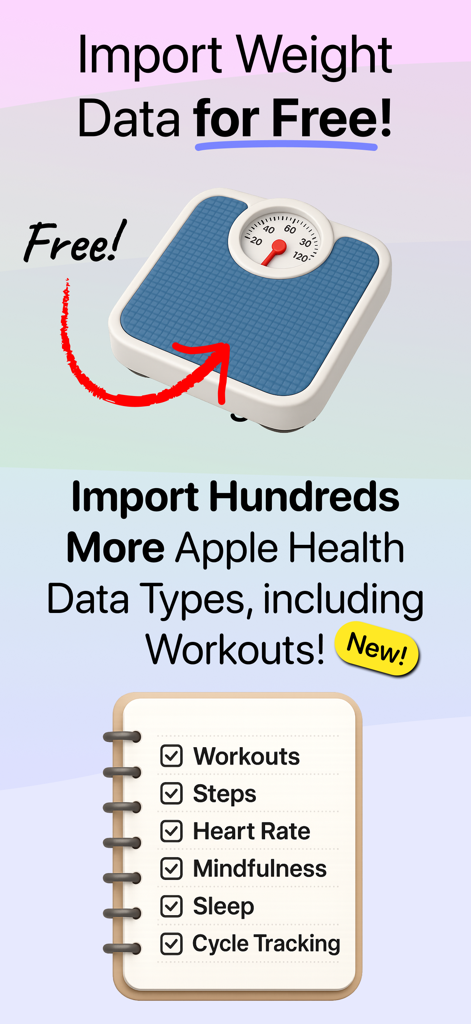
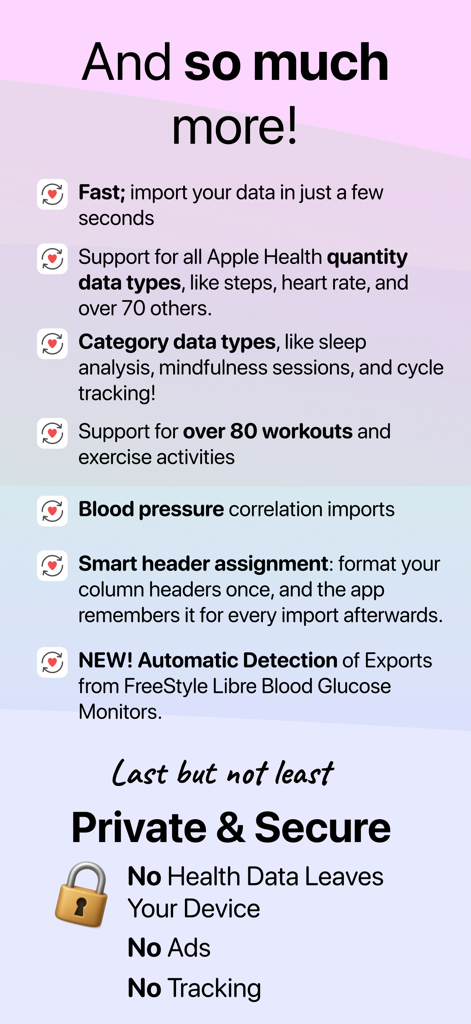
‣ Import weight / body-mass CSVs or TSVs for free with NO subscription.
‣ Fast, quick, efficient, and battle-tested—import your data in just a few seconds.
◆ Pro Features ◆
‣ Support for all Apple Health quantity data types, like steps, heart rate, and over 70 others.
‣ Category data types, like sleep analysis, mindfulness sessions, and cycle tracking.
‣ Support for over 80 workouts and exercise activities (see full list below).
‣ Unlock blood pressure correlation imports
‣ Smart header assignment: format your column headers once, and we'll remember it for every import afterwards.
◆ Pro Feature: Workouts ◆
‣ Team Sports: American Football, Australian Football, Baseball, etc.
‣ Exercise And Fitness: Stretching, Cooldown, Walking, Running, Wheelchair Walk & Run Pace, Cycling, Core Training, Elliptical, Strength/Cross Training, Mixed Cardio, HIIT, Jump Rope, Stairs, Fitness Gaming, And More!
‣ Studio Activities: Barre, Cardio Dance, Social Dance, Yoga, Meditations, Pilates
‣ Racket Sports: Badminton, Pickleball, Racquetball, Squash, Table Tennis, Tennis
‣ Outdoor Activities: Climbing, Equestrian Sports, Fishing, Golf, Hiking, Hunting, Play (E.g., Tag, Dodgeball, Or Hopskotch)
‣ Snow And Ice Sports: Cross-Country Skiing, Curling, Downhill Skiing, Snow Sports, Snowboarding, Skating Sports
‣ Water Activities: Paddle Sports, Rowing, Sailing, Surfing Sports, Swimming, Water Fitness, Water Polo, Water Sports
‣ Martial Arts: Boxing, Kickboxing, Martial Arts, Tai Chi, Wrestling
◆ Documentation ◆
Check out our data formatting guide at https://lionheartsw.com/software/health-csv-importer/guide.html
◆ Help and Support ◆
If you run into an issue, please email our team at support@lionheartsw.com. We've helped many customers import their data successfully and will try our best to help you too.
Two optional, auto-renewing Pro subscriptions are available for $2.99 per week or $9.99 per year (pricing varies by territory).
Payments will be charged to your iTunes Account after confirmation. Subscriptions are automatically renewed unless auto-renew is turned off at least 24 hours before the end of the subscription period. Accounts will be charged for subscription renewals within 24 hours prior to the end of the current period. Subscriptions may be managed in your iTunes Account's Settings after purchasing.
Privacy policy: https://lionheartsw.com/software/health-csv-importer/privacy.html
Terms of use: https://lionheartsw.com/software/health-csv-importer/terms.html