Hearing Analyzer Portrait: The Professional Hearing Test for Audiophiles and Sound Pros
Go beyond standard 8kHz tests. Measure your hearing across the full spectrum—from 30Hz to 20kHz—with pro-grade precision and intuitive frequency analysis.
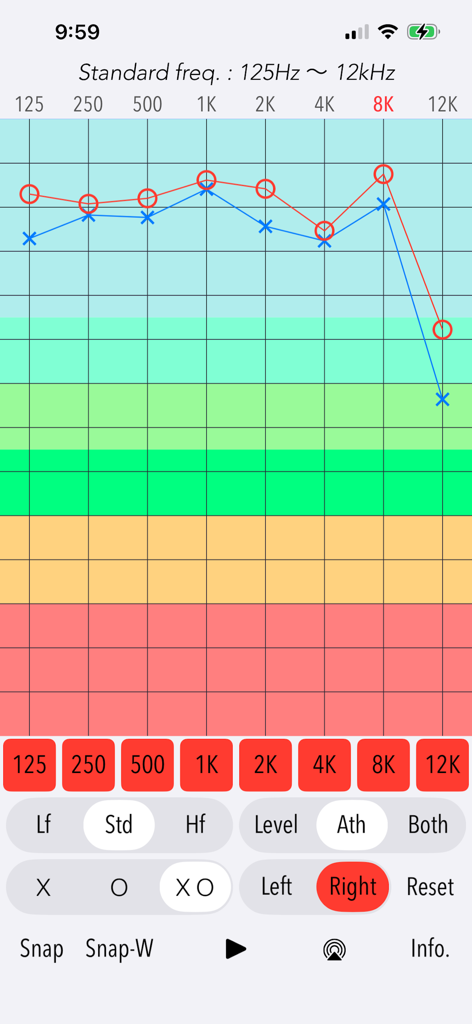
A frequency response graph showing hearing test results for standard frequencies in the Hearing Analyzer Portrait app
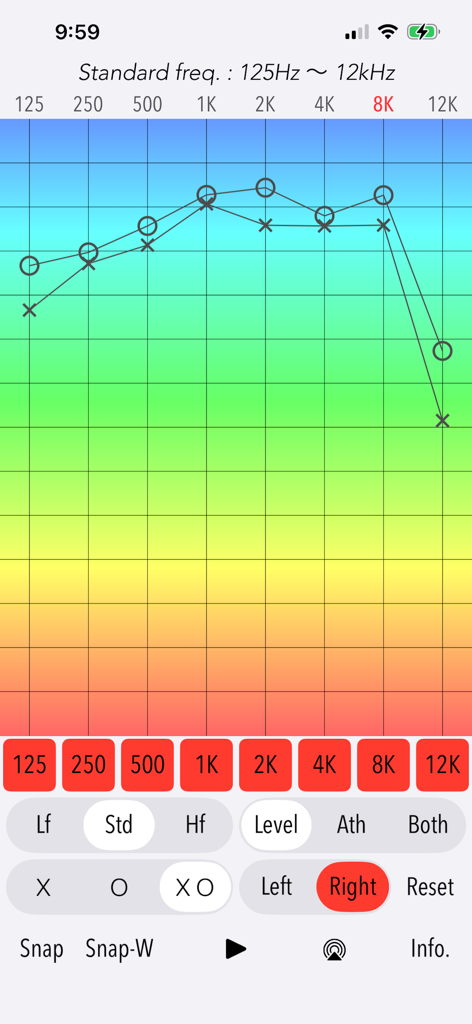
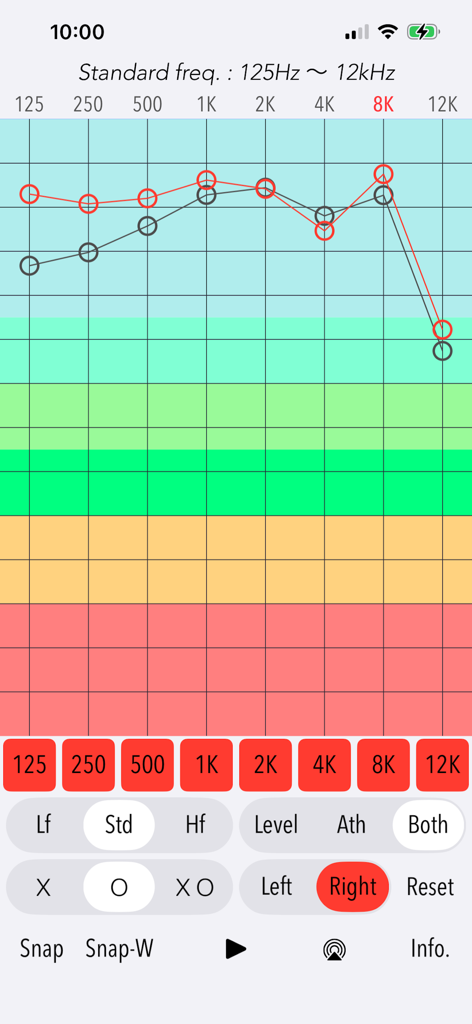
A frequency response graph within the Hearing Analyzer Portrait app displaying hearing test results for both left and right ears across the standard frequency range.
A detailed frequency response graph displaying hearing test results for frequencies from 125Hz to 12kHz
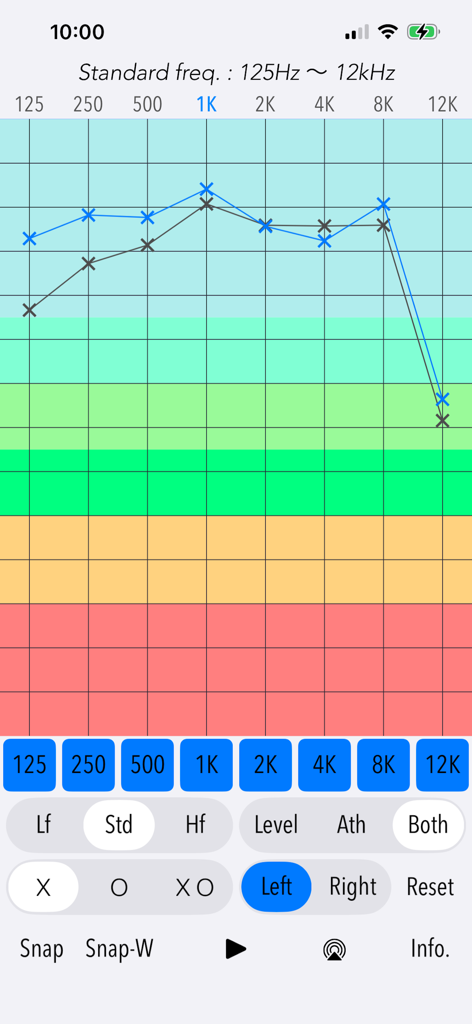
Frequency response graph showing hearing test results for the left ear across standard frequencies
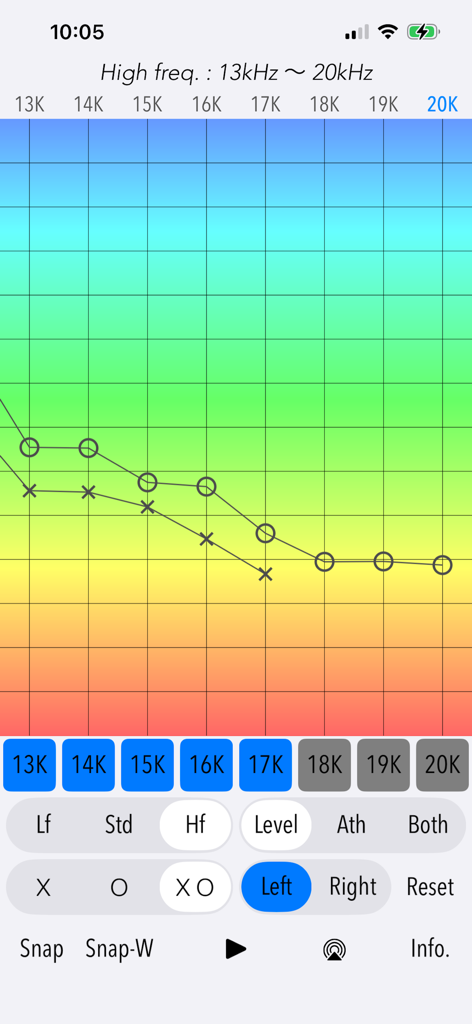
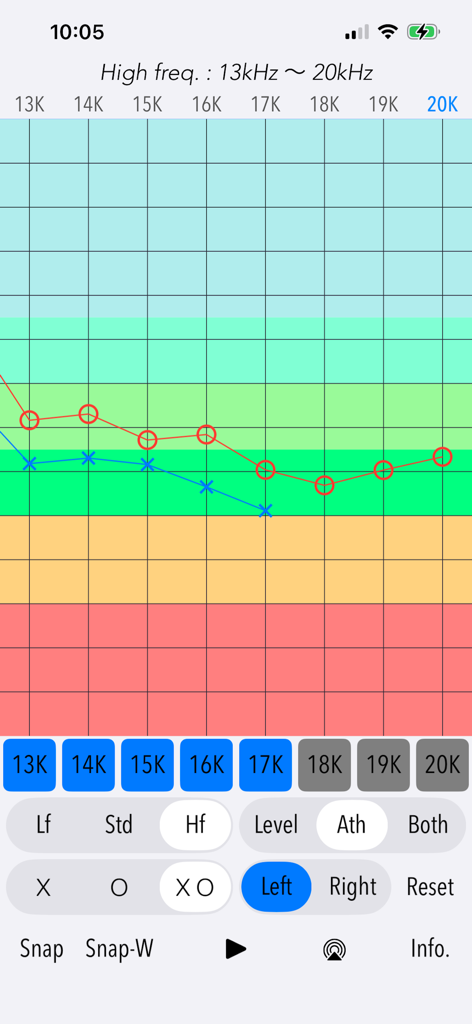
High-frequency hearing test results graph from 13kHz to 20kHz showing threshold measurements for both ears
High frequency hearing test results graph in the Hearing Analyzer Portrait app
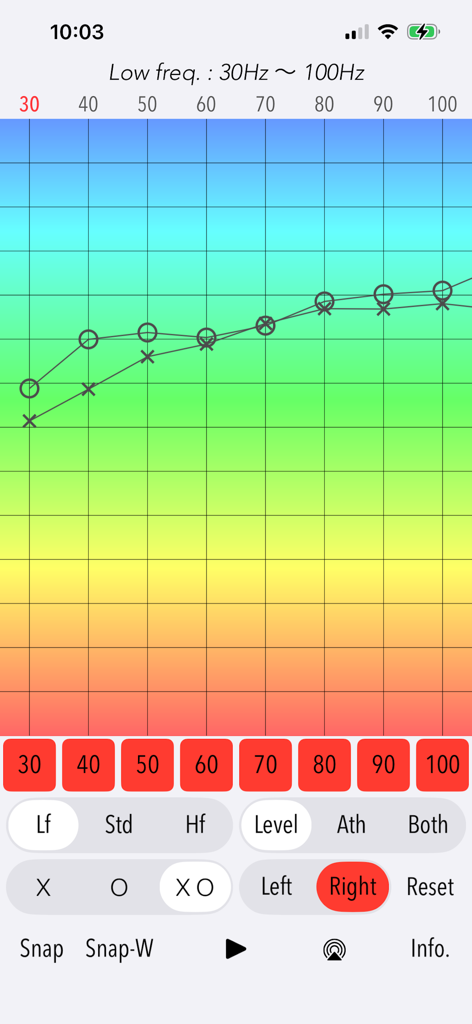
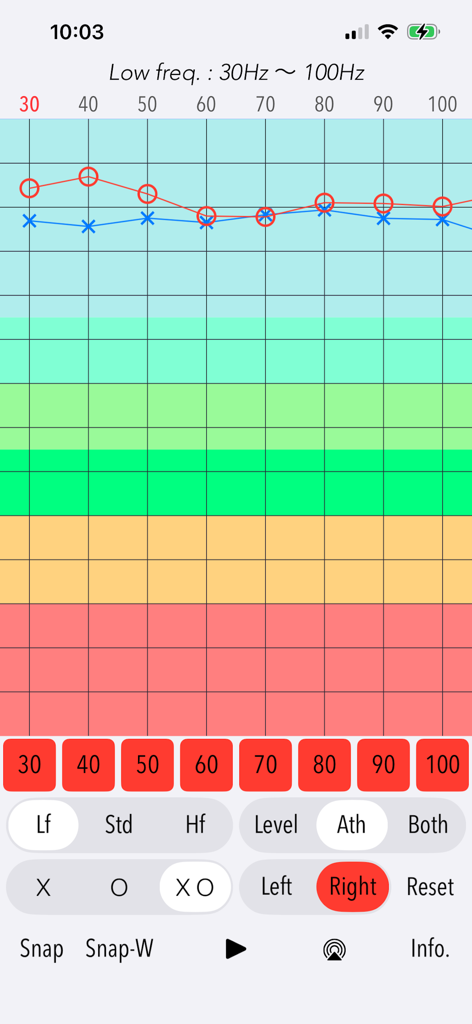
A screenshot of the Hearing Analyzer Portrait app showing a frequency response graph for a low frequency hearing test
Low frequency hearing test results graph from 30Hz to 100Hz in the Hearing Analyzer Portrait app.
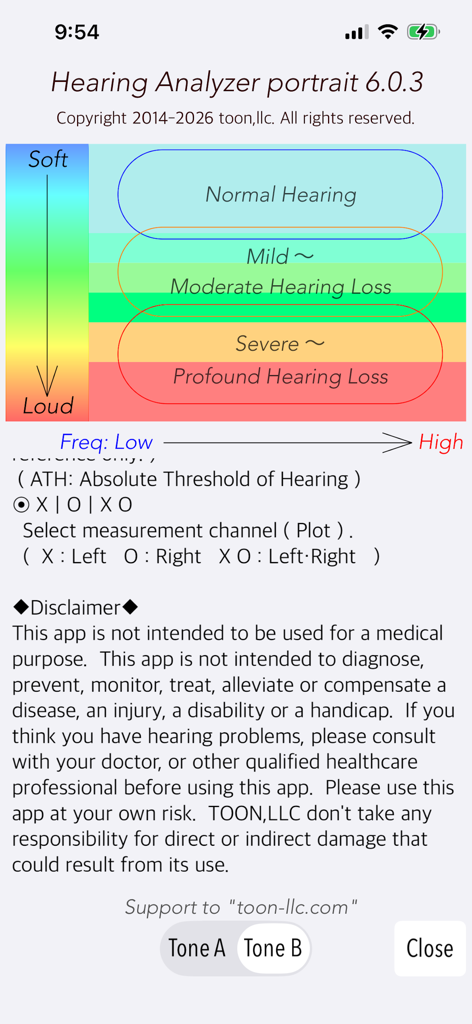
Hearing Analyzer Portrait screen with hearing loss categories chart and disclaimer
Precision Auditory Analysis for the Discerning Ear
The tools that make this app stand out, trusted by 53K+ users.
🎧
Full-Spectrum Frequency Mapping
Test your hearing from 20Hz to 20kHz, including critical high-frequency bands often missed by standard medical exams.
📈
High-Resolution Audiogram Graphs
Visualize your hearing characteristics with precise graphs and ATH compensation for professional-grade auditory insights.
✨
Benchmark Your 'Golden Ears'
Perform daily checks to monitor your auditory health and ensure your hearing remains sharp for music production and high-fidelity listening.
About the app
Everything you need to know about Hearing Analyzer Portrait.
Description
"Hearing Analyzer Portrait" is a hearing health check tool that allows you to measure your hearing over a very wide range of audible frequencies.
The human ear possesses an auditory range from 20Hz to 20kHz. However, conventional hearing tests (125 Hz to 8 kHz) cannot assess the low-frequency or high-frequency bands. This app covers nearly the entire audible range, allowing you to self-diagnose your hearing ability. By measuring your current hearing characteristics, try to consider the wellness of your ears and the way of natural sound reproduction.
This app employs an intuitive and simple testing method, enabling hearing characteristics to be measured in a very short time. It performs hearing tests within the audible range by detecting the minimum volume setting at which pure tones can be heard.
Recommended to check your own hearing ability on a daily basis for the audiophile, music players, sound professionals and all music lovers. See if you have golden ears!
Features:
- Broadband hearing test in 3 frequency bands: LF (Low Frequency) - 30Hz to 100Hz, STD (Standard Frequency) - 125Hz to 12kHz, HF(High Frequency) - 13kHz to 20kHz
- Test tones of LF: 30, 40, 50, 60, 70, 80, 90, 100 (Hz)
- Test tones of STD: 125, 250, 500, 1k, 2k, 4k, 8k, 12k (Hz)
- Test tones of HF: 13k, 14k, 15k,16k, 17k, 18k, 19k, 20k (Hz)
- Test channel: Left, Right
- Test tone type: Intermittent tone (Tone A) / Continuous tone (Tone B)
- Measurement result graph display (Level/Ath/Both): Linear level without ATH compensation (Level), ATH compensation (Ath)[*1], Both results (Both)
- Clear setting and results. (Reset)
- Snapshot of single band result. (Snap)
- Snapshot of full band result. (Snap-W)
*1: ATH (Absolute Threshold of Hearing)
ATH is also known as the hearing threshold and is the minimum sound pressure level of pure tone that can be detected on the hearing in noise-free environment. Human is said to be able to listen from 20Hz to 20kHz, but the sensitivity of the hearing will vary greatly depending on frequency. ATH varies with age and sex, but is a good sensitivity at mid-range (1kHz - 5kHz), and needs more greater sound pressure level at a lower and higher frequency. In the Lf and Hf frequency bands, the information in the ATH graph is for reference only.
Notes:
- This app does not support all wireless headphones and only supports Bluetooth (A2DP) headphones. If you cannot confirm the connection, use wired headphones.
- This app generates a test tone signal with a high gain, so please special attention to the volume adjustment.
- Before the diagnosis start, please set the hardware volume control to the central position of 50%. If you move the volume slider upward, the output volume will have a large gain. So as not to be excessively large gain for your ears, please adjust it carefully.
- The classification of the hearing ability refers to WHO.
Remarks:
In general, a high risk of hearing loss has been known if you continue to hear the sounds of a high acoustic pressure level, such as, listening of the portable audio and working with too loud noises. We hope that you will continue to take an interest in your hearing health on a daily basis through this app. If you feel the need to manage the health of your ear, it is recommended that you see a medical professional.
Disclaimer:
This app is not intended to be used for a medical purpose. This app is not intended to diagnose, prevent, monitor, treat, alleviate or compensate a disease, an injury, a disability or a handicap. If you think you have hearing problems, please consult with your doctor, or other qualified healthcare professional. Please use this app at your own risk. TOON,LLC don't take any responsibility for direct or indirect damage that could result from its use.
Please visit our support site for more information.
Latest Version
6.0.3
Size
0.5 MB
First Released
Oct 8, 2014
Ready to Verify Your "Golden Ears"?
Join thousands of audiophiles and sound professionals. Download now to benchmark your hearing across the full 20Hz–20kHz spectrum with professional-grade precision.
App information, icons, screenshots, and descriptions displayed on this page are sourced from the Apple App Store and are the property of their respective developers. Download estimates and rankings are based on MWM's proprietary models and may not reflect actual figures. This page is provided for informational and analytical purposes only.
Believe this page infringes your intellectual property? File a dispute