
Hohner Cajun SqueezeBox


Bring the soul of Louisiana wherever you go. Experience the faithful response and traditional push-pull mechanics of the Hohner Cajun IV on your iPad, perfect for mastering scales and songs in any key, anytime.
Publisher
Category
MusicDownloads
1000User Rating
Total Ratings
0Locales
1Discover the interface used by 1000 users.
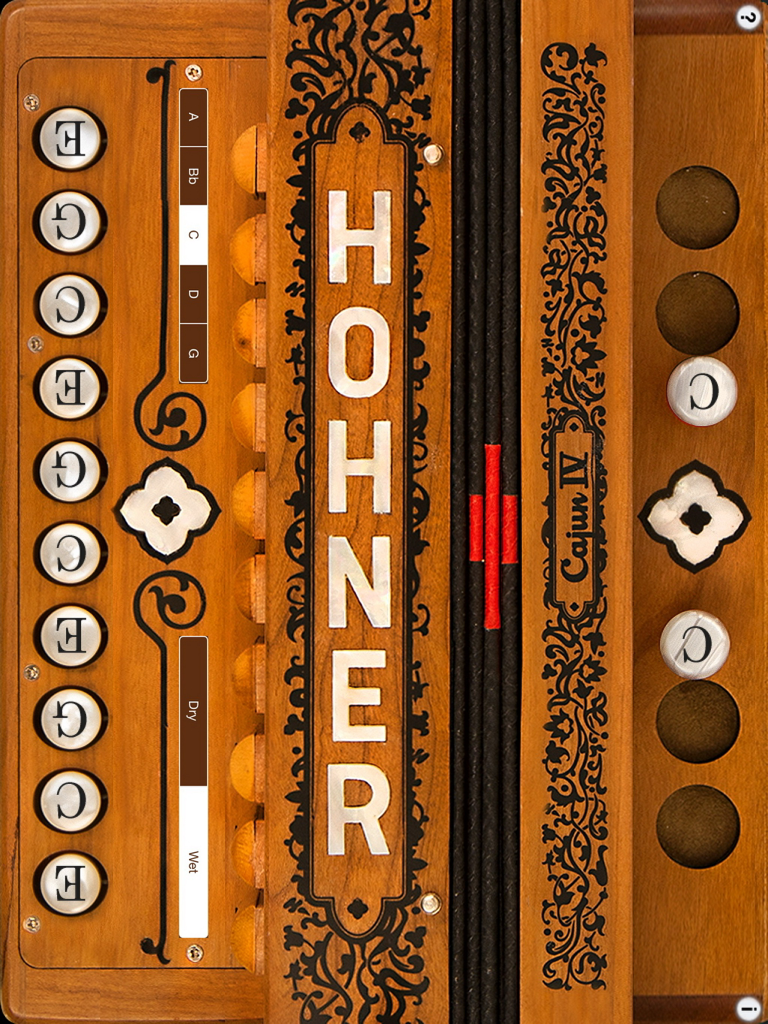
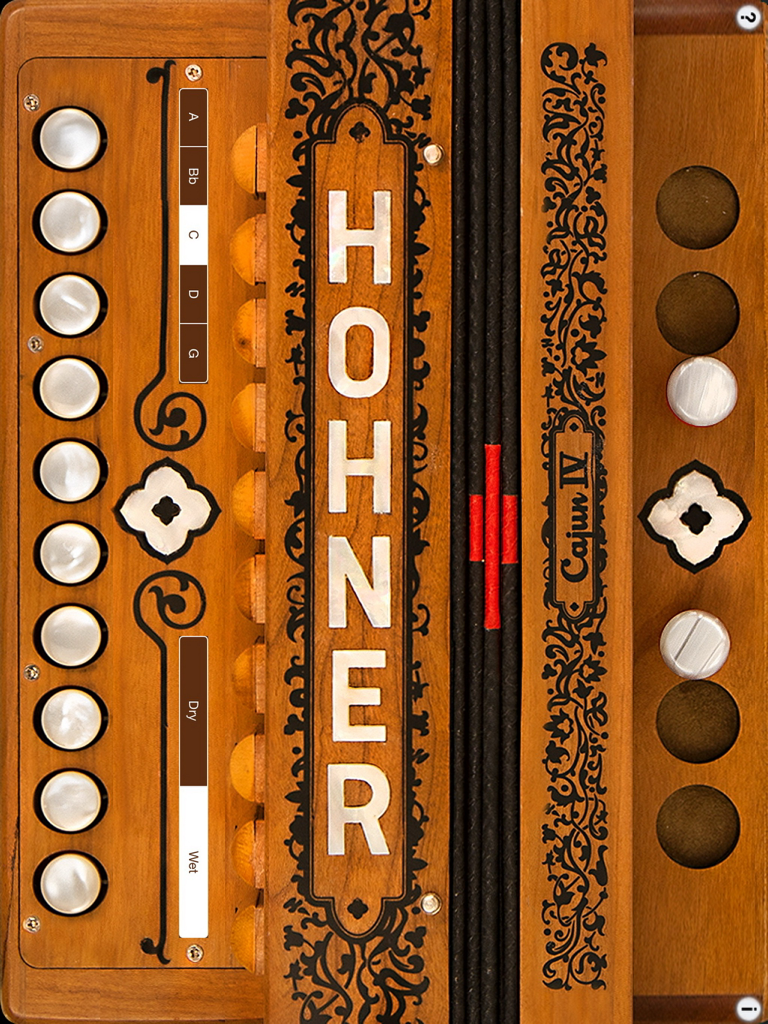
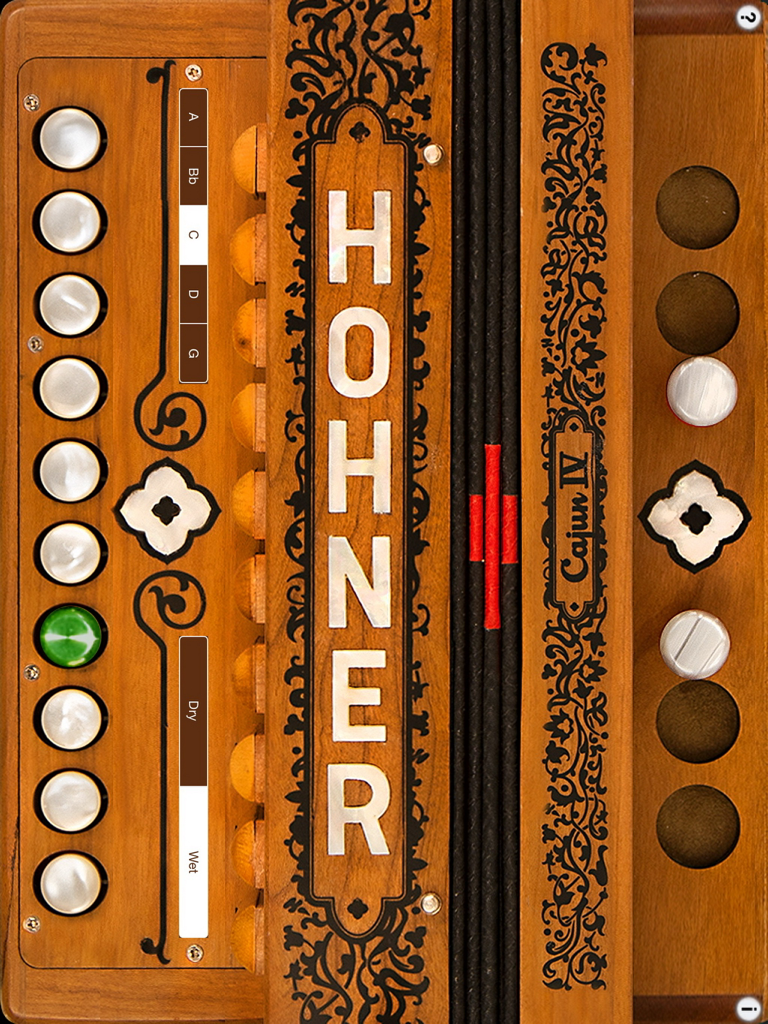
The tools that make this app stand out, trusted by 1000 users.
Experience the exact fingerboard and push-pull mechanics of the Hohner Cajun IV for seamless skill transfer to your physical instrument.
Refine your scales and songs privately using headphones—perfect for practicing in hotels, on flights, or late at night without the noise.
Instantly switch between C, A, Bb, D, and G keys to explore diverse Zydeco and Cajun repertoires without needing multiple accordions.
Everything you need to know about Hohner Cajun SqueezeBox.
Description
Latest Version
5.7
Size
54.2 MB
First Released
Feb 21, 2011
Perfect your push-pull technique and practice in any key with the most authentic portable companion for Hohner Cajun IV players.
Everything you need to know about Hohner Cajun SqueezeBox
The Hohner Cajun SqueezeBox is an intuitive virtual accordion app that matches the layout of Hohner's Cajun IV. It features a responsive one-row fingerboard and plays like a traditional instrument.
The Hohner Cajun SqueezeBox app supports playing in the keys of C, A, Bb, D, and G. The C key is common for Cajun music, while other keys accommodate Zydeco and different musical styles.
Yes, the Hohner Cajun SqueezeBox app allows users to change the tonality. You can switch between a "Dry" three-reeds-per-note (LMH) sound and a "Wet" four-reeds-per-note (LMMH) sound with a single button touch.
To operate the bellows in the Hohner Cajun SqueezeBox app, touch anywhere in the bellows or bass side to switch between push and pull notes. Touching activates push notes, and lifting switches to pull notes.
You can see the note names for each button in the Hohner Cajun SqueezeBox app by touching the '?' icon. The displayed note names are based on the C tuning.
Yes, to play chords and melodies with more than four fingers simultaneously, you must disable "Multitasking Gestures" in iPad Settings. Navigate to General / Multitasking Gestures and turn them off.
Yes, the Hohner Cajun SqueezeBox app is ideal for beginning students. It serves as a convenient and easy tool for practicing, learning, or teaching, though it is not a replacement for a real accordion.
Yes, you can use headphones for private practice with the Hohner Cajun SqueezeBox app. The app also allows amplifying audio output by plugging into computer speakers or other sound-enhancing devices.
Top-ranked apps in the same category

Spotify

Google LLC

Apple Inc.

SoundCloud Global Limited & Co KG

Suno Inc.

Tencent Technology (Shenzhen) Company Limited

Audiomack, Inc.

Yousician Ltd

BandLab Singapore Pte Ltd
App information, icons, screenshots, and descriptions displayed on this page are sourced from the Apple App Store and are the property of their respective developers. Download estimates and rankings are based on MWM's proprietary models and may not reflect actual figures. This page is provided for informational and analytical purposes only.
Believe this page infringes your intellectual property? File a dispute