
Home.AI


Stop guessing and start creating. Snap a photo of any room to instantly reimagine it with professional styles, custom paint colors, and shoppable decor tailored to your unique taste.
Publisher
Category
Graphics & DesignDownloads
28K+User Rating
Total Ratings
300Locales
1Discover the interface used by 28K+ users.
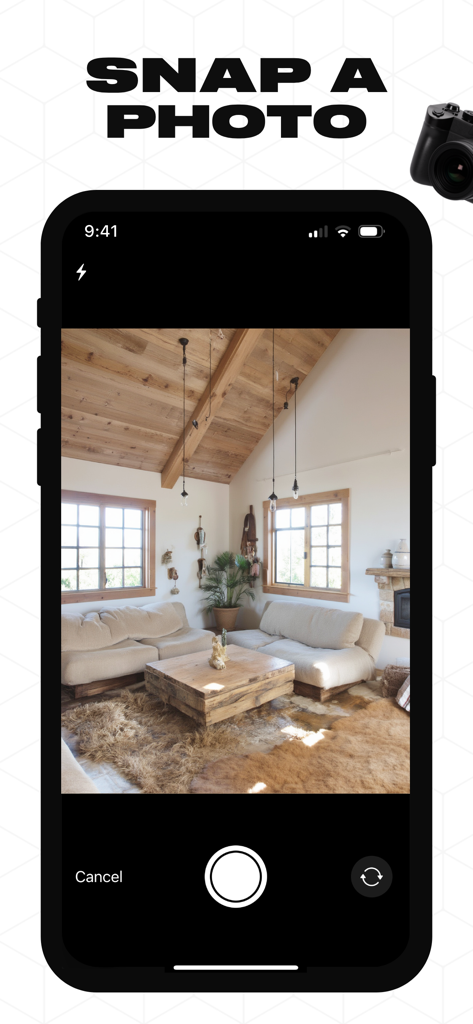
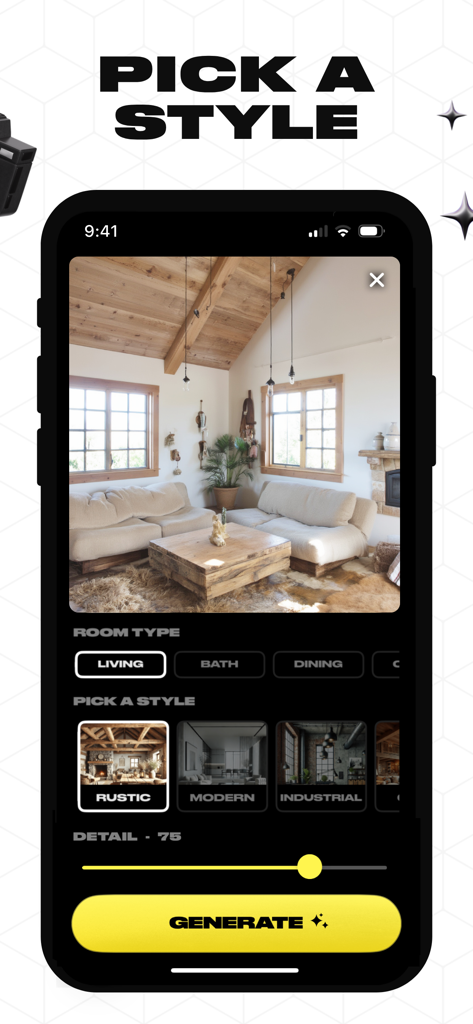
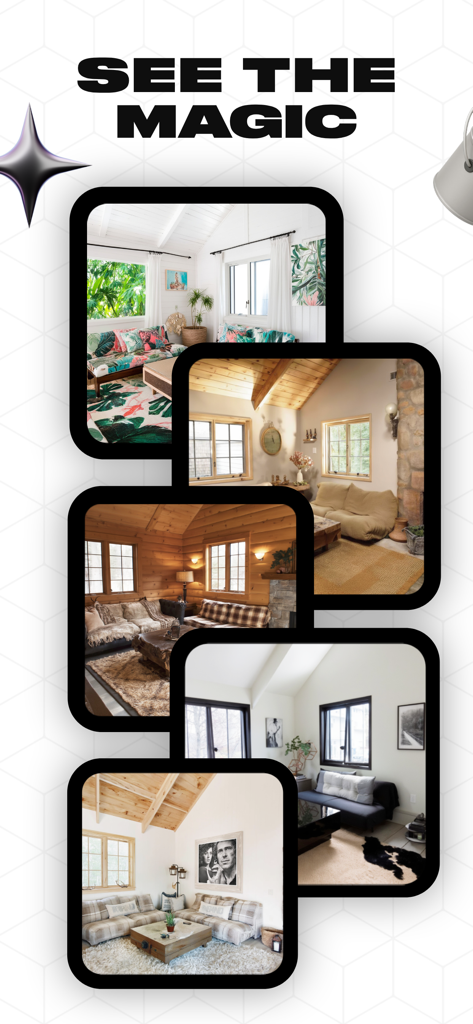
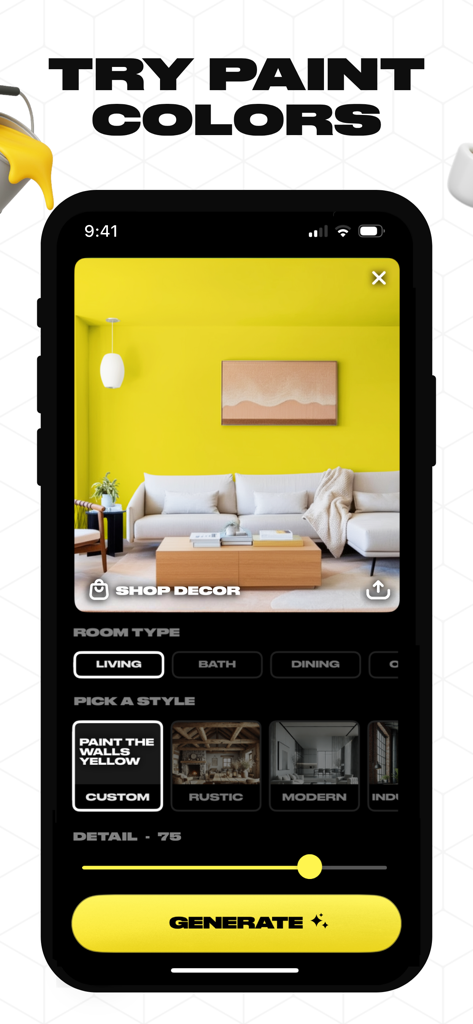
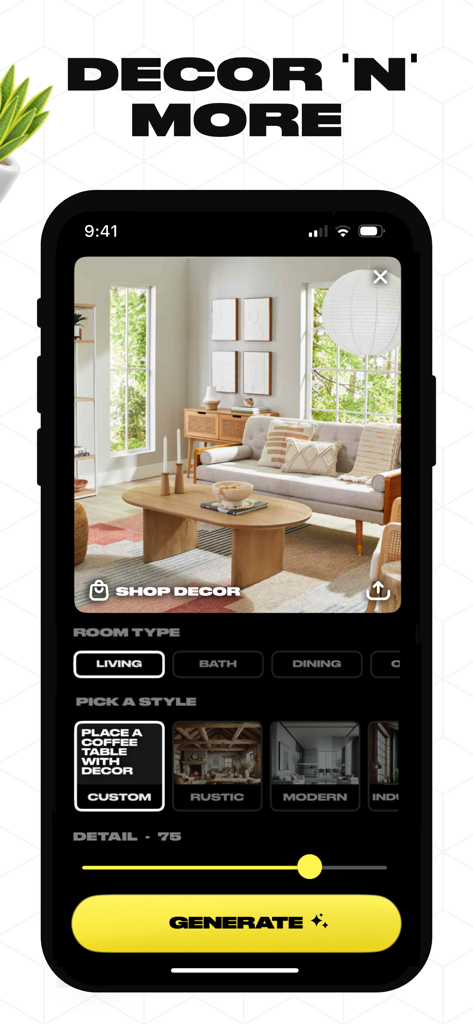
The tools that make this app stand out, trusted by 28K+ users.
Snap a photo of any room and watch it instantly transform into dozens of professional styles like Japandi, Mid-Century Modern, or Industrial.
Use custom text prompts to paint walls, add specific art, or swap furniture. If you can type it, Home.AI can visualize it in your actual space.
Turn your AI-generated inspiration into reality. Browse and shop the furniture and decor that fit perfectly within your reimagined room.
Everything you need to know about Home.AI.
Description
Latest Version
1.11
Size
50.8 MB
First Released
Jan 28, 2025
Join over 28,000 homeowners and DIYers who have stopped guessing and started visualizing. Download Home.AI today and transform any room in seconds.
Everything you need to know about Home.AI
To use Home.AI, snap a photo of your room, pick a design style, and then view your reimagined space. You can also shop for decor directly from the app.
Home.AI allows users to snap a photo, choose a style, and visualize their room reimagined. New features include custom prompts for painting walls, adding art, and placing furniture or decor items.
Yes, Home.AI supports custom prompts. Users can input specific requests like "Paint the walls light blue," "Add mid century modern art to this wall," or "Put a black reading lamp next to my sofa."
Yes, Home.AI allows users to shop for decor. After reimagining their space, a "Shop Decor" option is available to browse and purchase items directly within the app.
The Home.AI app offers various design styles, including Rustic, Modern, and Industrial. Users can also utilize custom prompts for personalized design variations like specific paint colors or decor placements.
The privacy policy for the Home.AI app is available at the provided URL: www.homedesignai.app/privacy. This link details how user data is handled.
The "Custom" style option in Home.AI allows users to apply personalized prompts for design changes. Examples include painting walls yellow or placing specific decor items within the visualized room.
Top-ranked apps in the same category

LOHAS GAMES PTE. LTD.

Xiamen ShenZhuo Information Technology Co., Ltd.

BYTEDANCE PTE. LTD.

HUBX YAZILIM HIZMETLERI ANONIM SIRKETI

ibis inc.

Woohoo Tech. Ltd.

Sketchbook, Inc.

Guangzhou ZHIFENG Information Technology Co.,Ltd.

GM UniverseApps Limited
App information, icons, screenshots, and descriptions displayed on this page are sourced from the Apple App Store and are the property of their respective developers. Download estimates and rankings are based on MWM's proprietary models and may not reflect actual figures. This page is provided for informational and analytical purposes only.
Believe this page infringes your intellectual property? File a dispute