
iArtbook

Unleash your creativity with unlimited layers, calligraphy stabilization, and real-time lessons. From viral time-lapses to epic animations, get the pro-grade tools you need to level up your craft on iPad.
Publisher
Category
Graphics & DesignDownloads
16M+User Rating
Total Ratings
33K+Locales
40Discover the interface used by 16M+ users.
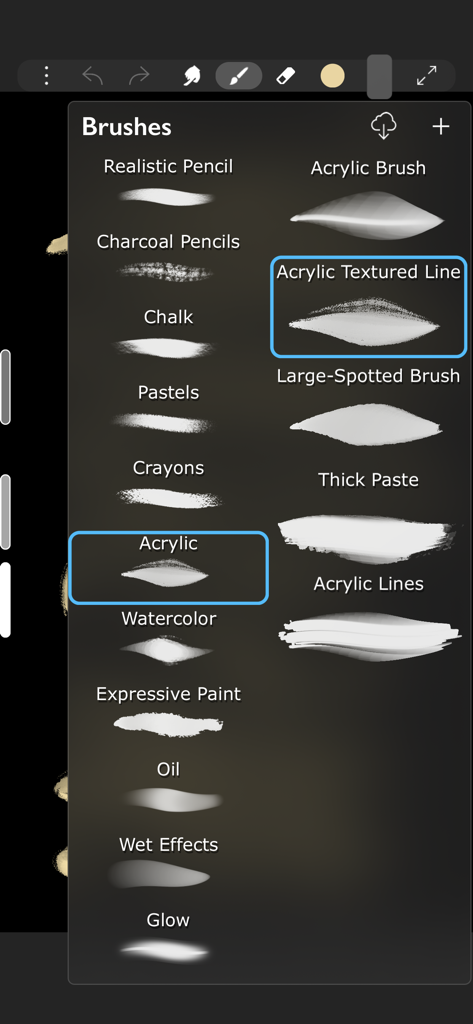
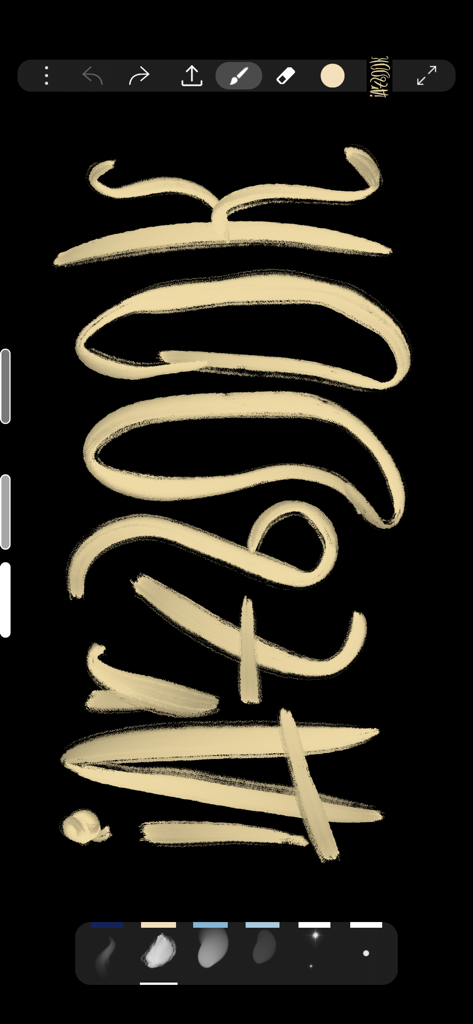
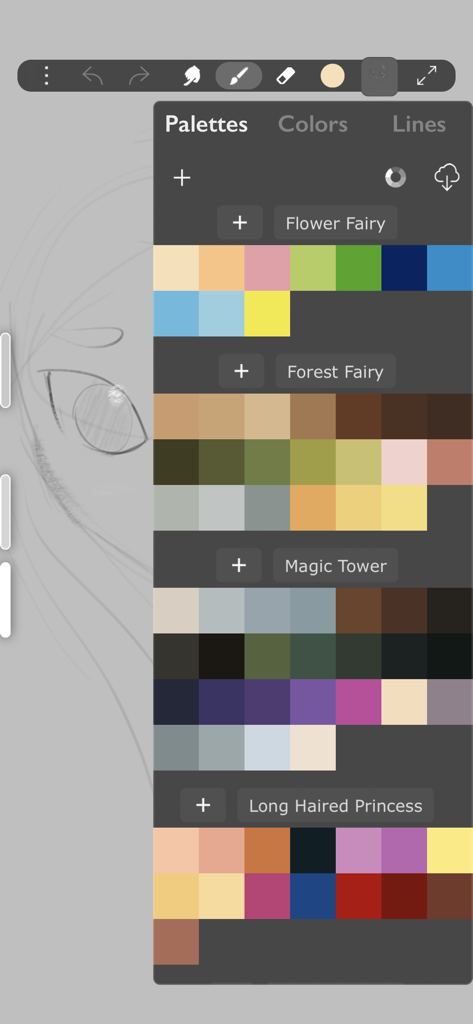
The tools that make this app stand out, trusted by 16M+ users.
Experience zero-lag drawing with advanced calligraphy stabilization and 1,000+ textures optimized for your Apple Pencil.
Stop struggling with the blank canvas. Learn professional techniques by tracing and comparing your work against master illustrations in real-time.
Export high-quality time-lapses or frame-by-frame animations directly to TikTok and Instagram with unlimited layers and blend modes.
Insights from user reviews.
Sentiment Score
Summary
User feedback for this app is largely negative, driven by recent updates that have moved many core functionalities behind a paywall, including saving artwork, lasso tools, transformation, fill, and liquify features. Users are highly frustrated by the introduction of excessive and lengthy advertisements, which often interrupt workflows or appear when attempting simple actions like screenshots. While some users still praise the app's free brushes and acknowledge its past utility for art improvement and ease of use, the current monetization strategy has severely impacted the overall user experience. There's also a mention of a 'force close bug' specifically on iPad Air, suggesting some stability concerns.
Common Themes
Everything you need to know about iArtbook.
Description
Latest Version
10.9.8
Size
387.7 MB
First Released
Feb 8, 2019
Join 16 million creators and transform your iPad into a professional studio. Download iArtbook today and turn your sketches into viral masterpieces.
Everything you need to know about iArtbook
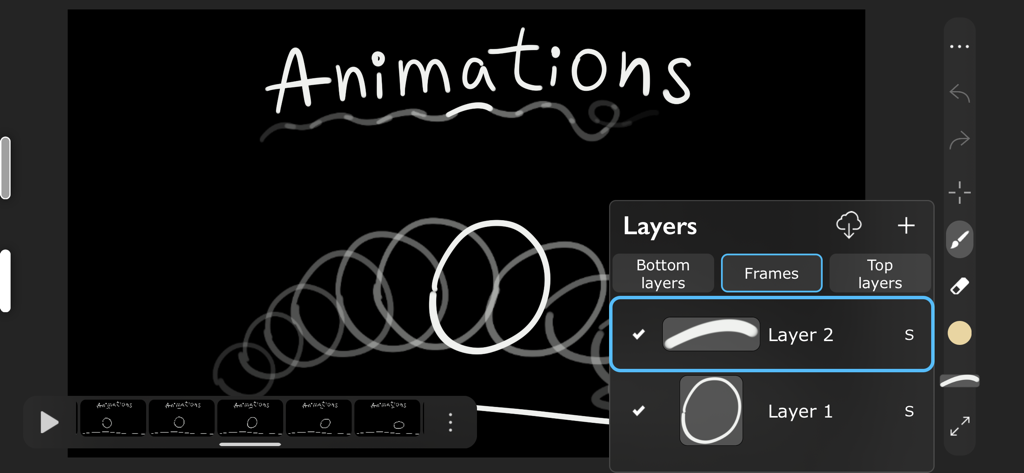
Yes, iArtbook supports creating animations with unlimited frames and multiple layers. Users can export their animations to mp4, hevc, gif, and apng formats.
Yes, iArtbook fully supports Apple Pencil, including Touch Force, Tilt, Azimuth, and Predicted Points. Users can also disable finger-painting if preferred.
iArtbook offers extensive brush customization with over 50 brush settings, a shapes library, and a Pro-Library of over 1000 textures to create new brush types. Quick settings for Hardness, Ovality, and Rotation are available.
iArtbook includes various brush types such as Dry, Glossy, and Wet brushes, with options like Without Pull, With Pull, and Super-Precise. Textured brushes are supported, and any brush can become a smudge brush.
Yes, iArtbook provides unlimited layers with blend modes and masks. Users can clear, fill, select, sort, duplicate layers, adjust opacity and visibility, and import images as layers.
iArtbook utilizes 2-fingers tap for Undo, 3-fingers tap for Redo, and a long-pressure gesture for quick color choosing. The Bucket Tool is activated by dragging the color circle onto the canvas.
Yes, iArtbook automatically records time-lapse videos of your artwork. This feature is enabled by default to capture the creative process.
iArtbook helps users learn by copying professional art. Users can select any painting or sketch as a lesson and switch between their work and the lesson using four lesson types.
Yes, iArtbook provides two different Color Pickers, Palettes with a Gradient Mixer, and allows importing/exporting of palettes for color management.
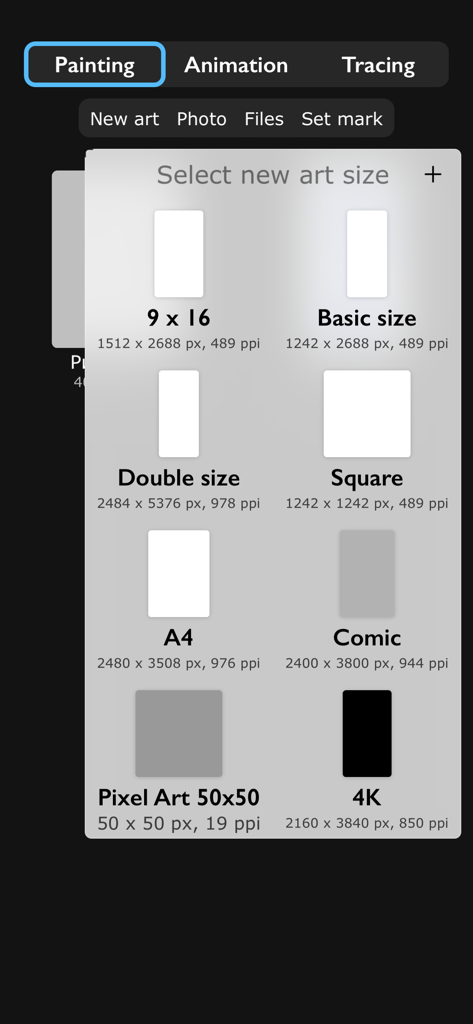
Yes, iArtbook offers various preset canvas sizes including 9x16, Basic size, Double size, Square, A4, Comic, Pixel Art 50x50, and 4K, allowing users to select appropriate dimensions for their art.
Apps with similar features and user experience

Sketchbook, Inc.

Mental Canvas, Inc.

ibis inc.

ibis inc.

Evernote Corporation

Adobe Inc.

Lofopi Ltd

MediBang inc.

SKETCHES SRL
App information, icons, screenshots, and descriptions displayed on this page are sourced from the Apple App Store and are the property of their respective developers. Download estimates and rankings are based on MWM's proprietary models and may not reflect actual figures. This page is provided for informational and analytical purposes only.
Believe this page infringes your intellectual property? File a dispute