
ID Photo - Passport Photo App


Skip the pharmacy lines and expensive fees. Use AI to remove backgrounds, add professional attire, and create compliant photos for the whole family right from your home.
Publisher
Category
BusinessDownloads
898K+User Rating
Total Ratings
26K+Locales
18Discover the interface used by 898K+ users.
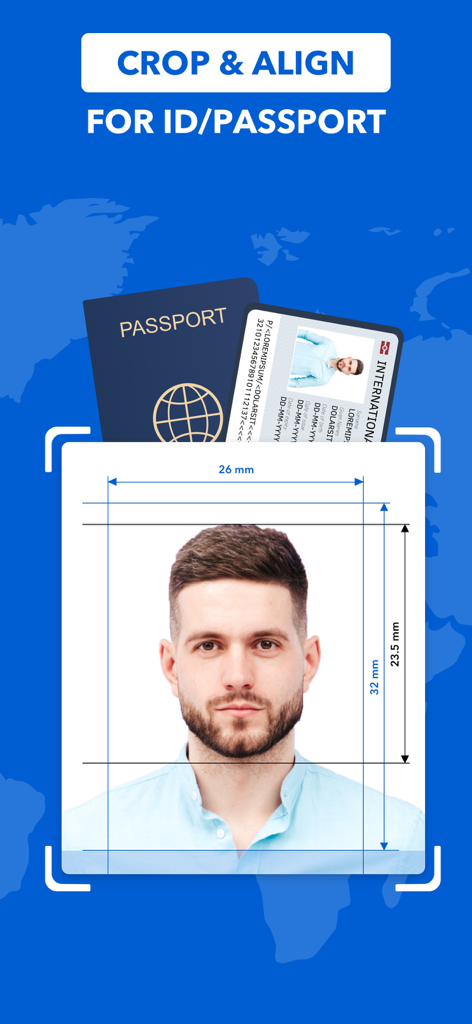
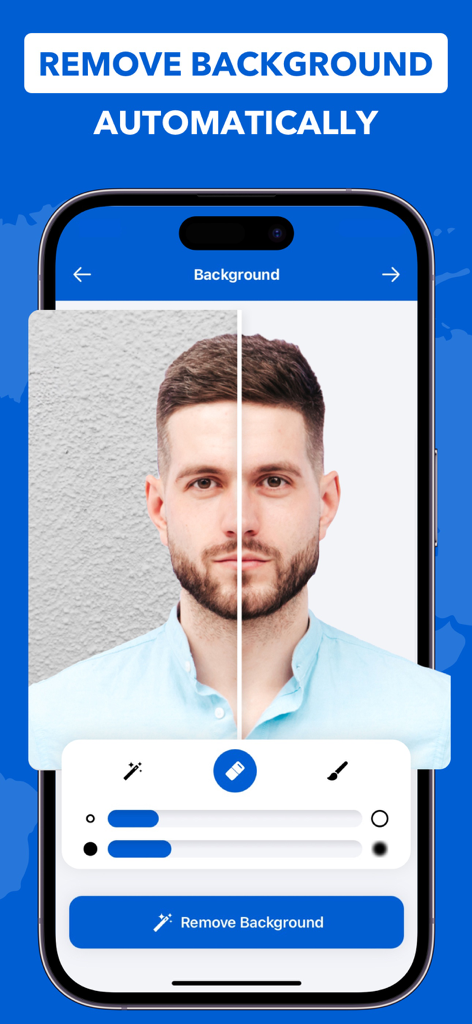
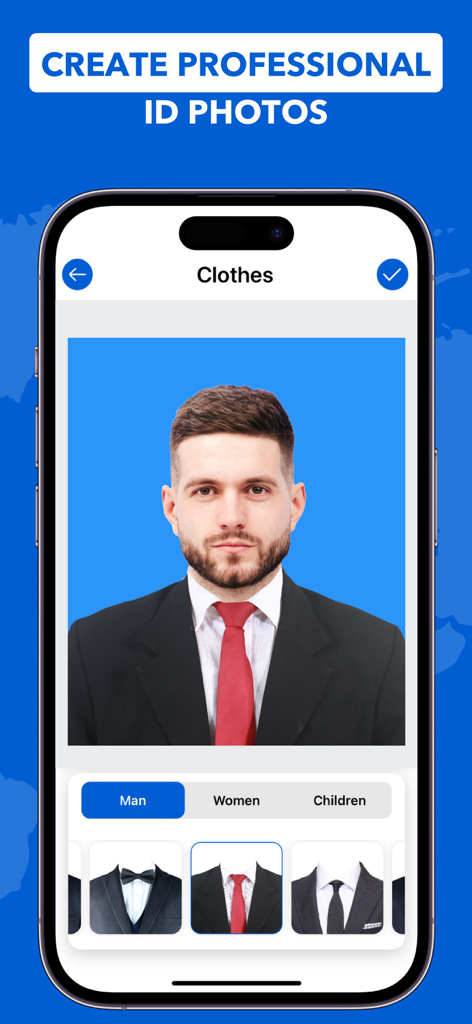
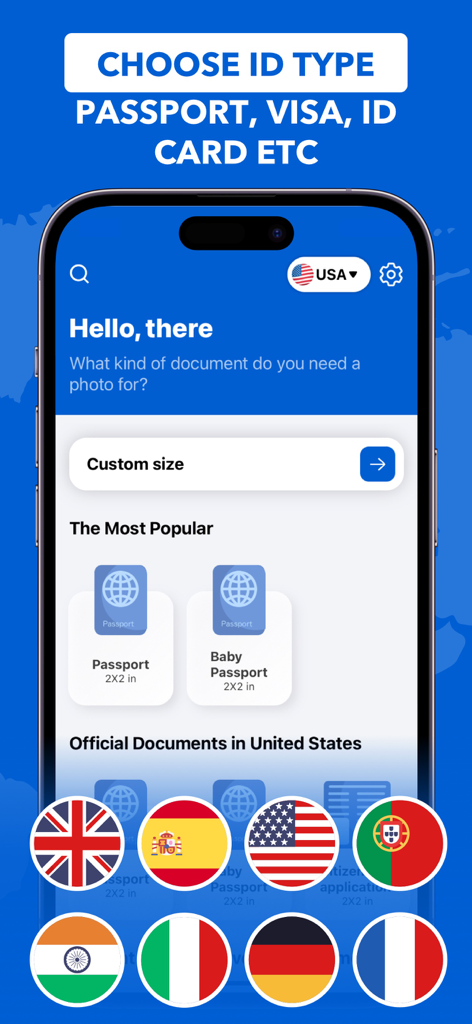
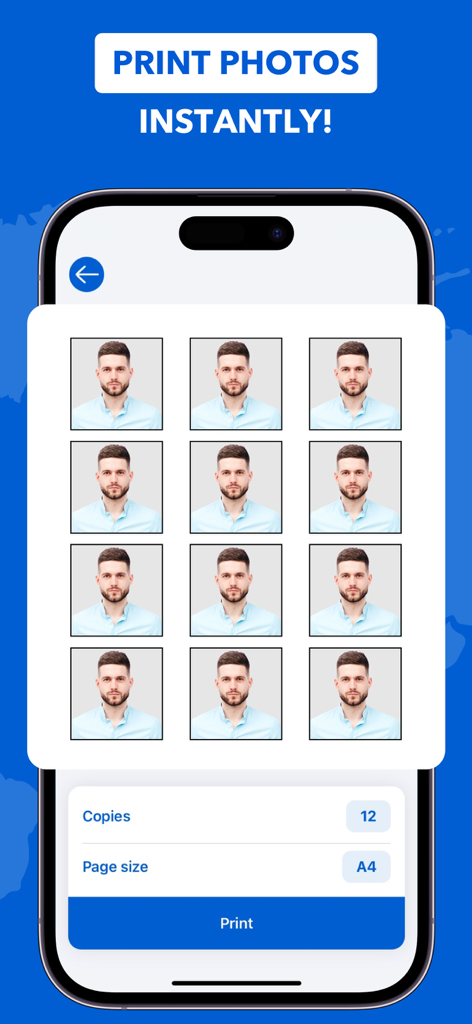
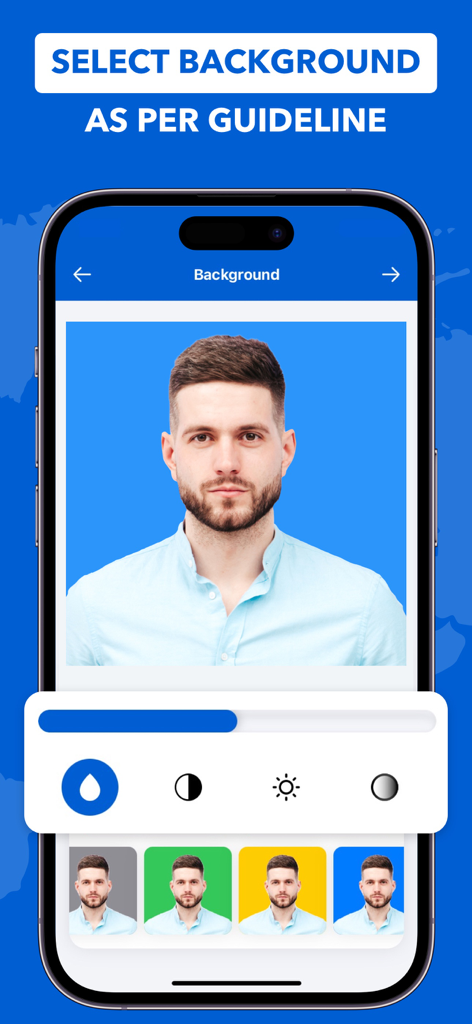
The tools that make this app stand out, trusted by 898K+ users.
Automatically swap messy backgrounds for official colors. Perfect for capturing compliant photos of wiggly toddlers or infants in a stress-free home environment.
No time to change? Use AI to overlay professional suits and clothing onto your image for a polished, office-ready look for IDs or LinkedIn.
Access 100+ official document templates for 8 countries. Print multiple copies instantly via AirPrint or save high-res files for urgent online submissions.
Everything you need to know about ID Photo - Passport Photo App.
Description
Latest Version
4.1.4
Size
133.6 MB
First Released
Dec 26, 2021
Stop overpaying at retail stores. Join 898K+ users who create, edit, and print professional, government-compliant ID photos in minutes—right from home.
Everything you need to know about ID Photo - Passport Photo App
Yes, the ID Photo - Passport Photo App features an efficient Auto-Background remover tool. Users can remove any background disturbance with one tap and manually smoothen edges or sharpen corners.
The ID Photo - Passport Photo App supports passport photo templates for 8 countries: USA, India, UK, France, Germany, Italy, Spain, and Portugal. Users can choose from over 100 document types.
Yes, the ID Photo - Passport Photo App allows users to add professional clothing digitally. This feature supports options for men, women, and children to create appropriate ID photos.
Yes, the ID Photo - Passport Photo App supports printing multiple copies on an AirPrint-compatible printer. Users can select the number of copies and adjust the print size as needed.
The ID Photo - Passport Photo App allows users to select from multiple background colors. This feature enables adherence to specific country requirements for passport photo backgrounds and ensures compliance with guidelines.
The ID Photo - Passport Photo App offers manual image editing features. Users can change saturation, contrast, vibrancy, and brightness to enhance their passport photos professionally and meet specific requirements.
Yes, the ID Photo - Passport Photo App provides a privacy policy. Users can access the full details at https://maximaapps.com/id-photo/privacy-policy for information on data handling.
No, the ID Photo - Passport Photo App does not accept liability for the correctness or up-to-dateness of templates. Users must verify suitability and ensure their photo meets current official regulations.
Yes, the ID Photo - Passport Photo App allows users to save or share their passport photos. Photos can be saved in JPEG format or shared as per convenience directly from the app.
Apps with similar features and user experience

Appable Yazilim Hizmetleri Limited Sirketi

润娟 邹

Hangzhou Jiadi Bozhong Enterprise Management Partnership

Shenzhen Piaopiao Baobei Co., Ltd

Jatin Maniya

Clafou Ltd

泽沛 许

Retouch Photo Editor Technology Limited

书敏 贾
App information, icons, screenshots, and descriptions displayed on this page are sourced from the Apple App Store and are the property of their respective developers. Download estimates and rankings are based on MWM's proprietary models and may not reflect actual figures. This page is provided for informational and analytical purposes only.
Believe this page infringes your intellectual property? File a dispute