Truist Mobile: The Smarter Way to Bank, Plan, and Grow
Take total control of your financial health with personalized insights, secure mobile deposits, and effortless tools designed for your proactive lifestyle.
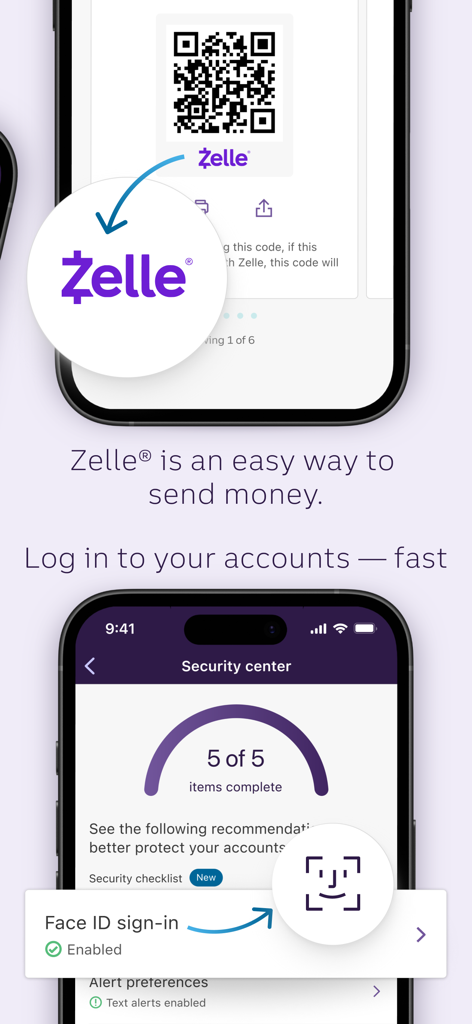
Truist Mobile app interface featuring Zelle payments and secure Face ID sign-in
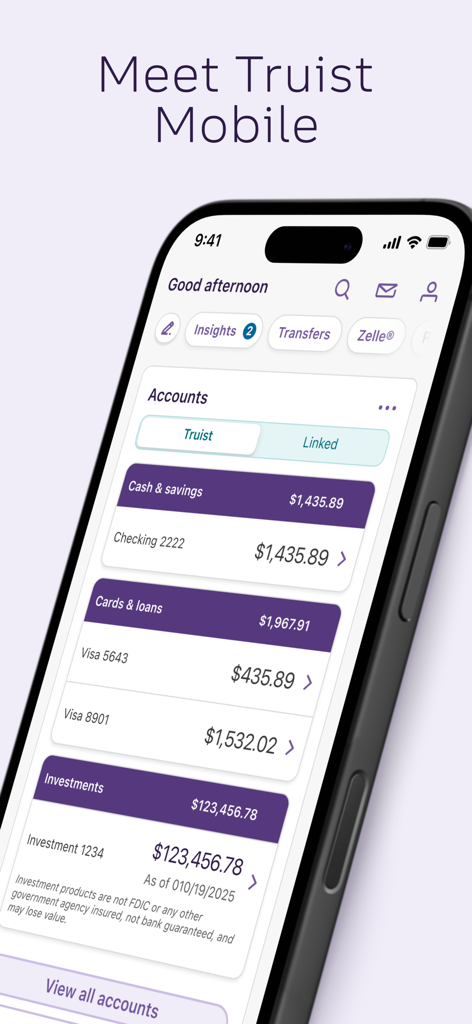
Truist Mobile banking app dashboard showing account balances for cash savings and investments
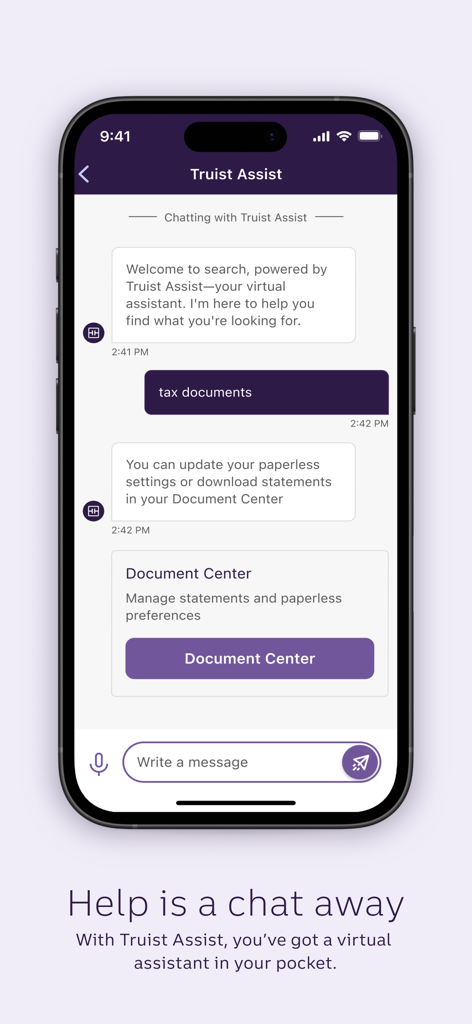
A screenshot of the Truist Mobile app showing the Truist Assist virtual assistant chat interface.
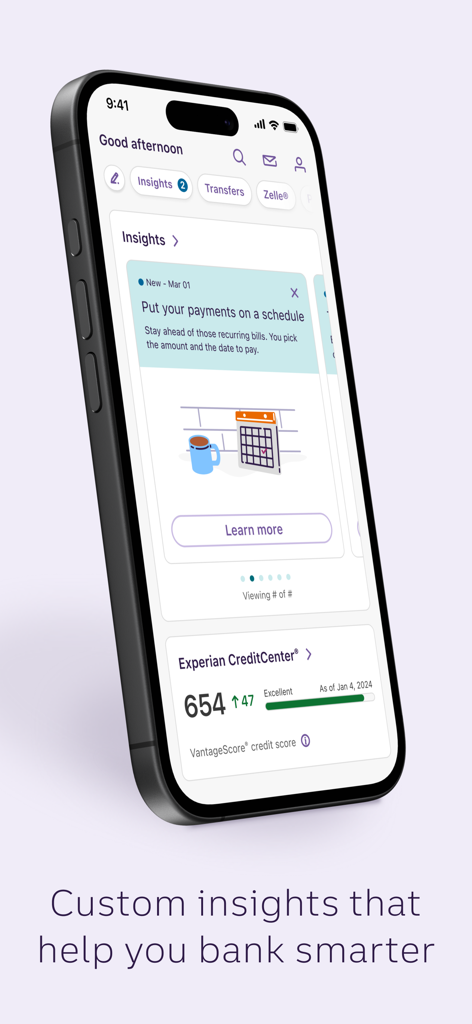
A smartphone displaying the Truist Mobile app interface with financial insights and credit score monitoring.
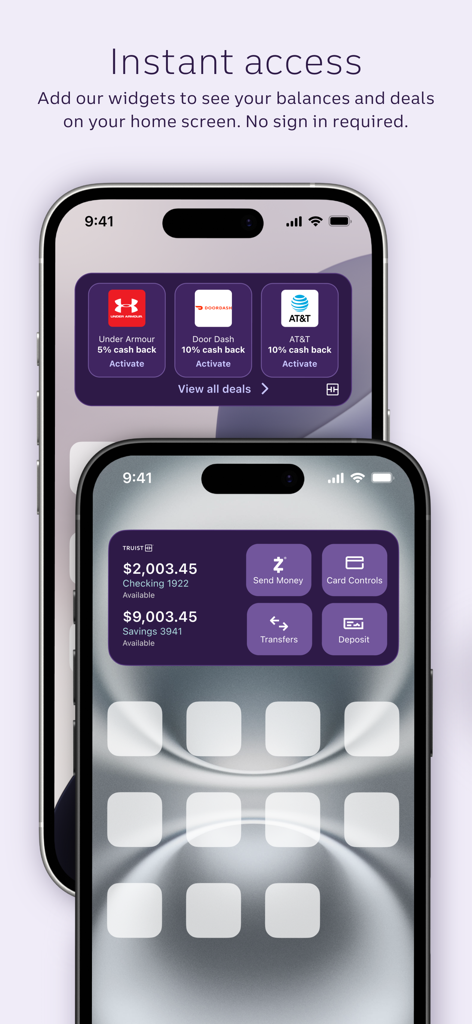
iPhone home screen showing Truist Mobile app widgets for account balances and cashback deals
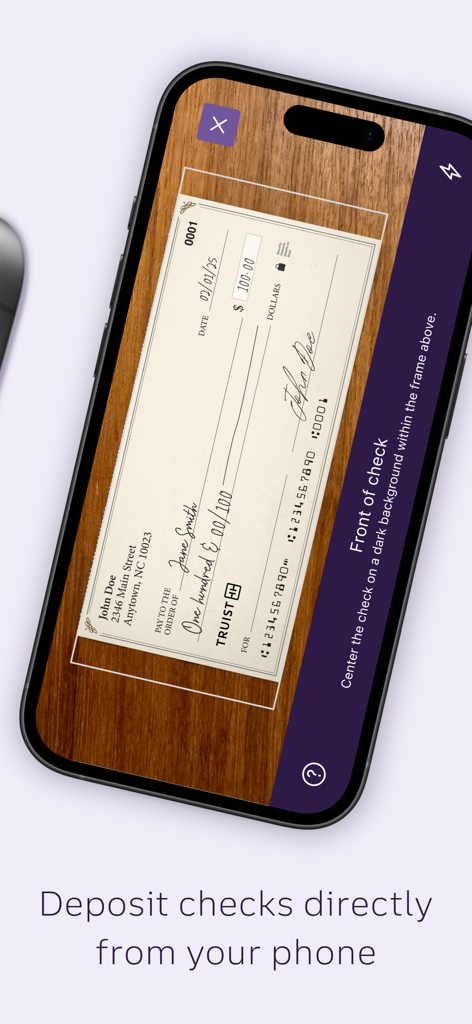
Truist Mobile app interface showing the mobile check deposit feature with a check being scanned by a smartphone camera.
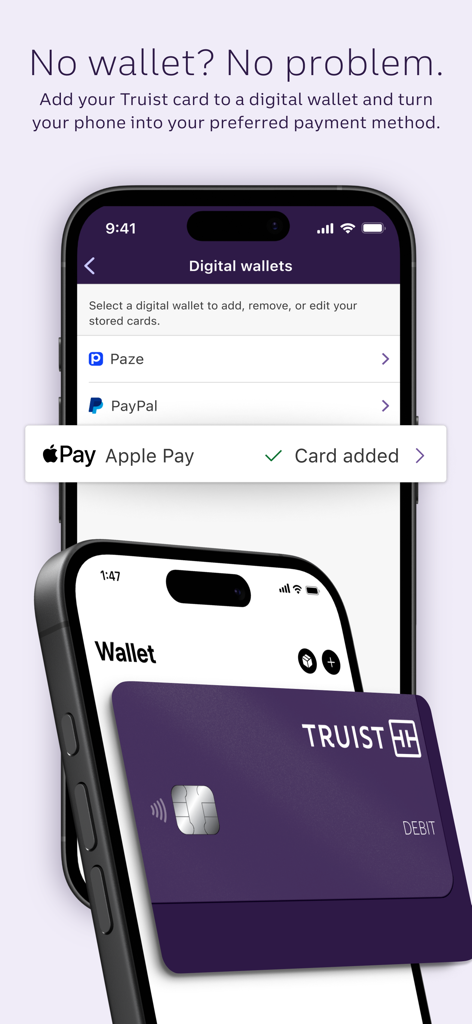
Screenshot of Truist Mobile app showing digital wallet setup with a debit card added to Apple Pay
Complete Financial Empowerment
The tools that make this app stand out, trusted by 5M+ users.
📈
Smart Spending Insights
Get a clear picture of your cash flow with personalized trends and automated budgeting tools that keep you on track.
💳
Total Security & Control
Protect your accounts with biometric login and manage your cards instantly by setting limits or locking them in seconds.
💸
Seamless Money Transfers
Send money with Zelle®, pay bills securely, and deposit checks from anywhere with just a few taps on your screen.
About the app
Everything you need to know about Truist Mobile.
Description
Your better banking experience is here.
Check balances, make payments, get personalized insights, and move money at your convenience. Enjoy smarter technology and innovative features that put you first so you can manage your finances with confidence.
Accounts & cards
* View account details and transactions
* Set alerts preferences
* View statements1
* Order checks and supplies
* Manage overdraft options
* Lock and unlock your cards
* Set spending and region limits
Transfer & pay
* Transfer between Truist accounts or external accounts2
* Send and request money with trusted friends and family using Zelle®3
* View, manage, and pay bills securely in one place
Sign in & security
* Enable Face ID® or Touch ID® for quick access4
* Change your username and password
* See sign-in history and remembered devices
Mobile deposits
* Deposit checks5
* View deposit history
Planning & insights
* Get insights on spending, trends, cash flow, and unusual activity
* Link external accounts
* Set and track spending budgets
* Compare spending habits
* Monitor savings goals
Rewards & deals
* Earn cash back on everyday purchases at select merchants
* Discover offers from places you shop, dine, travel and more
* View and redeem credit card rewards
Help & support
* Call Truist support
* Find a branch, ATM, or bank service
* View help & FAQS
* Schedule an appointment
* Access your Truist inbox
Additional features
* Add quick links for frequently used tasks
* Show, hide, and reorder accounts
* Browse and apply for other Truist accounts
* Upload receipts and attach to transactions
* Customized investment portfolio experience
Disclosures
1 Paperless enrollment is required.
2 Fees may apply to transfers to other U.S. financial institutions. Setup is also required and verification may take 1 – 3 business days. View the Truist Personal Deposit Accounts
Fee Schedule for more information. Your mobile carrier’s message and data rates may apply.
3 Neither Truist nor Zelle® offers a protection program for payments that you authorize in Zelle. Enrollment with Zelle through Truist Online or Mobile banking is required. U.S.
checking or savings account required to use Zelle. For more information, view the Truist Online Services Agreement.
4 Only certain devices are eligible to enable Touch ID® or Face ID®.
5 Deposit limits and other restrictions apply.
Face ID and Touch ID are registered trademarks of Apple Inc.
Zelle® and the Zelle related marks are wholly owned by Earning Warning Services, LLC, and are used herein under license.
Investment and Insurance Products:
• Are Not FDIC or any other Government Agency Insured
• Are Not Bank Guaranteed
• May Lose Value
Services provided by the following affiliates of Truist Financial Corporation (Truist): Banking products and services, including loans and deposit accounts, are provided by Truist Bank, Member FDIC. Trust and investment management services are provided by Truist Bank, and Truist Delaware Trust Company. Securities, brokerage accounts and /or insurance (including annuities) are offered by Truist Investment Services, Inc., and P.J. Robb Variable Corp., which are SEC registered broker-dealers, members FINRA, link opens in new tab SIPC, link opens in new tab and a licensed insurance agency where applicable. Investment advisory services are offered by Truist Advisory Services, Inc., GFO Advisory Services, LLC, Sterling Capital Management, LLC, and Precept Advisory Group, LLC, each SEC registered investment advisers. Sterling Capital Funds are advised by Sterling Capital Management, LLC. Insurance products and services are offered through McGriff Insurance Services, Inc. Life insurance products are offered through Truist Life Insurance Services, a division of Crump Life Insurance Services, Inc., AR license #100103477. Both McGriff and Crump are wholly owned subsidiaries of Truist Insurance Holdings, Inc.
Latest Version
5.0.0
Size
316.4 MB
First Released
Apr 27, 2021
Take command of your financial future today.
Join over 5 million users who trust Truist for smarter banking, personalized insights, and total security—all in one powerful app.
FAQ
Frequently Asked Questions
Everything you need to know about Truist Mobile
Can I use Face ID or Touch ID to log into the Truist Mobile app?
Yes, the Truist Mobile app supports Face ID® or Touch ID® for quick and secure access to your accounts. This feature can be enabled in the app's security settings for eligible devices.
How do I send money using the Truist Mobile app?
The Truist Mobile app allows you to send and request money using Zelle® with trusted friends and family. You can also transfer funds between Truist accounts or to external accounts.
Does Truist Mobile offer mobile check deposit?
Yes, the Truist Mobile app enables users to deposit checks directly from their phone. You can also view your deposit history within the app, subject to deposit limits.
Can I manage my spending and financial goals with Truist Mobile?
Yes, Truist Mobile provides personalized insights on spending, trends, and cash flow. Users can also set and track spending budgets, link external accounts, and monitor savings goals.
How can I get help or support within the Truist Mobile app?
The Truist Mobile app provides help and support features. You can call Truist support, find a branch or ATM, view FAQs, schedule an appointment, or use Truist Assist, the virtual assistant.
Can I view my bank statements in the Truist Mobile app?
Yes, the Truist Mobile app allows users to view their account statements. Paperless enrollment is required to access this feature.
Does the Truist Mobile app offer card management features?
Yes, Truist Mobile offers comprehensive card management. Users can lock and unlock cards, set spending and region limits, and view card details and transactions.
Can I add my Truist card to a digital wallet using the Truist Mobile app?
Yes, the Truist Mobile app supports adding your Truist card to digital wallets like Apple Pay, Paze, and PayPal. This allows you to use your phone as a payment method.
Are there fees for transferring money to external accounts using Truist Mobile?
Yes, fees may apply to transfers made to other U.S. financial institutions using Truist Mobile. Refer to the Truist Personal Deposit Accounts Fee Schedule for specific details.
What kind of financial insights does the Truist Mobile app provide?
The Truist Mobile app provides insights on spending, trends, cash flow, and unusual activity. It also allows comparing spending habits and setting up payment schedules for smarter financial management.
Does Truist Mobile offer cash back rewards?
Yes, Truist Mobile users can earn cash back on everyday purchases at select merchants. The app also features offers from places you shop, dine, and travel, along with credit card rewards.
App information, icons, screenshots, and descriptions displayed on this page are sourced from the Apple App Store and are the property of their respective developers. Download estimates and rankings are based on MWM's proprietary models and may not reflect actual figures. This page is provided for informational and analytical purposes only.
Believe this page infringes your intellectual property? File a dispute