iRecorder: Background Recorder

iRecorder: Background Recorder

Logo of iRecorder: Background Recorder

iRecorder: Background Recorder β€” Capture Every Word, Even When Your Screen Is Locked

Professional-grade audio recording designed for multitaskers. Record securely in the background while using other apps or working offline. 100% private local storage, high-fidelity quality, and zero ads.

Publisher

Dirga Utomo

Category

Business

Downloads

0

User Rating

1.0/5

Total Ratings

0

Locales

1

A Glimpse Inside

Discover the interface used by 0 users.

A summary of iRecorder app features including background recording, offline mode, audio merging, trimming, and ad-free usage.

A summary of iRecorder app features including background recording, offline mode, audio merging, trimming, and ad-free usage.

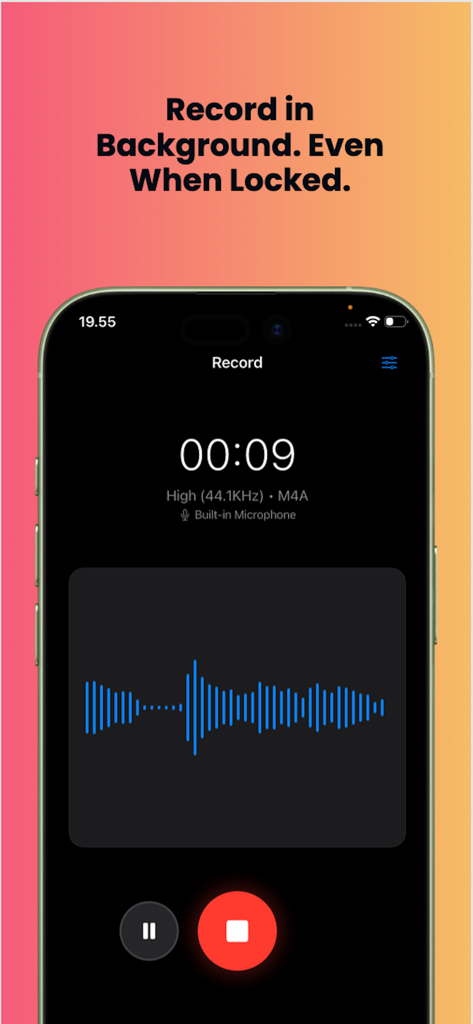
iRecorder app interface showing an active audio recording session with a visual waveform.

iRecorder app interface showing an active audio recording session with a visual waveform.

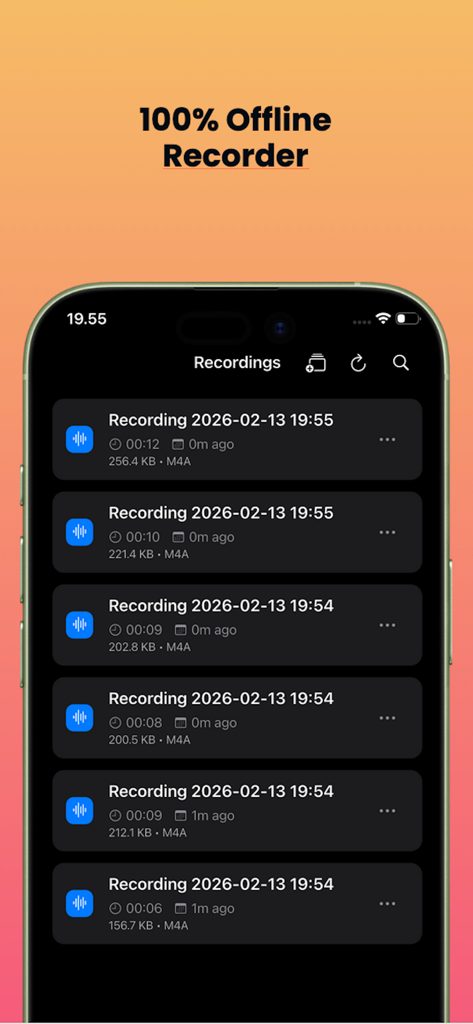
A smartphone screen displaying the iRecorder app's interface with a list of saved offline audio recordings

A smartphone screen displaying the iRecorder app's interface with a list of saved offline audio recordings

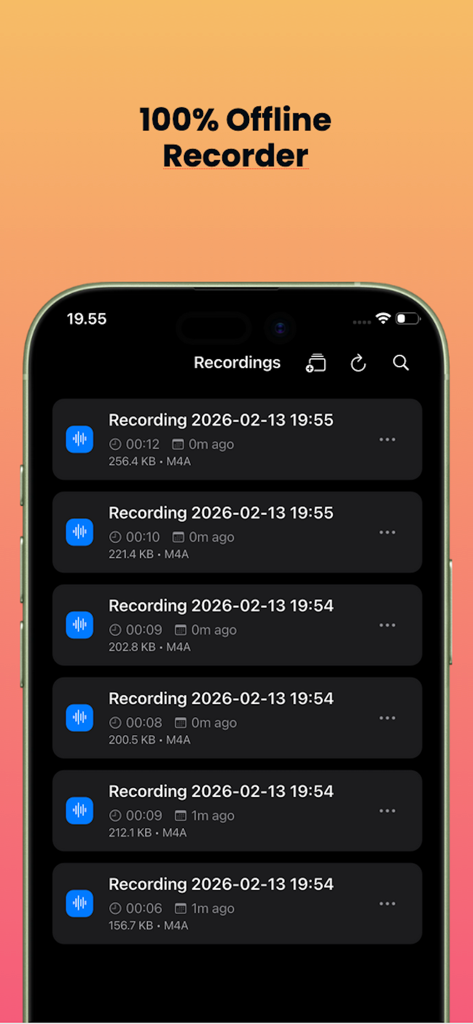
List of saved voice recordings in the iRecorder offline app interface

List of saved voice recordings in the iRecorder offline app interface

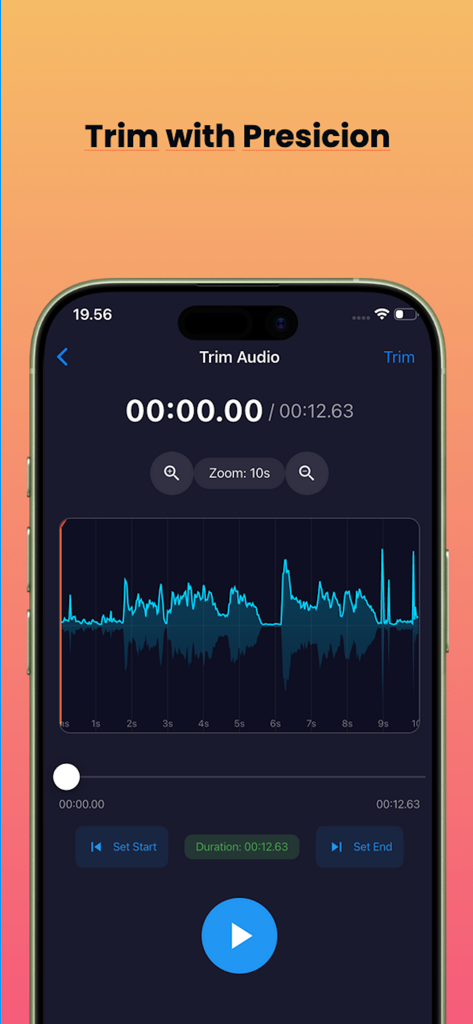
A smartphone screen showing the audio trimming interface of the iRecorder app with a blue waveform visualization.

A smartphone screen showing the audio trimming interface of the iRecorder app with a blue waveform visualization.

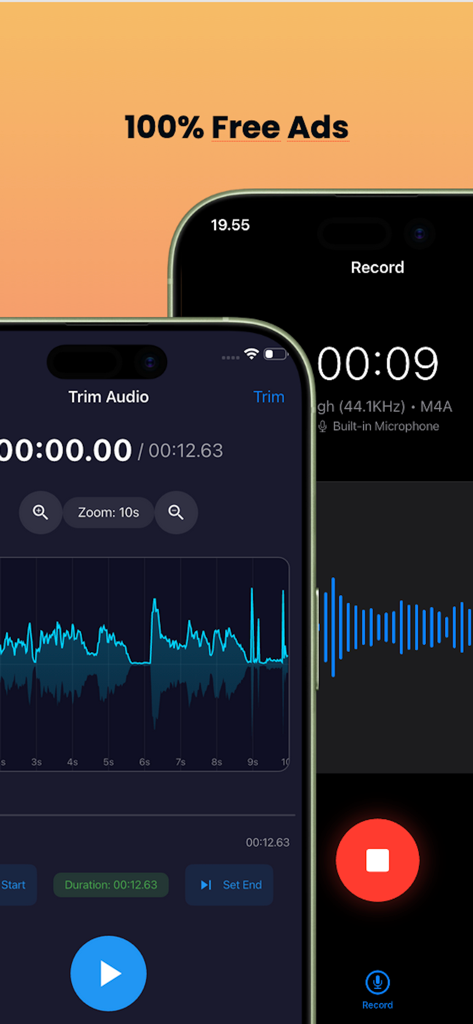
Two phone screens showing the iRecorder app audio trimming interface and a live recording session with no ads

Two phone screens showing the iRecorder app audio trimming interface and a live recording session with no ads

Professional-Grade Recording Without Limits

The tools that make this app stand out, trusted by 0 users.

πŸš€

Seamless Background Performance

Capture every word while multitasking. Record flawlessly while taking notes in other apps or even with your screen locked.

πŸ›‘οΈ

Privacy-First Local Storage

Keep sensitive data secure. All recordings stay 100% on your device with no cloud uploads, no ads, and full offline functionality.

πŸŽ™οΈ

Studio Quality & Precision Editing

Record in high-fidelity 44.1KHz, then trim and merge your files directly in the app to create professional-ready audio exports.

About the app

Everything you need to know about iRecorder: Background Recorder.

Description

iRecorder – Background & Offline Recorder Looking for a powerful background recorder that works anytime, anywhere? iRecorder is a smart offline recorder designed to capture high-quality audio even when the app runs in the background. Advanced Background Recording - Reliable background recording support - Record while using other apps - Continue recording with screen locked - Stable performance with no interruptions - Your perfect background recorder app for productivity. Whether you're recording meetings, lectures, interviews, or voice notes, this background recorder ensures your audio continues recording smoothly β€” even when your screen is locked or you're using other apps. True Offline Recorder No internet required. - iRecorder works fully offline, making it a dependable offline recorder wherever you are. - Record without Wi-Fi or data - All files stored locally - Secure and private recordings - A complete offline voice recorder you can trust. Audio Editing & Merge - Trim recordings with precision - Merge multiple audio files - Export in WAV, CAF, or M4A - Adjust quality before export More than just a recorder β€” it's a complete audio recording and editing app. High-Quality Audio - Choose your preferred recording quality: - 8KHz (Low) - 22.05KHz (Medium) - 44.1KHz (High) Perfect for interviews, lectures, podcasts, and daily voice notes. Easy Sharing Share your recordings instantly via any app installed on your device. Private & Ad-Free - No ads - 100% local storage - Full control over your recordings The Smart Background & Offline Recorder Download iRecorder today and experience seamless background recording with full offline support.

Latest Version

1.0.2

Size

44.6 MB

First Released

Feb 19, 2026

Ready to Record Without Limits?

Join thousands of privacy-conscious professionals who trust iRecorder for secure, offline, and uninterrupted audio capture. No ads, no cloud, total control.

App information, icons, screenshots, and descriptions displayed on this page are sourced from the Apple App Store and are the property of their respective developers. Download estimates and rankings are based on MWM's proprietary models and may not reflect actual figures. This page is provided for informational and analytical purposes only.

Believe this page infringes your intellectual property? File a dispute