
Amazon WorkSpaces


Securely access your fully-managed cloud desktop directly from your iPad. Stay productive with full computing power—from editing complex documents to accessing secure corporate apps—all backed by the reliability of AWS.
Publisher
Category
BusinessDownloads
102K+User Rating
Total Ratings
400Locales
8Discover the interface used by 102K+ users.
The tools that make this app stand out, trusted by 102K+ users.
Run your essential Windows or Linux applications with ease. Edit documents, browse web apps, and manage emails in a familiar environment.
Keep sensitive corporate data off your physical device. Your work stays protected in the AWS cloud, meeting the strictest security standards.
Switch between devices without losing your place. Your session remains active in the cloud, so you can pick up exactly where you left off.
Everything you need to know about Amazon WorkSpaces.
Description
Latest Version
2.4.29
Size
14.5 MB
First Released
Dec 4, 2013
Empower your mobile workflow with the security and performance of AWS. Download Amazon WorkSpaces for iPad and stay connected to your office, anywhere in the world.
Everything you need to know about Amazon WorkSpaces
The Amazon WorkSpaces app connects users to an Amazon WorkSpace, which is a fully-managed desktop service in the cloud. It provides a virtual desktop environment for daily computing tasks.
Users can perform day-to-day computing needs with Amazon WorkSpaces, including editing documents, accessing web applications, and sending/receiving email. It delivers a comprehensive cloud desktop experience.
To use the Amazon WorkSpaces app, users require an existing Amazon Web Services account. They must also have already provisioned a WorkSpace within their AWS account prior to use.
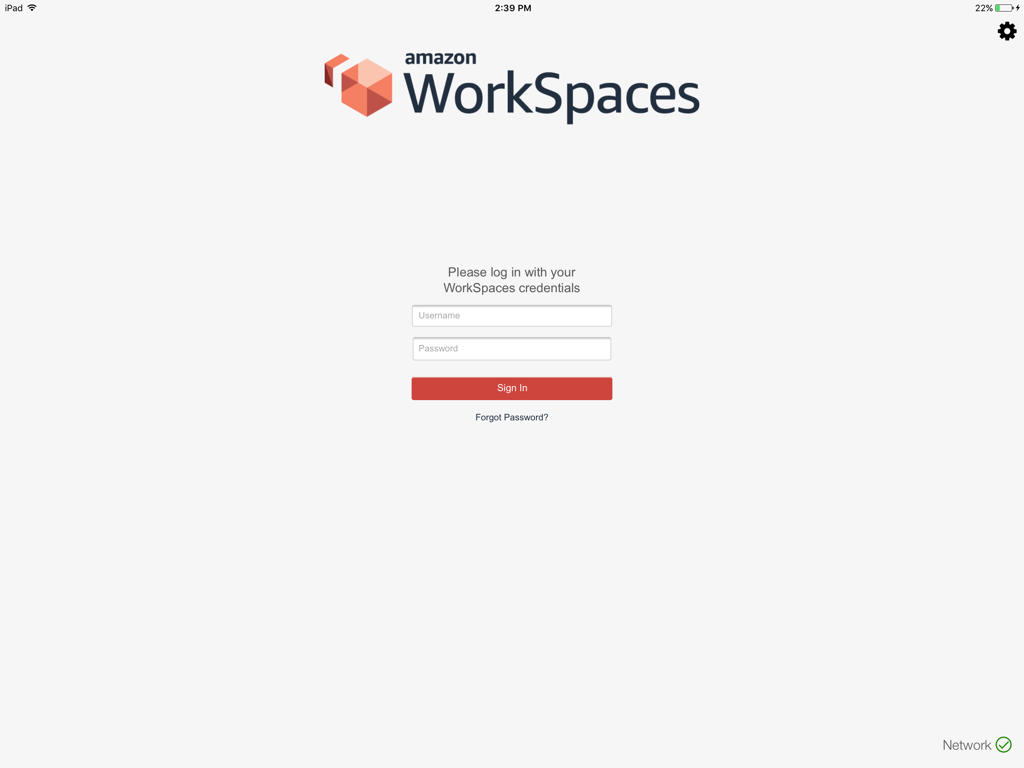
Users log in to the Amazon WorkSpaces app using their WorkSpaces credentials. The login interface presents fields for a username and password, followed by a 'Sign In' button.
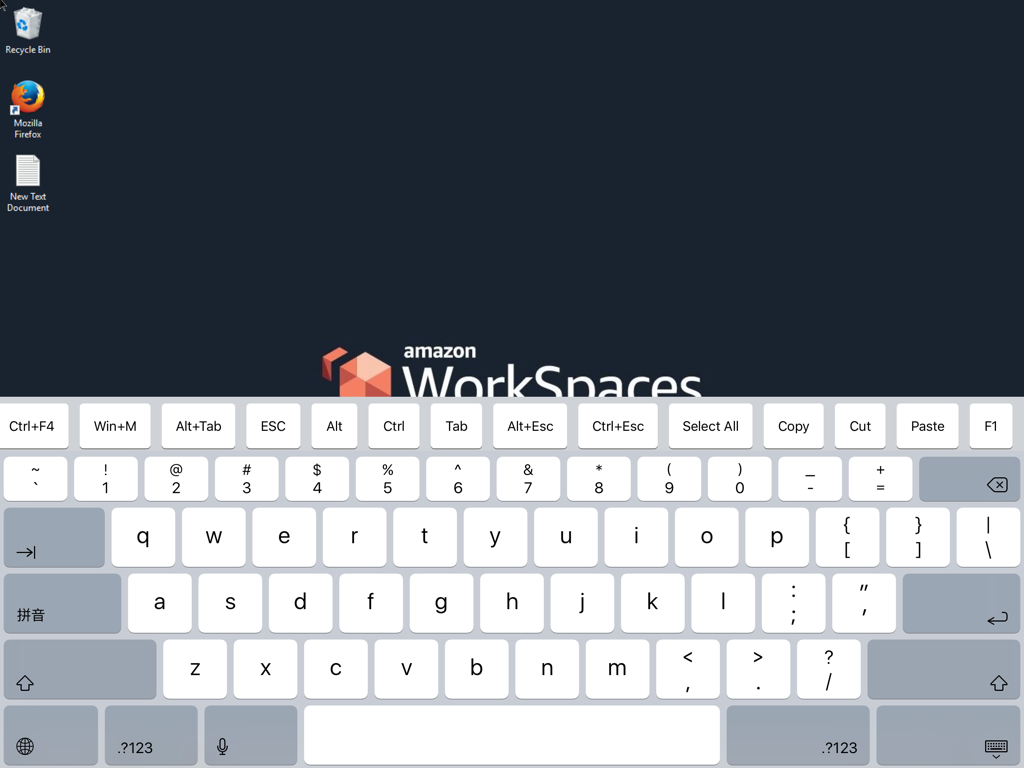
Yes, the Amazon WorkSpaces app provides a virtual on-screen keyboard. This keyboard features alphanumeric keys, special characters, and modifier keys for user input within the desktop environment.
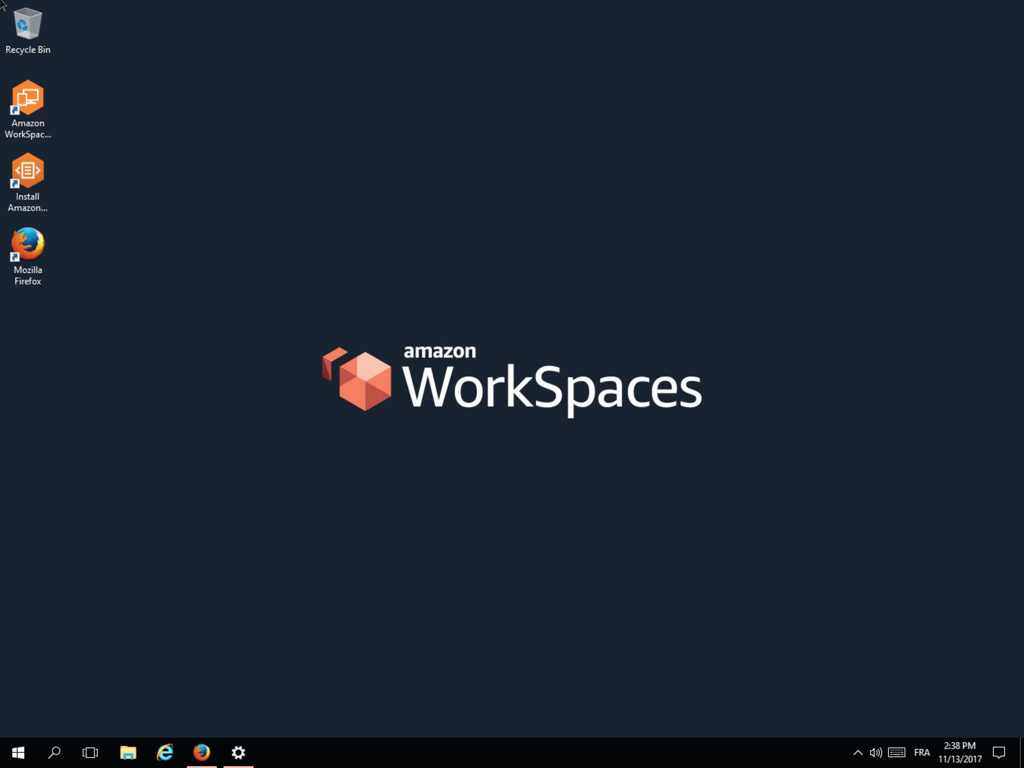
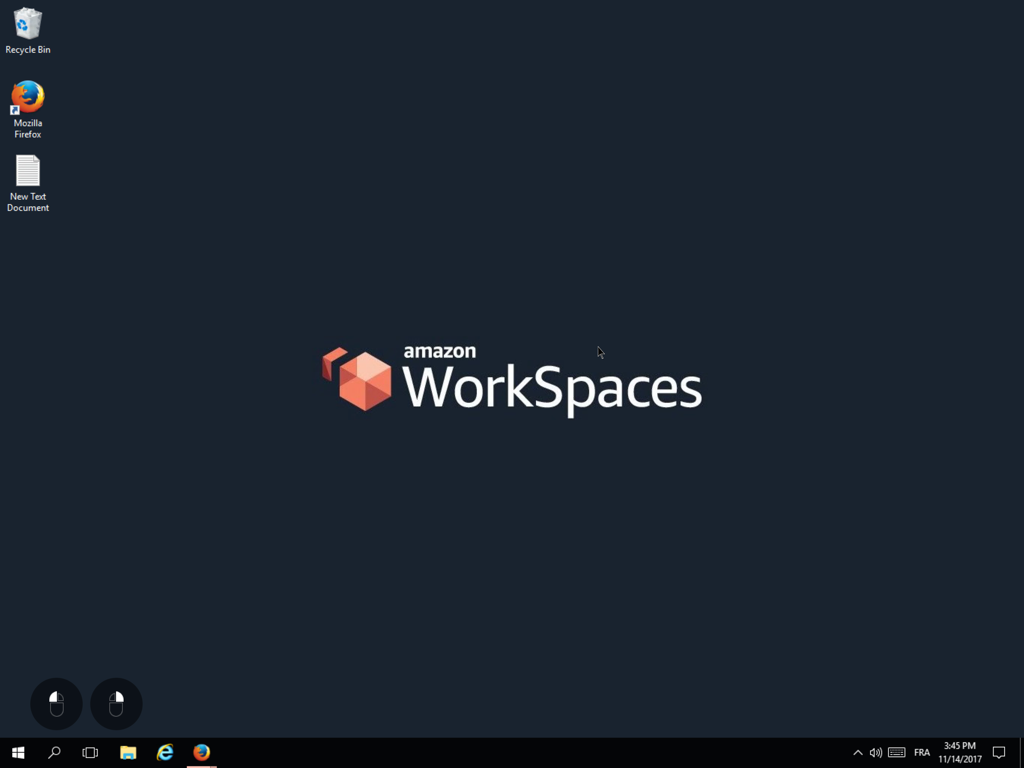
Yes, the Amazon WorkSpaces app enables access to a fully-managed desktop environment in the cloud. This virtual desktop displays standard elements like a Recycle Bin and various application icons.
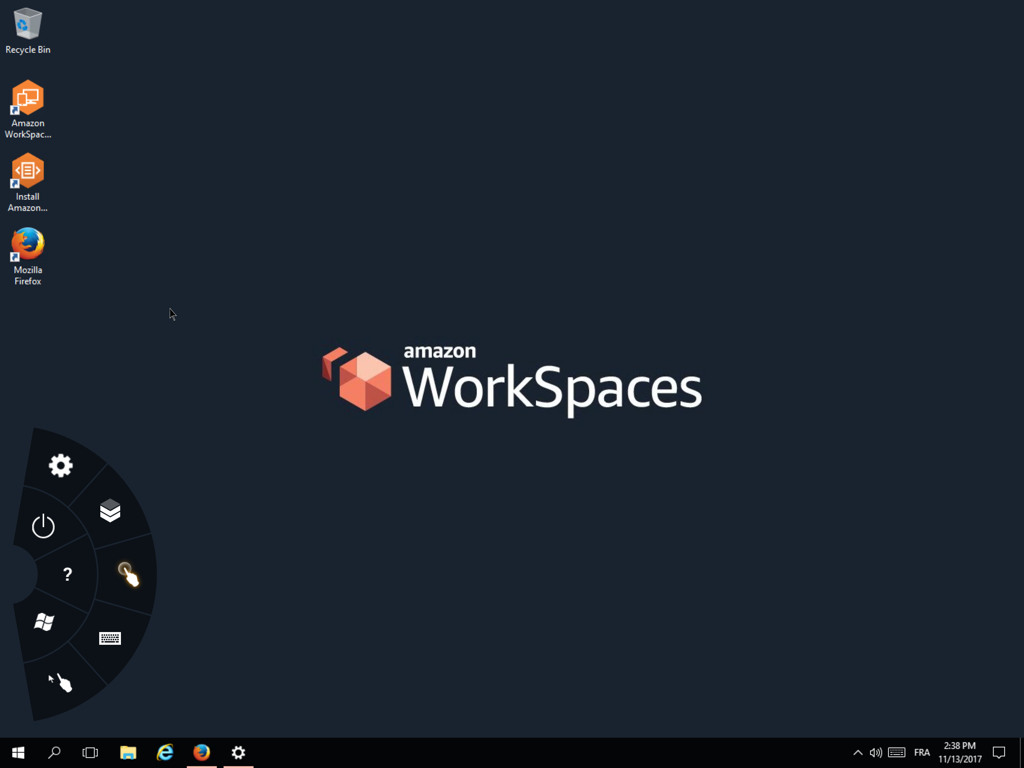
Yes, the Amazon WorkSpaces app includes a settings menu. This menu appears as a radial overlay, offering icons for power, general settings (gear), help (question mark), and a virtual keyboard.
Top-ranked apps in the same category

Microsoft Corporation

Zoom Communications, Inc.

WhatsApp Inc.

Indeed Inc.

LinkedIn Corporation

Adobe Inc.

Tencent Technology (Shenzhen) Company Limited

Beijing China Product Bo Farce Network Technology Co., Ltd.

DingTalk Technology Co., Ltd.
App information, icons, screenshots, and descriptions displayed on this page are sourced from the Apple App Store and are the property of their respective developers. Download estimates and rankings are based on MWM's proprietary models and may not reflect actual figures. This page is provided for informational and analytical purposes only.
Believe this page infringes your intellectual property? File a dispute