IMBox

IMBox

Download on App Store
Logo of IMBox

IMBox: Secure Enterprise Messaging for High-Performance Teams

Bridge the gap between consumer-level ease of use and professional-grade security. Protect your corporate data with remote wipe, secure file sharing, and seamless cross-company collaboration—all without sharing personal phone numbers.

Download on App Store

Publisher

SPOTBROS TECHNOLOGIES S.L

Category

Business

Downloads

0

User Rating

3.9/5

Total Ratings

0

Locales

14

A Professional Glimpse Inside

Discover the interface used by 0 users.
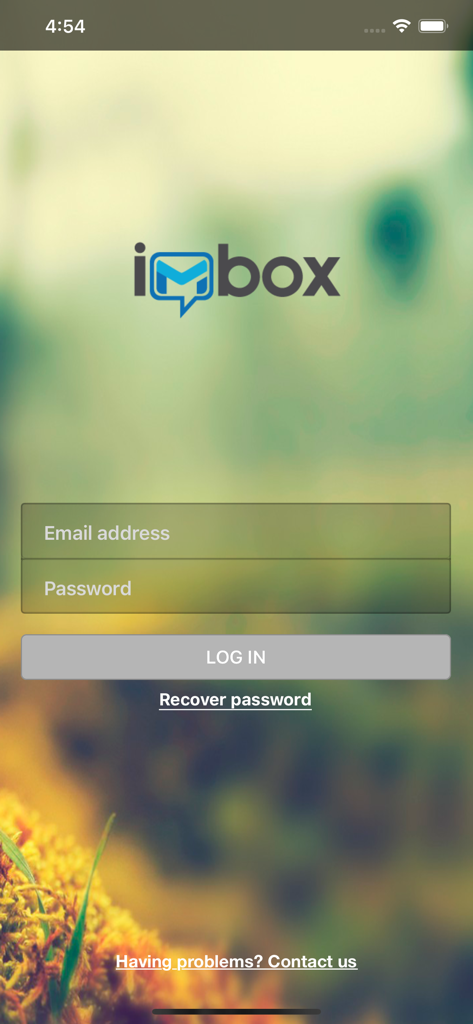
Login screen of the IMBox secure enterprise messaging app featuring email and password input fields and a logo.

Login screen of the IMBox secure enterprise messaging app featuring email and password input fields and a logo.

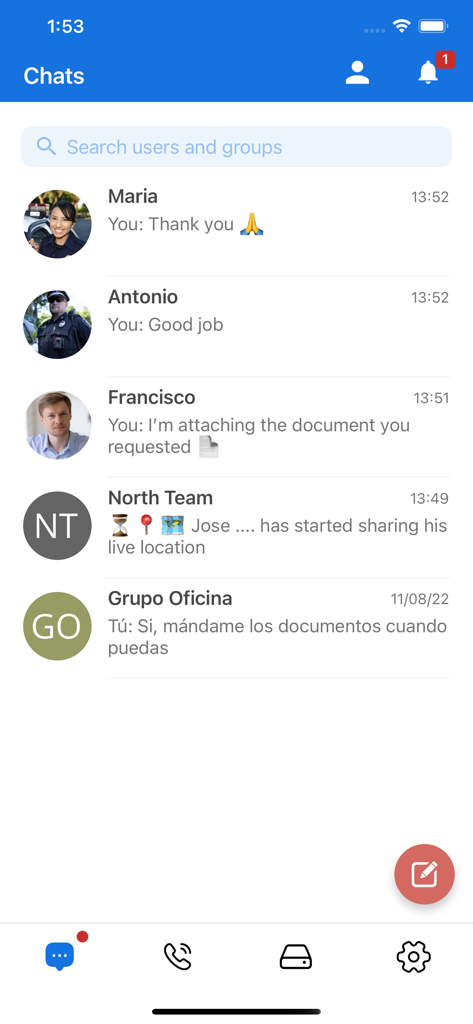
IMBox app interface showing a list of secure professional chat conversations with team members and groups

IMBox app interface showing a list of secure professional chat conversations with team members and groups

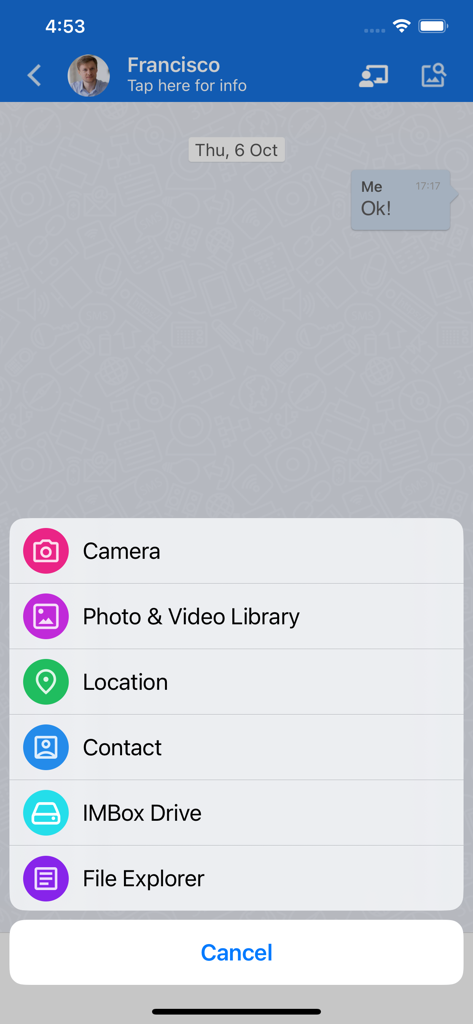
IMBox mobile app interface showing a secure chat with an attachment menu for sharing camera, photos, location, contacts, and files.

IMBox mobile app interface showing a secure chat with an attachment menu for sharing camera, photos, location, contacts, and files.

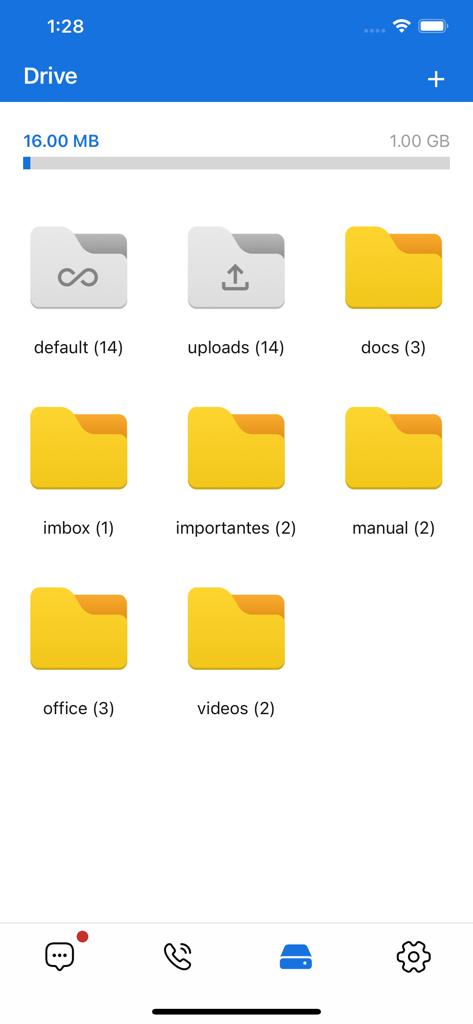
IMBox app drive screen showing file folders and storage usage

IMBox app drive screen showing file folders and storage usage

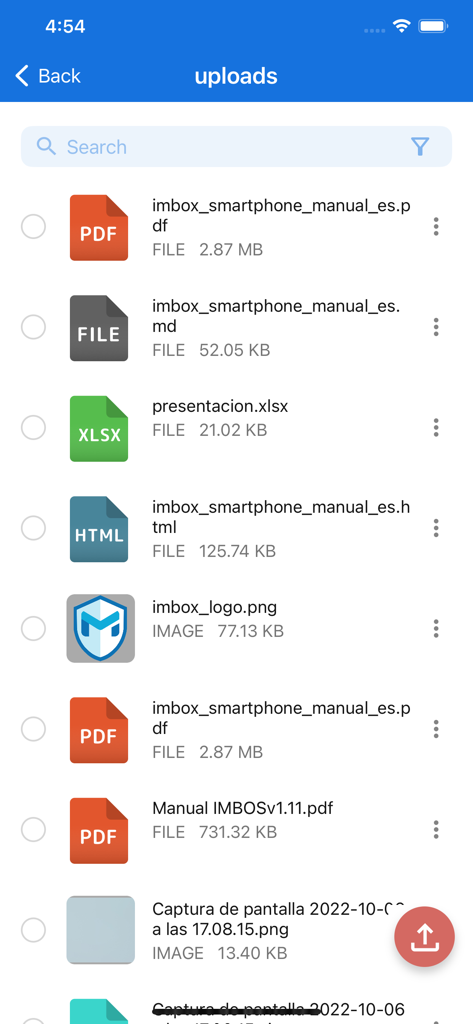
The uploads section of the IMBox app displaying a list of shared professional documents including PDFs and spreadsheets.

The uploads section of the IMBox app displaying a list of shared professional documents including PDFs and spreadsheets.

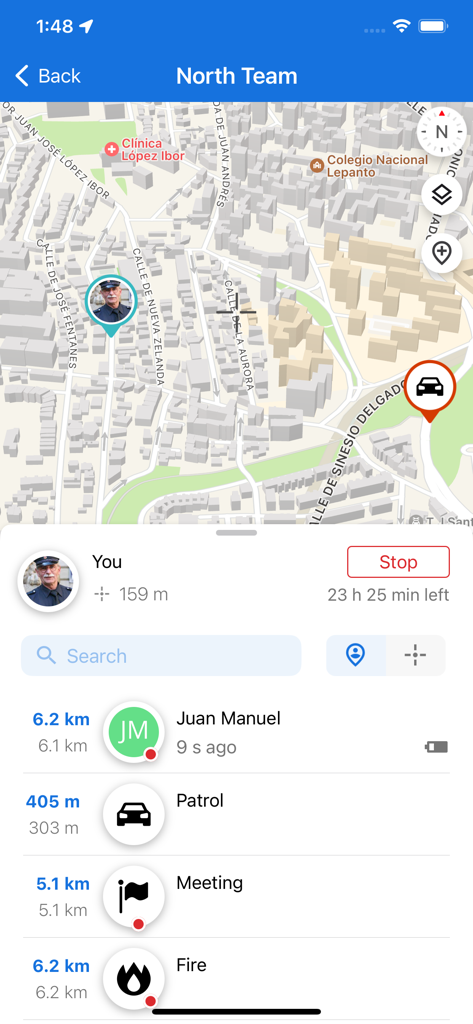
Interface of IMBox app showing a map with real-time locations of team members and a list of their current activities like patrol and meeting.

Interface of IMBox app showing a map with real-time locations of team members and a list of their current activities like patrol and meeting.

IMBox app interface showing an encrypted voice call connecting with a contact and a lock icon signifying a secure connection via IMBox Defense.

IMBox app interface showing an encrypted voice call connecting with a contact and a lock icon signifying a secure connection via IMBox Defense.

Enterprise-Grade Messaging Without Compromise

The tools that make this app stand out, trusted by 0 users.

🛡️

Ultimate Security Control

Ensure compliance with remote data wiping and the option for on-premise server installation to keep company data within your walls.

👤

Professional Privacy

Connect with colleagues and external vendors using an internal directory or digital Passport, never revealing your personal phone number.

☁️

Smart External Collaboration

Bridge the gap with clients through cross-company group chats and dedicated private clouds for instant, secure document sharing.

About the app

Everything you need to know about IMBox.

Description

IMBox offers companies and their employees a private, secure, powerful and easy to use Instant Messaging solution. IMBox is designed to fit business needs and as a result, the security of your information is one of our main concerns: § Remote swipe of users and their information § Control over shared files § On premise server installation available if required § Web panel to control network activity and access IMBox is also designed to fit employees needs: § User friendly to make employee adoption easy § File sharing. Share any type of file instantly § Group chats and broadcasts lists with no limit on members § Private cloud for users. Also, private chats and groups have their own cloud so users can easily access recently shared files § Group chats and broadcasts lists can be set to “Cross-company” meaning that clients and providers can be invited to join the conversation § No need to share phone numbers. Users in the same private network will have access to an integrated directory and will be able to search for anyone in the network by name. § Message sent, received and read notifications § Passport: Every user has a personal Passport. Passports can be shared with clients and providers to establish secure conversations through IMBox

Latest Version

3.8.13

Size

111.5 MB

First Released

Jan 7, 2014

Ready to Professionalize Your Team’s Communication?

Join thousands of secure organizations. Download IMBox today to protect your corporate data, maintain professional boundaries, and collaborate with total peace of mind.

Download on App Store

App information, icons, screenshots, and descriptions displayed on this page are sourced from the Apple App Store and are the property of their respective developers. Download estimates and rankings are based on MWM's proprietary models and may not reflect actual figures. This page is provided for informational and analytical purposes only.

Believe this page infringes your intellectual property? File a dispute