
케이뱅크

Manage your Korean assets, access high-yield rewards, and connect to Upbit with ease. Experience the speed of Korea’s premier internet-only bank, tailored for your global lifestyle.
Publisher
Category
FinanceDownloads
5M+User Rating
Total Ratings
167K+Locales
2Discover the interface used by 5M+ users.
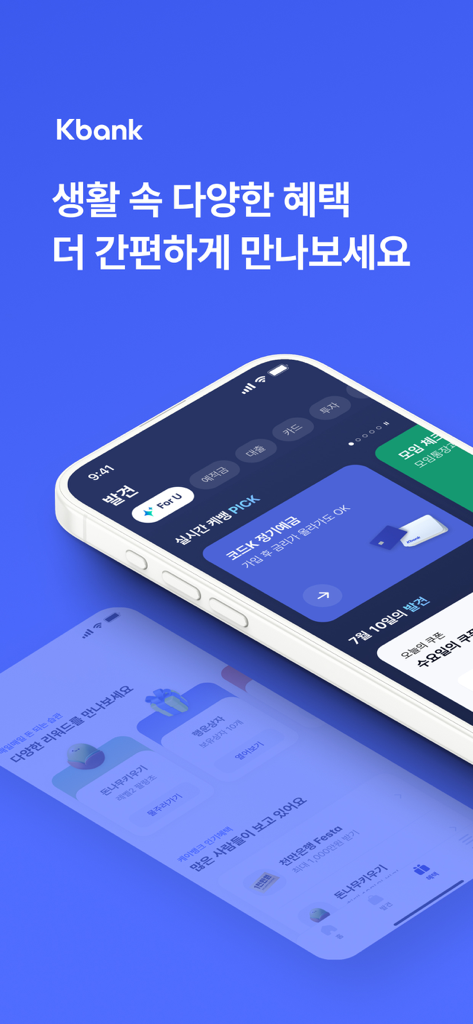
The tools that make this app stand out, trusted by 5M+ users.
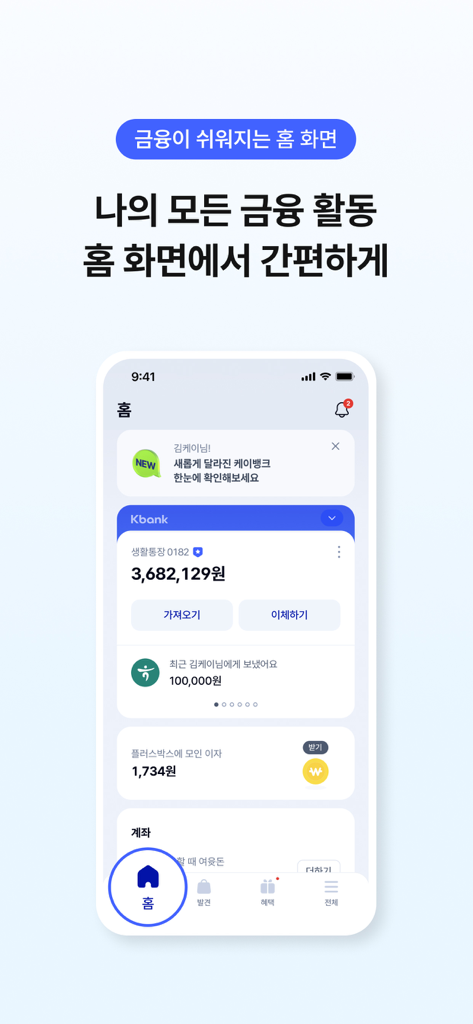
View and manage all your Korean bank accounts and financial activities in one place, optimized for your life abroad.
Authorize high-value transfers and manage accounts from the US using Face ID and Mobile OTP without physical bank visits.
Maximize your KRW assets with high-yield parking accounts and seamless connectivity to Korea's leading investment platforms.
Everything you need to know about 케이뱅크.
Description
Latest Version
2.0.4
Size
193.3 MB
First Released
Apr 2, 2017
Join 5 million users managing their Korean finances from abroad. Experience 24/7 instant banking, seamless crypto integration with Upbit, and 1st-tier security—all without ever visiting a branch.
Everything you need to know about 케이뱅크
Yes, the 케이뱅크 home screen allows users to manage financial activity related to frequently used accounts and oversee all their bank accounts in one place.
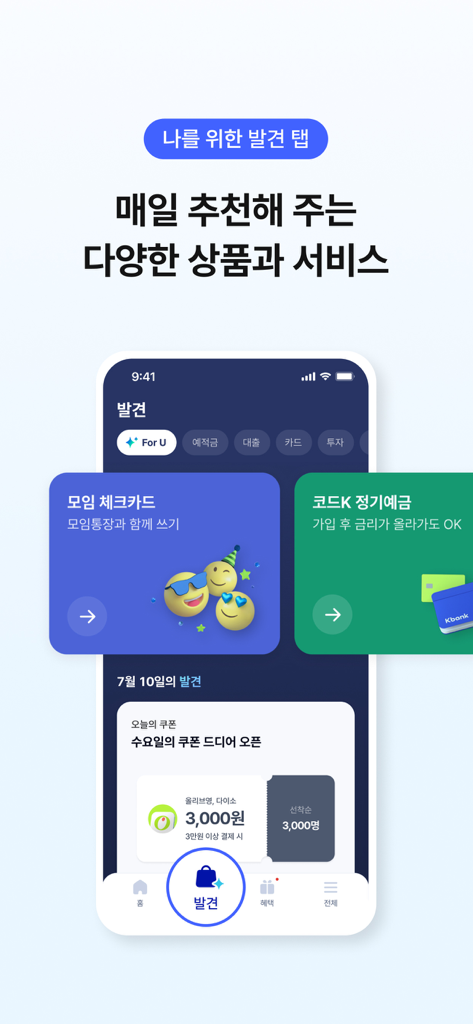
Yes, the 케이뱅크 app features a "나를 위한 발견 탭" (Discovery tab for me) which provides daily new recommendations for products and services. Users can also check subscribed services there.
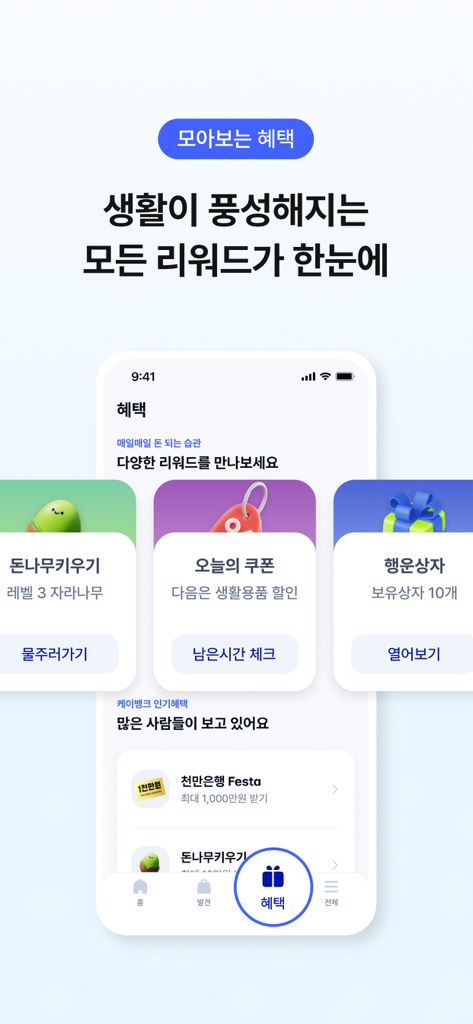
Users can find and claim various rewards and benefits within the 케이뱅크 app through the "모아보는 혜택" (Benefits at a glance) section. This includes events and service-specific rewards.
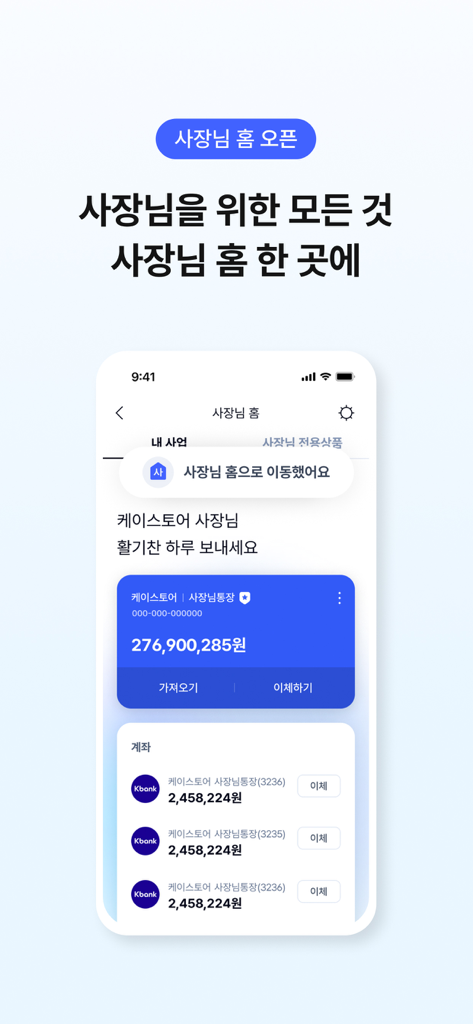
Yes, 케이뱅크 includes a dedicated "사장님 홈" (Boss Home) feature. This section centralizes products, services, and various benefits specifically tailored for business owners.
Yes, all financial services, including account opening and product subscriptions, are available directly within the 케이뱅크 app. Users complete these processes through the application.
To sign up for 케이뱅크, users must prepare either a resident registration card or a driver's license for identification purposes. This is required for member registration.
No, for secure and convenient financial services, the 케이뱅크 app can only be used on a single registered device. This policy enhances security.
Yes, 케이뱅크 provides a secure and convenient service using a mobile OTP, which functions as a replacement for traditional security cards for authentication.
No, the 케이뱅크 app restricts service usage on 'rooted' devices. This policy is in place to ensure safe and secure financial transactions for all users.
The 케이뱅크 app requests optional camera access to capture identity documents during non-face-to-face real-name verification and for submitting other necessary documents.
The 케이뱅크 app uses optional contact access to enable users to transfer money conveniently to contacts saved in their device's address book.
The 케이뱅크 app requests optional photo album access for registering profile pictures, submitting required documents, and saving images or photos within the application.
Yes, the 케이뱅크 app supports optional Face ID for authentication. Users can utilize Face ID for secure login, money transfers, and other verification processes.
The optional tracking permission in the 케이뱅크 app is used to provide customized services and benefits tailored to the user's preferences and activity.
케이뱅크 banking operations customer service is available daily from 09:00 to 18:00. However, inquiries regarding voice phishing and incident reporting are handled 24 hours a day.
케이뱅크 customer service for card operations is available on weekdays from 09:00 to 18:00. This number is 1522-1155.
Yes, 케이뱅크 offers 24-hour customer support through its talk consultation service. Users can access this service via the provided URL.
Users can contact 케이뱅크 for support via email by sending their inquiries to help@kbanknow.com. This is listed as an available contact method.
Apps with similar features and user experience

PayPal, Inc.

AGRICULTURAL BANK OF CHINA LIMITED

MercadoLibre S.A.

Industrial and Commercial Bank of China

Revolut Ltd

HDFC Bank Ltd

ZION JOINT STOCK COMPANY

Block, Inc.

CHINA MERCHANTS BANK CO.,LTD.
App information, icons, screenshots, and descriptions displayed on this page are sourced from the Apple App Store and are the property of their respective developers. Download estimates and rankings are based on MWM's proprietary models and may not reflect actual figures. This page is provided for informational and analytical purposes only.
Believe this page infringes your intellectual property? File a dispute