
Keyboard Art

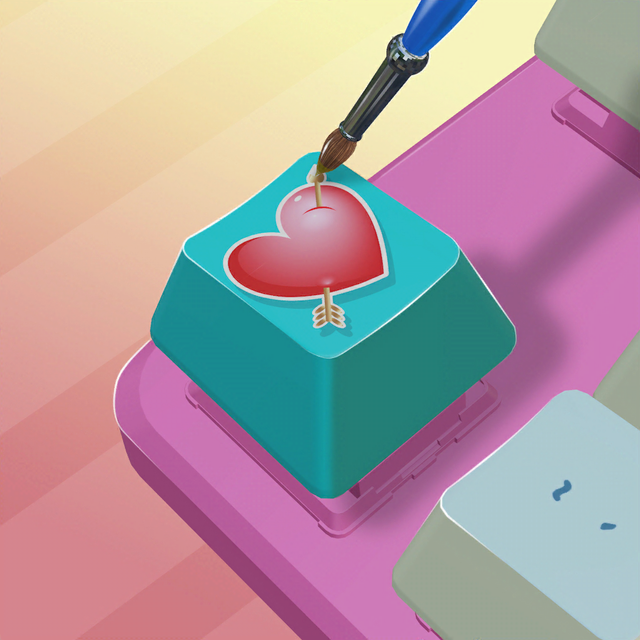
Transform boring keys into eye-popping masterpieces with satisfying stencils and spray paint. Create your dream custom keyboard today!
Publisher
Category
GamesDownloads
3M+User Rating
Total Ratings
28K+Locales
1Discover the interface used by 3M+ users.
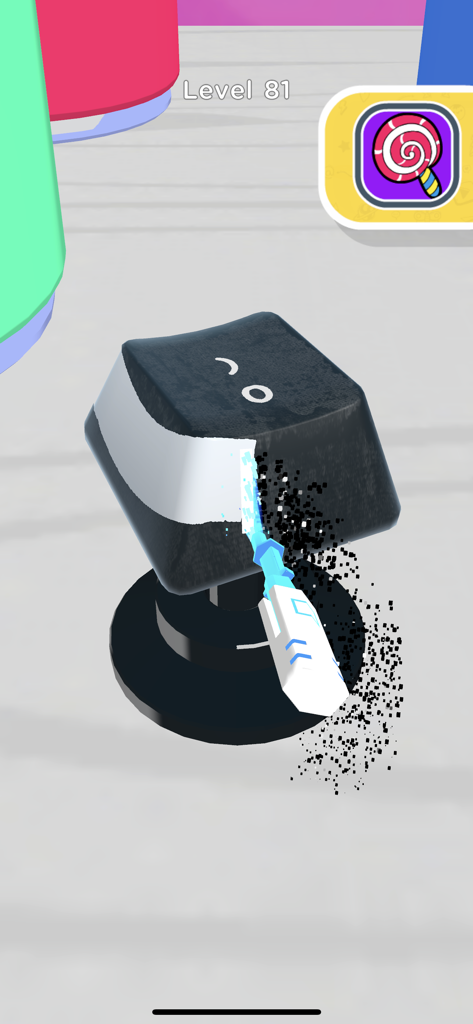
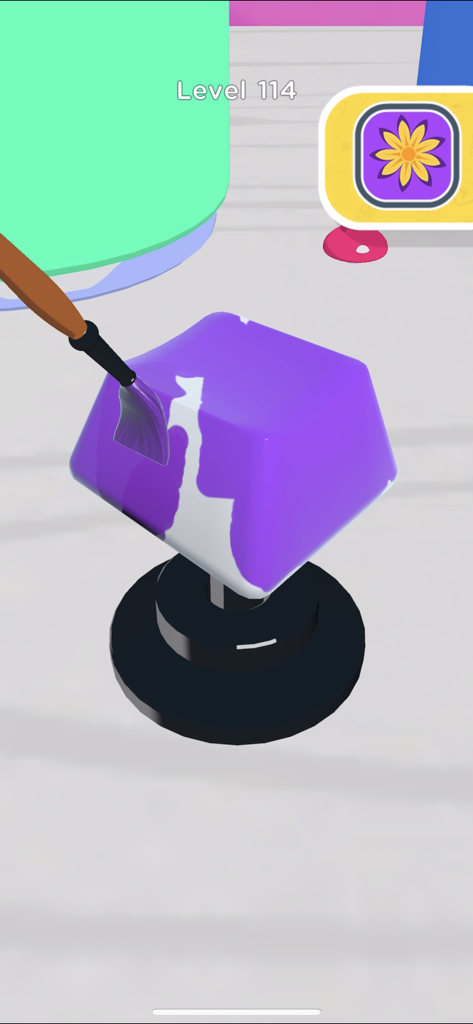
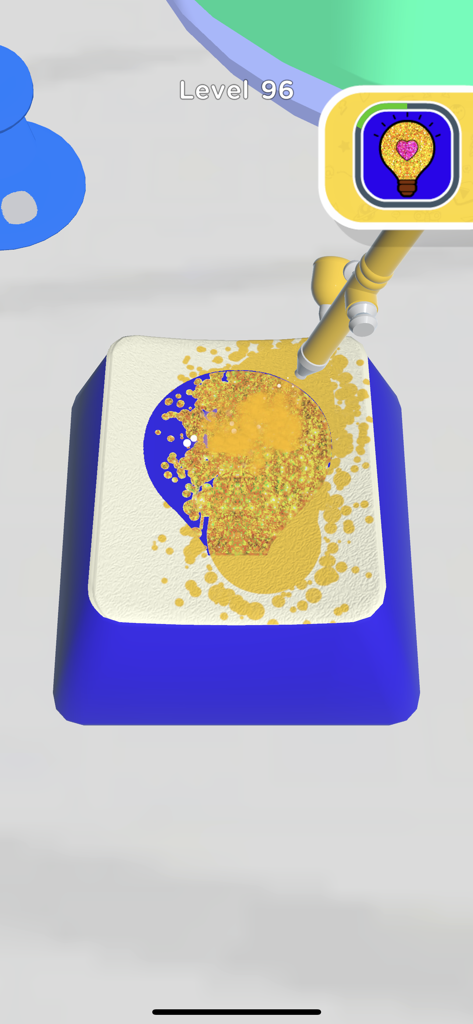
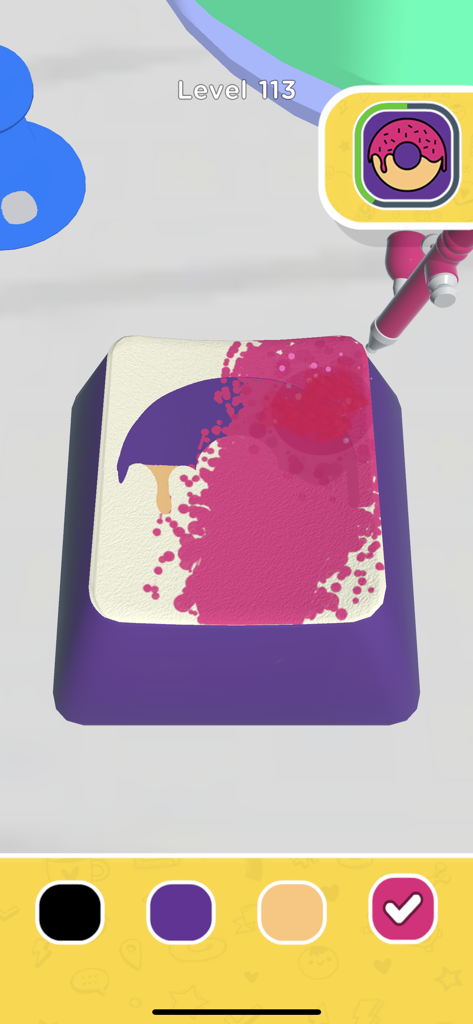
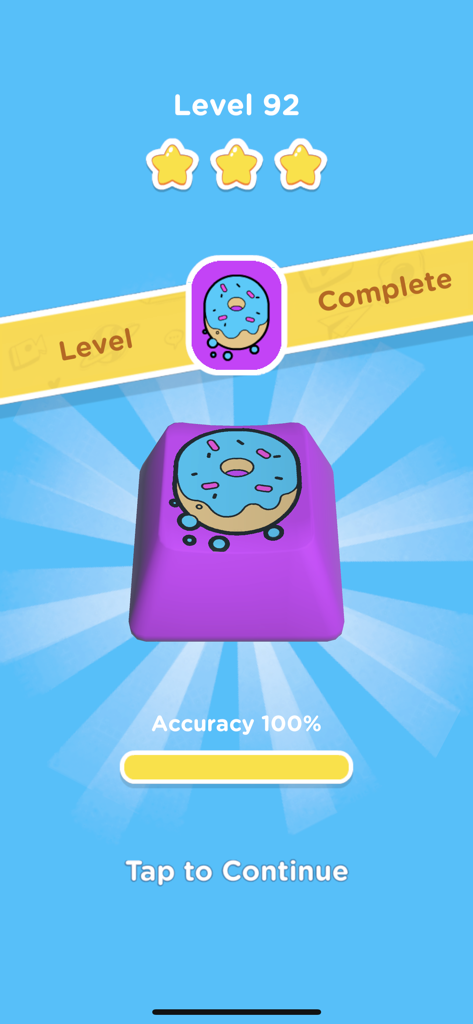
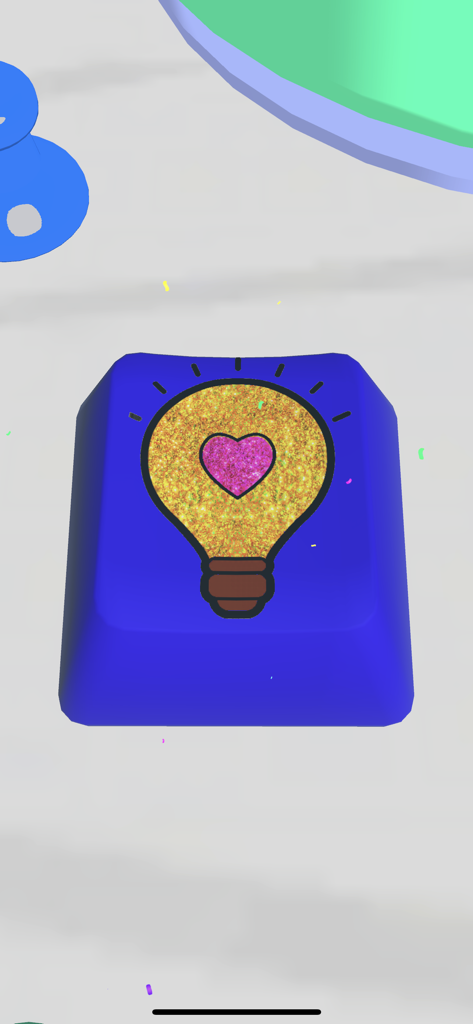
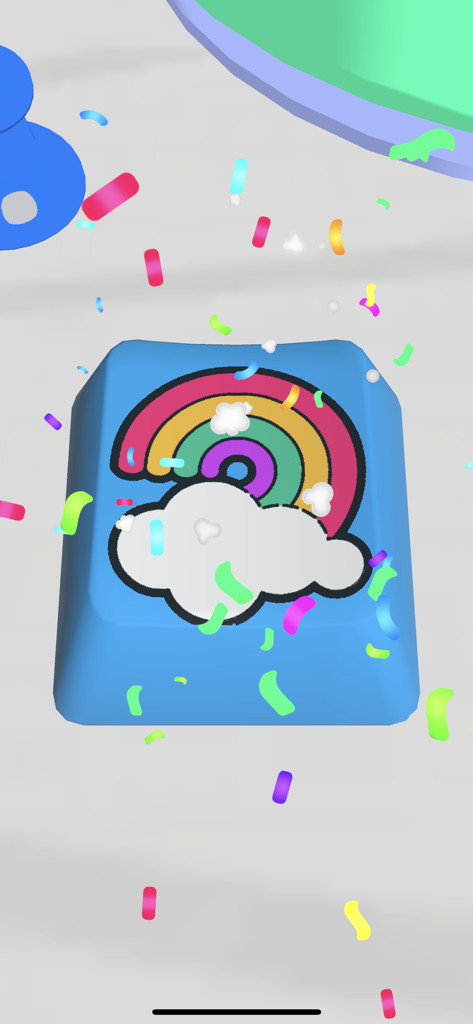
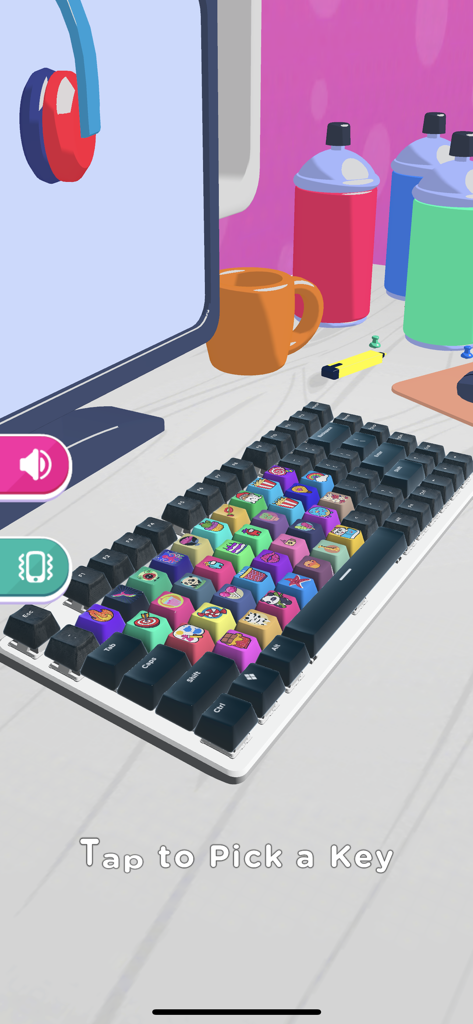
The tools that make this app stand out, trusted by 3M+ users.
Use spray paints, stencils, and brushes to design eye-popping keycaps that match your personal aesthetic and vibe.
Experience the oddly satisfying joy of perfect stenciling and vibrant reveals in a relaxing, zen environment with no mess.
Bring the custom mechanical keyboard trend to life without the high cost. Perfect for fans of cozy gaming and DIY tech art.
Everything you need to know about Keyboard Art.
Description
Latest Version
1.2.4
Size
208.9 MB
First Released
Jul 8, 2021
Join over 3 million creators today and start crafting the most satisfying, aesthetic keyboard art for free.
Everything you need to know about Keyboard Art
Yes, the Keyboard Art application is free to download and play. It allows users to create and decorate keycaps without cost.
Keyboard Art offers activities centered around decorating virtual computer keyboard keycaps. Users can create custom artwork, add colors, and personalize keycaps using various in-app tools.
In Keyboard Art, keycaps are decorated using virtual art tools. These include paint brushes for coloring, stencils for patterns, and spray paint for applying unique designs to create eye-popping art.
Yes, Keyboard Art provides different artistic tools. These include paint brushes, stencils, and spray paint, enabling users to apply colors, patterns, and intricate artwork to keyboard keycaps.
Yes, Keyboard Art includes a level system. Progression is shown through indicated levels (e.g., Level 81, 114) and a "Level Complete" screen, confirming structured gameplay.
Yes, users can achieve high accuracy. The Keyboard Art app provides feedback like "Accuracy 100%" upon level completion, indicating successful and precise keycap decoration.
Players can design various types of artwork in Keyboard Art. Examples include playful designs such as donuts, radiant lightbulbs, and colorful rainbows, demonstrating creative versatility on keycaps.
Yes, multiple keycaps can be customized in Keyboard Art. The app displays an entire virtual keyboard featuring numerous individually decorated keycaps, allowing users to personalize a full set.
Top-ranked apps in the same category

ARETIS LIMITED

XD Entertainment Co., Ltd.

Hitapps Games LTD

Roblox Corporation

Microfun Limited

Lessmore UG haftungsbeschraenkt

PLR Worldwide Sales Limited

FUNFLY PTE. LTD.

VITA STUDIO PTE. LTD.
App information, icons, screenshots, and descriptions displayed on this page are sourced from the Apple App Store and are the property of their respective developers. Download estimates and rankings are based on MWM's proprietary models and may not reflect actual figures. This page is provided for informational and analytical purposes only.
Believe this page infringes your intellectual property? File a dispute