Label Maker - Business Edition

Label Maker - Business Edition

Download on App Store
Logo of Label Maker - Business Edition

Label Maker - Business Edition: Professional Labeling Made Mobile

Streamline your operations with the most powerful app for designing and printing barcodes, QR codes, and mailing labels. From Avery templates to team management, scale your brand directly from your iPhone or iPad.

Download on App Store

Publisher

Starkode Limited Company

Category

Business

Downloads

39K+

User Rating

3.7/5

Total Ratings

0

Locales

34

Efficiency at a Glance

Discover the interface used by 39K+ users.
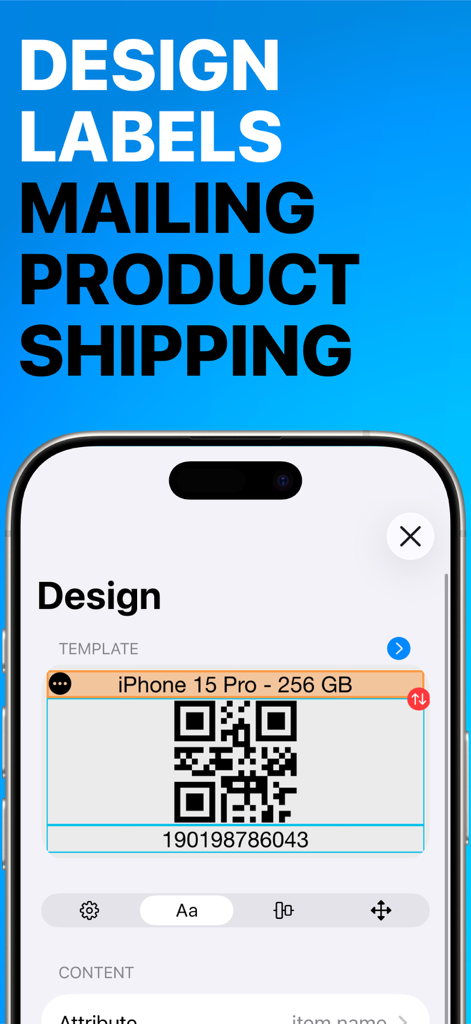
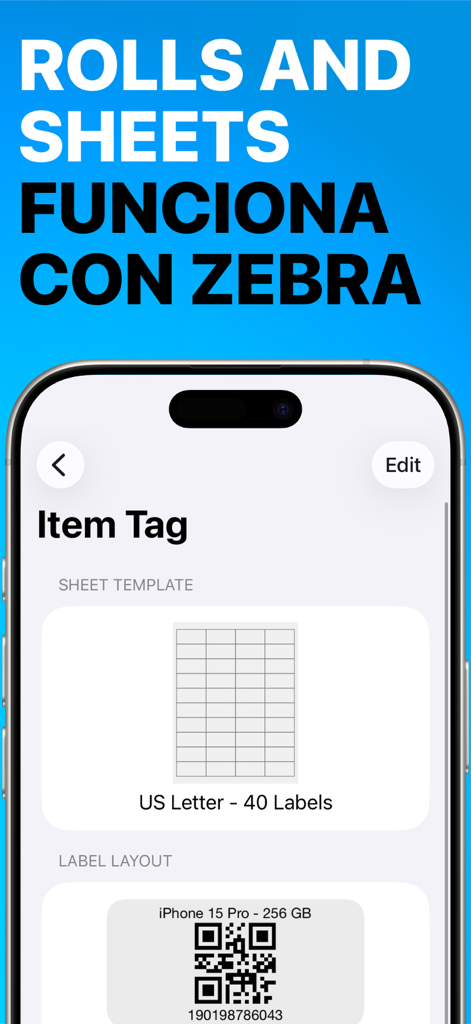
Design interface of Label Maker app showing a QR code label for a product

Design interface of Label Maker app showing a QR code label for a product

Label Maker Business app screen showing QR code item tag and US Letter label templates.

Label Maker Business app screen showing QR code item tag and US Letter label templates.

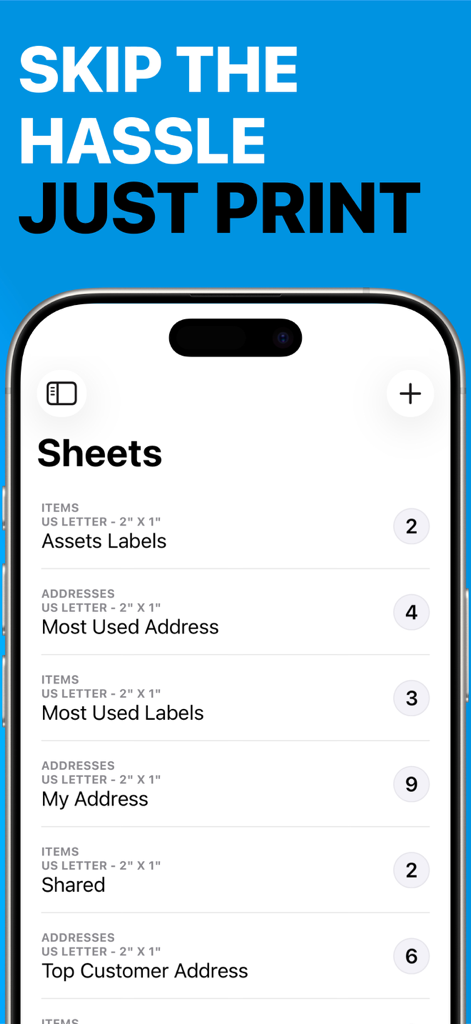
Label Maker app screen showing a list of business label sheets for assets and addresses

Label Maker app screen showing a list of business label sheets for assets and addresses

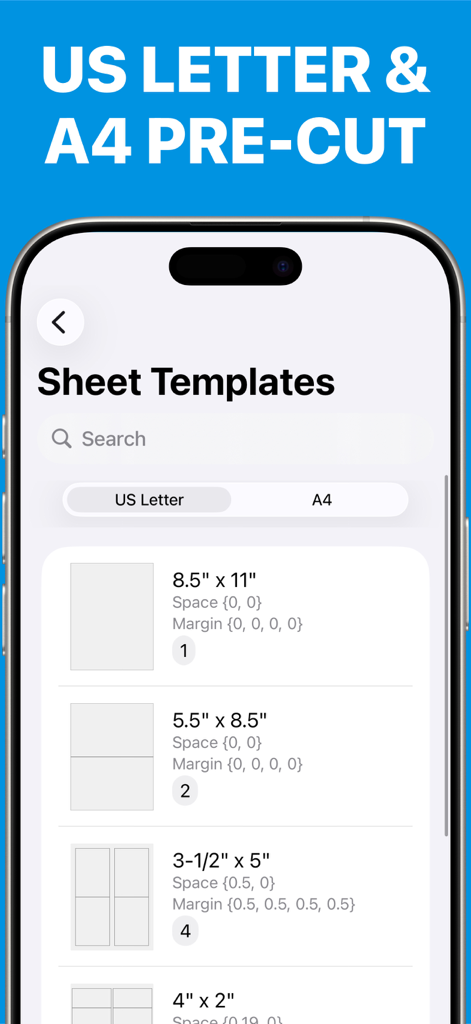
Label Maker Business Edition app interface showing a list of sheet templates for US Letter and A4 pre-cut adhesive labels.

Label Maker Business Edition app interface showing a list of sheet templates for US Letter and A4 pre-cut adhesive labels.

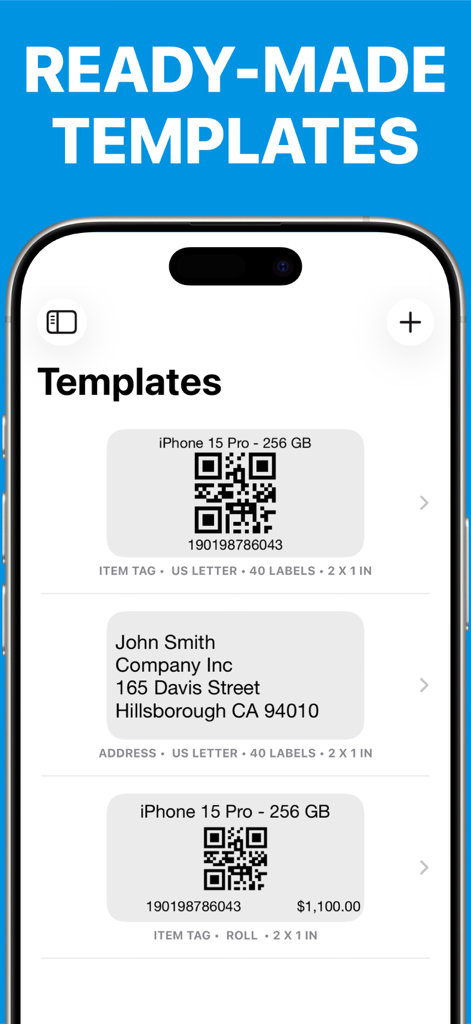
Interface showing barcode and address label templates in the Label Maker app.

Interface showing barcode and address label templates in the Label Maker app.

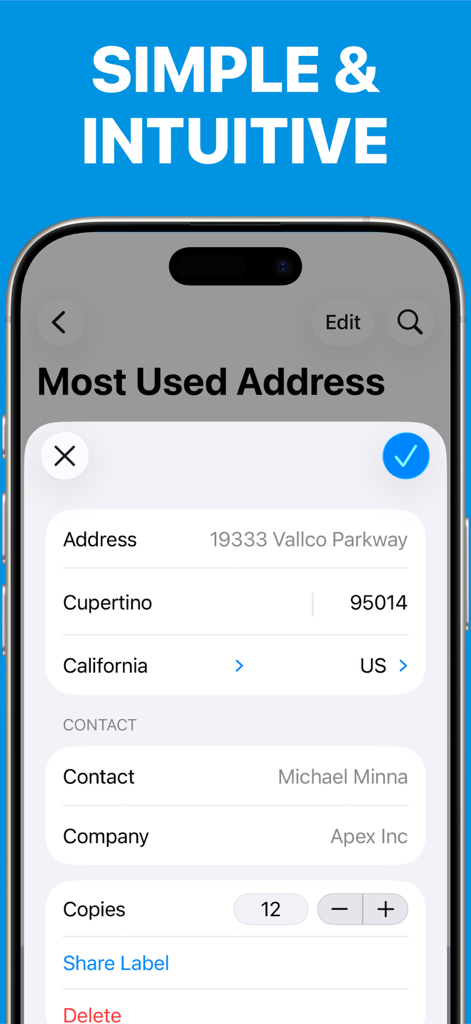
Mobile app interface for managing and printing business address labels

Mobile app interface for managing and printing business address labels

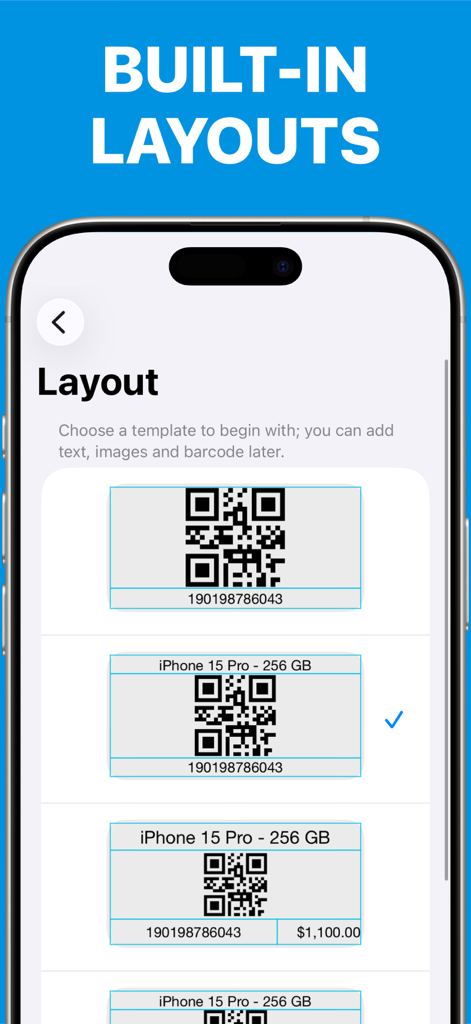
App interface showing built-in label layouts with QR codes and product info.

App interface showing built-in label layouts with QR codes and product info.

Professional Labeling for Modern Businesses

The tools that make this app stand out, trusted by 39K+ users.

🎯

Precision Avery Templates

Stop wasting expensive adhesive sheets. Full support for Avery 5160 and US Letter sizes ensures perfect alignment with any AirPrint-enabled printer.

🔍

Integrated Inventory Tools

Transform your device into a professional scanner. Generate custom QR, UPC, and EAN codes to track inventory across your entire product catalog.

🏢

Multi-Branch Management

Scale your operations with ease. Manage team access, separate data by location, and secure your business with Face ID and custom roles.

About the app

Everything you need to know about Label Maker - Business Edition.

Description

This amazing label maker app lets you easily make, print and peel QR, barcode and mailing labels using most standard-shaped adhesive sheets. Easily setup the barcode appearance and page design template, create worksheets with items or addresses to print mass PDF reports or extract images into a ZIP file. SIMPLICITY AND POWER • Use items or customers to organize your information. • Create worksheets with selected items or customer addresses that need printed labels. • Customize address or QR/Barcode label options according to your needs. BARCODE GENERATION • Design and print barcode labels using most standard shaped adhesive sheets (A4 or US Letter). • Supports EAN 8, EAN 13, UPC and Code 39/93/128/QR for custom SKU codes. AVERY TEMPLATES • We support Avery Templates 5160/8460 and compatibles where each label measures 1" x 2 5/8" and fit 30 labels per sheet. ONLINE LABELS • We support online labels and compatibles were each label measures 2" x 1.25" (32 labels per sheet), 2" x 1" (40 labels per sheet) , 1.5" x 1" (50 labels per sheet), 1.25" x 0.75" (72 labels per sheet), 63.5mm x 33.9mm (24 labels per sheet), 45.7mm x 25.5mm (40 labels per sheet) , 38.1mm x 21.2mm (65 labels per sheet) REPORTS • Supports A4 and US Letter paper sizes. • Export your labels to sleek PDF Reports. • Share reports via Email, iBooks or many other compatible apps. • Print reports directly using AirPrint. SCANNER • Powerful scanning tool allows you to quick list and open items on the fly. CUSTOMIZABLE • Create your own set of custom attributes for views and reports. • Customize reports for your brand needs (fonts, header, footer, colors and logo). • Show the user photo or company logo on sign in. • Theme color. SECURITY • Manage users, assign roles and monitor access. • Authorize each device before use. • Allow Face ID, for fast and secure access. ROLES, ACCESS LISTS and BRANCHES • Predefined roles are the easiest way to limit users to performing a specific task, such as viewing, adding, or updating data. • Access lists allow you to group users, roles, and branches to grant security efficiently. • Branches allow mid-size businesses to separate operations by store, location, or department. BEST CHOICE This app belongs to the business series of ©Starkode apps, which are the best choice of apps at work. SUPPORT We are here to help your business make its work easy and effortless. If you have any questions or suggestions related to our apps, then contact us at support@starkode.com. Starkode membership is a month-to-month subscription that begins at sign up. You can easily cancel anytime, within your device, 24 hours a day. There are no long-term contracts or cancellation fees. We just want you to love what you do with our apps. Privacy Policy: https://starkode.com/privacy/ Terms of Use : https://starkode.com/terms/

Latest Version

26.16

Size

64.8 MB

First Released

Jan 5, 2019

Ready to Professionalize Your Business Labeling?

Join over 39,000 entrepreneurs and managers who have ditched clunky desktop software for the power of mobile-first inventory management. Download Label Maker - Business Edition today and start printing professional Avery-standard labels in seconds.

Download on App Store

App information, icons, screenshots, and descriptions displayed on this page are sourced from the Apple App Store and are the property of their respective developers. Download estimates and rankings are based on MWM's proprietary models and may not reflect actual figures. This page is provided for informational and analytical purposes only.

Believe this page infringes your intellectual property? File a dispute