Lighter Simulator Concert Mode

Lighter Simulator Concert Mode

Download on App Store
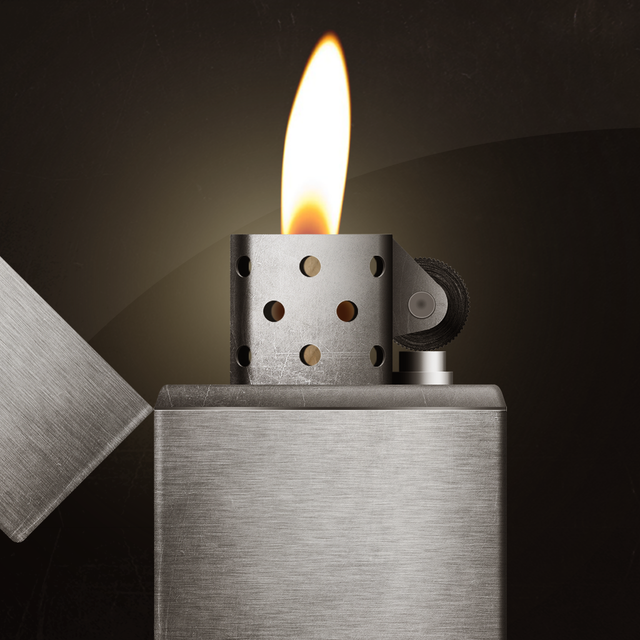
Logo of Lighter Simulator Concert Mode

Lighter Simulator Concert Mode: The Most Realistic Digital Flame for Every Occasion

Personalize your lighter with custom themes, strike the flint for a satisfying glow, and light up the crowd safely with Concert Mode.

Publisher

Just4Fun Mobile Sp. z o. o.

Category

Entertainment

Downloads

522K+

User Rating

4.6/5

Total Ratings

4K+

Locales

1

Light Up the Screen

Discover the interface used by 522K+ users.
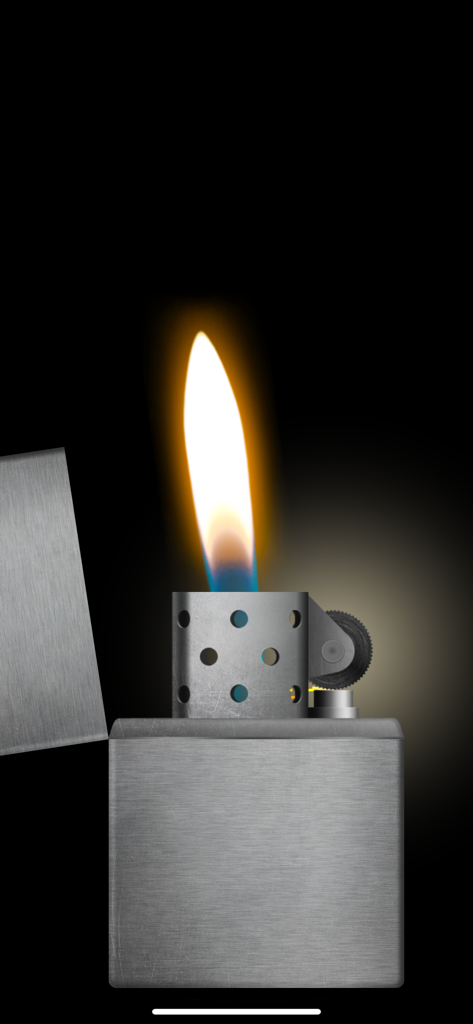
A realistic virtual metal lighter with a burning flame on a black background.

A realistic virtual metal lighter with a burning flame on a black background.

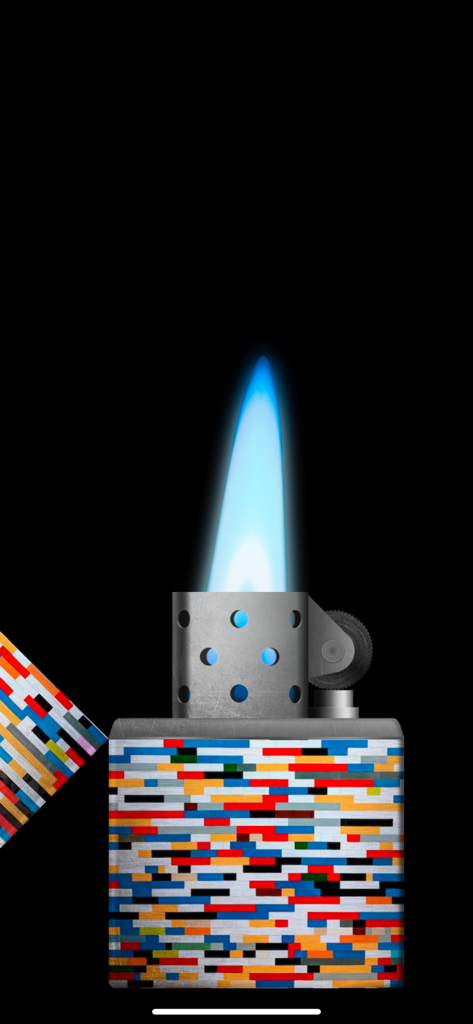
A digital cigarette lighter with a bright blue flame and a colorful pixelated pattern

A digital cigarette lighter with a bright blue flame and a colorful pixelated pattern

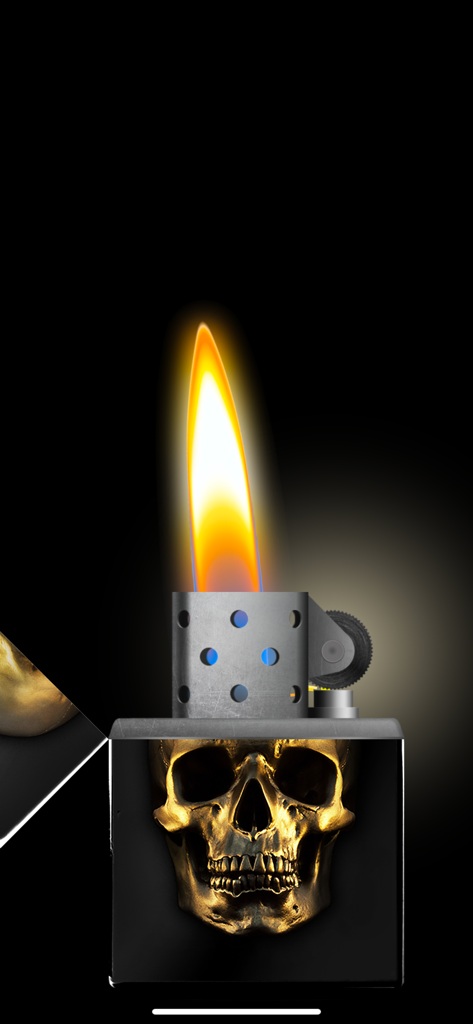
A digital lighter simulation featuring a golden skull design on a black body with a realistic burning flame

A digital lighter simulation featuring a golden skull design on a black body with a realistic burning flame

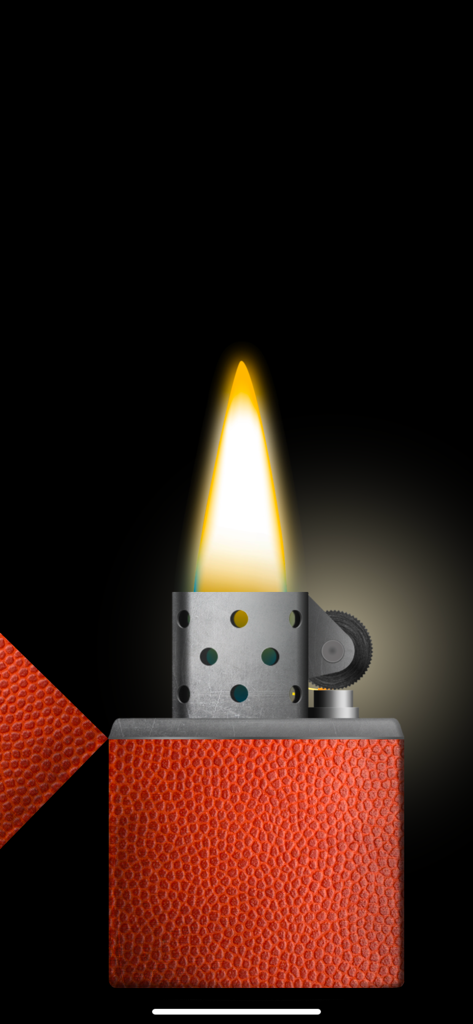
A virtual lighter with a basketball texture and a realistic burning flame against a black background.

A virtual lighter with a basketball texture and a realistic burning flame against a black background.

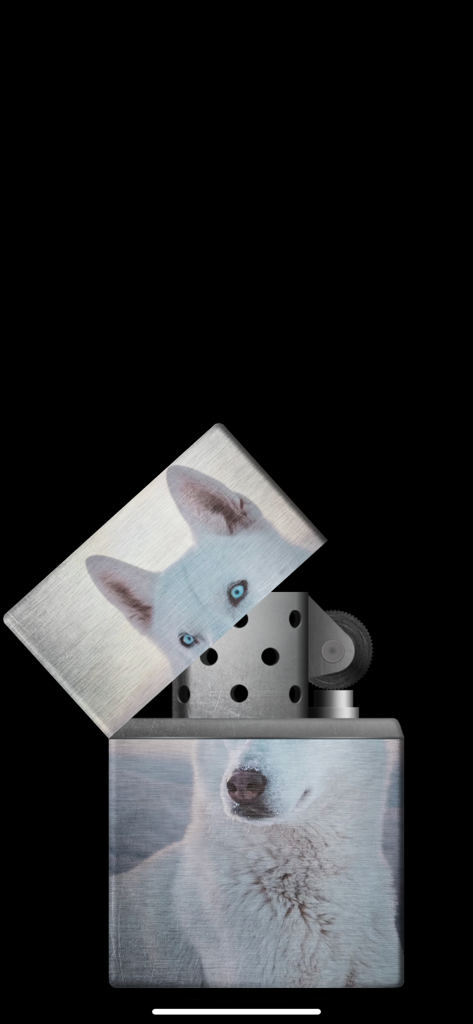
A virtual metal lighter with a customized white husky dog photo theme.

A virtual metal lighter with a customized white husky dog photo theme.

A closed digital lighter with a red dragon and gold cloud design

A closed digital lighter with a red dragon and gold cloud design

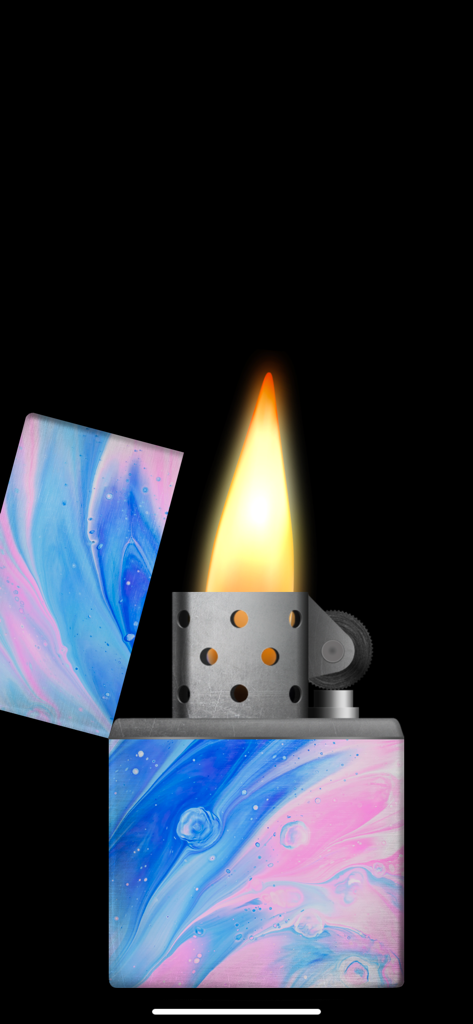
Digital lighter simulator with a blue and pink marble theme and a burning flame

Digital lighter simulator with a blue and pink marble theme and a burning flame

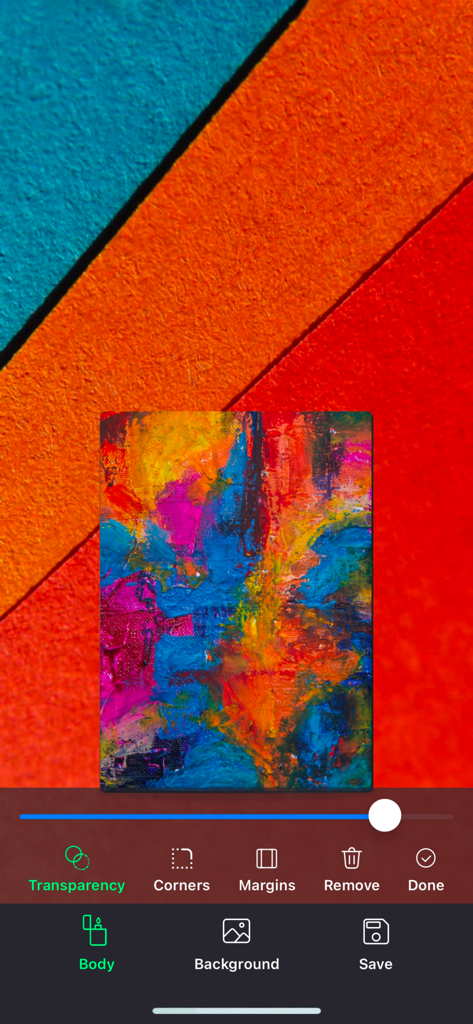
Interface of the studio mode in the lighter simulator app showing customization tools for the lighter body

Interface of the studio mode in the lighter simulator app showing customization tools for the lighter body

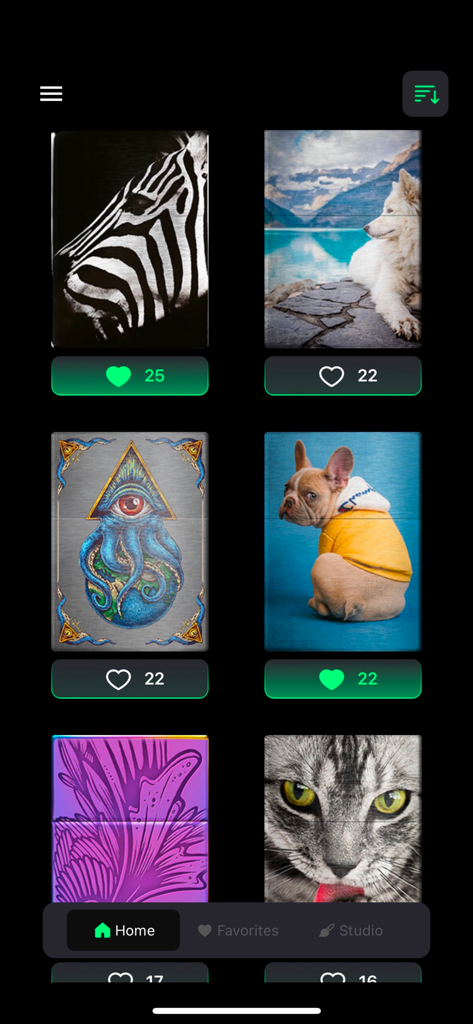
A gallery view of various custom cigarette lighter skins including animals and artistic designs in the Lighter Simulator app

A gallery view of various custom cigarette lighter skins including animals and artistic designs in the Lighter Simulator app

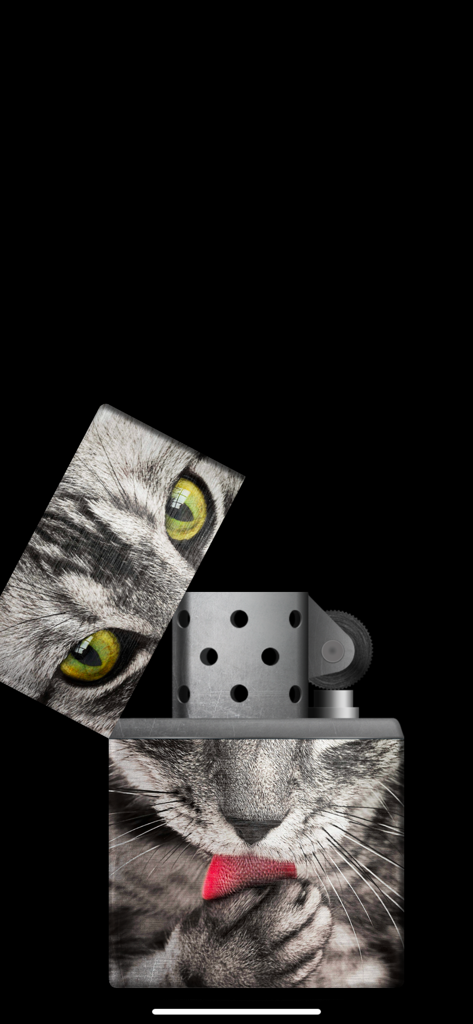
A virtual lighter simulator with a custom cat photo design on the metallic body

A virtual lighter simulator with a custom cat photo design on the metallic body

Ignite the Atmosphere

The tools that make this app stand out, trusted by 522K+ users.

🤘

Concert Ready Mode

Keep your flame burning bright throughout the entire ballad with a specialized mode that prevents the light from timing out.

🎨

Personalized Studio

Make it yours by decorating the lighter body with your own photos or choosing from 60+ premium designer themes.

🔥

Hyper-Real Physics

Experience the satisfying clink of the metal lid, the friction of the strike wheel, and a flame that reacts as you tilt or blow on your phone.

About the app

Everything you need to know about Lighter Simulator Concert Mode.

Description

"Lighter Simulator with Concert Mode" is a simulator of a metal cigarette lighter. Main advantages of the app: * 60 different lighter themes and 42 colors to choose from + new cool themes to download every month * 8 colourful flames to choose from * studio : use your own picture to decorate body, lid or background * favorites : keep your favorite cigarette lighters in one place * blow out to stop the fire * concert mode : use it to keep the flame burning all the time * use of camera flashlight for a better effect How to use it? Use your finger or shake your phone to open cap of the metal lighter. When the top lid is open strike the stone wheel the same way you would do it with a real cigarette lighter. Sparks will appear under the flint and they should light the wick. As it is a very realistic simulator, it is possible that you will not manage to make a fire for the first time. You have to keep trying to spin the stone wheel until the fire appears (please use "Always light the flame at the first time" feature in settings to change that behavior). When the lighter is on phone's torch will be turn on for a better visual effect. You can now move / tilt you phone and observe how the flame react. To stop the fire you need to close the top cap. Do it with your finger or shake the phone. You can also blow towards the fire (To stop the flame by blowing, you have to turn on "Blow to put out the flame" in settings). By using "Lighter Simulator Concert Mode", you are agreeing to our Privacy Policy and Terms of Use: https://www.just4funmobile.com/tos-lighter-apple-store/ https://www.just4funmobile.com/privacy-policy-lighter-apple-store/

Latest Version

2.0.4

Size

23.2 MB

First Released

Oct 8, 2020

Ready to Light Up the Night?

Join over 500,000 fans and bring the ultimate concert vibe to your next show. Download now to design your custom lighter and keep the flame burning safely.

Download on App Store
FAQ

Frequently Asked Questions

Everything you need to know about Lighter Simulator Concert Mode

What is Lighter Simulator Concert Mode?

Lighter Simulator Concert Mode is a mobile application that realistically simulates a metal cigarette lighter. It features various themes, colorful flames, and a special concert mode.

How do you light the Lighter Simulator Concert Mode?

To light the Lighter Simulator Concert Mode, open the cap with your finger or by shaking the phone, then strike the stone wheel repeatedly until the wick ignites.

Can I customize the lighter in Lighter Simulator Concert Mode?

Yes, Lighter Simulator Concert Mode allows extensive customization. Users can choose from 60 themes, 42 colors, 8 colorful flames, and use their own pictures in the studio feature.

Does Lighter Simulator Concert Mode have a concert mode feature?

Yes, Lighter Simulator Concert Mode includes a dedicated concert mode. This feature keeps the virtual flame burning continuously for an extended visual effect.

How do I turn off the flame in Lighter Simulator Concert Mode?

To extinguish the flame in Lighter Simulator Concert Mode, close the top cap using your finger or by shaking the phone. Blowing towards the fire is also an option if enabled in settings.

Does Lighter Simulator Concert Mode use the phone's flashlight?

Yes, Lighter Simulator Concert Mode utilizes the phone's camera flashlight. The flashlight activates when the lighter is on, enhancing the visual effect of the flame.

Is it possible to make the Lighter Simulator Concert Mode flame light instantly?

Yes, Lighter Simulator Concert Mode offers a setting to ensure the flame lights instantly. Users can enable the "Always light the flame at the first time" feature in the app's settings.

Where can I find the Privacy Policy for Lighter Simulator Concert Mode?

The Privacy Policy for Lighter Simulator Concert Mode is available on the official website. Users can access it via the provided link: https://www.just4funmobile.com/privacy-policy-lighter-apple-store/.

Can I create custom lighter designs in Lighter Simulator Concert Mode?

Yes, the Lighter Simulator Concert Mode includes a "studio" feature. This allows users to decorate the lighter's body, lid, or background using their own pictures.

How many lighter themes are available in Lighter Simulator Concert Mode?

Lighter Simulator Concert Mode offers a wide selection of 60 different lighter themes and 42 colors. New themes are also available for download every month.

App information, icons, screenshots, and descriptions displayed on this page are sourced from the Apple App Store and are the property of their respective developers. Download estimates and rankings are based on MWM's proprietary models and may not reflect actual figures. This page is provided for informational and analytical purposes only.

Believe this page infringes your intellectual property? File a dispute