Loopy HD: The Sophisticated, Tactile Loop Station for Every Creator
Transform your musical ideas into layered masterpieces instantly. Whether you are beatboxing, songwriting, or performing live, experience the professional-grade looper designed for seamless creative flow.
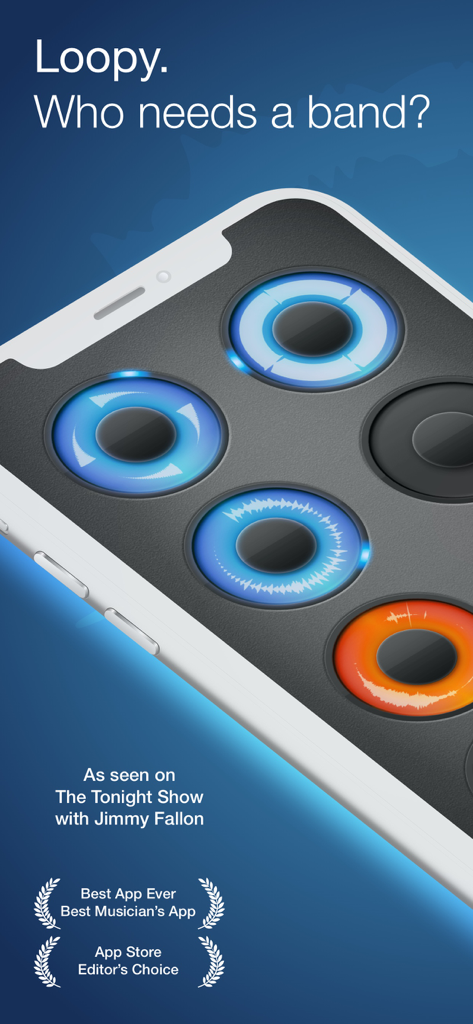
Loopy HD app interface on an iPhone showing circular audio loops with waveforms and award badges
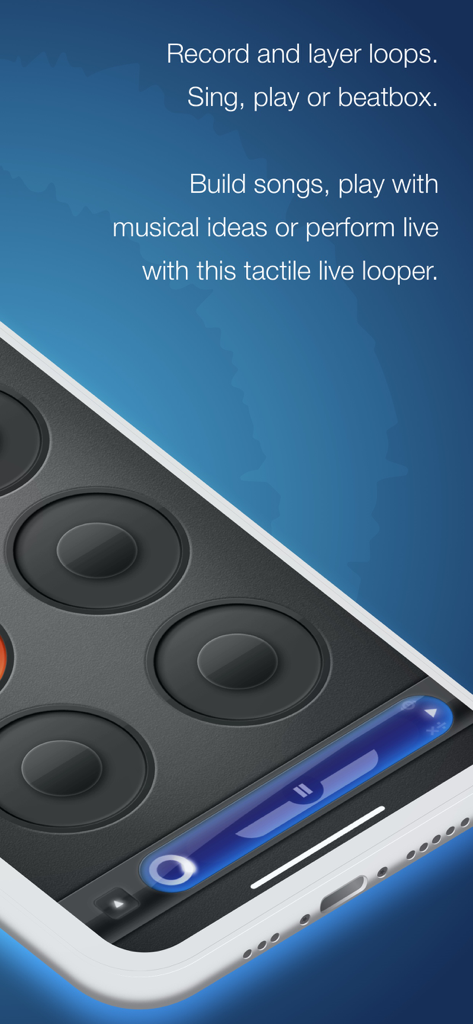
Interface of the Loopy HD app showing circular pads for recording and layering music loops on a smartphone
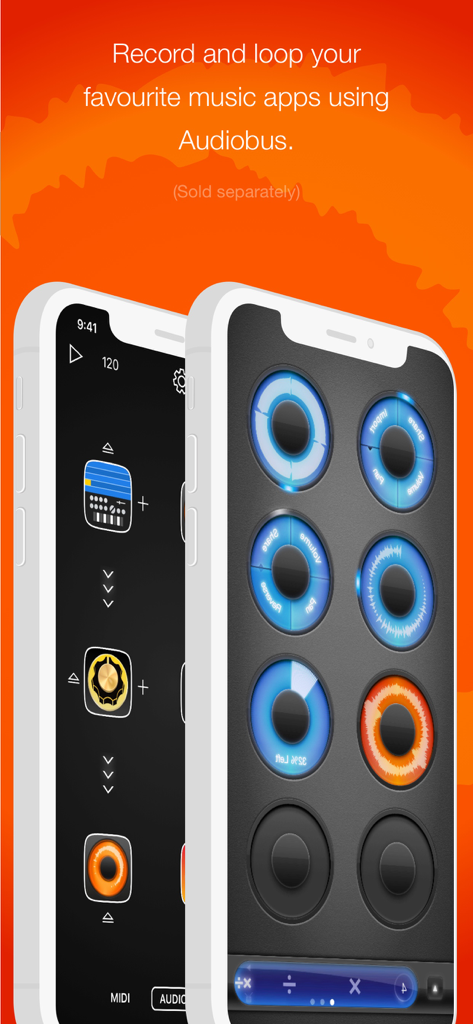
Loopy HD app interface showing circular audio loops and Audiobus integration for recording music apps
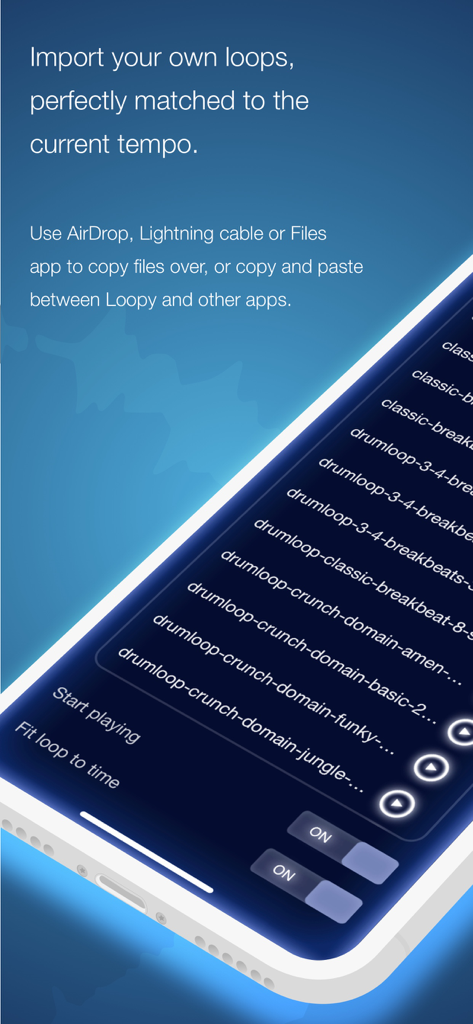
Interface of the Loopy HD app on a mobile device showing a list of imported drum loop files.
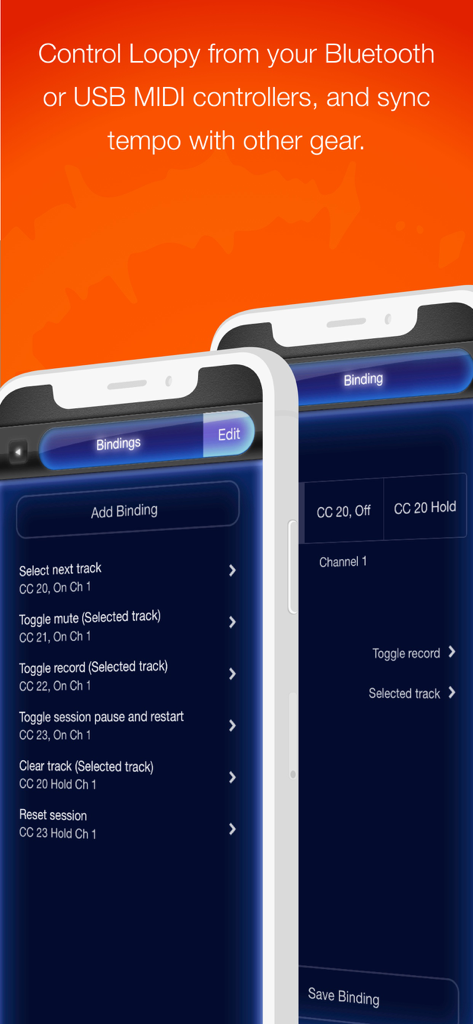
Interface of Loopy HD app displaying MIDI controller binding options for live performance control.
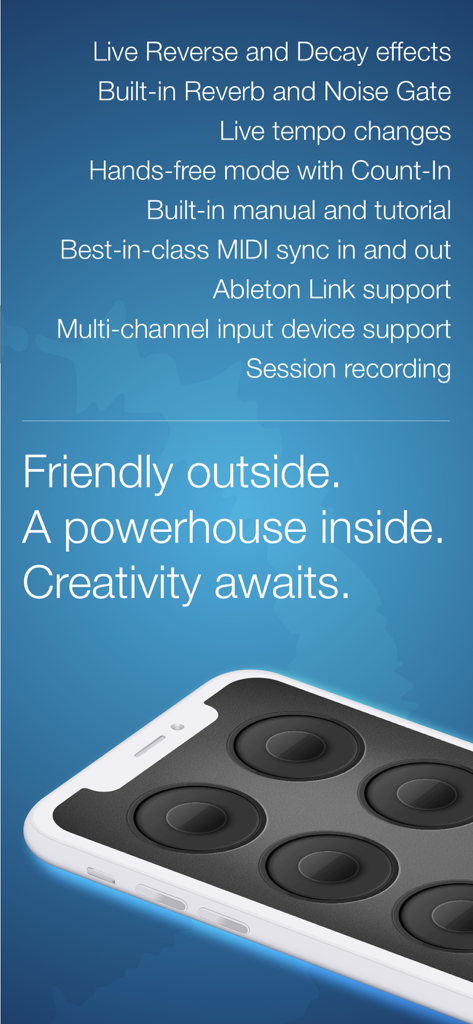
Loopy HD mobile app showing professional looping features and circular track interface
Master the Art of the Loop
The tools that make this app stand out, trusted by 530K+ users.
⭕
Tactile Circular Interface
Stop menu-diving and start creating. Our iconic circular loops offer an expressive, touch-first way to record and layer sounds that feels like a natural instrument.
🎸
Pro-Grade Performance Gear
Transform your iPad into a professional loop station with low-latency audio, MIDI foot pedal support, and Ableton Link to sync with your favorite gear.
📱
Built for Social Creators
Perfect for TikTok and Reels. Record your 'one-man-band' sessions in high fidelity and share them instantly to SoundCloud or social media with one tap.
About the app
Everything you need to know about Loopy HD: Looper.
Description
Create music with Loopy HD by layering looped recordings of singing, beatboxing, or playing an instrument with a savvy, sophisticated, tactile looper that totally reinvents the formula. As seen on The Tonight Show Starring Jimmy Fallon.
https://loopyapp.com
-- “This is the best loop station on the iPhone” -- Dub FX (dubfx.net)
-- “I pretty much own every mobile looper out there and Loopy is HANDS DOWN the best. Super simple interface with powerful features.” -- J. Alan Meier
-- “If you want a recording app that will get out of the way and just let you be creative, you just found it.” -- Dave Merson-Hess, indie film composer
-- “Loopy 2 is by far the best looper for the iPhone we’ve seen to date” -- iOS Recording
Compatible with the Audiobus app: Record and loop live audio directly from other Audiobus-compatible apps!
While other music creation apps tend to be either powerful but difficult to learn, or easy to use but limited in features, Loopy doesn't compromise. Loopy offers a sleek, expressive, instantly understandable interface that beginners can start using effectively straight away. It's fun, right from the start.
More advanced users, however, will not be disappointed by Loopy's rich feature set, with extra features many other loopers just don't have. Plus, a sophisticated interactive tutorial system lets users discover Loopy's more advanced features at their own pace.
RECORD & LAYER
- Six, nine, or twelve beautifully rendered circular loops, with simple yet powerful controls.
- Count-in, count-out and record chaining lets you keep your hands free to play an instrument.
- MIDI control, to control Loopy via foot pedal or other controller.
- Overdub, to build beautiful, complex soundscapes from many layers.
- Support for tracks of any multiple or fraction of a beat, for flexible and expressive looping.
- Sophisticated audio or visual metronome to keep you in time - no matter what time signature you choose.
- Perfectly synchronized, low latency audio engine.
- Robust MIDI clock receive and send, and support for Ableton Link.
IMPORT & CONSTRUCT
- Import loops from your computer via iTunes, with support for AIFF, WAV, MP3, M4A, CAF and more.
- Bring in audio from many other audio apps with integrated audio copy and paste.
- Imported loops are automatically fit to your beat, no matter what tempo.
MANIPULATE & TWEAK
- Full stereo audio, with pan controls for each track to create custom stereoscapes.
- Fix up timing by twisting tracks around to line up the beat, or make funky sound effects with dynamic time shifting.
- Drag a track onto another track to merge tracks, and clear up a space.
- Live, dynamic tempo adjustment to speed up or slow down your creations, without altering the pitch.
- MIDI clock sync, to play in time with other MIDI-capable devices or apps.
PERFORM & SHARE
- Record whole performances with in-app session recording facilities.
- Upload performances or single loops straight to SoundCloud, and post to Twitter or Facebook.
- Email audio clips.
- Share audio with many other audio apps with audio copy and paste.
- Transfer loops or performances to your computer via iTunes.
-----
Loopy is developed by one guy who loves making great apps, and who is dedicated to responsive development and support. Please contact me with questions, bug reports, feature ideas, and other feedback at support@atastypixel.com or https://forum.loopyapp.com. I may be able to fix your issue in less time than it would take to write a negative review!
Latest Version
1.6.33
Size
26.0 MB
First Released
Oct 6, 2011
Ready to Find Your Creative Flow?
Join over 530,000 musicians and creators who have turned their mobile devices into professional-grade loop stations. Whether you're beatboxing for a viral video or layering harmonies on stage, Loopy HD is your ultimate tactile instrument. Download now and start layering your sound.
FAQ
Frequently Asked Questions
Everything you need to know about Loopy HD: Looper
What is Loopy HD?
Loopy HD is a sophisticated tactile looper app for creating music by layering looped recordings of singing, beatboxing, or instruments. It offers a sleek interface for both beginners and advanced users.
Can Loopy HD integrate with other music apps?
Yes, Loopy HD integrates with other music apps. It is compatible with Audiobus for recording live audio and supports integrated audio copy and paste for sharing.
Does Loopy HD support MIDI control?
Yes, Loopy HD supports MIDI control. Users can control Loopy HD via foot pedals or other MIDI controllers and utilize MIDI clock receive and send for synchronization.
How can I import audio loops into Loopy HD?
Users can import loops into Loopy HD from their computer via iTunes, supporting various formats like AIFF, WAV, MP3. Audio copy and paste from other apps is also supported.
Can I adjust the tempo of my loops in Loopy HD without changing the pitch?
Yes, Loopy HD allows live, dynamic tempo adjustment. This feature enables users to speed up or slow down their creations without altering the pitch of the audio.
How many loops can Loopy HD handle?
Loopy HD can handle six, nine, or twelve circular loops. These loops are rendered beautifully and come with simple yet powerful controls for creative music production.
Can I record full performances within the Loopy HD app?
Yes, Loopy HD includes in-app session recording facilities. Users can record entire performances and then share them directly from the application.
What audio effects does Loopy HD include?
Loopy HD includes several audio effects such as Live Reverse, Decay, Built-in Reverb, and Noise Gate. These features allow for enhanced sound manipulation and creativity.
Does Loopy HD offer tutorials for new users?
Yes, Loopy HD provides a sophisticated interactive tutorial system. This allows users to discover the app's advanced features at their own pace, making it accessible for all.
Where can I find support for Loopy HD?
Support for Loopy HD is available via email at support@atastypixel.com or through the official forum at https://forum.loopyapp.com. The developer provides responsive support.
App information, icons, screenshots, and descriptions displayed on this page are sourced from the Apple App Store and are the property of their respective developers. Download estimates and rankings are based on MWM's proprietary models and may not reflect actual figures. This page is provided for informational and analytical purposes only.
Believe this page infringes your intellectual property? File a dispute