
履歴書カメラ


Stop overpaying for bad drugstore photos. Get natural skin correction and perfect templates for your resume or passport in under a minute—then print for pennies at any local kiosk.
Publisher
Category
Photo & VideoDownloads
6M+User Rating
Total Ratings
129K+Locales
1Discover the interface used by 6M+ users.
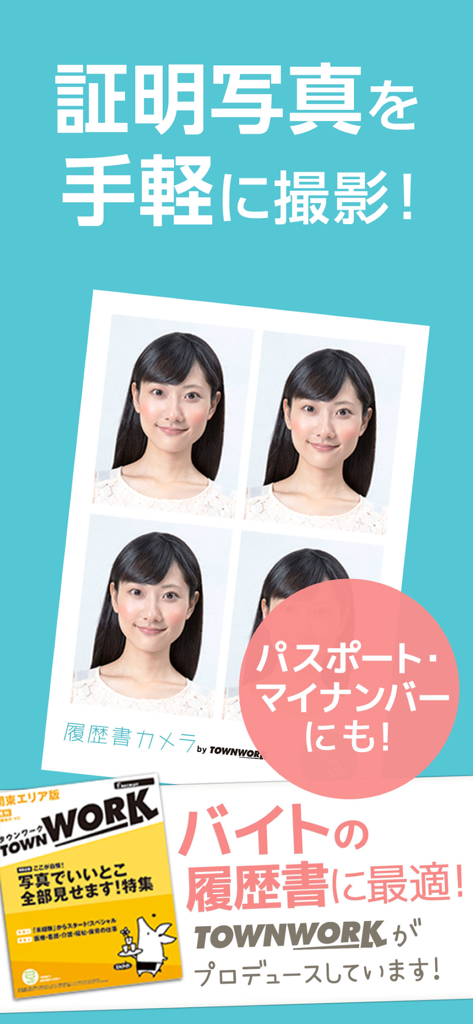
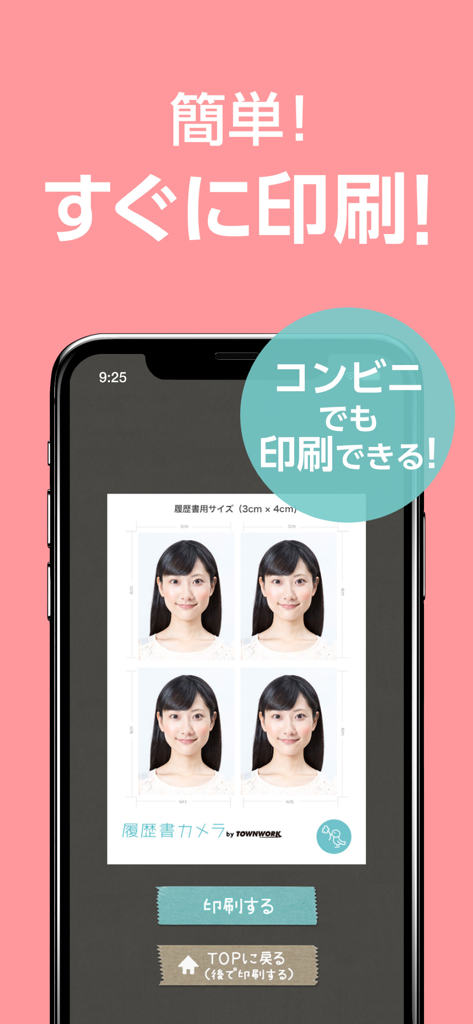
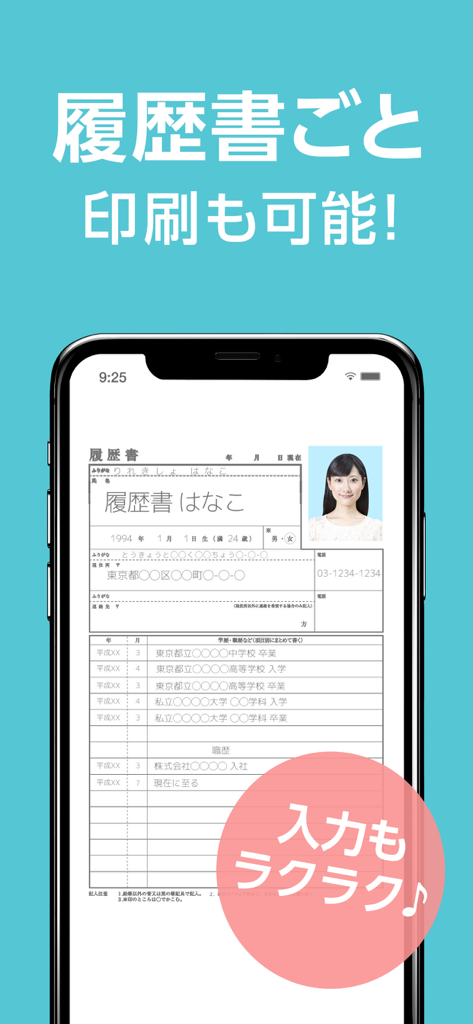
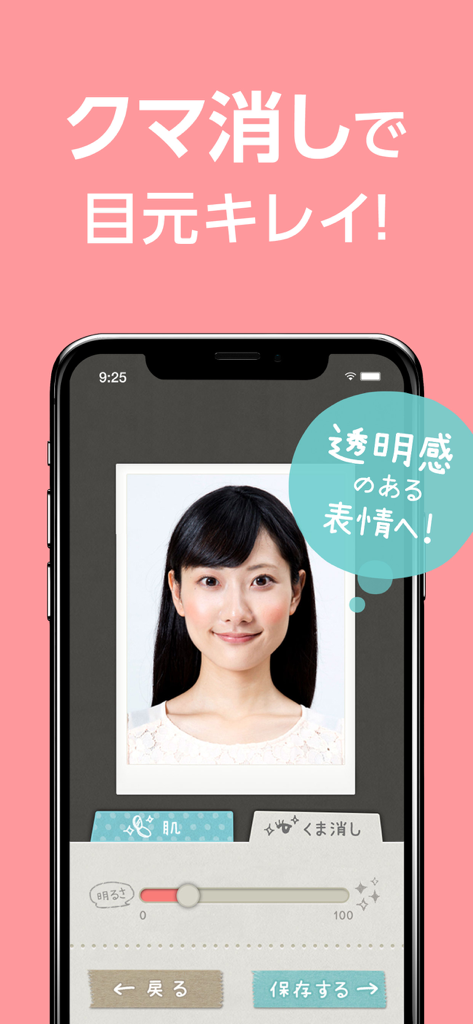
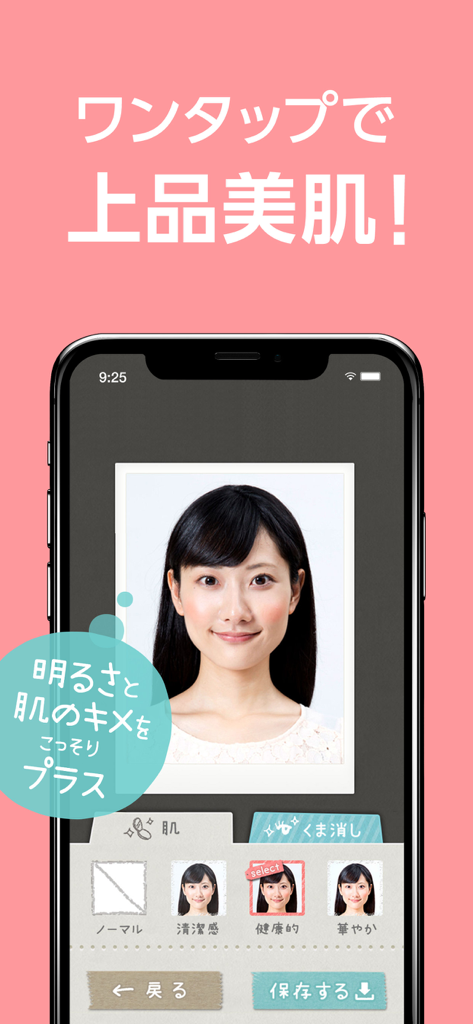
The tools that make this app stand out, trusted by 6M+ users.
Skip the 'mugshot' anxiety. Take as many shots as you need in the comfort of your home until you capture the perfect professional headshot.
Look your best with natural skin smoothing and dark circle removal. Our tools ensure you look refreshed and professional without looking over-filtered.
Avoid the $15 pharmacy fee. Export high-resolution 4x6 templates and print at any local kiosk or home printer for a fraction of the cost.
Everything you need to know about 履歴書カメラ.
Description
Latest Version
3.1.16
Size
35.0 MB
First Released
Jan 20, 2015
Join over 6 million users who take control of their professional image. Get studio-quality ID, passport, and resume photos in 60 seconds for the price of a pocket-change print.
Everything you need to know about 履歴書カメラ
履歴書カメラ is a free app for taking and printing various ID photos usable for passports, driver's licenses, My Number cards, and resumes. It includes subtle skin correction and dark circle removal features.
Yes, printing ID photos with 履歴書カメラ is free if you use a home or school printer. Convenience store printing costs 30-60 yen for the printing service.
履歴書カメラ creates ID photos for passports, driver's licenses, My Number cards, and resumes. It also supports printing full resumes directly with an embedded ID photo.
You can print photos taken with 履歴書カメラ at convenience stores, such as Seven-Eleven, or by using your home printer. The app facilitates direct data transmission for convenience store printing.
Yes, 履歴書カメラ allows users to print a full resume that includes their ID photo. This feature is supervised by the popular job site "Townwork."
Yes, 履歴書カメラ offers photo editing features including subtle skin correction and dark circle removal. These functions help enhance photos without an overdone appearance.
You can create an ID photo in just one minute with 履歴書カメラ. This includes the process of taking, selecting, and processing the photo within the application.
To print a resume with an ID photo at a convenience store, first process your photo in the app. Then, send the data directly from the app to a multi-copy machine. Enter the reservation number and print the B4-size, color resume.
Apps with similar features and user experience

Appable Yazilim Hizmetleri Limited Sirketi

润娟 邹

Hangzhou Jiadi Bozhong Enterprise Management Partnership

Shenzhen Piaopiao Baobei Co., Ltd

Jatin Maniya

Clafou Ltd

泽沛 许

Retouch Photo Editor Technology Limited

书敏 贾
App information, icons, screenshots, and descriptions displayed on this page are sourced from the Apple App Store and are the property of their respective developers. Download estimates and rankings are based on MWM's proprietary models and may not reflect actual figures. This page is provided for informational and analytical purposes only.
Believe this page infringes your intellectual property? File a dispute