
마이인터넷팩스 - 모바일팩스 인터넷팩스(FAX APP)

더 이상 사무실 팩스 기기를 찾지 마세요. 사진 촬영 한 번으로 전송부터 수신까지, 바쁜 비즈니스 현장과 해외에서도 스마트폰 하나로 완벽하게 업무를 처리하세요.
Publisher
Category
BusinessDownloads
15K+User Rating
Total Ratings
700Locales
1Discover the interface used by 15K+ users.


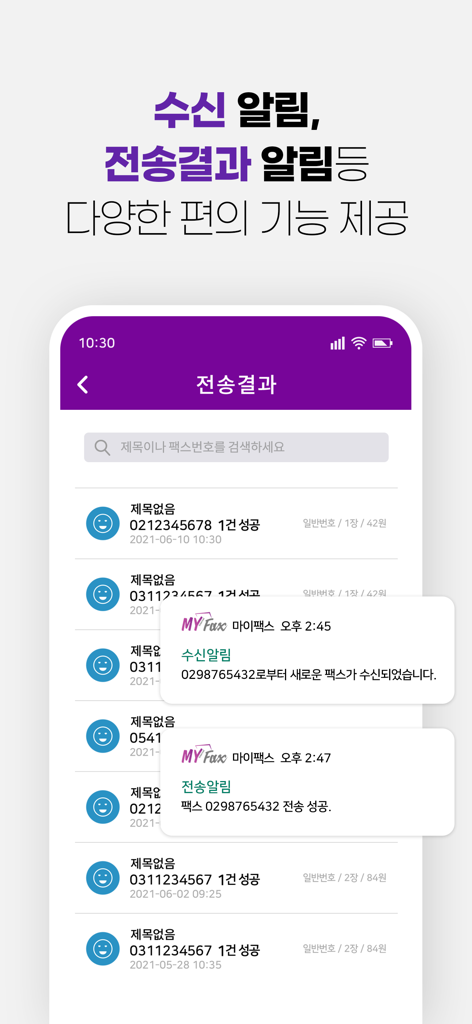
The tools that make this app stand out, trusted by 15K+ users.
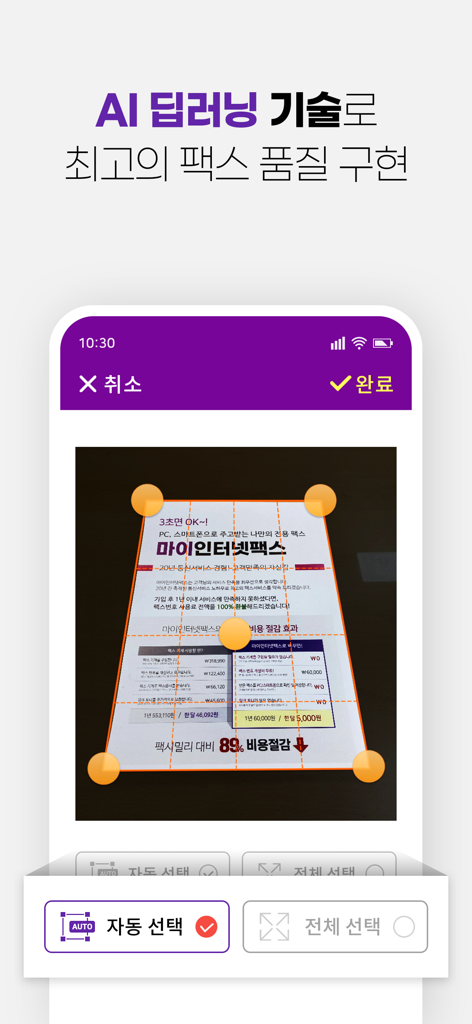
Convert photos, gallery images, or document files into professional faxes in seconds using your smartphone camera.
Get immediate confirmation for every transmission with a detailed log to ensure your documents reached their destination.
Receive, view, and forward incoming faxes directly on your mobile device without the need for paper, toner, or a physical machine.
Everything you need to know about 마이인터넷팩스 - 모바일팩스 인터넷팩스(FAX APP).
Description
Latest Version
2.0.9
Size
49.5 MB
First Released
Nov 3, 2018
15,000명 이상의 비즈니스 전문가가 선택한 가장 신뢰할 수 있는 모바일 팩스. 무거운 기기 없이 스마트폰 하나로 전송부터 결과 확인까지 업무의 효율을 극대화하세요.
Everything you need to know about 마이인터넷팩스 - 모바일팩스 인터넷팩스(FAX APP)
마이인터넷팩스 is a mobile fax application that enables users to send and receive faxes directly from their smartphone. It makes web-based fax functionality accessible on mobile devices.
Yes, 마이인터넷팩스 allows users to send faxes by uploading image or document files, or by capturing photos with their camera. Users can send multiple pages simultaneously.
Yes, the 마이인터넷팩스 app includes a "Received Faxes" inbox to check incoming faxes. Users can also resend these received faxes to other destinations directly from the app.
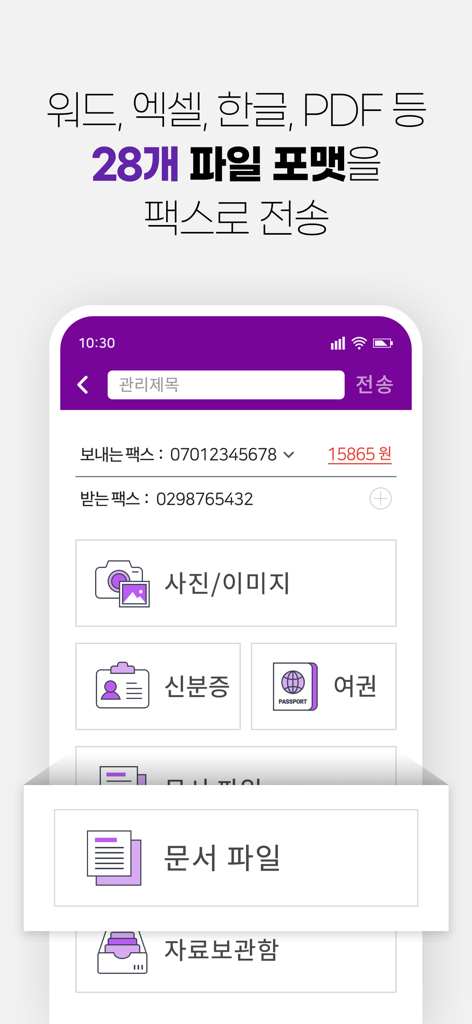
마이인터넷팩스 supports sending 28 different file formats, including Word, Excel, Hangeul, and PDF documents. It also facilitates sending photos and images as faxes.
Users can check the transmission status of their faxes through the "Transmission Results" feature in 마이인터넷팩스. The app also provides notifications for both sent and received faxes.
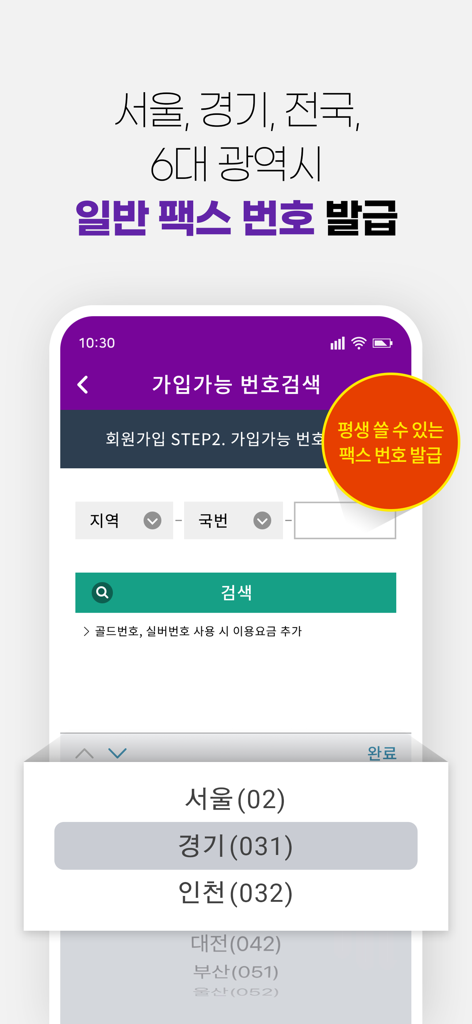
Yes, 마이인터넷팩스 offers the option to obtain a dedicated fax number. These numbers are available nationwide, including major metropolitan areas, and are designed for permanent use.
The 마이인터넷팩스 app requests Camera access for taking photos and Album access for selecting images, both for sending faxes. These are optional permissions, and the service remains usable if declined.
Yes, for inquiries about 마이인터넷팩스 mobile usage, contact the customer service center at 1661-7225. Support is available weekdays from 9 AM to 6 PM, excluding the 12 PM lunch break.
Top-ranked apps in the same category

Microsoft Corporation

Zoom Communications, Inc.

WhatsApp Inc.

Indeed Inc.

LinkedIn Corporation

Adobe Inc.

DingTalk Technology Co., Ltd.

Tencent Technology (Shenzhen) Company Limited

Beijing China Product Bo Farce Network Technology Co., Ltd.
App information, icons, screenshots, and descriptions displayed on this page are sourced from the Apple App Store and are the property of their respective developers. Download estimates and rankings are based on MWM's proprietary models and may not reflect actual figures. This page is provided for informational and analytical purposes only.
Believe this page infringes your intellectual property? File a dispute