Mega Voxels

Mega Voxels

Download on App StoreDownload on Google Play
Logo of Mega Voxels

Mega Voxels: Create, Build, and Animate 3D Pixel Art Anywhere

The ultimate mobile voxel editor for the Minecraft generation. Craft massive worlds, play fun games, and export your models to Blender or Unity—all from the palm of your hand.

Download on App Store

Publisher

Go Real Games, LLC

Category

Graphics & Design

Downloads

127K+

User Rating

4.8/5

Total Ratings

2K+

Locales

20

Craft Without Limits

Discover the interface used by 127K+ users.
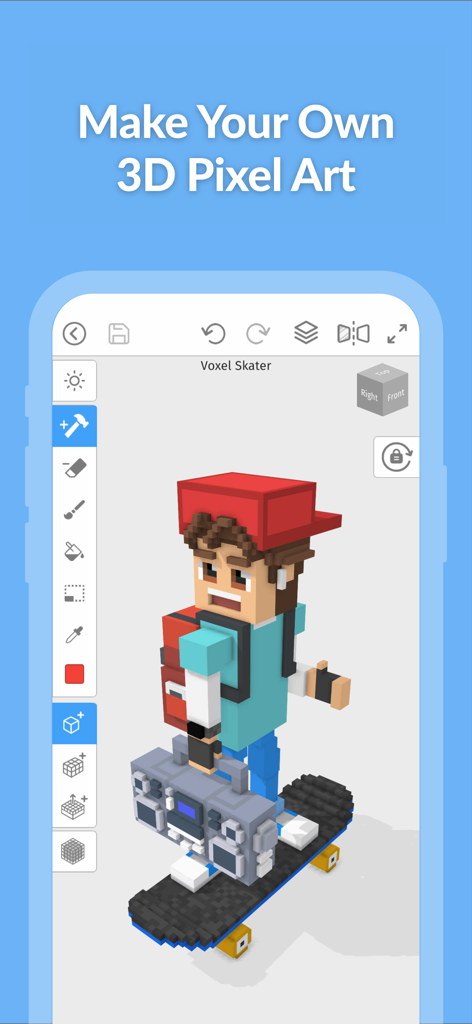
Mega Voxels interface showing a 3D voxel skater character being created in the editor

Mega Voxels interface showing a 3D voxel skater character being created in the editor

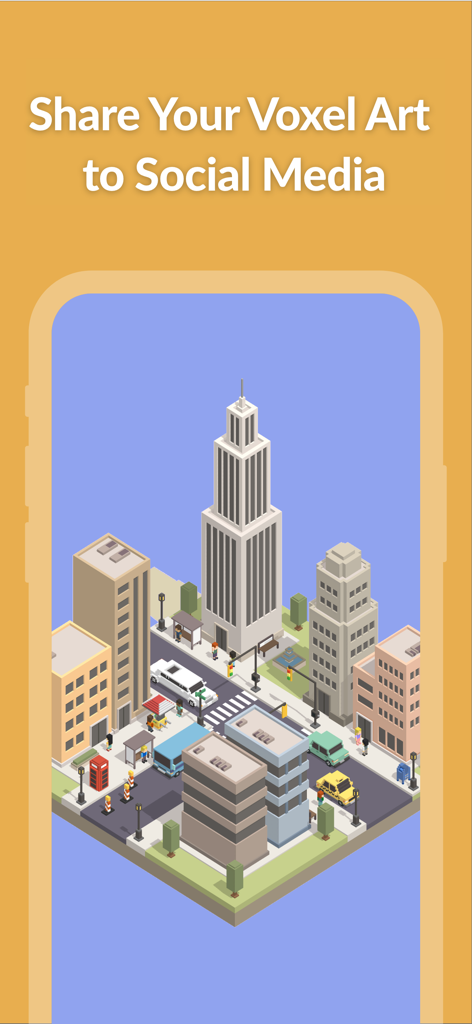
A detailed 3D voxel city scene on a mobile screen with text inviting users to share their art on social media

A detailed 3D voxel city scene on a mobile screen with text inviting users to share their art on social media

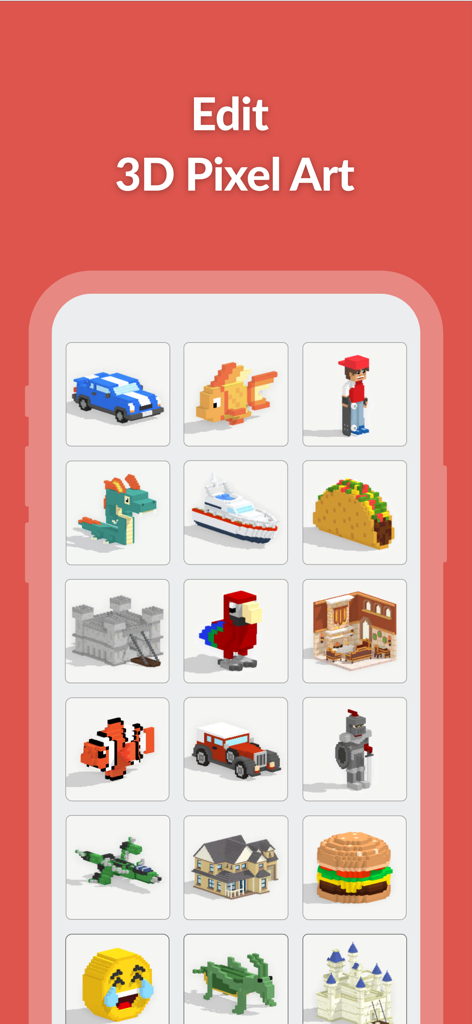
A mobile interface for Mega Voxels showing a grid of various 3D voxel models including animals, vehicles, and buildings under the title Edit 3D Pixel Art

A mobile interface for Mega Voxels showing a grid of various 3D voxel models including animals, vehicles, and buildings under the title Edit 3D Pixel Art

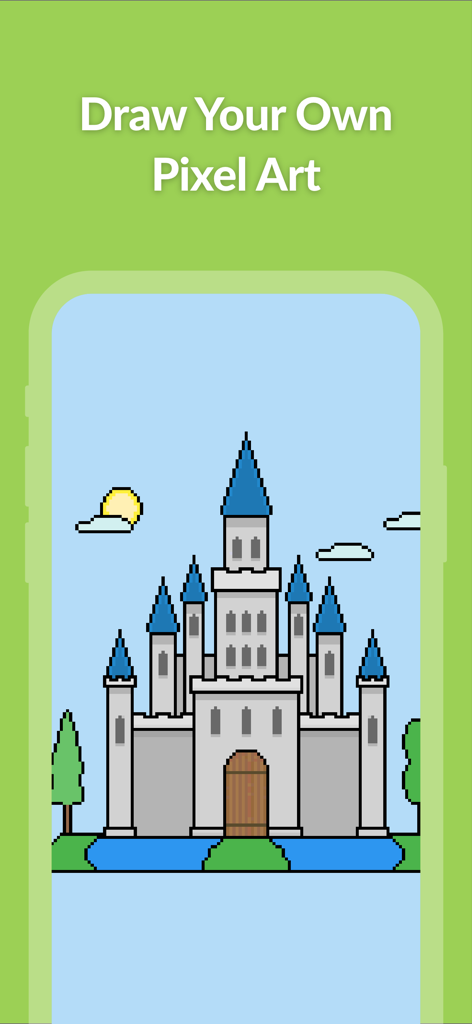
A pixel art castle created in the Mega Voxels editor

A pixel art castle created in the Mega Voxels editor

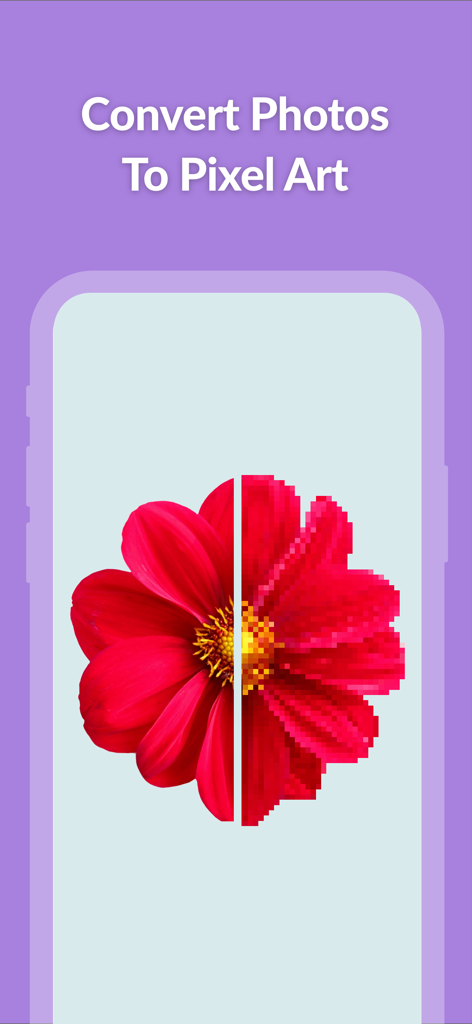
A split view showing a red flower converted from a high resolution photo into pixel art

A split view showing a red flower converted from a high resolution photo into pixel art

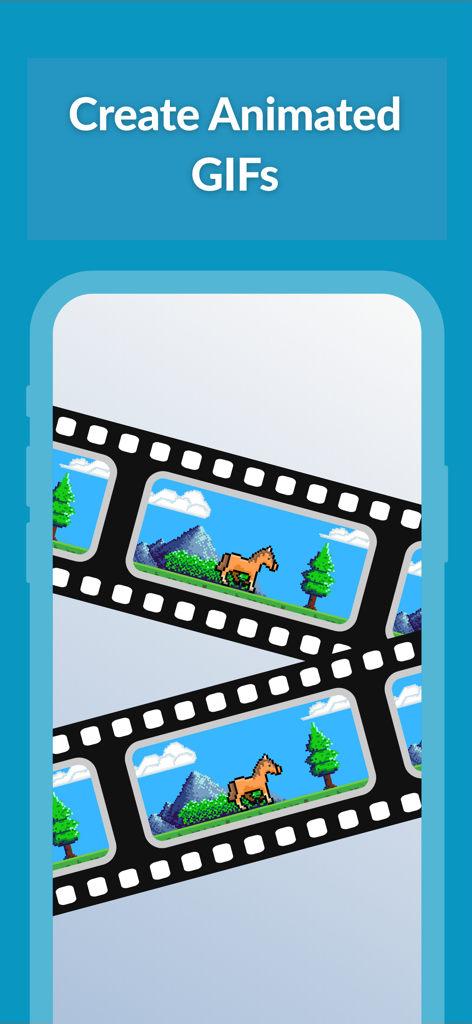
A filmstrip displaying a pixel art horse animation in the Mega Voxels app

A filmstrip displaying a pixel art horse animation in the Mega Voxels app

Unleash Your Inner 3D Artist

The tools that make this app stand out, trusted by 127K+ users.

Intuitive Mobile Building

Craft complex 3D scenes with ease using one-handed controls and powerful smart tools like the Magic Wand, Pencil, and Bucket Fill.

📦

Export to Your Favorite Tools

Bridge your mobile workflow to desktop. Export models to OBJ, VOX, or PNG for use in professional software like Blender, Unity, and Maya.

📱

AR and Real-Time Play

Watch your creations come alive! Project your models into the real world with AR or play fun built-in mini-games using your own 3D assets.

About the app

Everything you need to know about Mega Voxels.

Description

Mega Voxels is an easy-to-use 3D pixel art maker, voxel editor & pixel art editor that lets you create 3D pixel art, voxel art & pixel art. You can then share your creations through photos and videos. Connect with friends and share what you make with 3D pixels, voxels and pixels. Features: - Full-Featured Voxel Editor for creating voxel art and 3D pixel art - Complete Pixel Art Editor for drawing pixel art - Dozens of tools and brushes for block building including Pencil, Bucket Fill and Magic Wand - Hundreds of 3D voxel models to explore in Library: castles, cars, animals, spaceships, houses, food and more - Play fun games like a jumping game using your own voxel models - New mini-games added regularly to the app - Simple to build with blocks using one hand for on the go - Easy to color blocks with simple touch controls. Choose your color palette and tap to paint. - Draw complex 3D scenes using voxels (volumetric pixels) - Voxel builder supports Unlimited World Size - Import & Export models to common formats including MagicaVoxel VOX, Wavefront OBJ and PNG - Build massive 3d block sets with multiple grid support - Craft and Build your own City out of voxel blocks - Make and Save video animations to MP4 - Powerful 3D Pixel Art Editor with 3d model maker abilities - Preview and Render 3D Voxel Models in Real-time - With Screen Lock the app becomes a useful pixel editor - View and display your 3d design in Augmented Reality (AR) - Use portrait mode and Landscape mode for Phones & Tablets - Save files for 3d artwork locally and on the cloud - 3D modeling support for mouse and keyboard - Enhanced Pen Support to build with blocks - Completely Functional Mobile Voxel Editor App that supports both touch and pen - Voxel Brush supports adding a single 3d pixel as well as multiple 3d pixels - Simplified controls allow for block building using one hand - Play Fun Block Games with any of your voxel models or 3D art - Easy Block Builder with Cutting-Edge Building Tools - Build Your Own 3D Model on your Phone or Tablet - Supports Importing pixel art sprites into the 3d pixel art editor - Exported 3D Models and 3D art can be imported into popular 3D modeling software such as 3ds Max + Maya + Blender + Tinkercad + MagicaVoxel + VoxEdit + Fancade + Blockbench

Latest Version

3.0.7

Size

164.8 MB

First Released

Feb 23, 2021

Start Creating Your 3D Pixel World Today

Join over 127,000 creators using the most intuitive mobile voxel editor. Build, animate, and export your masterpieces directly from your phone or tablet.

Download on App StoreDownload on Google Play

App information, icons, screenshots, and descriptions displayed on this page are sourced from the Apple App Store and are the property of their respective developers. Download estimates and rankings are based on MWM's proprietary models and may not reflect actual figures. This page is provided for informational and analytical purposes only.

Believe this page infringes your intellectual property? File a dispute