
Mocha VNC Lite

Control your Mac or Windows PC from anywhere with your iPhone or iPad. Securely access files, programs, and resources with full hardware mouse support and industry-standard reliability.
Publisher
Category
BusinessDownloads
524K+User Rating
Total Ratings
78K+Locales
1Discover the interface used by 524K+ users.
The tools that make this app stand out, trusted by 524K+ users.
Access your Mac or Windows PC using standard VNC protocols for a reliable, lag-free remote experience.
Navigate complex software easily with support for Swiftpoint GT hardware mice or use your iPhone as a wireless trackpad.
Transform your iPhone into a barcode scanner to feed data directly into your remote database or inventory software.
Everything you need to know about Mocha VNC Lite.
Description
Latest Version
6.1
Size
2.3 MB
First Released
Feb 11, 2019
Join over 500,000 tech professionals and business owners who rely on Mocha VNC Lite for instant, secure access to their Mac or Windows PC. Download now and take your office with you.
Everything you need to know about Mocha VNC Lite
Mocha VNC Lite allows users to connect an iPhone or iPad to a Mac or Windows PC. It provides remote access to files, programs, and resources, displaying them on the mobile device's smaller screen.
Yes, the lite version of Mocha VNC Lite has a session limitation. Sessions are restricted to a maximum duration of 5 minutes.
Mocha VNC Lite supports connections to both Mac and Windows personal computers. It is compatible with standard VNC servers and Apple Screen Sharing.
Mocha VNC Lite supports the standard VNC protocol. It has been tested with RealVNC, TightVNC, and UltraVNC on Windows, and Apple Screen Sharing included with macOS.
Yes, Mocha VNC Lite supports local mouse functionality. It also offers support for the Swiftpoint GT hardware mouse and Mouse Easy, which uses an iPhone as a Bluetooth trackpad.
Yes, Mocha VNC Lite includes a feature that allows the iPhone's camera to function as a barcode scanner when connected to a remote PC.
Yes, Mocha VNC Lite provides secure connections. It supports encrypted password signon and macOS sign on for enhanced security during remote sessions.
Mocha VNC Lite supports 8 and 32-bit color modes. It allows users to zoom and scroll similar to the Safari browser and operates in landscape mode for optimized viewing.
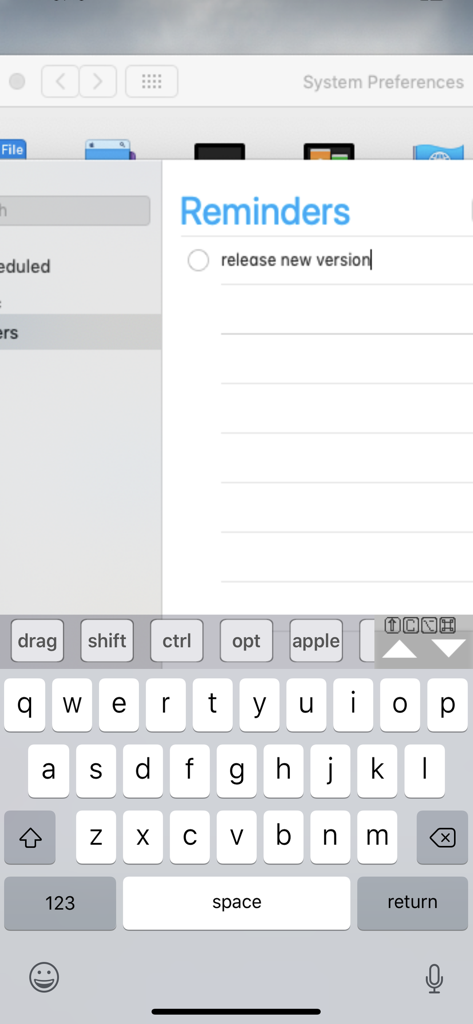
Yes, Mocha VNC Lite supports text input via an on-screen keyboard. This functionality is demonstrated when interacting with remote applications, such as the Reminders app on macOS.
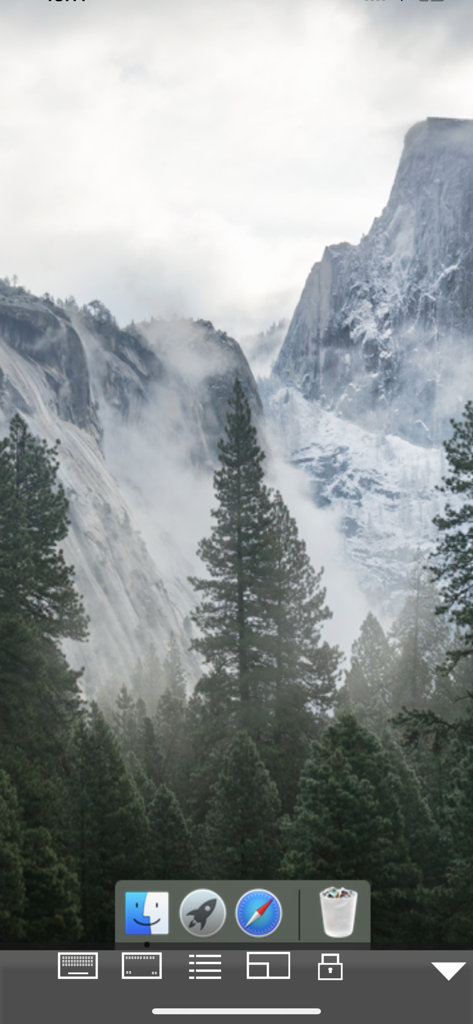
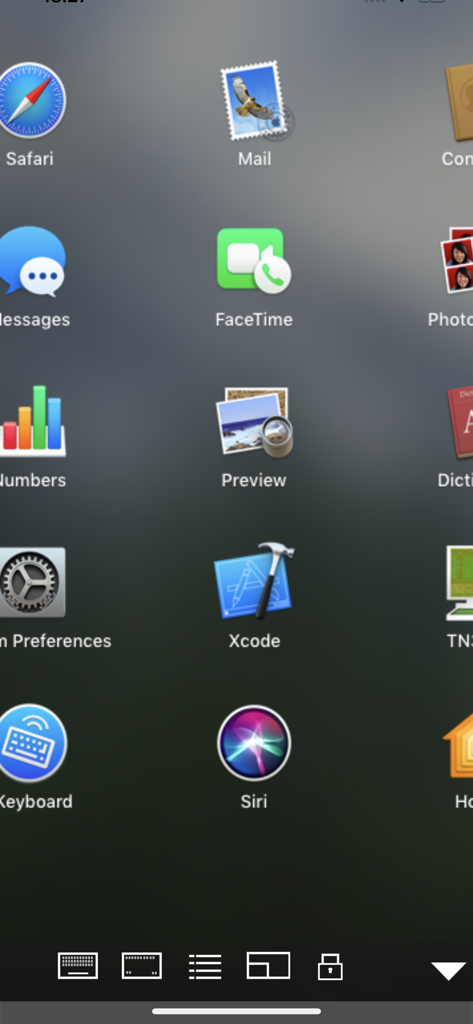
Yes, Mocha VNC Lite can access macOS applications remotely. Screenshots demonstrate interaction with the macOS desktop, including launching and using various applications like Safari and Reminders.
Top-ranked apps in the same category

Microsoft Corporation

Zoom Communications, Inc.

WhatsApp Inc.

Indeed Inc.

LinkedIn Corporation

Adobe Inc.

Tencent Technology (Shenzhen) Company Limited

Beijing China Product Bo Farce Network Technology Co., Ltd.

DingTalk Technology Co., Ltd.
App information, icons, screenshots, and descriptions displayed on this page are sourced from the Apple App Store and are the property of their respective developers. Download estimates and rankings are based on MWM's proprietary models and may not reflect actual figures. This page is provided for informational and analytical purposes only.
Believe this page infringes your intellectual property? File a dispute