Monthly Budget Planner – BASE

Monthly Budget Planner – BASE


Download on App Store
Logo of Monthly Budget Planner – BASE

BASE: Master Your Money with Intuitive Financial Clarity

Effortlessly track spending, visualize savings goals with photos, and organize your personal and side-hustle expenses in one seamless, aesthetic command center.

Publisher

FORESKO, TOO

Category

Finance

Downloads

27K+

User Rating

4.8/5

Total Ratings

300

Locales

12

Finance, beautifully visualized

Discover the interface used by 27K+ users.
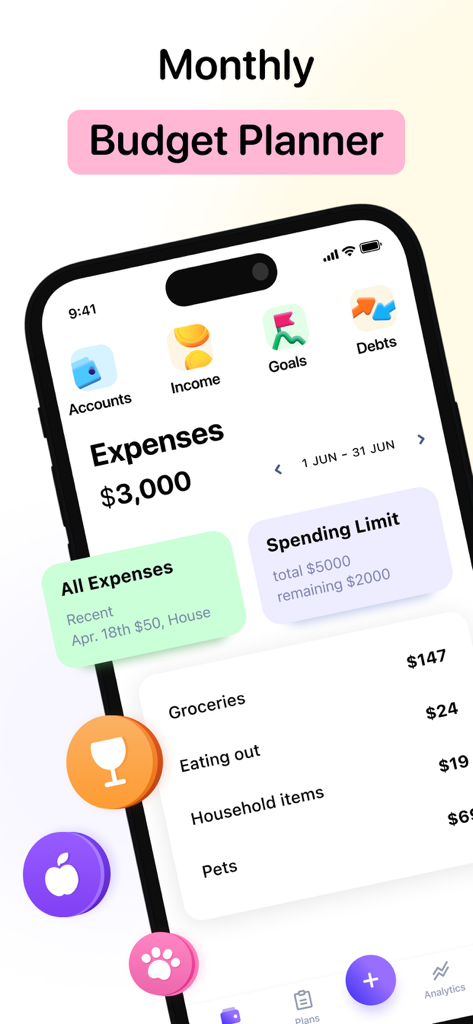
iPhone screen showing the Monthly Budget Planner BASE app with expense tracking and spending limits

iPhone screen showing the Monthly Budget Planner BASE app with expense tracking and spending limits

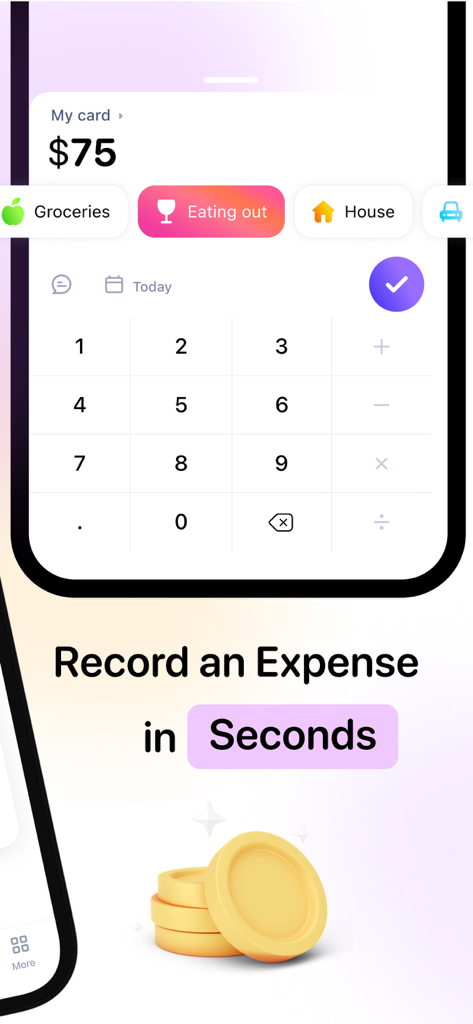
Smartphone screen showing the quick expense entry interface of the BASE budget planner app with a numeric keypad and spending categories

Smartphone screen showing the quick expense entry interface of the BASE budget planner app with a numeric keypad and spending categories

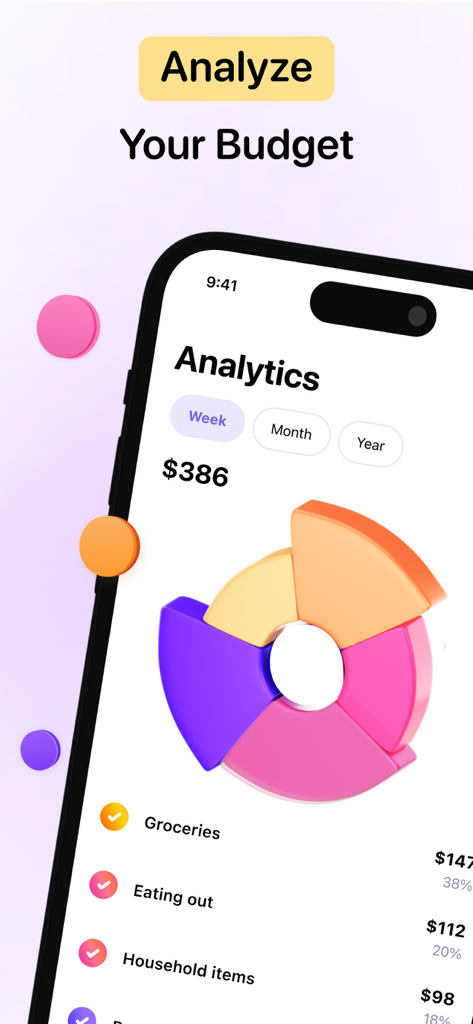
Monthly Budget Planner app analytics screen featuring a colorful 3D donut chart for spending breakdown

Monthly Budget Planner app analytics screen featuring a colorful 3D donut chart for spending breakdown

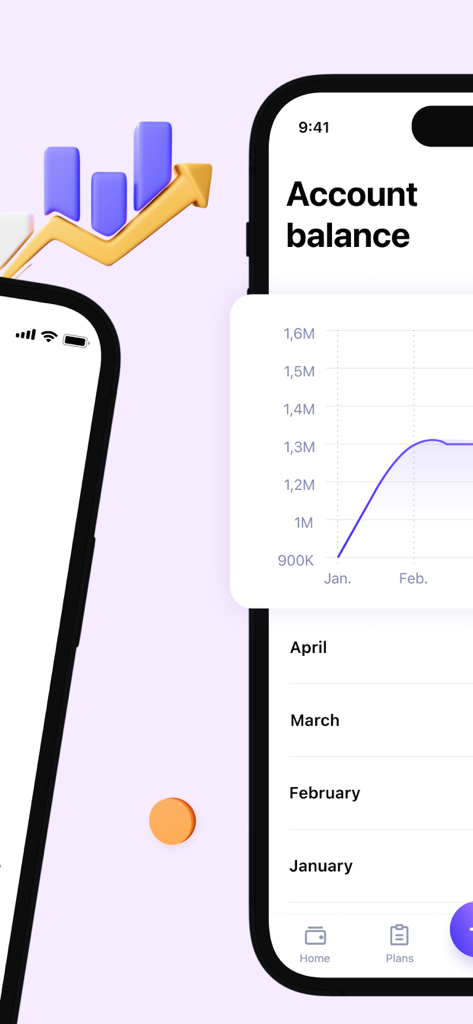
Account balance and growth analytics chart screen on the Monthly Budget Planner BASE mobile app

Account balance and growth analytics chart screen on the Monthly Budget Planner BASE mobile app

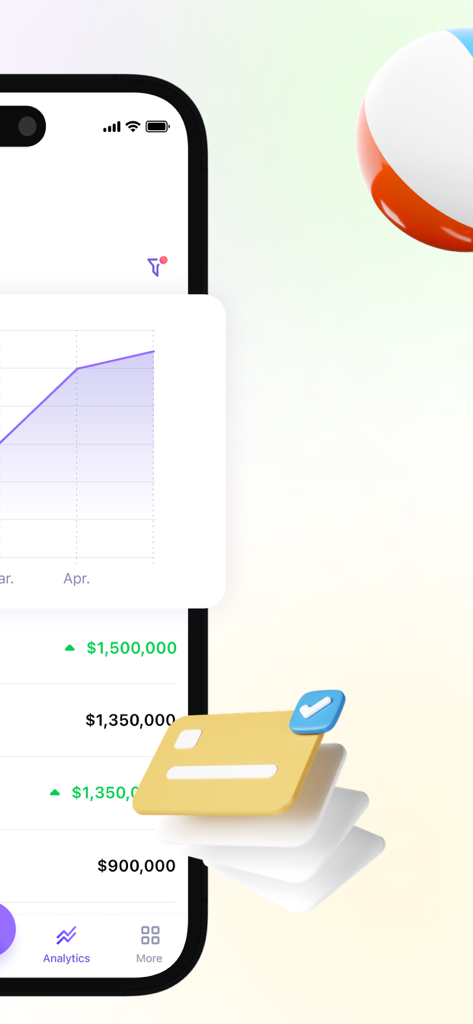
A screenshot of the BASE app showing financial analytics and account balance tracking.

A screenshot of the BASE app showing financial analytics and account balance tracking.

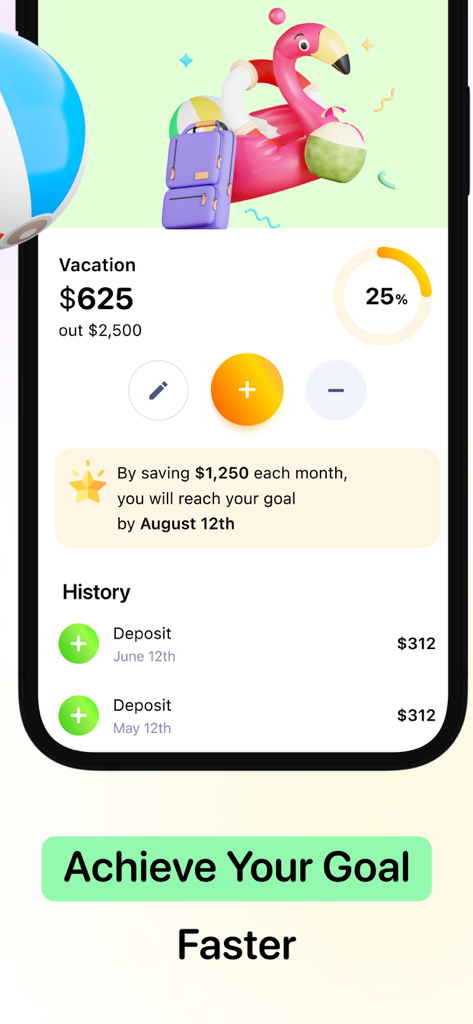
Savings goal interface in the Monthly Budget Planner app showing a vacation fund with a progress bar and 3D icons

Savings goal interface in the Monthly Budget Planner app showing a vacation fund with a progress bar and 3D icons

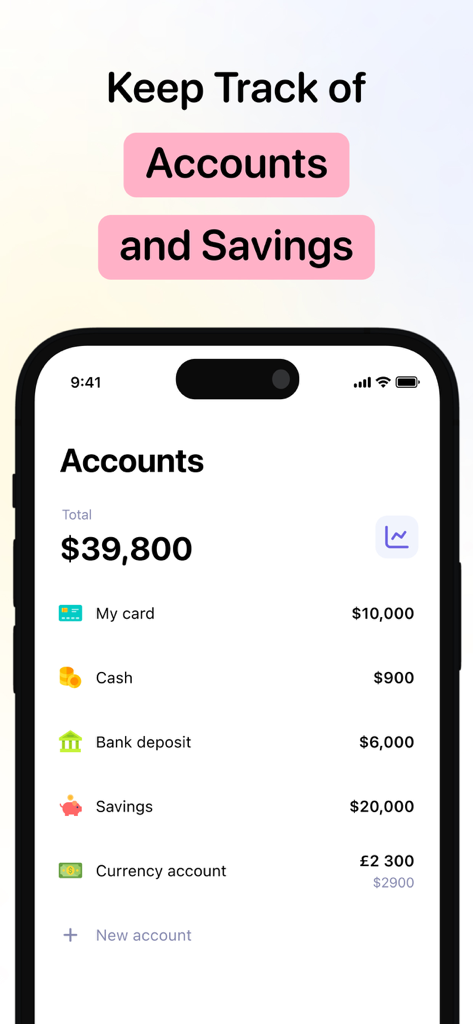
Dashboard of the BASE app showing multiple financial accounts and total balance

Dashboard of the BASE app showing multiple financial accounts and total balance

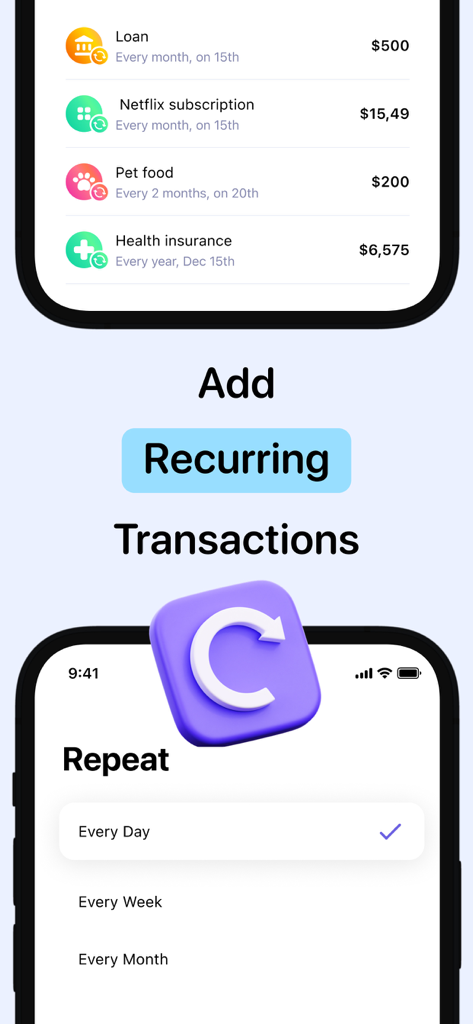
Interface of the BASE budget app showing a list of recurring expenses and the repeat frequency setting screen.

Interface of the BASE budget app showing a list of recurring expenses and the repeat frequency setting screen.

Financial Clarity for Your Modern Lifestyle

The tools that make this app stand out, trusted by 27K+ users.

🎯

Visual Savings Goals

Turn your aspirations into reality. Attach motivational photos to your savings targets and watch your progress grow toward that next big milestone.

🏢

Work-Life Balance with Spaces

Keep your side-hustle separate from your daily spending. Use dedicated Spaces to organize personal and professional finances in one stress-free view.

📊

Stress-Free Analytics

Stop wondering where your money goes. Beautiful, intuitive charts provide a clear picture of your cash flow, helping you eliminate subscription fatigue.

About the app

Everything you need to know about Monthly Budget Planner – BASE.

Description

BASE is a financial app designed to simplify personal finance management. Effortlessly track your income and expenses, plan your budget, and leverage advanced analytics to achieve complete control over your finances. ◉ START SAVING SMARTLY – Savings Goals: Set financial objectives and track your progress, with the option to attach motivational photos. – Spending Limit: Implement monthly caps to prevent overspending. – Expense and Income Tracking: Log each transaction easily to maintain control over your finances. – Expense Calculator: Instantly calculate expenses to ensure you never surpass your budget. ◉ KEEP AN EYE ON YOUR CASH FLOW – Notes: Attach text notes & pictures to each transaction for a clearer insight into your spending habits. – Recurring Expenses and Income: Automate recurring transactions to keep up with fixed payments without hassle. – Advanced Analytics: Use comprehensive charts to analyze your income, expenses, and total balance. – Account Balance Updates: Stay informed on the current status of all your accounts in one centralized location. ◉ ENHANCE YOUR FINANCIAL MANAGEMENT – Icons for Categories: Use colorful icons for a more vivid and understandable budget visualization. – Adding Accounts: Consolidate all your financial accounts for easier management. – Shopping Lists and Future Expenses: Anticipate purchases and upcoming expenditures to always stay within your financial plan. – All Currencies & Custom Start Date: Support for all currency types and the flexibility to change the start date of the month. ◉ PREMIUM FEATURES – No Limits: Enjoy the freedom of unlimited accounts, goals, and shopping lists to broaden your financial management capabilities. – Premium Icons: Customize your accounting with exclusive icons. – Advanced Analytics: Access advanced analytical tools for a deeper understanding of your financial situation. – iCloud Backup: Secure your data with automatic iCloud backup and effortlessly sync your finances across all your Apple devices. – (NEW!) Dark Mode: Enhance your experience with a sleek, eye-friendly dark mode — perfect for low-light environments and modern aesthetics. – (NEW!) Spaces: Organize your finances with separate Spaces for personal use, work, or savings goals — all in one clear, stress-free view. – Premium Support: Get prioritized help when you need it most with access to dedicated premium support for fast and personalized assistance. BASE is perfect for those who strive for financial well-being and want to have constant access to their financial state in a convenient and intuitively understandable format. Terms of Service: https://www.apple.com/legal/internet-services/itunes/dev/stdeula

Latest Version

1.1.7

Size

106.2 MB

First Released

Jul 21, 2024

Ready to Achieve Total Financial Clarity?

Join over 27,000 users who have simplified their spending and reached their savings goals. Download BASE today to experience the most intuitive, aesthetic way to master your money on all your Apple devices.

Download on App Store

App information, icons, screenshots, and descriptions displayed on this page are sourced from the Apple App Store and are the property of their respective developers. Download estimates and rankings are based on MWM's proprietary models and may not reflect actual figures. This page is provided for informational and analytical purposes only.

Believe this page infringes your intellectual property? File a dispute